
Maintaining a high-speed network environment serves as the backbone for any successful digital operation in 2026. Discovering that your connection has slowed to a crawl during critical business hours creates more than just frustration; it impacts the bottom line and disrupts the flow of communication. Understanding the root causes of network degradation allows for faster resolution and long-term stability. Unlocking the secrets of enterprise-grade connectivity requires a deep dive into the common bottlenecks that plague modern home and office setups.
Learn how to identify the invisible barriers standing between you and peak performance. From hardware limitations to software misconfigurations, the path to a faster network is paved with technical insights and strategic optimizations. Discover the professional methods used by the team here at Network Repair1 LLC to diagnose issues remotely and implement fixes that stick. Enhance your productivity by reclaiming the bandwidth you’re already paying for.
1. The Invisible Wall: Network Congestion
Network congestion occurs when the volume of data being transmitted exceeds the capacity of the available path. Think of it like a five-lane highway suddenly narrowing down to a single lane during rush hour. In a typical office or high-tech home, this happens when too many devices attempt to pull high-definition video, large file syncs, and cloud backups simultaneously. Each packet of data has to wait its turn, leading to the dreaded "spinning wheel of death."
Remote IT support addresses this by deploying advanced monitoring tools that visualize traffic in real-time. We can identify the specific "bandwidth hogs" and implement Quality of Service (QoS) rules. These rules act like a VIP pass for your most important traffic: ensuring your Zoom call or VoIP phone has priority over someone’s background Windows update.
2. Physical Barriers and Interference
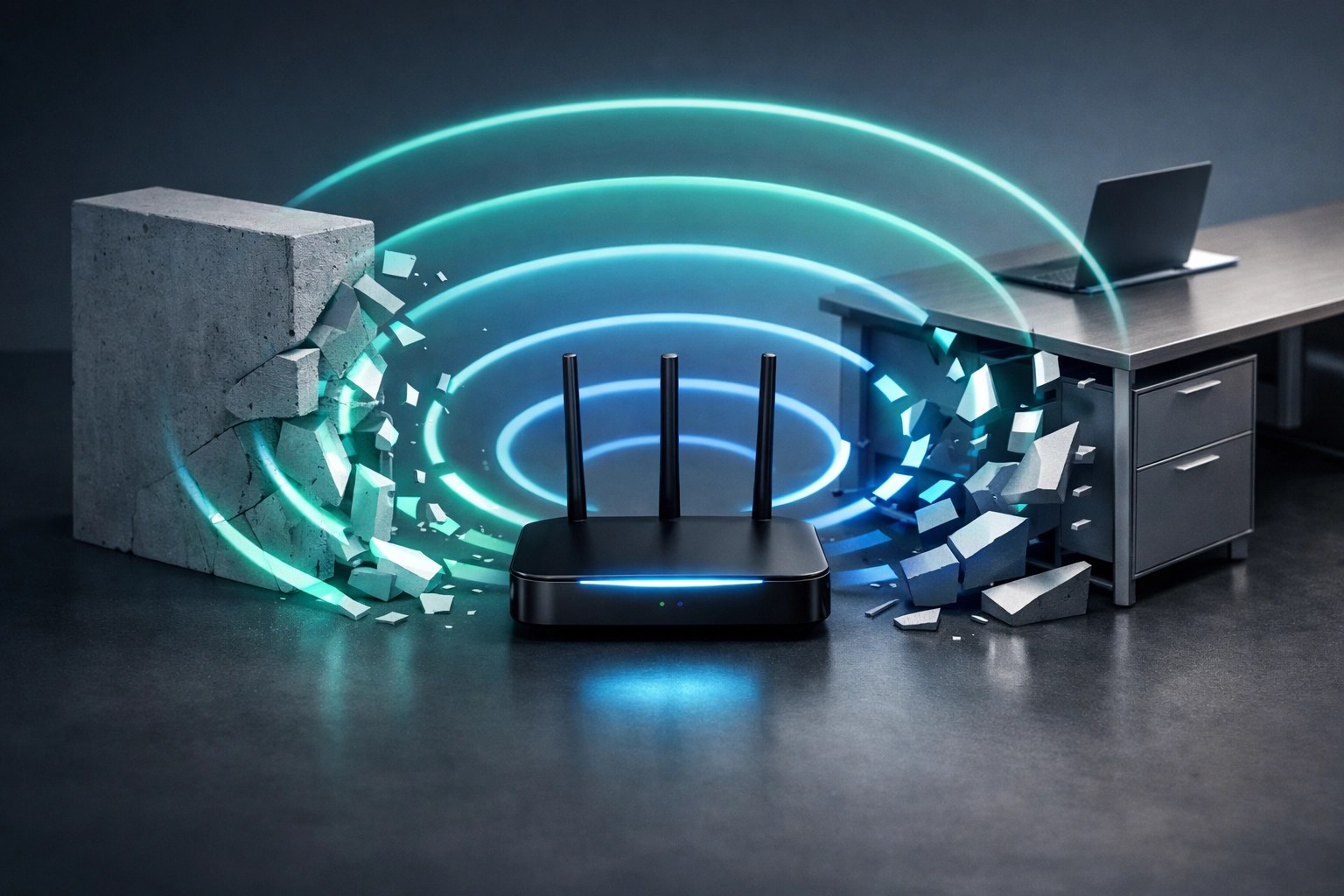
Wi-Fi signals are essentially radio waves, and they hate physical obstacles. Thick concrete walls, metal filing cabinets, and even large mirrors can bounce or absorb your signal, leaving you with a "dead zone" in the middle of your workspace. Furthermore, electronic interference from microwaves, cordless phones, and even neighboring Wi-Fi networks can "pollute" the airwaves, making it difficult for your router to communicate clearly with your laptop.
When you contact us for remote assistance, we don't just guess. We help you perform a virtual site survey. By analyzing the signal-to-noise ratio and channel overlap from your device’s perspective, we can recommend the perfect channel adjustments or suggest optimal router placement to bypass physical obstructions.
3. Outdated Hardware Bottlenecks
You might have a fiber-optic connection delivering 1Gbps to your door, but if your router is five years old, you’re likely stuck in the slow lane. Older routers often lack the processing power to handle modern encryption and high-speed throughput. A bottleneck at the router or an aging network switch will cap your speeds regardless of how much you pay your ISP.
We see this often with clients who haven't updated their hardware to Wi-Fi 6 or 6E standards. During a remote session, we check your hardware specifications and firmware versions. If a simple update won't fix it, we provide curated recommendations for professional-grade gear that matches your specific needs, ensuring your hardware is no longer the weakest link in the chain.
4. Background Bandwidth Hogs
Many applications are "greedy" by design. Cloud storage services like OneDrive, Dropbox, and Google Drive are notorious for starting massive sync operations the moment you turn on your computer. Similarly, hidden malware or poorly optimized software can run processes in the background that constantly ping remote servers, eating away at your upload and download capacity without you ever seeing a window on your screen.
Using Microsoft Quick Assist, the team at Network Repair1 LLC can jump into your system securely and peer under the hood. We look at the "Network" tab in your resource monitor to find exactly which executable is eating your data. We then optimize these startup items and ensure your cloud services are set to sync during off-peak hours, freeing up your lane for actual work.
5. DNS Latency Issues
Domain Name System (DNS) is the "phonebook" of the internet. When you type a URL, your computer asks a DNS server to translate that name into an IP address. If your ISP’s default DNS server is slow or overloaded, there will be a noticeable delay every time you click a link or try to load a new page. It feels like slow internet, but it’s actually just a slow "lookup" process.
Remote IT support fixes this by reconfiguring your router or individual devices to use high-performance, secure DNS providers like Cloudflare (1.1.1.1) or Google (8.8.8.8). This simple tweak can make your browsing experience feel significantly snappier and adds an extra layer of security against malicious sites.
6. ISP Throttling and Peering Problems
Sometimes, the problem isn't inside your house: it's with your provider. Internet Service Providers (ISPs) sometimes engage in "throttling," where they intentionally slow down certain types of traffic (like streaming or gaming) to manage their overall network load. Additionally, "peering" issues between different networks can cause data to take a long, inefficient path to its destination.
We help you prove it. We run standardized speed tests over time to document inconsistencies. With this data in hand, you have the leverage to call your ISP and demand the service you're paying for. We can also set up remote VPN solutions that encrypt your traffic, sometimes bypassing ISP throttling altogether by hiding the type of data you are using.
7. Security Threats and Malware
A slow network is often the first symptom of a compromised system. Botnets use your bandwidth to attack other servers, while "adware" might be constantly downloading new videos or banners in the background. Cybersecurity isn't just about protecting your data; it’s about protecting your performance.
Our remote optimization service includes a deep security audit. We check for unauthorized devices on your network (Wi-Fi freeloaders) and ensure your firewall is configured correctly. By locking down your network, we ensure every bit of bandwidth is being used by you and only you.

8. Misconfigured Network Settings
Even the best hardware can perform poorly if the settings are wrong. Incorrect MTU (Maximum Transmission Unit) sizes can cause "packet fragmentation," where data has to be broken into smaller pieces and reassembled, creating massive overhead and lag. Similarly, if your network is set to a "Public" profile instead of "Private," Windows might restrict certain high-speed sharing features.
This is where the "IT Specialist" part of our title really shines. We dive into the advanced adapter settings that most users never see. We optimize the TCP/IP stack and ensure your network card is operating at full duplex with the correct speed settings.
9. Too Many Connected Devices (The IoT Trap)
In 2026, it’s not just your laptop on the Wi-Fi. It’s your fridge, your lightbulbs, your doorbell camera, and your thermostat. Each of these "Internet of Things" (IoT) devices maintains a constant connection. While they don't use much data individually, fifty of them together can overwhelm a basic consumer router’s ability to manage connections.
We solve this through "Network Segmentation." We remotely guide you through setting up a Guest Network or a dedicated IoT VLAN. This keeps your high-speed work traffic on one lane and your "smart" lightbulbs on another, preventing a cheap security camera from crashing your important business call.
10. Cable Failures and Hardware Glitches
Sometimes the fix is physical, but the diagnosis is remote. A bent Ethernet cable or a failing port on a switch can cause "packet loss," where data gets lost and has to be resent. This results in stuttering video and slow downloads.
We use remote diagnostics to check for "error counts" on your physical ports. If we see a high rate of CRC errors, we can point you to the exact cable that needs replacing. It’s about being surgical rather than just "rebooting and hoping."
Gear Review: The ASUS ROG Rapture GT6 Mesh System
Since we're talking about fixing network crawls, let's look at the hardware we recommend for those who need a "set it and forget it" solution with enterprise power. The ASUS ROG Rapture GT6 is a Wi-Fi 6 mesh system designed specifically for high-bandwidth users and gamers who can't afford a millisecond of lag.
Why we love it:
- Massive Coverage: Each node covers up to 2,900 square feet, meaning a two-pack can handle a large home or a multi-story office with ease.
- Dedicated Backhaul: It uses a dedicated 5GHz band to talk between the nodes, so your device traffic doesn't have to compete with the mesh system's internal communication.
- Security Built-in: It comes with AiProtection Pro, which provides enterprise-grade security without a subscription fee.
- Triple-Level Game Acceleration: It optimizes game traffic from the device to the server, which is a fancy way of saying it eliminates "crawling" during high-stress moments.
If your current network is struggling to keep up with your growing list of devices, this is the upgrade that changes the game. It pairs perfectly with our remote optimization service, giving us the perfect "canvas" to paint a high-speed masterpiece.

Professional Video Services for Amazon & Shopify
Are you a brand owner looking to showcase your products with the same clarity we bring to IT support? At Network Repair1 LLC, we don't just fix networks; we create high-impact product videos. In the world of e-commerce, a high-quality video is the difference between a "bounce" and a "buy."
We specialize in creating crisp, professional product reviews and demonstrations for Amazon and Shopify. Whether you need a 30-second "unboxing" or a deep-dive technical walkthrough, our media team uses pro-grade cameras and lighting to make your products shine. We understand the technical specs and the marketing psychology required to rank higher and convert faster.
🚀 Let's Level Up Your Tech Game!
- ⚡ Remote IT Support: We fix your slow network, clear out malware, and optimize your system for peak performance using Microsoft Quick Assist.
- 🎥 Product Video Production: High-quality videos for your Shopify or Amazon store to boost sales and brand authority.
- 🛡️ Cybersecurity Audits: Lock down your home or office network from prying eyes and unauthorized users.
- 📈 System Optimization: We make your PC feel like new again by stripping away the bloatware and fine-tuning the settings.
Let's collaborate! Whether you need a technical fix or a creative boost, Octavio and the team at Network Repair1 LLC are ready to help you grow.
Follow us for daily tech tips and reviews:
- 📺 YouTube
- 📱 TikTok
Featured on the YouTube channel!
'Don't settle for subpar tech. Grab the professional-grade gear we trust to keep our networks running fast and secure.'
https://www.amazon.com/shop/networkrepair1?ref_=cm_sw_r_cp_ud_aipsfshop_XV0ER95A5EVVJDPA7W6A_1
Contact Us:
Octavio – Founder/Owner
oq@networkrepair1.com
https://networkrepair1.com