
Unlocking the secrets of seamless technical operations is crucial for any modern business aiming to boost productivity and ensure meaningful growth, as discovering how to navigate the complexities of remote computer support allows organizations to significantly increase their efficiency while maintaining a secure and high-performance digital environment. Understanding these common pitfalls and their solutions is the first step toward enhancing your technological infrastructure and achieving a competitive edge in an increasingly digital marketplace.
1. Overlooking Microsoft Quick Assist for Third-Party Bloat
Many users make the mistake of immediately reaching for expensive or cumbersome third-party remote desktop software when the solution is already baked into their operating system. Microsoft Quick Assist is a powerful, lightweight, and secure tool that comes pre-installed on Windows 10 and 11, yet it remains one of the most underutilized assets in the IT toolkit. By choosing third-party applications over Quick Assist, you often introduce unnecessary security vulnerabilities and performance overhead that can slow down your troubleshooting process. The fix is simple: use the search bar to find "Quick Assist," generate a security code, and share it with your technician to experience a fast, native connection that respects your system resources.
2. Neglecting Network Stability and Firewall Configurations
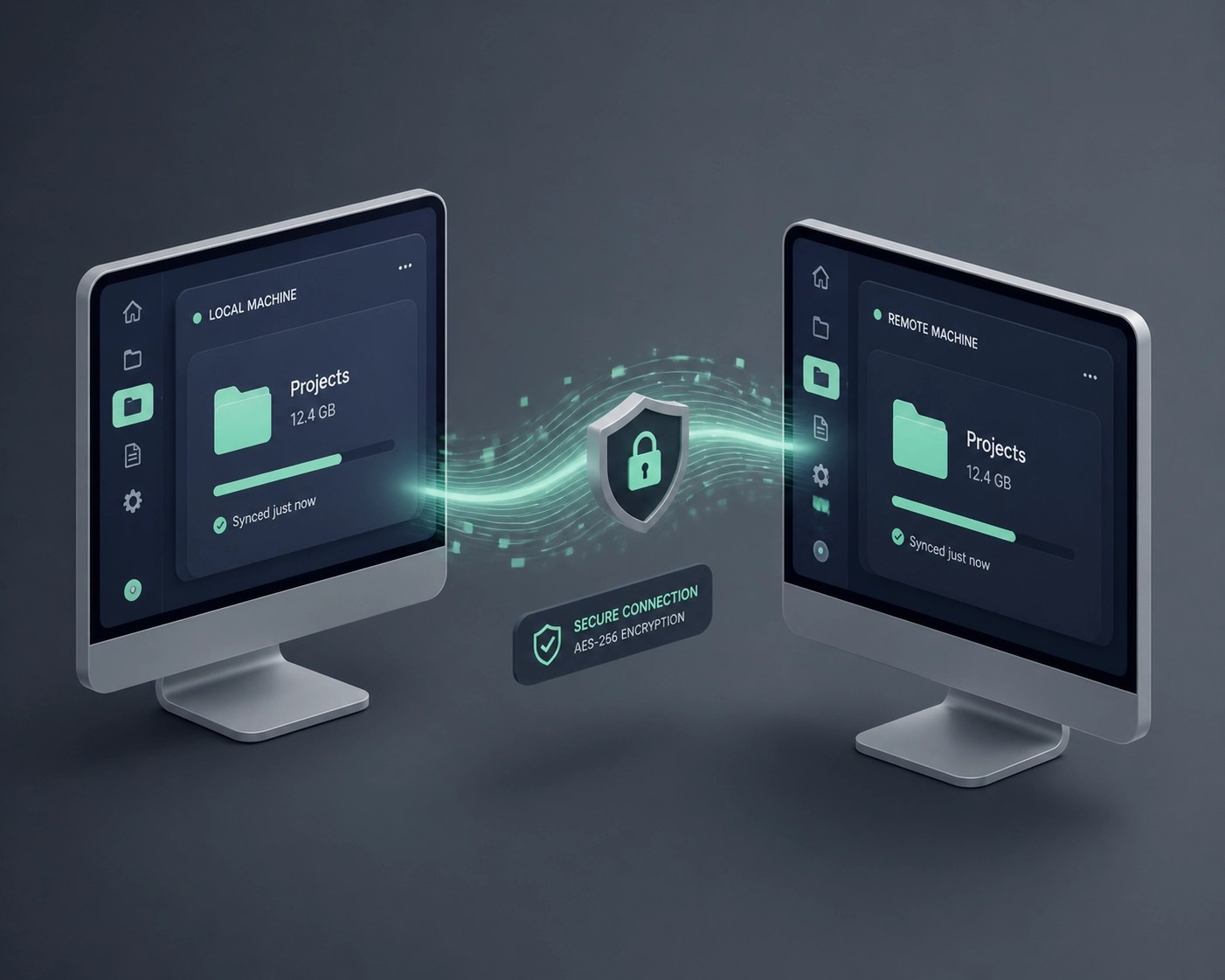
A common oversight in remote support scenarios is failing to optimize the underlying network connection, which leads to lag, dropped sessions, and frustration for both the user and the support specialist. Many people attempt to run high-intensity remote sessions over weak 2.4GHz Wi-Fi signals or through misconfigured firewalls that block essential ports like RDP 3389. To fix this, always prioritize a hardwired Ethernet connection for remote sessions and ensure your firewall rules are properly set to allow encrypted traffic. Checking your SSL certificates and ensuring your network provides enough bandwidth for screen sharing will significantly reduce latency and make the support experience feel as if the technician is sitting right next to you.
3. Running Support Tools on Outdated Hardware
You cannot expect a high-performance remote support session if you are trying to run modern diagnostic tools on a "potato" laptop from 2018. Hardware bottlenecks are a major contributor to failed support sessions, as outdated processors and lack of RAM prevent the smooth rendering of remote desktops.
Speaking of high performance, we’ve been testing the latest MacBook Pro M3 Max and the Dell XPS 15 in the lab recently. These machines are absolute powerhouses for remote IT specialists who need to manage multiple virtual machines and high-resolution remote streams simultaneously. The M3 Max, in particular, offers incredible efficiency that keeps the fans quiet even during intensive system audits. If your current rig is struggling to keep up with basic tasks, it’s time to consider an upgrade to ensure you aren't the bottleneck in your own support workflow.

4. Ignoring the Importance of CredSSP and Authentication
Authentication errors, specifically those related to the Credential Security Support Provider (CredSSP) protocol, are a frequent headache in remote desktop environments. When users or admins ignore the "Encryption Oracle Remediation" errors, they leave their systems vulnerable or completely inaccessible. The fix requires ensuring that both the client and the host are fully patched and that your Group Policy settings are correctly configured to handle secure authentication. Failing to manage these credentials properly is a significant security risk that can lead to unauthorized access or complete system lockouts during critical support windows.
5. Skipping the System Restore Point "Safety Net"
One of the most dangerous mistakes is allowing a remote technician: or attempting a DIY fix: to dive into the Windows Registry or system files without first creating a restore point. While we pride ourselves on precision at Network Repair1 LLC, unexpected power surges or software conflicts can happen. Always ensure a fresh system restore point is created before any major changes are made. This provides a "safety net" that allows you to revert your system to a functional state in minutes rather than hours of recovery work.

6. Poor Communication and Vague Problem Descriptions
"My computer is slow" or "It’s broken" are phrases that send shivers down a technician’s spine. Vague descriptions lead to longer diagnostic times and higher support costs. The fix is to be descriptive: take screenshots of error messages, record a quick video of the glitch occurring, and note exactly what you were doing when the problem started.
At Network Repair1 LLC, we specialize in creating professional product videos for Shopify and Amazon sellers that capture every detail of a device's performance. We apply that same eye for detail to our support sessions. High-quality visuals: whether for a product showcase or a bug report: eliminate guesswork and get to the solution faster. If you are a seller looking to boost your conversions with high-end tech reviews or product videos, our team is ready to help you shine.
7. Failing to Implement Proactive Optimization
Most people only call for remote support when their system has already crashed. This reactive approach is a mistake that leads to downtime and lost revenue. Proactive system optimization: checking for malware, clearing temporary cache files, and updating drivers: should be a monthly habit. Utilizing tools for system health monitoring can alert you to a failing hard drive or a memory leak before it becomes a catastrophe. By the time you need "repair," you've already lost time; aim for "maintenance" instead.

Why Choose Network Repair1 LLC?
We don't just fix computers; we optimize your entire digital lifestyle. From high-level remote IT support using Microsoft Quick Assist to professional media production for your brand, we provide the tools and expertise to keep you ahead of the curve. Whether you're dealing with a stubborn CredSSP error or you need a cinematic video review for your latest Amazon product launch, we are your go-to partners in tech.
🚀 Elevate Your Tech Game:
- 🛠️ Expert Remote Support: Fast, secure, and professional troubleshooting.
- 🎥 Media Excellence: High-converting product videos for Shopify and Amazon.
- 🛡️ Cybersecurity Focus: Protecting your data with industry-leading protocols.
- 📈 System Optimization: Making your old gear feel brand new.
Let's collaborate! We are ready to help you grow your brand and secure your network. Reach out today and let's build something great together.
Items featured on our YouTube channel are carefully selected for their reliability and performance. Check out the gear we trust to get the job done right.
Ready to upgrade your tech? Check out our curated list of essential tools to keep you connected and productive:
https://www.amazon.com/shop/networkrepair1?ref_=cm_sw_r_cp_ud_aipsfshop_XV0ER95A5EVVJDPA7W6A_1
Contact us directly:
oq@networkrepair1.com