
Unlocking peak operational efficiency is crucial for maintaining a competitive edge in today’s hardware-driven marketplace and fast-paced digital environment. Discovering the hidden bottlenecks within a system allows for seamless scalability and enhanced productivity across all departments, ensuring that technical resources are never wasted on inefficient processes. Understanding the distinction between superficial speed and true structural optimization provides the foundation for long-term technical success and increased ROI on every piece of gear in your arsenal. This guide reveals the core errors frequently encountered during system audits and provides the roadmap to significant performance gains through strategic hardware and software alignment.
1. Optimizing Without Clear Metrics
Initiating a system overhaul without defined performance indicators often leads to wasted resources and negligible improvements in actual output. You can significantly boost your effectiveness by establishing baselines for boot times, application latency, and network throughput before making any structural changes. Learning to track specific KPIs like cycle time and error rates allows you to measure the meaningful impact of your IT investments, and you can use tools like Power BI or even simple system monitors to visualize these growth patterns.
When we jump into a remote session via Microsoft Quick Assist, the first thing we look at isn't just the "feel" of the computer; it's the hard data. Without a benchmark, you’re just guessing. To fix this, consider implementing professional-grade monitoring software that tracks hardware health in real-time. This allows you to identify if a slowdown is caused by a thermal issue or a software conflict before you spend a dime on new parts.

2. Automating Broken Processes
Applying automation to an inherently flawed workflow only serves to accelerate the rate of failure and complicate future troubleshooting efforts. You can enhance your productivity by mapping out every step of your current operation and eliminating redundant manual tasks before introducing automated scripts or third-party integrations. Discovering the leanest version of your process ensures that your automation tools, such as Zapier or Microsoft Power Automate, deliver the highest possible value without creating a "digital mess" that requires constant intervention.
At Network Repair1 LLC, we often see clients trying to automate their Shopify order flow while the underlying inventory system is a disaster. We recommend using process mapping tools like Miro or Lucidchart to visualize the path of a single order. Once the path is straight, then: and only then: should you bring in the bots. This saves hours of remote support time and keeps your network running like a well-oiled machine.
3. Choosing Gear That Doesn’t Scale
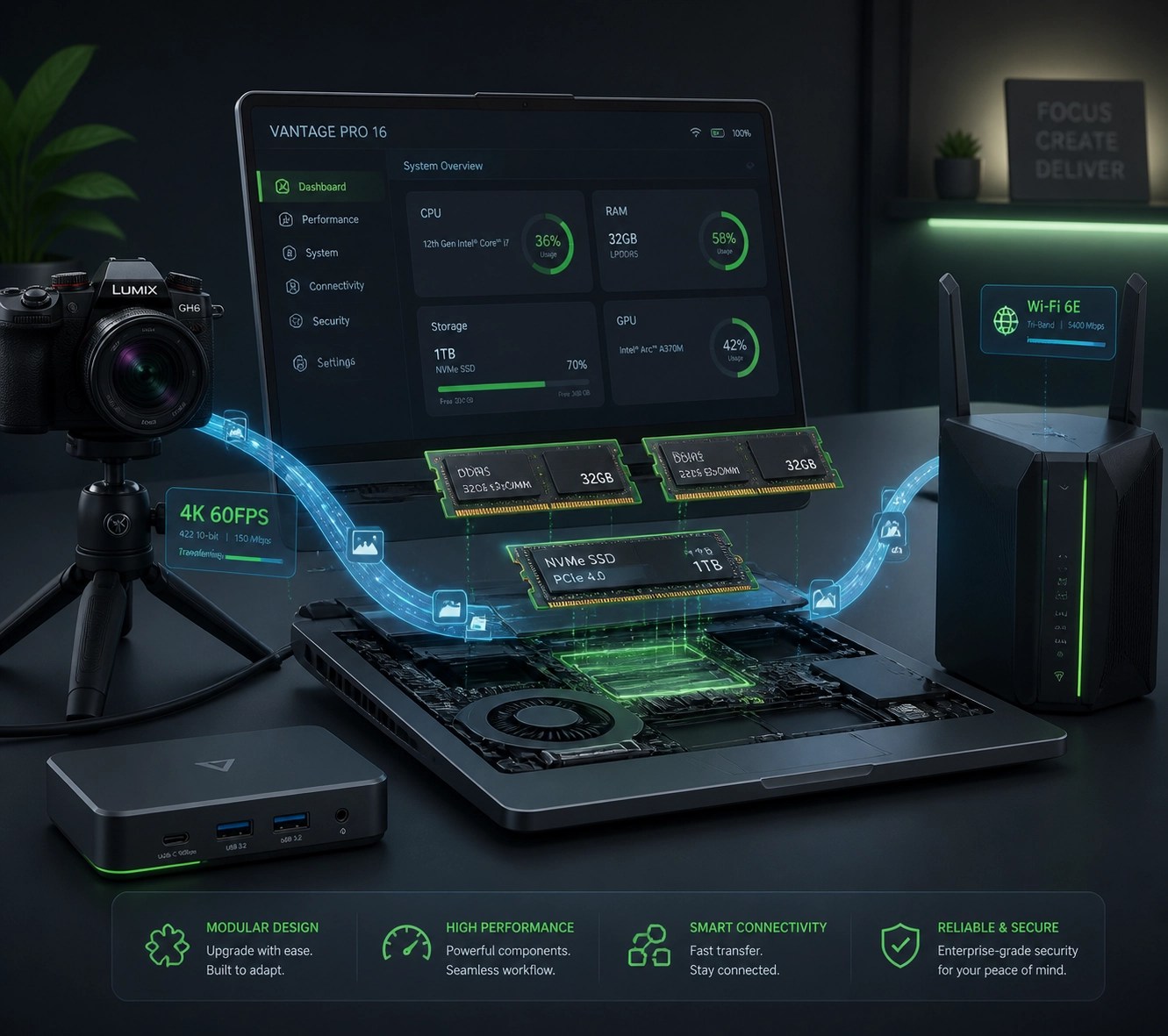
Selecting hardware based solely on current needs rather than future expansion potential creates frequent and costly upgrade cycles that disrupt your business momentum. You can increase your long-term efficiency by investing in platforms with robust API support and hardware that features modular components, such as expandable RAM slots and extra NVMe bays. Understanding the integration ecosystem of your tech stack prevents the creation of data silos and ensures that your cameras, laptops, and networking gear communicate flawlessly.
4. Over-Engineering Your Setup
Adding excessive layers of complexity to a workstation or network often results in higher maintenance costs and increased downtime due to configuration errors. You can simplify your daily operations by favoring built-in OS features and native integrations over complex, third-party plugins that offer marginal benefits. Maintaining a "minimum viable process" allows for faster onboarding of new team members and reduces the cognitive load required to manage your technical environment, leading to a more focused and creative output.
We see this a lot with creative professionals who over-complicate their video editing rigs. They’ll have four different RAID arrays and ten different "optimization" apps running in the background, only to find that their system is crashing because of software conflicts. Sometimes, a clean install of Windows and a single, high-speed Gen 5 NVMe drive is all you need to smoke the competition.
5. Neglecting the Human Element
Failing to provide adequate training and documentation for new systems ensures that even the most advanced hardware remains underutilized and prone to user error. You can unlock the full potential of your team by creating short, high-impact video tutorials and "cheat sheets" for common workflows, which significantly reduces the need for repetitive internal support. Implementing a culture of knowledge transfer ensures that your optimization efforts are sustainable and that every member of your organization can navigate the system with confidence.
This is where our product video services come into play. We don't just show off a gadget; we demonstrate how it integrates into a professional workflow. If your team doesn't know how to use the high-end mirrorless cameras you just bought for your Shopify store, they might as well be using an old flip phone. Training is the ultimate optimization.
6. Ignoring Data Quality
Operating on inconsistent or stale data leads to poor decision-making and masks the true performance of your system and business operations. You can improve your diagnostic accuracy by standardizing naming conventions and implementing automated data cleaning routines that keep your databases lean and responsive. Monitoring system logs and performance trends allows you to anticipate failures before they occur, protecting your digital assets and ensuring continuous uptime for your remote services.
7. The Physical Bottleneck: Hardware and Ergonomics
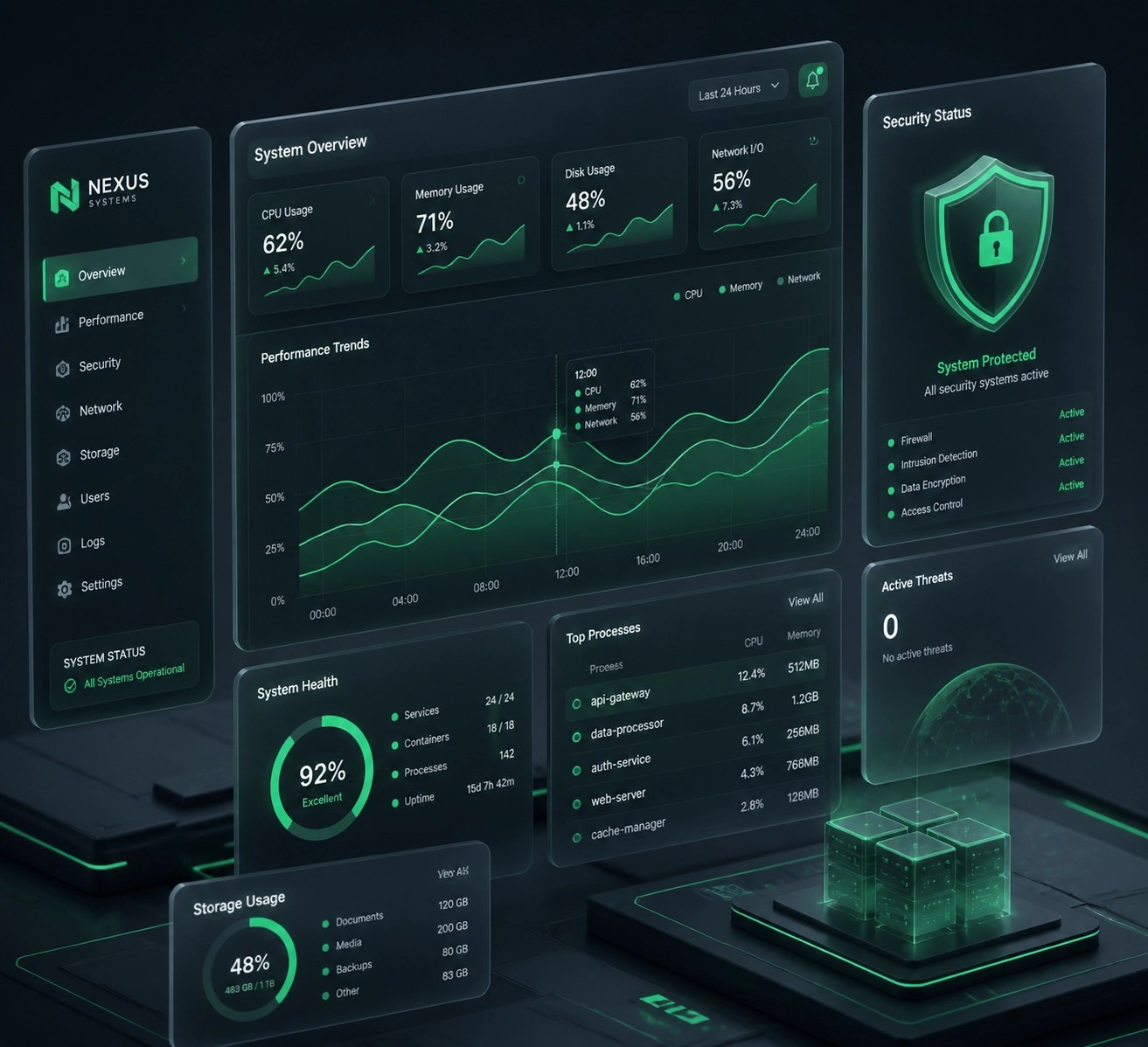
Neglecting the physical layer of your system: such as underpowered CPUs, insufficient RAM, or poor cooling: creates a hard ceiling that no amount of software optimization can break. You can drastically enhance your workflow by upgrading to high-performance components like 32GB of DDR5 RAM and ensuring your workstation has adequate airflow to prevent thermal throttling. Furthermore, optimizing your physical workspace with ergonomic peripherals reduces fatigue and allows for longer periods of high-level focus and productivity.
The Gear Fix:
If you're still running on a mechanical hard drive or a SATA SSD, you're living in the past. Moving to an NVMe SSD is the single most impactful upgrade you can make. For our creative clients, we’re currently recommending the latest laptops featuring dedicated GPUs with at least 8GB of VRAM to handle 4K video rendering and AI-assisted tasks. When your hardware matches your ambition, the "lag" disappears.
Professional Media and IT Support
Network Repair1 LLC specializes in bridging the gap between high-end hardware and seamless software execution. Whether you need remote IT support via Microsoft Quick Assist to clear out the junk slowing down your PC, or you need professional-grade product videos to make your Amazon listing pop, we have the tools and the expertise to make it happen.
🚀 Boost Your Presence
- 🎥 Product Video Services: High-energy, professional videos for Shopify and Amazon.
- 💻 Remote IT Support: Specialized system optimization and cybersecurity hardening.
- 🛠️ Tech Reviews: We test the latest cameras and laptops so you know what's worth the buy.
Let's collaborate! We are ready to help you grow your brand and secure your network together.

📱 Connect With Us:
- 📺 YouTube
- 🎵 TikTok
Featured on the YouTube channel.
Don't settle for subpar tech. Grab the professional-grade gear we trust to keep our networks running fast and secure.
https://www.amazon.com/shop/networkrepair1?ref_=cm_sw_r_cp_ud_aipsfshop_XV0ER95A5EVVJDPA7W6A_1
For inquiries, collaborations, or remote support, contact Octavio at:
oq@networkrepair1.com