
Hey everyone, Octavio here! You know, being the founder of Network Repair1 LLC means I spend a lot of my day looking at screens, fixing remote connections, and making sure our clients aren't leaving their digital front doors wide open. It’s Saturday, April 4th, 2026, and if you haven't audited your digital life since the ball dropped on New Year's, you’re essentially inviting the neighborhood hackers over for a free buffet.
Cybersecurity isn't just for the big tech firms anymore; it’s for the grandma trying to FaceTime her grandkids and the entrepreneur running a Shopify empire from a laptop. Today, I’m breaking down five ways to lock your stuff down instantly, and then we’re diving into some gear that makes my life as an IT specialist a whole lot easier.
Unlocking the Secrets of Immediate Digital Protection
Understanding the architecture of personal data protection is crucial for maintaining operational continuity and safeguarding sensitive assets against evolving digital threats. Learn the fundamental principles of multi-factor authentication and credential management to discover how minor adjustments to your digital routine can significantly enhance your overall security posture and reduce vulnerability to unauthorized access. Discover the power of automated software maintenance and network perimeter defense to ensure that your systems remain resilient and optimized for high-performance tasks without the constant threat of malicious interference or data breaches.

1. Enable Multi-Factor Authentication (MFA)
If you aren't using Multi-Factor Authentication, you're living on the edge, and not in the cool "stuntman" kind of way. MFA adds a digital double lock to your accounts. Think of it like this: your password is the key to the front door, but MFA is the retina scanner that ensures it’s actually you trying to get in. Whether it’s an SMS code (better than nothing) or a dedicated app like Microsoft Authenticator or Google Authenticator (much better), this one step stops the vast majority of automated attacks. Even if a hacker gets your password in a leak, they aren’t getting in without that secondary device in your hand.
2. Master the Art of the Strong Password
Stop using "Password123" or your dog’s name followed by your birth year. It’s 2026, people! We need complexity. A strong, unique password should be at least 12 characters, featuring a mix of upper and lowercase letters, numbers, and those weird symbols you usually ignore. If the thought of remembering twenty different 12-character strings makes your head hurt, use a password manager. It’s like a digital vault for your keys. You only have to remember one master password, and the manager handles the rest. This is a game-changer for remote-services where security is paramount.
3. Stop Ignoring the Update Prompts
We’ve all been there. You’re in the middle of a project, and Windows or macOS pops up with a "Restart to Update" notification. You click "Remind me in 4 hours" for three weeks straight. Don't do that. These updates aren't just for new emojis; they often contain critical security patches that close vulnerabilities hackers are actively using to get into systems. At Network Repair1 LLC, we always tell our clients: an updated system is a secure system. Set your devices to auto-update while you sleep. Your morning coffee will taste better knowing your OS is locked down.
4. The "Sniff Test" for Emails and Links
Phishing is still the #1 way people get hacked. It’s not always a prince from a far-off land anymore; it’s an email that looks exactly like a PayPal invoice or a Microsoft security alert. They use "urgency" to make you panic. If an email says "YOUR ACCOUNT WILL BE DELETED IN 10 MINUTES," take a breath. Check the sender's actual email address, not just the display name. If you weren't expecting a link or a download, don't touch it. When in doubt, go directly to the website yourself instead of clicking the link in the email.
5. Secure the Home Base (Your Router)
Your Wi-Fi router is the gateway to everything in your house. Most people plug it in and leave the default "Admin/Password" settings. That is a massive mistake. Change your SSID (the network name) to something that doesn’t identify who you are, and change the admin login immediately. If you have guests over frequently, set up a guest network. This keeps their potentially "malware-ridden" phones separate from your main work computer where you handle sensitive data.
Tech Review: Gear for the High-Performance Setup
As an IT specialist and content creator, I don't just fix networks; I build environments. This week, I’ve been putting two pieces of gear through the ringer that I think every professional needs to consider.
The Powerhouse: Dell XPS 15 (2026 Edition)
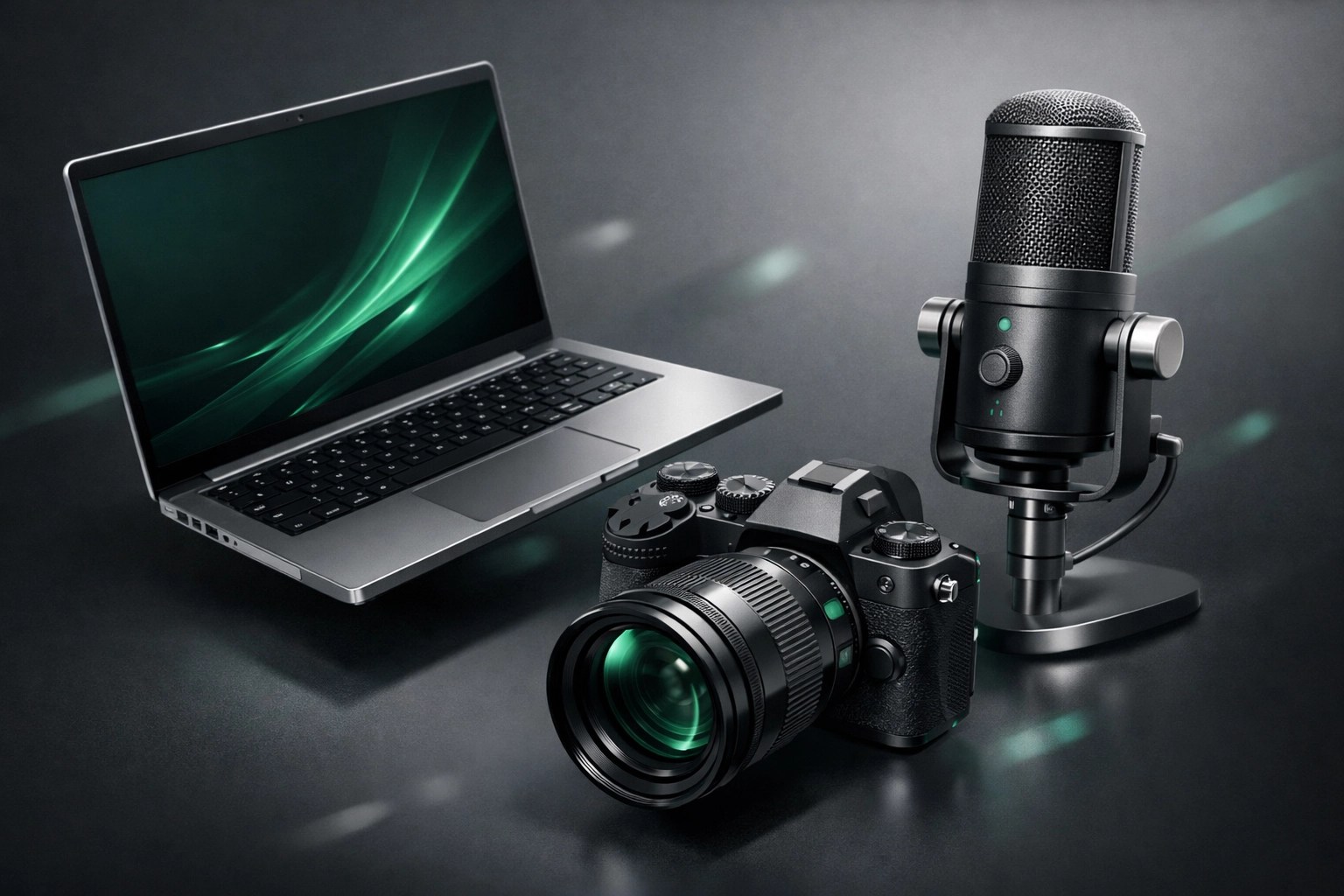
When I'm doing remote-services using Microsoft Quick Assist, I need a machine that doesn't stutter. The latest XPS 15 is a beast. With an OLED display that makes coding and video editing a dream and a processor that laughs at 50 open Chrome tabs, it’s my current daily driver. The build quality is exceptional, and it feels like a professional tool rather than a toy.
The Visual King: Sony A7C II
If you've seen our videos, you know we value high-quality production. The Sony A7C II is the perfect blend of compact size and full-frame power. Whether I'm filming a product review for a client’s Shopify store or jumping on a high-stakes video call, the autofocus on this thing is witchcraft. It ensures I stay sharp even when I’m moving around explaining network diagrams.
Boosting Your Brand with Network Repair1 LLC
Beyond fixing your Wi-Fi, we’re obsessed with high-quality media. If you’re a brand on Shopify or Amazon, you know that a mediocre product video is a sales killer. We provide professional product video services that turn "just another gadget" into a "must-have tool." Let’s work together to make your products shine.
🚀 Elevate Your Presence: Professional video production for e-commerce.
✅ Expert Reviews: We know the tech inside and out, making our reviews authentic.
📈 Drive Sales: High-quality visuals are the fastest way to build trust with customers.
🤝 Let's Collaborate: We partner with brands to create content that converts.
For more information on how we can work together, check out our collaborate-sponsors page.
Final Thoughts from Octavio
Staying secure in a connected world doesn't have to be a full-time job, but it does require a bit of intention. By following those five tips, you’re already ahead of 90% of the internet. And remember, the gear you use matters. High-quality tools lead to high-quality results, whether you’re fixing a server or launching a brand.
We’ve spent years testing the latest hardware and software so you don’t have to guess what works. From the laptops we use for remote support to the cameras we use for our YouTube channel, we only recommend what we trust.
Speaking of gear, all the items we discussed today, including the ones featured on the YouTube channel, can be found right on my curated list.
Don't settle for subpar tech. Grab the professional-grade gear we trust to keep our networks running fast and secure.
https://www.amazon.com/shop/networkrepair1?ref_=cm_sw_r_cp_ud_aipsfshop_XV0ER95A5EVVJDPA7W6A_1

Connect with us:
- 📸 Instagram: Network Repair1
- 🎥 YouTube: Network Repair1
- 🎵 TikTok: Network Repair1
- 🔵 Facebook: Network Repair1
Contact Information:
Network Repair1 LLC
networkrepair1.com
Octavio – Founder / Owner
"We fix the tech, so you can do the work."