
Selecting the most effective remote IT support framework serves as the foundation for maintaining uninterrupted business operations and maximizing the lifecycle of high-end hardware investments. Understanding the critical differences between native Windows utilities and enterprise-grade third-party applications allows for the implementation of advanced security protocols that protect sensitive data during active troubleshooting sessions. Discovering how to leverage low-latency streaming technologies and multi-monitor support functions significantly enhances the ability to resolve complex system errors and increases the efficiency of remote administrators across global networks. Mastering these tools and integrating them into a daily workflow ensures that technical barriers are minimized and digital growth is sustained through consistent network optimization and proactive maintenance strategies.
The Remote Support Landscape: Finding Your Speed
Choosing the right tool is less about the "flashiest" features and more about the "fastest" resolution. If you are running a high-performance setup, you can't afford to wait for a 500MB installer to finish while your network is hanging by a thread. We look for tools that offer a balance of security, speed, and ease of use.
1. Microsoft Quick Assist: The Hidden Gem
For most Windows users, the best tool is already sitting on your hard drive. Quick Assist is lightweight, requires zero installation for the person receiving help, and uses your existing Microsoft account credentials. It is the gold standard for "I need help right now" situations because it bypasses the "download this and give me the code" dance that often leads to security vulnerabilities.
2. TeamViewer: The Industry Titan
When you need to cross platforms: moving from a Windows desktop to a MacBook or even a Linux server: TeamViewer remains the heavy hitter. It offers unattended access, meaning we can jump in and fix your server at 3:00 AM without you needing to wake up and click "Accept."
3. Splashtop: Performance Over Everything
If you are a video editor or a gamer needing remote access, Splashtop is the choice. Its frame rates are significantly higher than the competition, which is crucial when you are trying to troubleshoot a graphics driver or a 4K video rendering issue.
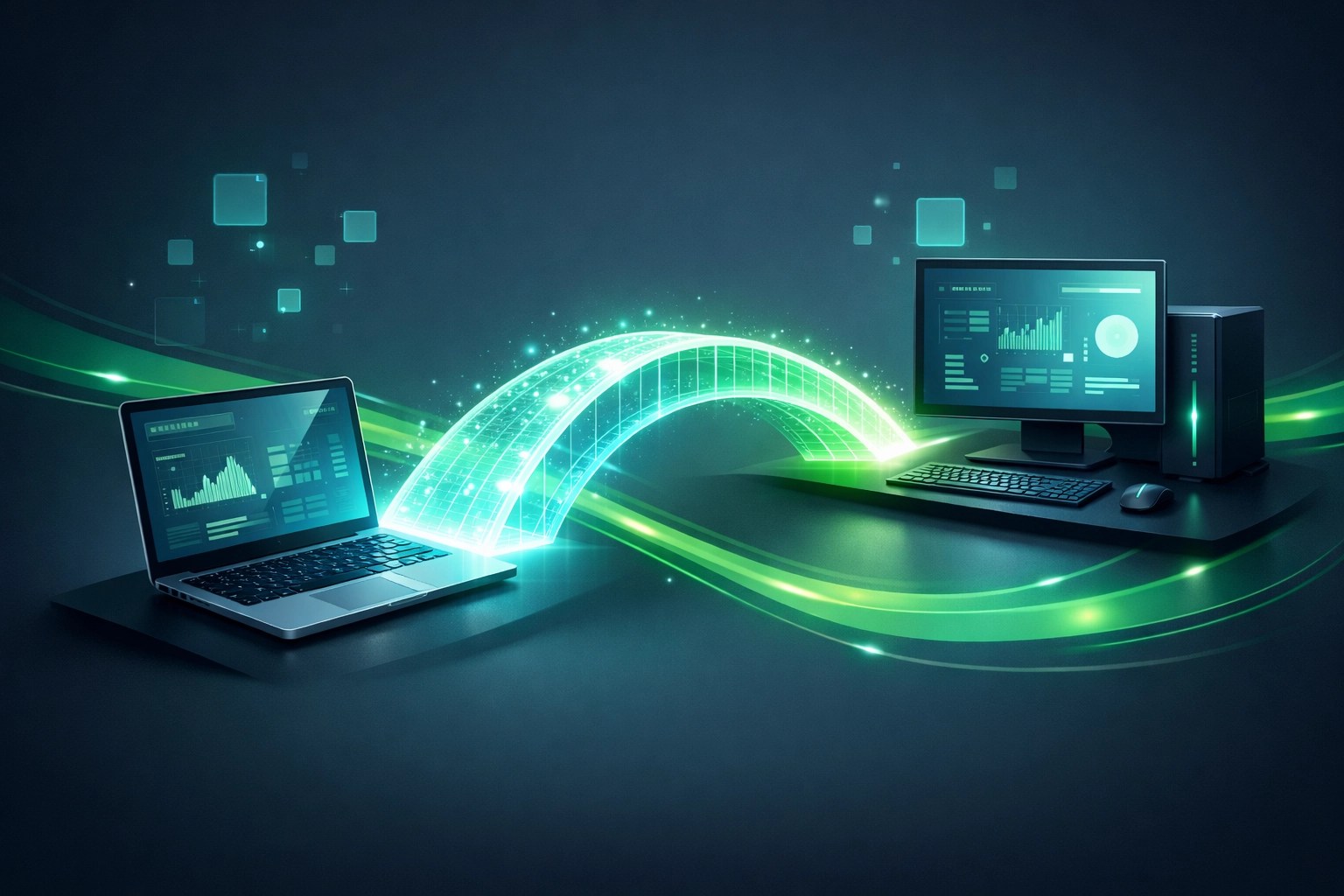
Hardware Spotlight: The Gear That Powers the Pro
You can’t run a remote IT empire on a budget tablet. To provide high-performance support, your local hardware must be capable of handling multiple concurrent streams, virtual machines, and high-bitrate video calls.
The 2026 Laptop Review: Performance Meets Portability
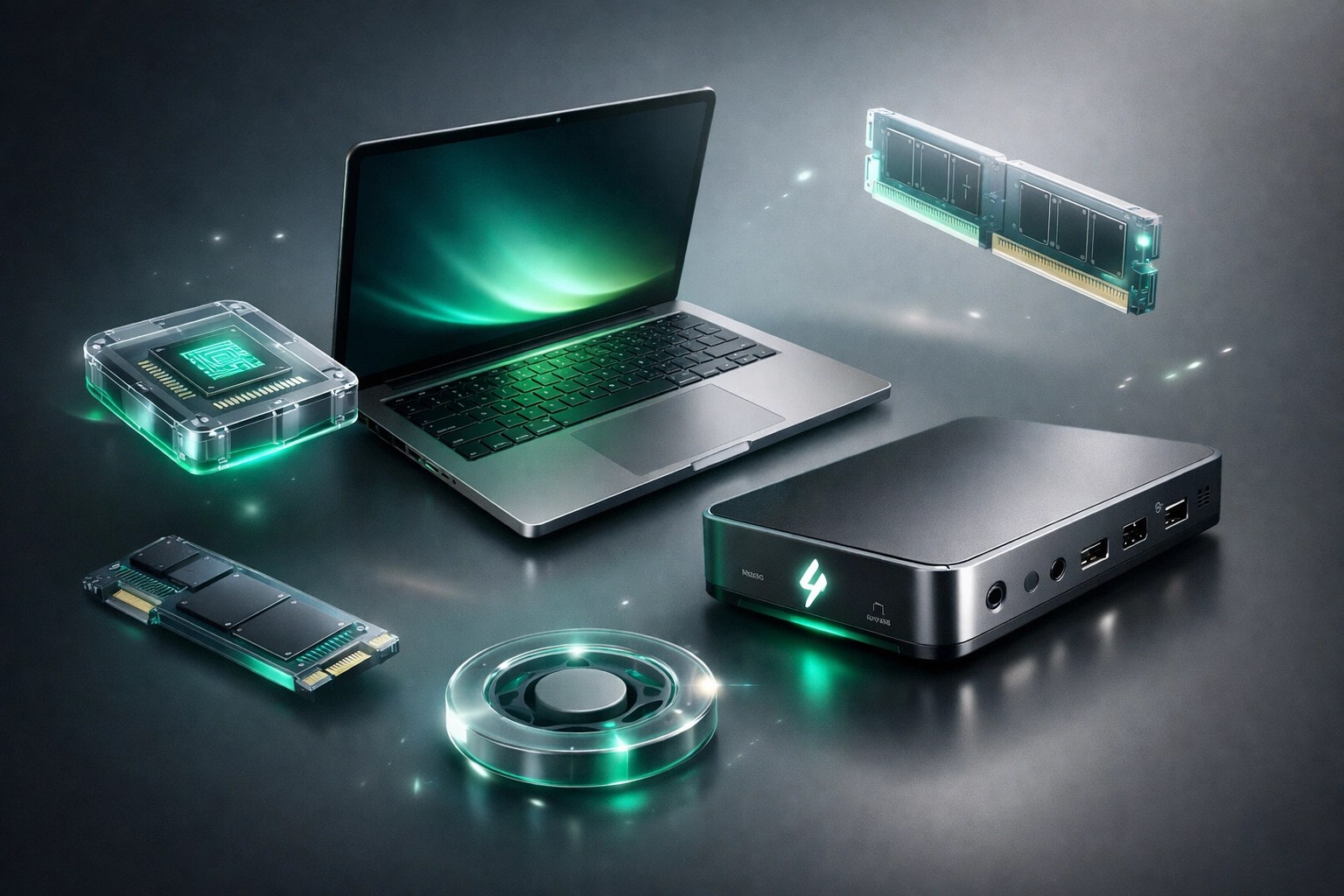
This year, we have been putting the latest high-performance laptops through their paces. A dedicated IT professional needs at least 32GB of RAM and a processor that doesn't throttle when the temperature rises during a heavy system optimization scan. We recommend machines with dedicated NPU (Neural Processing Unit) capabilities to handle the background noise cancellation and video enhancements that are now standard in professional remote consultations.
Connectivity is the other half of the battle. If your laptop doesn't have a dedicated Ethernet port, you need a high-quality Thunderbolt 4 dock. Wi-Fi is great for the coffee shop, but when you are flashing a BIOS or updating a network switch remotely, a hardwired connection is non-negotiable.
Cybersecurity and System Optimization: The Network Repair1 Way
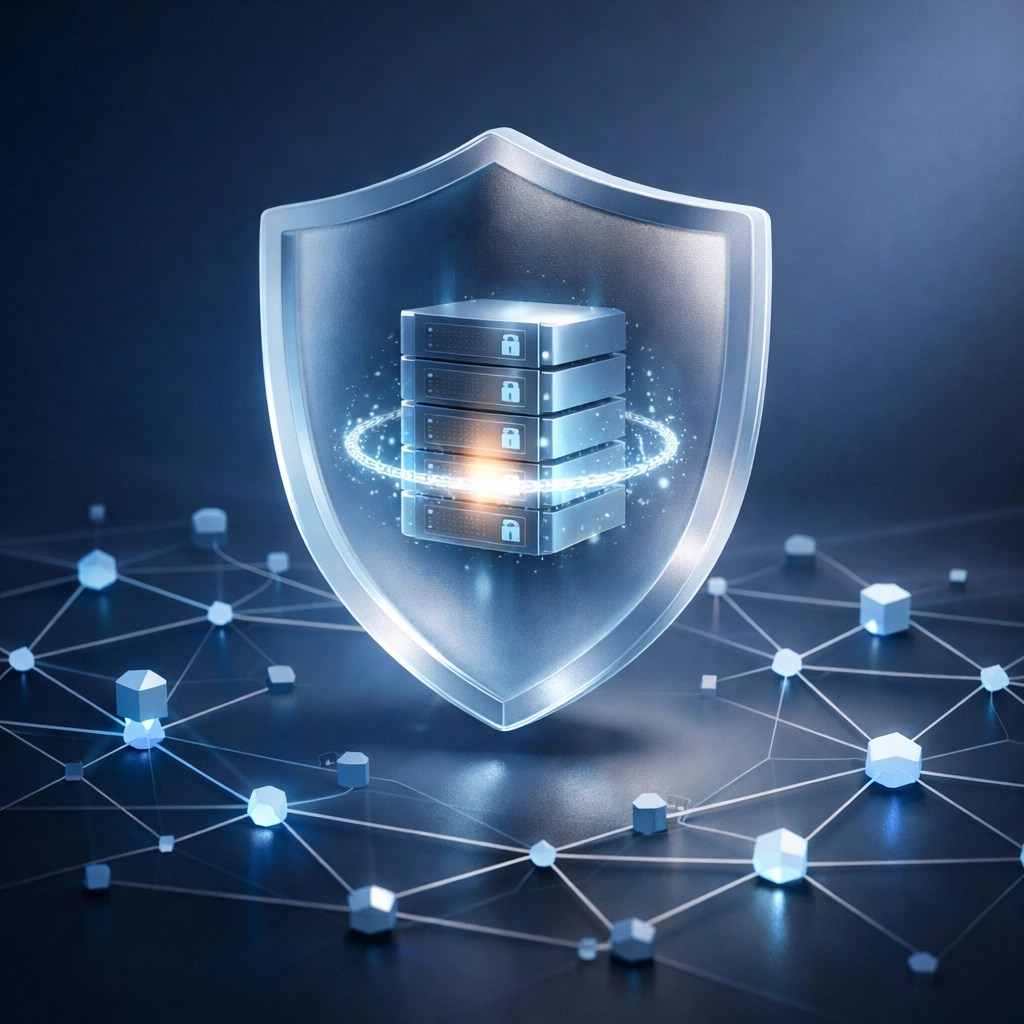
Remote support isn't just about clicking buttons; it’s about ensuring the connection itself isn't a backdoor for threats. We prioritize "Zero Trust" configurations. This means even if we have the credentials to access your machine, the connection is protected by Multi-Factor Authentication (MFA) and end-to-end encryption.
Optimization Checklist for Remote Success:
- Clear the Bloat: High-performance setups are often bogged down by "helper" apps that do nothing but eat CPU cycles.
- Update Wisely: Don't just click 'Update All.' We verify patch stability before pushing updates to client networks.
- Monitor Latency: We use specialized tools to monitor the jitter and ping of your connection to ensure the remote session stays fluid.
Why Video Matters for Your Tech Brand
In the world of Shopify and Amazon, a static image of a router or a laptop isn't enough anymore. Customers want to see the ports, hear the fan noise, and watch the setup process in real-time. This is where Network Repair1 LLC bridges the gap between IT expertise and content creation.
We don't just fix the tech; we show the world why your tech is the best. High-quality product videos are the most effective way to lower return rates and increase customer trust. If a buyer can see exactly how to plug in your device and how it performs under load, they are much more likely to hit that "Buy Now" button.

🚀 Boost Your Brand with Network Repair1 LLC
- 🎥 Professional Video Production: We create high-converting product videos for your Shopify or Amazon listings.
- 🛠️ Expert Tech Reviews: Let us showcase your electronics with a professional, technical deep-dive.
- 🌐 Remote IT Solutions: From system optimization to cybersecurity audits, we keep your business running fast.
- 📈 YouTube SEO: We help your tech content rank higher and reach the right audience.
- 🤝 Let's Collaborate: We partner with brands to create authentic, engaging tech content.
Follow our journey and see the gear in action:
- 🎥 YouTube
- 🎵 TikTok
Ready to take your tech or your brand to the next level? Let's work together to create something incredible.

Mentioned items and professional tools are featured on the YouTube channel.
Don't settle for subpar tech. Grab the professional-grade gear we trust to keep our networks running fast and secure.
https://www.amazon.com/shop/networkrepair1?ref_=cm_sw_r_cp_ud_aipsfshop_XV0ER95A5EVVJDPA7W6A_1
Octavio
Founder / Owner
Network Repair1 LLC
oq@networkrepair1.com