
Implementing remote computer support strategies has become an essential component for small business growth and operational resilience in the modern digital landscape. Understanding the shift toward virtual assistance allows for the elimination of geographic barriers and ensures that technical issues no longer dictate the pace of professional productivity. Discovering the advantages of off-site troubleshooting provides a pathway to higher efficiency and allows resources to be redirected toward core business development initiatives. Enhancing your technical infrastructure through remote channels ensures that you maintain a competitive edge while minimizing the overhead associated with traditional on-site IT management.
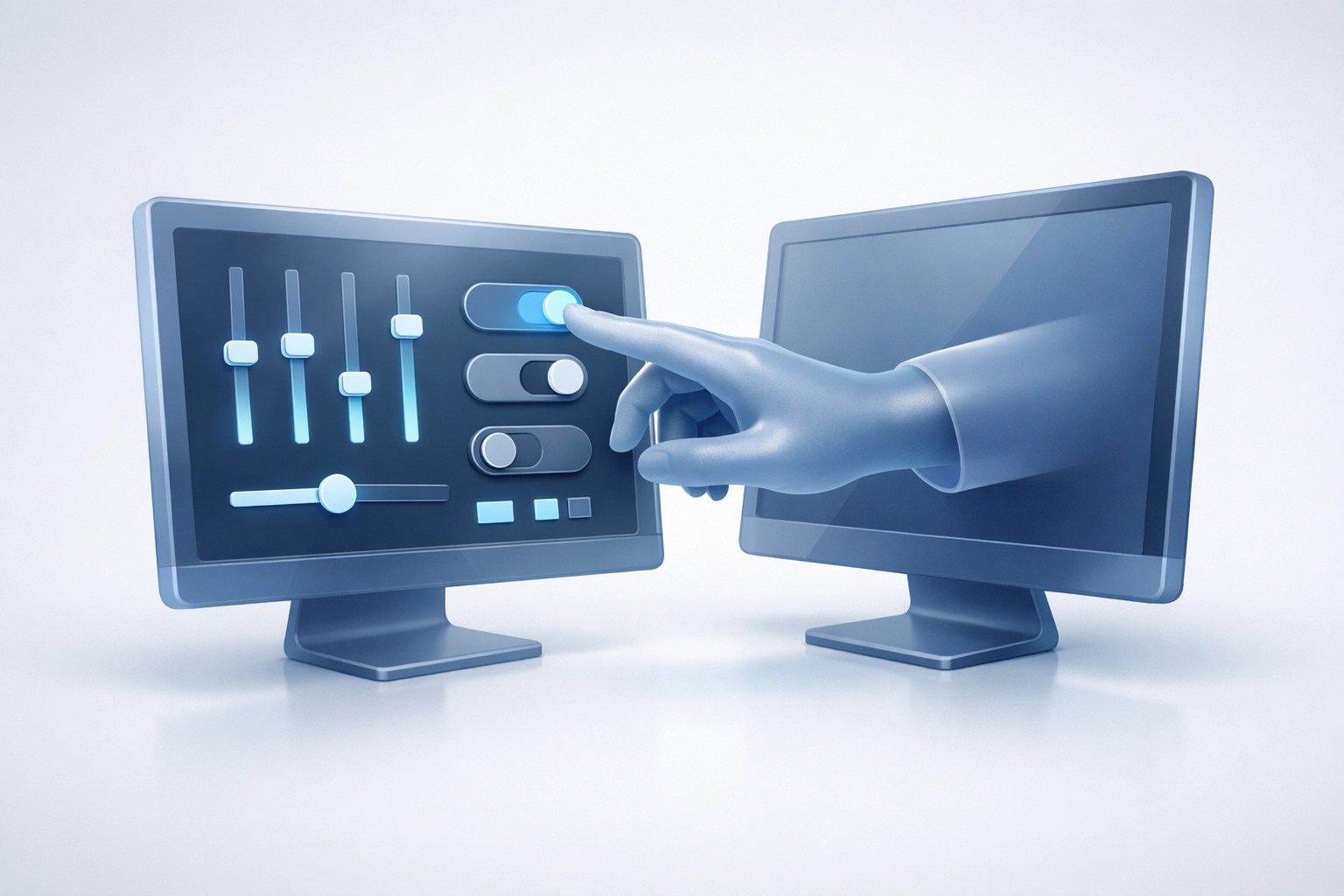
Establishing a robust remote support framework significantly reduces the time required to resolve critical system failures and network disruptions. Utilizing advanced tools like Microsoft Quick Assist permits immediate access to troubled workstations and facilitates real-time corrections of software conflicts or configuration errors. Unlocking the power of remote diagnostics leads to a more stable computing environment and empowers employees to resolve minor hurdles without the need for extensive technical training. You can experience a seamless integration of expert knowledge and daily operations when your support systems are optimized for instant connectivity and professional oversight.

Unlocking Efficiency with Microsoft Quick Assist
Mastering the use of Microsoft Quick Assist represents a crucial step in streamlining the technical support workflow for remote and hybrid teams. This native Windows tool offers a secure and efficient method for establishing a screen-sharing session that bypasses the complexities of third-party software installations. Learning the nuances of this platform enables faster response times and ensures that administrative tasks are completed with minimal interruption to the end-user. You will find that your ability to manage multiple endpoints improves significantly when you adopt a standardized approach to remote access and control.
Maintaining a high level of security during remote sessions is paramount to protecting sensitive business data and maintaining client confidentiality. Implementing strict authentication protocols and ensuring that all remote connections are encrypted prevents unauthorized access and mitigates the risk of external interference. Boosting your cybersecurity posture through educated use of remote tools creates a safe environment for technical collaboration and strengthens the overall integrity of your digital assets. Your business remains protected and your team feels confident when the tools used for support are as secure as they are effective.
Optimizing the remote support experience involves more than just selecting the right software; it requires a strategic approach to network management and user training. Encouraging clear communication between technicians and staff ensures that problems are identified accurately and resolved with precision. Expanding your internal knowledge base to include remote support best practices fosters a culture of technical self-sufficiency and reduces the frequency of recurring issues. You can achieve a higher return on investment for your technology stack when your support mechanisms are designed to be both proactive and highly accessible.
Strengthening Cybersecurity in the Remote Age
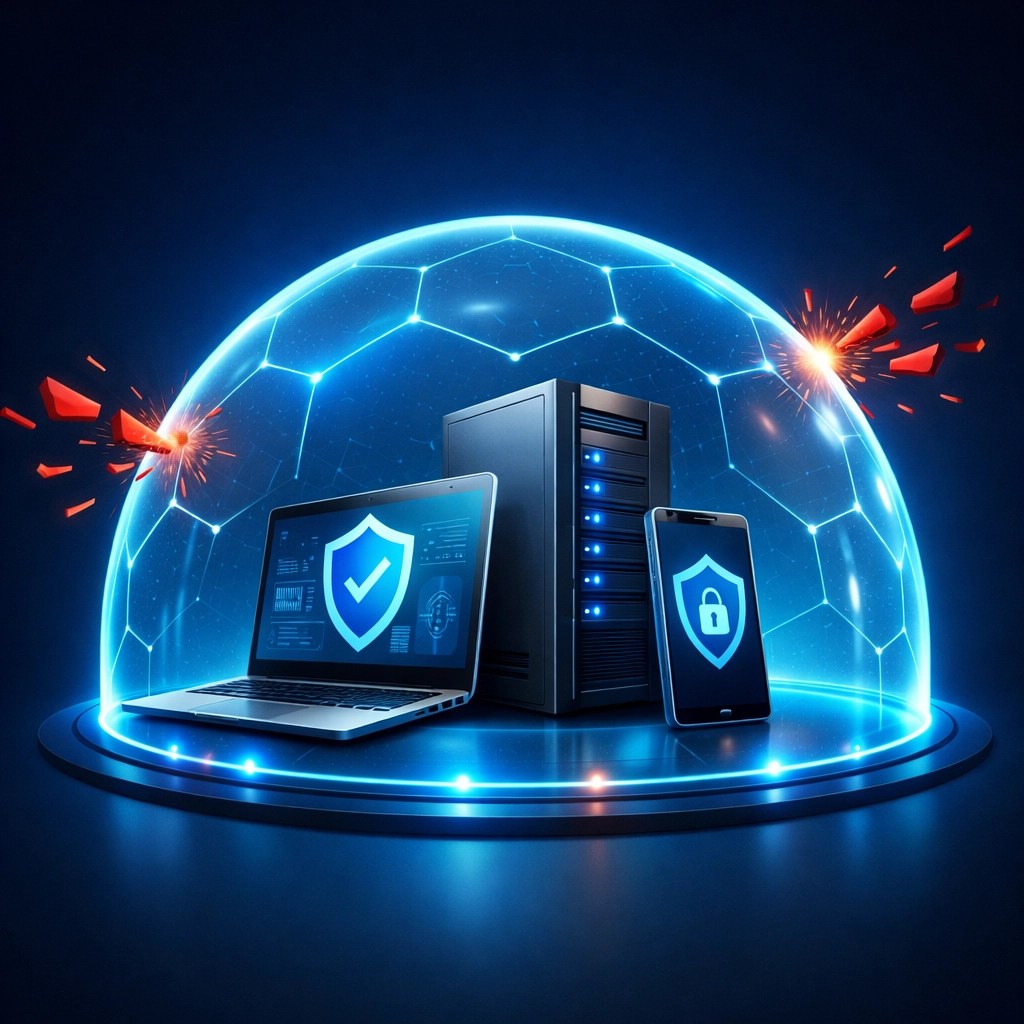
Prioritizing cybersecurity within a remote support model is effective for defending against the evolving landscape of digital threats and malicious activities. Utilizing endpoint protection and persistent monitoring tools ensures that every device connected to your network remains compliant with safety standards. Discovering the secrets of professional-grade security patching allows your business to stay ahead of vulnerabilities and prevents the exploitation of outdated software versions. You will notice a significant decrease in security incidents when your remote support team actively monitors for suspicious behavior and enforces rigorous protocol adherence.
Developing a comprehensive disaster recovery plan that incorporates remote restoration capabilities is crucial for maintaining business continuity in the event of a breach. Increasing the frequency of automated backups and verifying data integrity ensures that your organization can recover quickly from unforeseen technical disasters. Learning how to leverage cloud-based recovery tools enhances your resilience and provides a safety net that protects your most valuable information. Your business operations remain uninterrupted and your peace of mind is preserved when you have a dedicated remote team managing your defensive strategies.
Enhancing network performance through remote optimization involves fine-tuning registry settings, managing startup applications, and eliminating unnecessary background processes. Realizing the full potential of your hardware requires a dedicated effort to maintain software efficiency and ensure that resources are allocated to critical business tasks. Growing your operational capacity becomes easier when your systems are running at peak performance and your network latency is kept to an absolute minimum. You can experience faster load times and smoother multitasking when your remote IT partners focus on the continuous optimization of your computing environment.

High-Performance Gear Review: The Ultimate Remote Workstation
Selecting the right hardware is essential for maintaining a high-performance remote setup and ensuring that technical teams can operate with maximum efficiency. We recently spent time with the ASUS Zenbook Duo (2024), a dual-screen marvel that completely changes the game for remote support and content creation. The inclusion of two full-sized OLED touchscreens significantly boosts productivity by allowing users to monitor network diagnostics on one screen while performing active troubleshooting or video editing on the other. Incorporating such advanced hardware into the daily routine provides the necessary screen real-estate and processing power to handle demanding IT tasks with ease.
The build quality is professional and the performance from the Intel Core Ultra processors ensures that there is no lag when jumping between remote sessions and high-resolution video renders. For a founder or an IT specialist, having this much power in a portable form factor is a secret weapon for staying productive on the go. You can find this laptop and other essential tools for your setup on our curated list, where we recommend only the gear that survives our rigorous testing. Transitioning to a professional-grade laptop like this will significantly enhance your ability to manage complex networks and create high-quality content for your brand.
Elevate Your Brand with Professional Product Videos
🚀 Ready to Shine on Shopify and Amazon?
- ✅ Boost Conversions: High-quality video content is the #1 way to turn browsers into buyers.
- 🎥 Professional Production: We create stunning product videos tailored for Amazon and Shopify marketplaces.
- 🛠️ Tech-Focused: Our deep understanding of electronics means we highlight the features that actually matter to your customers.
- 📈 Grow Your Sales: Let us help you tell your product's story through engaging visuals and expert narration.
- 🤝 Let's Collaborate: We work closely with brands to ensure every frame aligns with your professional identity.
Visit our Video Services page to see how we can transform your product listings today!
Connect With Us
If you want to learn more about our story or the mission behind Network Repair1 LLC, check out our About Us page. We are dedicated to providing the best tech support and media solutions for small businesses across the country.
- 📱 Instagram: Follow us for daily tech tips and behind-the-scenes looks.
- 📺 YouTube: Subscribe to see our full reviews and deep-dive tutorials.
- 🎵 TikTok: Quick tech hacks and gadget highlights.
- 💼 LinkedIn: Professional insights and company updates.

Shop Our Recommended Tech
We’ve done the troubleshooting so you don't have to. The items discussed today and many others are featured on the YouTube channel.
Loved today’s review? You can find this product and all our top picks on our official Amazon storefront:
https://www.amazon.com/shop/networkrepair1?ref_=cm_sw_r_cp_ud_aipsfshop_XV0ER95A5EVVJDPA7W6A_1
For inquiries, collaborations, or remote support requests, reach out to us at:
oq@networkrepair1.com