
If you’ve tried to log into your office PC remotely lately and felt like you were trying to hack into Fort Knox with a toothpick, you aren’t alone. It is Monday, April 27, 2026, and the tech world is currently navigating one of the most turbulent periods for remote access in recent memory. Between Microsoft’s aggressive security overhauls and the retirement of legacy apps, "Remote PC Troubleshooting" has moved from a boring IT ticket category to a trending topic on everyone’s feed.
At Network Repair1 LLC, we’ve been on the front lines of this digital shift. Whether you’re a Shopify mogul trying to manage your store from a beach in Tulum or a corporate pro just trying to access a spreadsheet from your home office, the rules of the game have changed. Today, I’m breaking down why remote support is the talk of the town and showing you the five essential gadgets that are making our lives easier in this new era of tech.
The "Great Update" Chaos of 2026
Let’s be real: Microsoft has had a busy year, and not all of it has been sunshine and rainbows for the end-user. Back in January, the security update (specifically KB5074109) sent shockwaves through the industry. We saw widespread credential prompt failures across Azure Virtual Desktops and Windows 365. People were putting in perfectly valid passwords only to be told they were "unable to authenticate." It was a mess.
But wait, there’s more. Just this month: April 2026: Microsoft rolled out behavioral changes to Remote Desktop Protocol (.rdp) files to fight off phishing attacks. Now, every time you try to connect, you’re met with warning dialogs that would make a cybersecurity expert sweat. Resource redirects are disabled by default, and if your publisher signature isn't verified, good luck getting through without a headache.
On top of that, the legacy Remote Desktop app we all knew and loved was officially retired in late March. In its place is the new "Windows App." While it’s sleek, it has definitely come with some growing pains: like limited multi-monitor support and some funky authentication issues with proxy servers. This is exactly why remote-services are more in demand than ever. People need a pro to navigate these hurdles so they can actually get back to work.

Mastering Microsoft Quick Assist: Your Secret Weapon
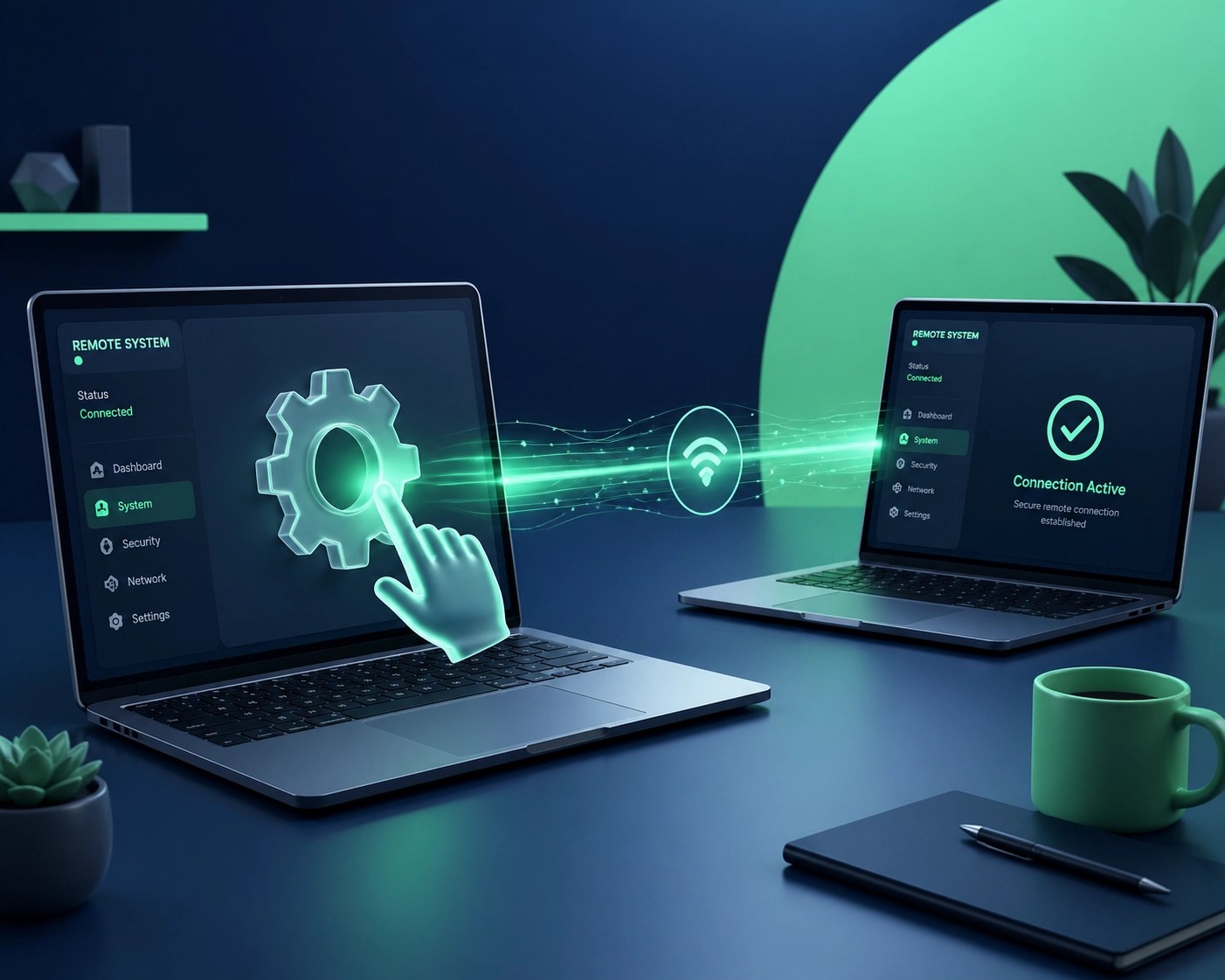
In this landscape of blocked RDP files and authentication errors, Microsoft Quick Assist has become the unsung hero of 2026. If you aren’t using it, you’re working too hard. It’s lightweight, it’s built-in, and it bypasses a lot of the heavy infrastructure issues that the new Windows App is currently fighting through.
When we do a remote session here at Network Repair1 LLC, Quick Assist is often our first choice for a "quick fix." It allows us to see your screen and take control (with your permission, obviously) to squash those bugs, optimize your system, and ensure your cybersecurity patches are actually doing their job instead of just breaking your connection.
If your system is feeling sluggish or those April updates have left your workflow in shambles, it might be time for a system optimization. A clean system isn't just a fast system; it's a secure one.
The 5 Gadgets Every Pro Needs in 2026
You can have the best software in the world, but if your hardware is stuck in 2022, you’re going to feel the lag. As we navigate the complexities of 2026 tech support, here are the five gadgets Octavio and the team recommend to stay productive and secure.
1. The Ultra-Portable 4K OLED Monitor
With the new Windows App struggling with multi-monitor configurations, having a dedicated, high-resolution portable secondary screen is a lifesaver. We’re currently loving the latest OLED panels that draw power directly from your laptop’s Thunderbolt 5 port. It’s crisp enough to see every line of code or every detail in a Shopify product video.
2. Thunderbolt 5 Docking Station
Speaking of Thunderbolt, if you haven’t upgraded to a TB5 dock yet, you’re missing out on the bandwidth required for modern remote workflows. Between high-speed data transfers and driving multiple 4K displays (when the software behaves), a solid dock is the heart of any pro setup.
3. AI-Enhanced Noise-Canceling Microphone
Remote troubleshooting often involves a lot of talking. In 2026, standard built-in mics just don't cut it. We recommend an external USB-C mic with dedicated AI processing that strips out background noise in real-time. It makes those "Can you hear me now?" moments a thing of the past.
4. Hardware Security Key (FIDO3 Standard)
With phishing attacks on RDP files becoming a major threat, passwords aren't enough. A hardware security key is the gold standard for protecting your remote sessions. It’s the physical "OK" that ensures you: and only you: can access your sensitive data.
5. High-Speed Wi-Fi 7 Travel Router
You can’t troubleshoot a PC if your internet is dropping. Wi-Fi 7 is the standard in 2026, offering lower latency and higher speeds than ever before. A dedicated travel router allows you to create a secure, high-speed tunnel wherever you are, ensuring your remote connection stays rock solid.

Why Product Videos Matter More Than Ever
While we spend a lot of time fixing PCs, a huge part of our mission at Network Repair1 LLC is helping you sell better. If you’re an entrepreneur on Shopify or Amazon, you know that a static image doesn't cut it anymore.
We offer professional product video services designed to make your tech or electronics stand out. In a world where consumers are flooded with options, a high-quality video showing your product in action is the difference between a bounce and a buy. We don't just fix the tech; we help you showcase it. If you’re looking to collaborate, we’re always looking for new brands to feature on our channel.
Wrapping Up the Tech Storm
Troubleshooting in 2026 is definitely a more complex beast than it was a few years ago. Microsoft’s focus on security is a good thing in the long run, but the growing pains are real. Whether you’re dealing with the January restart bug or the new April RDP warnings, remember that you don't have to figure it out alone.
Keep your gear updated, keep your security keys handy, and maybe give your router a hug: it’s doing a lot of heavy lifting these days.
🚀 Unlock Your Tech Potential
- Boost your productivity with a professional remote audit.
- Significantly increase your store's conversion with high-quality product videos.
- Enhance your security posture by implementing FIDO3 standards today.
- Grow your business by letting us handle the IT headaches.
✨ Let's Work Together!
- 📸 Instagram: [Follow us for daily tech tips]
- 🎥 YouTube: [Watch our deep-dive reviews]
- 🎵 TikTok: [Quick tech hacks and behind-the-scenes]
- 👥 Facebook: [Join our community of tech pros]
Ready to take your content to the next level? Let’s collaborate and create something amazing together!
Featured on the YouTube channel:
Loved today’s review? You can find this product and all our top picks on our official Amazon storefront.
https://www.amazon.com/shop/networkrepair1?ref_=cm_sw_r_cp_ud_aipsfshop_XV0ER95A5EVVJDPA7W6A_1

Network Repair1 LLC
Tech Support & Product Promotion
Contact: oq@networkrepair1.com