
Unlocking the secrets of a secure digital infrastructure remains a crucial hurdle for small business owners aiming to scale in 2026. Understanding the landscape of cyber threats involves recognizing that size does not grant immunity from sophisticated digital incursions. Discover how identifying these common vulnerabilities significantly bolsters your company’s resilience and long-term growth potential. Learn to transition from a reactive posture to a proactive defense strategy by implementing the right hardware and software combinations today.
1. The "Password123" Trap: Relying on Human Memory
Most small business owners treat passwords like gym memberships, they pick something easy to remember and then never change it until something breaks. Using predictable strings like your company name or "2026" is the digital equivalent of leaving your front door wide open with a "Welcome" mat that actually points to the safe. When employees reuse passwords across multiple platforms, a single breach at a third-party vendor can compromise your entire business network.
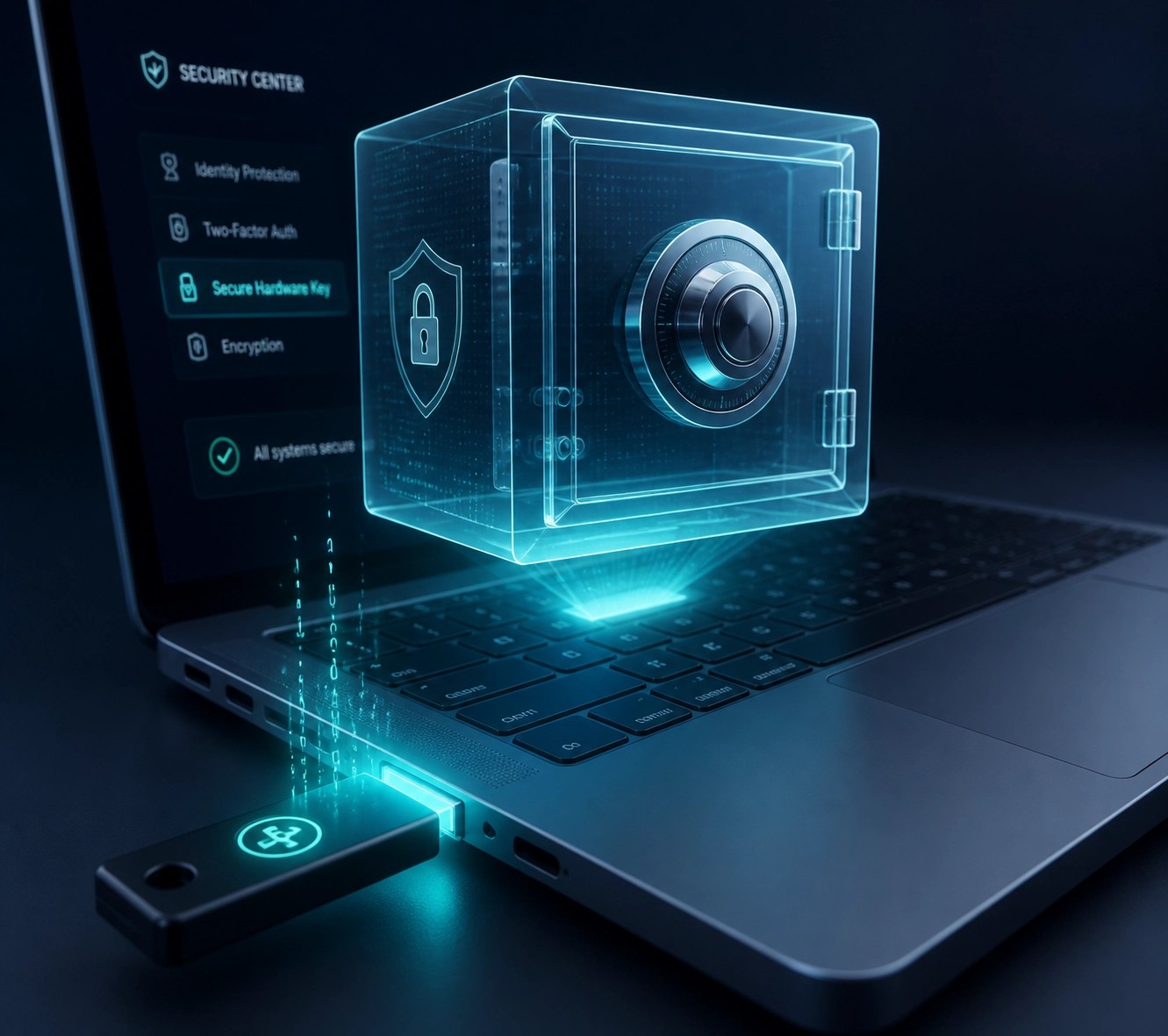
To fix this, you need to transition to a professional-grade password manager like Bitwarden or 1Password. These tools generate 20-character strings of chaotic gibberish that even a supercomputer would struggle to crack. But hardware is your second line of defense. We frequently recommend hardware security keys like the Yubikey 5 Series on our YouTube channel. Physical keys require an actual person to touch a device to authenticate a login, making remote hacking nearly impossible.
2. Skipping Multi-Factor Authentication (MFA)
If passwords are the lock, MFA is the deadbolt and the security dog. Many businesses skip MFA because they find the "extra step" annoying, but that 10-second inconvenience prevents over 99% of automated account takeover attacks. In the age of remote work, failing to secure your Microsoft 365 or Google Workspace accounts with MFA is asking for a ransomware disaster.
We recommend using authenticator apps rather than SMS-based codes, as "SIM swapping" is a common tactic used by hackers to intercept text messages. If you’re struggling to set this up across your team, Network Repair1 LLC specializes in remote services where we can guide your staff through the process using Microsoft Quick Assist. We jump on your screen, click the right buttons, and ensure your team is locked down tight without the headache of you playing IT director.
3. Running "Vintage" Hardware and Unpatched Software
Operating your business on a laptop from 2019 is like driving a car with no airbags, it might get you to work, but the first crash will be catastrophic. Older systems often lack the hardware-level security features like TPM 2.0 (Trusted Platform Module) that modern operating systems like Windows 11 require to keep your data encrypted. Furthermore, ignoring that little "Update Available" notification is essentially ignoring a patch for a hole in your hull.
Let’s look at the gear. If you’re still rocking an ancient machine, it’s time for an upgrade. We’ve been testing the latest high-performance laptops that balance security with raw power. A solid recommendation for 2026 is the Dell XPS 15 or the latest MacBook Pro with M-series chips. These devices feature integrated biometric security (fingerprint and facial recognition) and dedicated security chips that isolate your credentials from the rest of the system. You can see our full breakdown of these machines on our post-sitemap.
4. The "It Won't Happen to Me" Backup Strategy
The biggest mistake is assuming a cloud drive like Dropbox is a "backup." It isn't. If a virus encrypts the files on your computer, those encrypted files will sync perfectly to the cloud, leaving you with two copies of useless data. You need an "air-gapped" or versioned backup strategy.
We advocate for the 3-2-1 rule: 3 copies of your data, on 2 different media types, with 1 copy stored off-site. For the gear-inclined, a Synology NAS (Network Attached Storage) system is a game-changer. It creates a local vault for your data that can automatically back itself up to a secure cloud provider. This way, if your office gets hit by a power surge or a hacker, your business stays alive.

5. Neglecting Employee Training and Remote Support
Your employees are your greatest asset, but they are also your biggest security risk. Phishing emails have become incredibly sophisticated, often looking like legitimate invoices or messages from the boss. Without regular training, a single accidental click can bypass a million dollars in firewall tech.
This is where we come in. At Network Repair1 LLC, we don’t just fix things when they break; we optimize your system so they don't. We use Microsoft Quick Assist to provide real-time IT support and training. If an employee is confused about a suspicious email, we can remote in, analyze the threat, and educate the team on the spot. It’s like having an IT department in your pocket. Check out our about page to see how we’ve helped businesses stay clean and fast.
6. Using Consumer-Grade Networking Gear
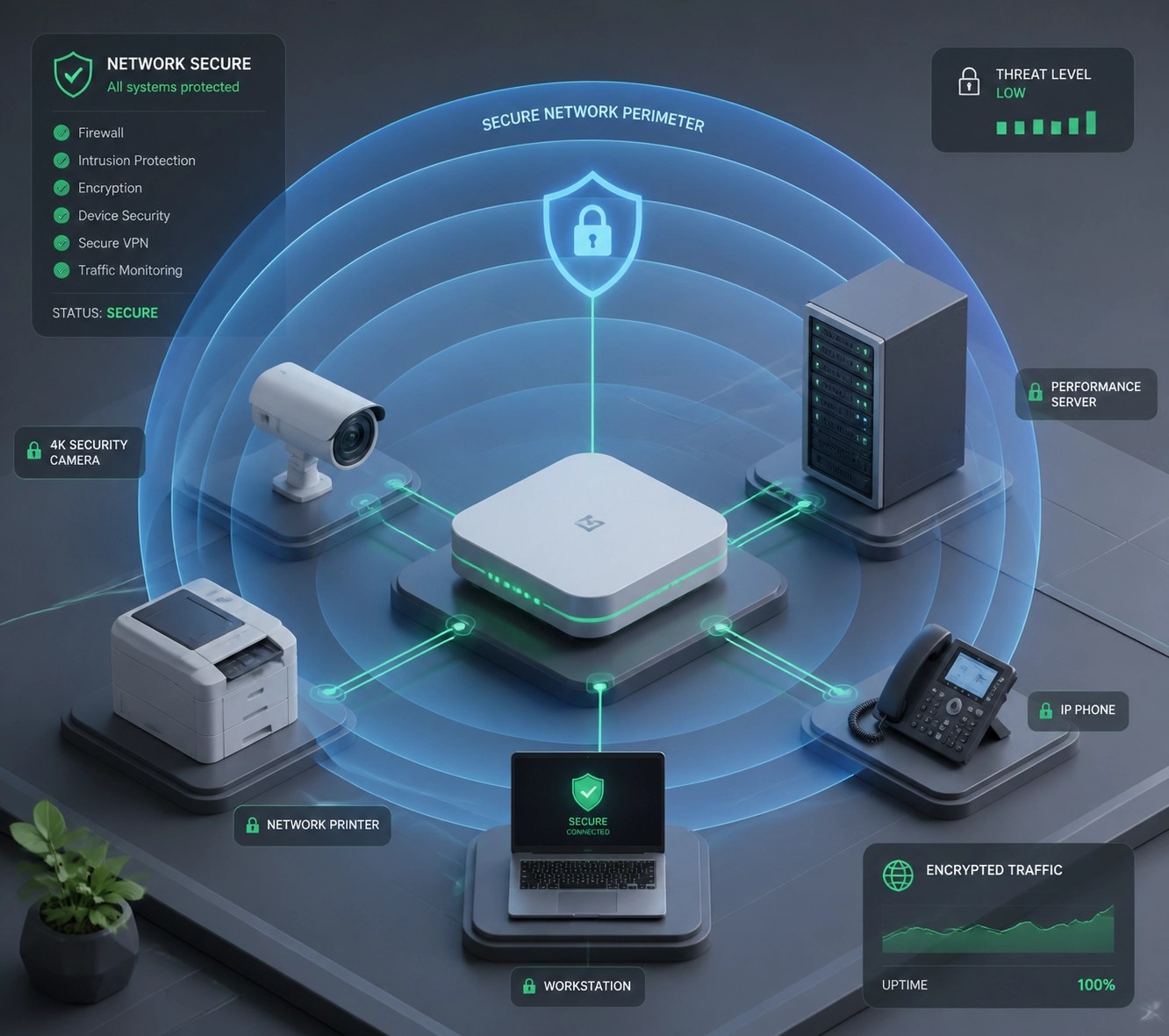
Using the router your ISP gave you for free is like using a screen door to protect a bank vault. Consumer routers lack the advanced firewall features, VPN capabilities, and traffic isolation (VLANs) necessary to keep business data separate from, say, the office smart-fridge or a guest’s infected phone.
You need professional-grade networking gear. Brands like Ubiquiti (UniFi) or ASUS ProArt series offer incredible control. By setting up a dedicated "Work" network that is isolated from everything else, you ensure that if a smart bulb gets hacked, your accounting server remains untouched. We’ve reviewed the best mesh systems for small offices on our Amazon storefront, focusing on gear that offers "set it and forget it" reliability.
7. Zero Video Surveillance and Physical Security
In the digital world, we often forget that physical access is the ultimate hack. If someone can walk into your office and plug a USB drive into a server, your firewalls don't matter. Small businesses often skip out on smart surveillance because they think it’s too expensive or complex.
The modern solution is high-quality, 4K wireless cameras like those from Arlo or Eufy. These gadgets offer AI-powered person detection and cloud storage, allowing you to monitor your storefront or office from your phone anywhere in the world. Plus, for those of you selling these types of electronics on Shopify or Amazon, high-quality product videos are essential to prove to customers that your gear actually works.
🚀 Level Up Your Brand with Network Repair1!
Are you an Amazon or Shopify seller looking to dominate your niche? 🎥 We don't just fix networks; we create high-conversion product videos that sell!
- ✨ Pro-Grade Production: We showcase your electronics, gadgets, and tech gear in the best light.
- 📈 Boost Conversions: Professional video content is proven to increase trust and sales.
- 🛠️ Tech Experts: Because we understand the tech, we know exactly which features to highlight.
- 🤝 Let's Collaborate: We help you stand out in a crowded marketplace.
Whether you need a deep-dive review or a 30-second "unboxing" for your listing, we’ve got the cameras and the expertise to make your products shine. Visit our collaboration page to get started!
Final Thoughts: Proactive is the Only Way
The common thread in all these mistakes is being reactive. Waiting for a virus to strike before buying an antivirus is a losing game. By investing in professional gear: the right laptops, secure routers, and robust backup systems: and pairing them with expert remote support, you build a fortress that allows you to focus on what you do best: growing your business.
Remember, tech should work for you, not against you. If you're feeling overwhelmed by the choices, we’ve already done the hard work of testing the best equipment on the market.
Featured on the YouTube channel:
'Don't settle for subpar tech. Grab the professional-grade gear we trust to keep our networks running fast and secure.'
Shop our Amazon Storefront

Contact us today to secure your setup:
oq@networkrepair1.com