
Securing a high-performance laptop for under $1000 requires unlocking the specific technical benchmarks that define long-term value and operational efficiency. Achieving professional-grade results on a budget necessitates a strategic focus on hardware longevity, system architecture, and modern connectivity standards. Learn to navigate the complex market of mid-range electronics by identifying the core components that drive productivity and minimize technical downtime. Understanding these critical variables can boost your computing experience and ensure your investment remains viable for years to come.
1. Identifying the Ideal Operating System and Use Case
Defining the primary objective of a computer purchase serves as the foundational step in the procurement process. Selecting between Windows, MacOS, and ChromeOS hinges on the specific software requirements of your professional or educational workflow. Windows offers the most versatility for varied software ecosystems and gaming, while MacOS provides a streamlined, high-efficiency environment for creative professionals. Discovering the limitations and strengths of each platform is crucial for aligning hardware capabilities with your daily operational demands.
2. Prioritizing Processor Tiers for 2026 Standards
Selecting the correct Central Processing Unit determines the fundamental speed and multitasking capacity of any modern machine. Aim for an Intel Core i5 or a Ryzen 5 processor as the absolute baseline for mid-range systems to ensure smooth execution of background processes and demanding applications. Higher-tier processors like the Core i7 or Ryzen 7 may occasionally appear in this price bracket during clearance cycles, offering significant performance gains for heavy data processing. Avoiding entry-level chips like Celeron or Athlon is essential for maintaining a responsive system that does not succumb to performance bottlenecks.
3. Mandating 16GB of RAM for System Longevity
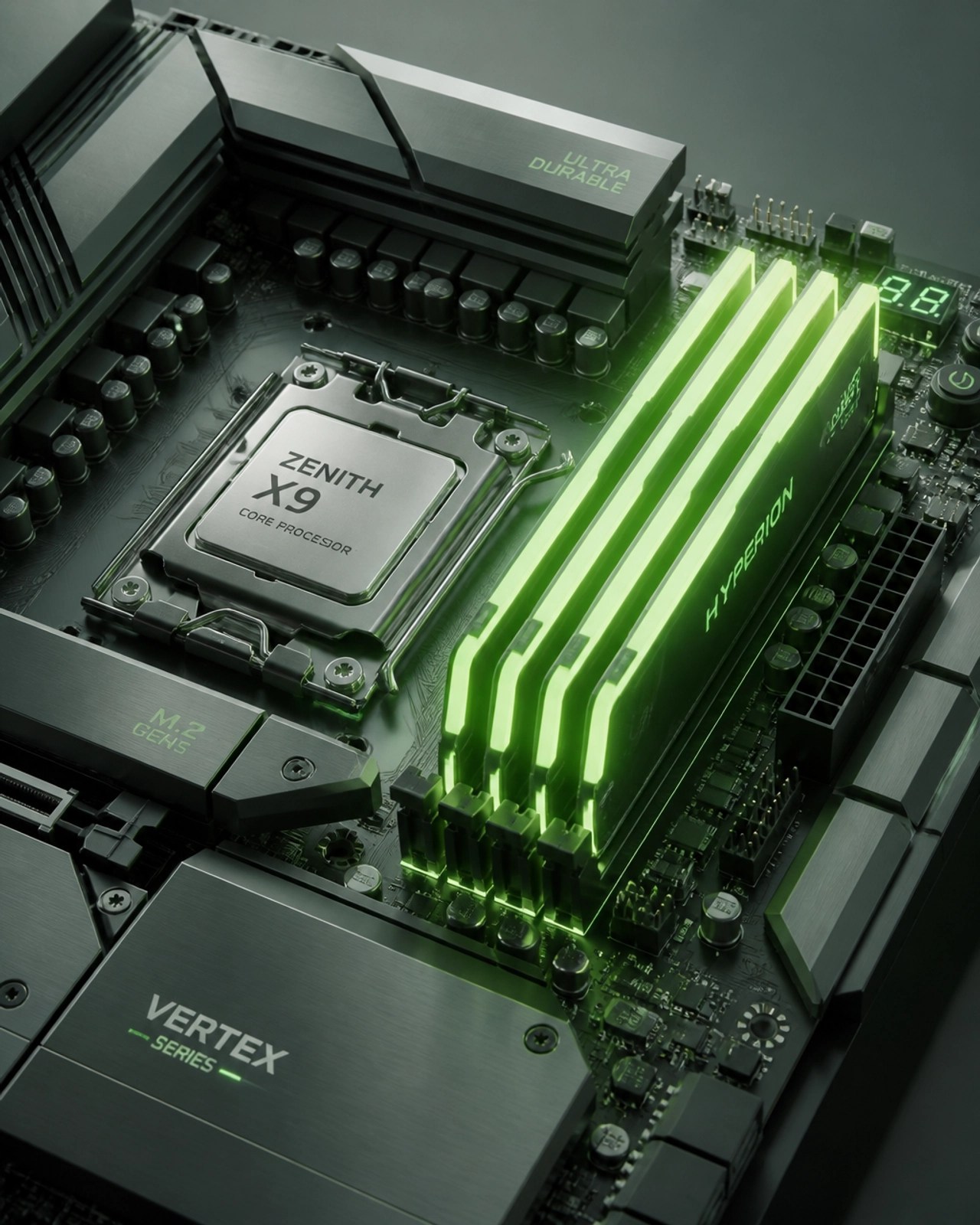
Securing at least 16GB of Random Access Memory is now the standard requirement for ensuring a fluid multitasking experience in modern operating environments. Operating with only 8GB of RAM often leads to significant slowdowns when managing multiple browser tabs and background security software simultaneously. Integrated memory modules are becoming increasingly common in thin-and-light designs, making it vital to choose the correct capacity during the initial purchase. Enhancing your system's memory capacity directly correlates with increased productivity and a more stable computing environment over the device's lifespan.
4. Insisting on High-Speed SSD Storage Capacities
Transitioning exclusively to Solid State Drive technology is a non-negotiable requirement for any laptop purchase in the current technological landscape. Targeting a minimum of 512GB of SSD storage provides the necessary space for essential applications, system updates, and localized data storage. SSDs significantly reduce boot times and accelerate file access speeds compared to traditional hard drives, creating a more efficient user interface. Maintaining adequate storage overhead prevents system degradation and allows for the seamless integration of large software suites or media projects.
5. Evaluating Display Technology and Panel Quality
Investing in a high-quality display significantly enhances the visual clarity and overall comfort of extended computing sessions. Demand a minimum resolution of 1920×1080 and prioritize IPS or OLED panels over outdated TN technology to ensure superior color accuracy and wider viewing angles. Higher refresh rates, such as 120Hz or 144Hz, are increasingly available in this price range and offer a much smoother visual experience for both navigation and entertainment. Accurate color reproduction is particularly crucial for users involved in digital content creation or detailed professional presentations.
6. Distinguishing Between Integrated and Dedicated Graphics
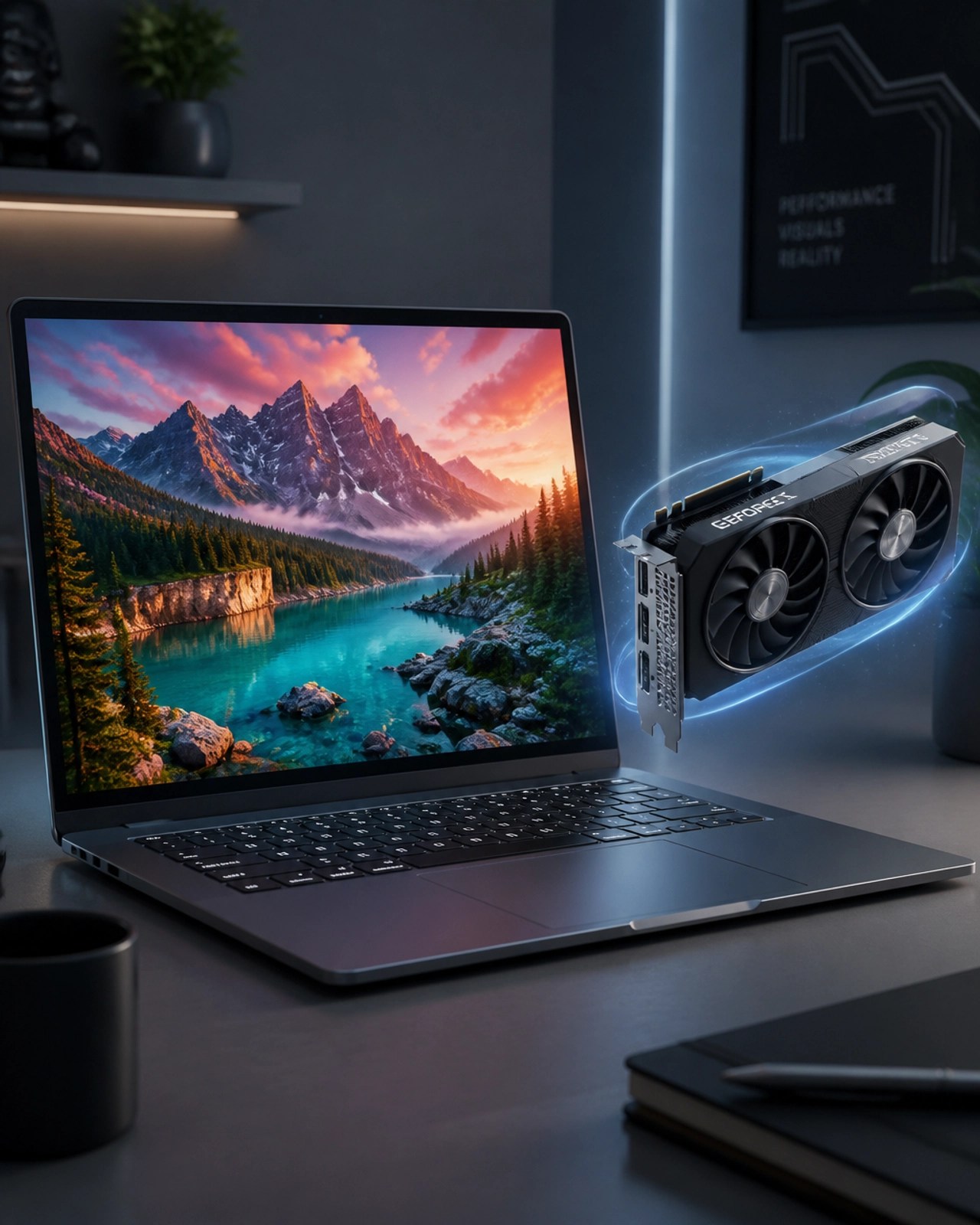
Understanding the distinction between integrated and dedicated graphics processing units is vital for users with gaming or creative ambitions. Modern integrated graphics found in mid-range processors are more than sufficient for standard office tasks, web browsing, and high-definition video streaming. Users requiring higher graphical fidelity for video editing or 3D rendering should search for laptops equipped with dedicated GPUs like the RTX 4060 series. Balancing graphical power with battery life requirements is a crucial consideration for maintaining a portable yet capable professional setup.
7. Assessing Build Quality and Industrial Design
Evaluating the physical construction of a laptop is just as important as scrutinizing the internal specifications for long-term durability. Seeking machines with aluminum chassis or reinforced high-quality polymers ensures that the device can withstand the rigors of frequent travel and daily usage. Testing the keyboard tactile feedback and the precision of the trackpad is essential for maintaining high levels of input efficiency. Business-class models often prioritize these ergonomic and structural features, providing a more reliable experience than consumer-grade plastic alternatives.
8. Managing Battery Life and Portability Expectations
Calculating the real-world battery performance of a device involves looking beyond the manufacturer's often optimistic marketing claims. Target devices that consistently deliver at least 10 to 12 hours of operational time to ensure your workflow remains uninterrupted throughout a standard workday. Portability is a significant factor for mobile professionals, and aiming for a weight under 3.5 pounds can significantly reduce physical strain during commutes. Balancing high-performance hardware with energy efficiency is a hallmark of a well-designed mid-range laptop.
9. Verifying Port Availability and Future Connectivity
Ensuring a laptop includes a versatile array of ports is crucial for maintaining compatibility with existing peripherals and future technology. Look for devices featuring at least two USB-C ports with Power Delivery and DisplayPort support, alongside traditional USB-A ports for legacy devices. The inclusion of an HDMI port and a dedicated SD card reader can significantly streamline your workflow for presentations and media transfers. Relying solely on external dongles can be cumbersome, so prioritizing built-in connectivity can enhance your overall efficiency and reduce clutter.
10. Understanding Warranty Support and Remote IT Solutions
Securing a robust warranty and understanding your technical support options is the final step in protecting your technological investment. Many technical issues can be resolved through professional remote assistance, such as the services provided by Network Repair1 LLC. Utilizing tools like Microsoft Quick Assist and implementing proactive cybersecurity measures can prevent major system failures before they occur. Partnering with a dedicated IT specialist allows for the optimization of your new hardware and ensures that your digital infrastructure remains secure and productive.

At Network Repair1 LLC, we specialize in ensuring your technology works for you, not against you. Whether you are a small business owner needing a secure cloud setup or a content creator looking to boost your social media presence with high-quality product videos, we have the expertise to help. Our team provides top-tier remote IT support, helping you navigate everything from malware removal to Microsoft 365 optimization. Let's collaborate to build a faster, more secure, and highly productive digital environment together.
🚀 Elevate Your Tech Game Today:
• 💻 Remote IT Excellence: Get professional troubleshooting without the wait.
• 🛡️ Ironclad Security: We implement the latest cybersecurity protocols to protect your data.
• 🎥 Content Strategy: We create professional product reviews and videos for Shopify and Amazon.
• ☁️ Cloud Solutions: Seamlessly transition your workflow to Microsoft 365 and the cloud.
• 🤝 Let's Collaborate: Reach out to us for brand collaborations and custom media production.
Featured on the YouTube channel:
Loved today’s review? You can find this product and all our top picks on our official Amazon storefront.
https://www.amazon.com/shop/networkrepair1?ref_=cm_sw_r_cp_ud_aipsfshop_XV0ER95A5EVVJDPA7W6A_1