
Selecting a high-performance laptop in the sub-$1,000 price bracket requires a strategic understanding of hardware limitations and market trends to ensure long-term productivity and value. Understanding the critical balance between processing power, thermal management, and display quality allows for an informed investment that circumvents common pitfalls associated with budget-oriented machines. Discover the essential specifications and security measures necessary to maximize system longevity and maintain peak operational efficiency in a professional or creative environment.
1. Prioritize Modern Processor Architecture
Identify the specific generation of the CPU rather than relying solely on the brand name, as a modern Intel Core i5 or AMD Ryzen 5 often outperforms older high-tier alternatives. Seek out the latest 14th-generation or equivalent chips to benefit from enhanced power efficiency and improved integrated graphics capabilities. High-performance computing tasks require at least six cores to manage concurrent background processes and demanding applications effectively.
2. Standardize on 16GB of RAM
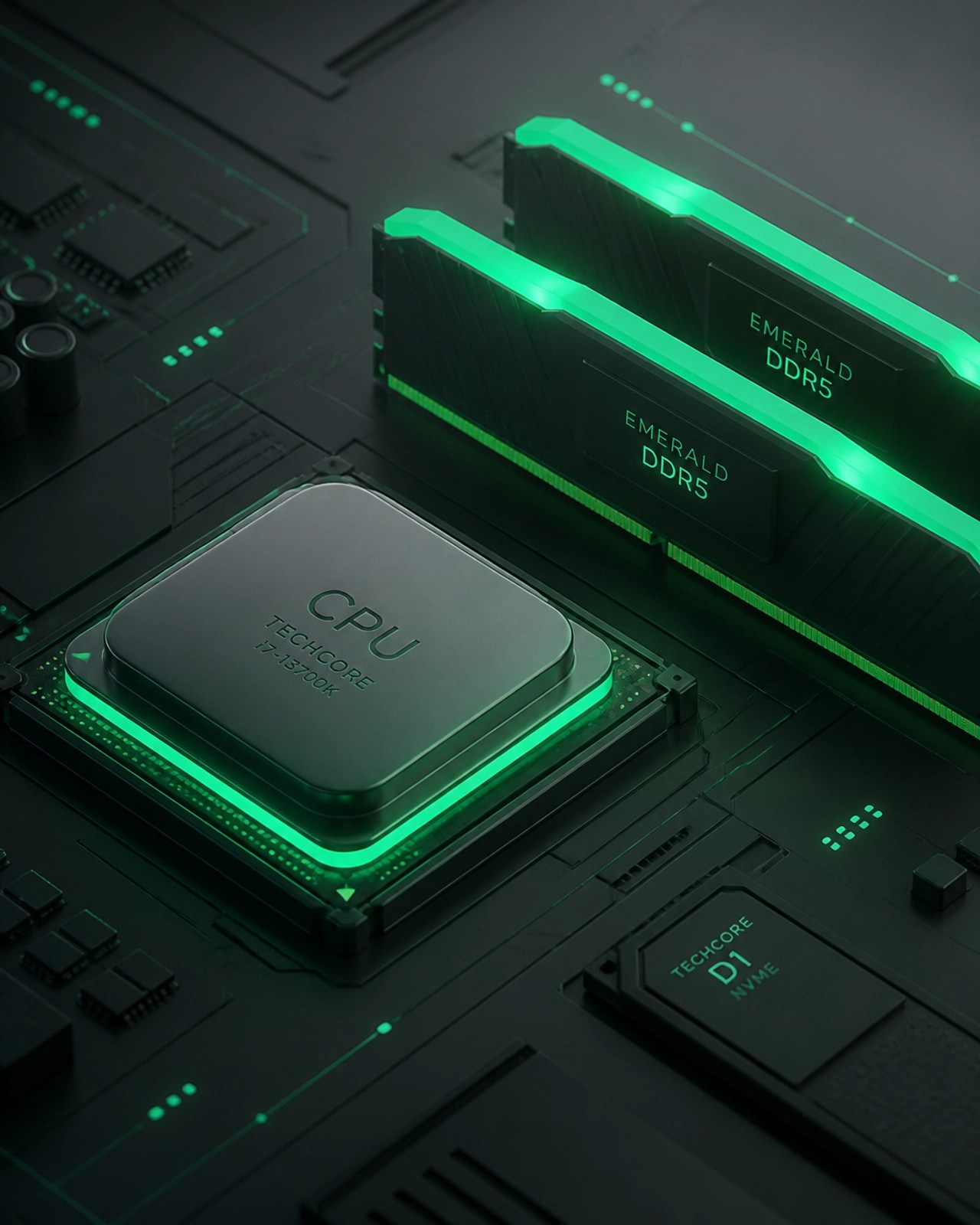
Choosing a machine with 16GB of DDR5 RAM ensures smooth multitasking across intensive web browsers and productivity suites without experiencing system-wide latency. Modern operating systems and professional applications increasingly demand higher memory overhead, making 8GB configurations obsolete for most professional workflows. Enhanced memory capacity significantly reduces reliance on virtual memory and extends the functional lifespan of the hardware.
3. Evaluate Display Specifications and Aspect Ratios
Acquiring a laptop with a 16:10 aspect ratio provides additional vertical screen real estate, which is crucial for viewing large documents and complex coding environments. Prioritize IPS panels with a minimum of 300 nits of brightness and 100% sRGB color accuracy to ensure visual clarity and professional-grade color reproduction. High-resolution displays enhance text sharpness and reduce eye strain during prolonged periods of concentrated work.
4. Implement Robust Cybersecurity Measures
Securing a new device begins with immediate firmware updates and the configuration of hardware-based security features like TPM 2.0 and biometric authentication. Establishing a secondary layer of protection through encrypted local storage and secure network configurations mitigates the risk of data breaches and unauthorized access. Remote IT support services can facilitate the setup of advanced threat protection and automated backup systems to safeguard sensitive information.

5. Invest in Discrete Graphics for Specialized Workflows
Gamers and content creators should target laptops featuring the NVIDIA GeForce RTX 4050 or 4060 to achieve reliable frame rates and accelerated rendering speeds. These dedicated GPUs offer specialized hardware for ray tracing and AI-driven upscaling, which significantly boosts performance in modern gaming titles and video editing software. Ensure the laptop's thermal design can support the Total Graphics Power (TGP) of the card to prevent performance throttling during heavy loads.
6. Assess Battery Longevity and Charging Standards
Selecting a laptop that supports USB-C Power Delivery (PD) enables the use of universal chargers and high-capacity portable power banks for extended field use. Aim for a minimum real-world battery life of eight to ten hours to maintain productivity throughout a standard workday without the need for constant tethering to a power source. Efficient hardware combined with larger battery capacities in the 60Wh to 80Wh range typically yields the best balance between weight and endurance.
7. Optimize Storage Through NVMe SSD Technology
Faster boot times and rapid file transfers are standard when utilizing NVMe SSDs with at least 512GB of capacity, though 1TB is preferable for extensive media libraries. High-speed storage drives improve the overall responsiveness of the system by reducing the time required for the operating system to access frequently used data. Consider laptops with an additional M.2 slot to allow for future storage expansion as digital asset requirements grow.
8. Utilize Professional Remote Assistance
Leveraging Microsoft Quick Assist allows for immediate troubleshooting and system optimization without the logistical challenges of on-site technical visits. Professional remote diagnostics can identify hidden performance bottlenecks and remove bloatware that often ships with budget-friendly laptops. Maintaining a direct line to expert technical assistance ensures that software conflicts and network issues are resolved before they impact critical business operations.

9. Inspect Build Quality and Input Hardware
Durability is a key factor when purchasing machines under $1,000, as premium chassis materials like aluminum or magnesium alloy offer better protection for internal components. High-quality keyboards with tactile feedback and precision glass trackpads enhance the user experience and improve input accuracy for high-speed typing. Reviewing user feedback regarding hinge durability and chassis flex can prevent long-term mechanical failures.
10. Enhance Brand Presence Through Quality Content
Showcasing new technology through professional content creation helps businesses engage audiences and demonstrate product utility with high-definition visual storytelling. High-quality video reviews and detailed product demonstrations highlight the unique features of modern laptops, driving consumer trust and increasing conversion rates on digital storefronts. Effective media production bridges the gap between technical specifications and real-world application for a growing online community.
🚀 BOOST Your Tech Game Today!
✅ Remote IT Support: Get instant help with troubleshooting, malware removal, and system optimization!
✅ Microsoft 365 Mastery: Let us handle your cloud setup and email migrations for seamless productivity!
✅ Content Creation: We produce high-quality product reviews and social media content to help your brand SHINE!
✅ Network Setup: Secure your home or office with professional diagnostics and optimization!
Let's collaborate and grow your digital presence together!
Featured on the YouTube channel:
Loved today’s review? You can find this product and all our top picks on our official Amazon storefront.
https://www.amazon.com/shop/networkrepair1?ref_=cm_sw_r_cp_ud_aipsfshop_XV0ER95A5EVVJDPA7W6A_1