
Welcome back to the daily grind where we separate the high-performance gold from the tech-trash glitter. If you’re tired of your current laptop sounding like a jet engine just to open a Chrome tab, you’re in the right place. Today, we’re diving into the sweet spot of the market: the sub-$1000 category. It’s that magical territory where you stop buying "budget" compromises and start buying actual tools for success. We’ve scoured the benchmarks, tested the hinges, and compared the silicon to bring you the definitive list for 2026. Whether you're a student, a creative, or a small business owner, let's get you upgraded without breaking the bank.
Selecting a high-performance machine within a constrained budget is crucial for maximizing long-term productivity and ensuring a seamless digital workflow. Understand the internal hardware architecture by focusing on Apple’s M-series silicon or Intel’s Core Ultra processors, which significantly enhance thermal efficiency and multi-threaded performance. Discover the secrets of memory management by prioritizing sixteen gigabytes of RAM to unlock superior multitasking capabilities and prevent system bottlenecks during intensive operations. Learn to identify high-quality display panels with at least four hundred nits of brightness and a wide color gamut to ensure visual clarity and color accuracy for professional creative tasks. Explore the benefits of modern storage solutions like NVMe solid-state drives that facilitate rapid data access and system responsiveness, and evaluate the structural integrity of aluminum chassis designs to secure your investment against physical wear. Enhance your operational mobility by targeting devices that offer a minimum of ten hours of battery life, and always verify port connectivity options to ensure compatibility with essential peripherals and external displays.
The Gold Standard: MacBook Air 13-inch (M4)
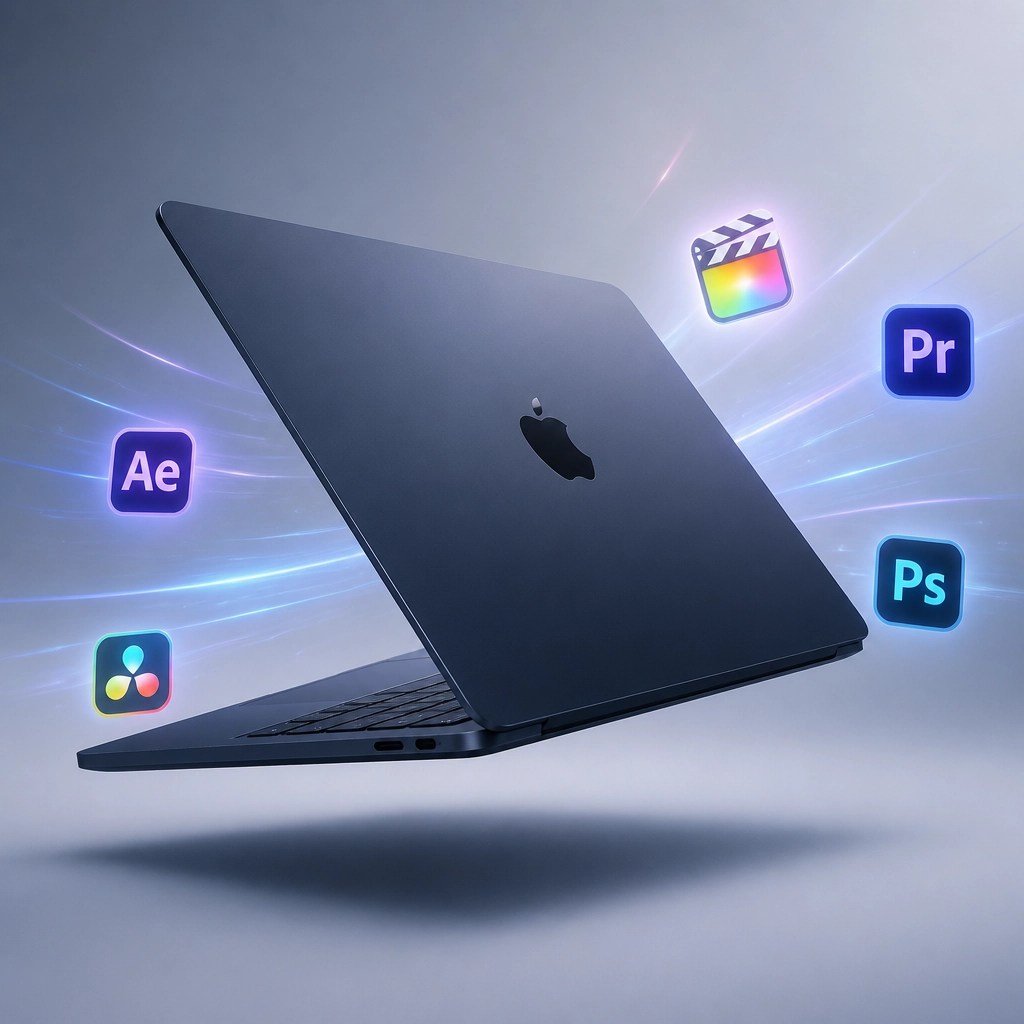
When it comes to pure value and reliability, the MacBook Air remains the titan to beat. With the introduction of the M4 chip, Apple has pushed the entry-level performance into a realm that was previously reserved for professional workstations. You are getting a machine that stays silent because it doesn't even need a fan, yet it can edit 4K video while you have fifty tabs open in the background.
- Performance: The 10-core CPU and 8-core GPU in the M4 chip provide a massive uplift in AI-driven tasks and daily productivity.
- Build Quality: The all-aluminum enclosure feels like a $2,000 machine, offering the best trackpad in the industry and a keyboard that finally feels tactile and reliable.
- Battery Life: You can easily get through a 12-hour workday without glancing at a charger, making it the ultimate tool for the mobile professional.
If you are looking for a "set it and forget it" laptop that will likely last you five to seven years, this is the one. It’s a staple for our remote IT support clients who need something that just works every time they flip the lid.
The Powerhouse: ASUS TUF Gaming A16 Advantage Edition
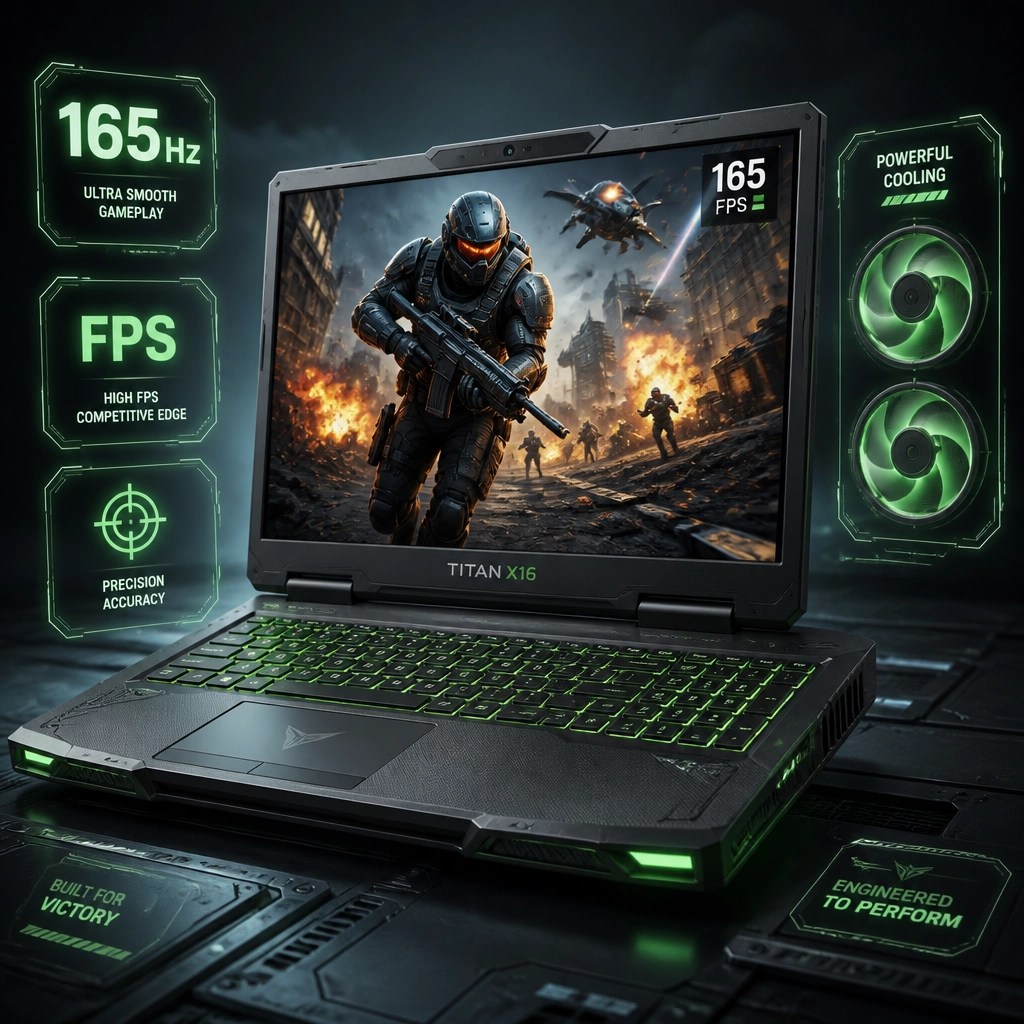
Who says you can't game on a budget? The ASUS TUF A16 is proof that you can have a high-refresh screen and a dedicated GPU for under a grand. This isn't just for gamers, though; the Ryzen 7 and Radeon combo makes this a beast for engineering students and 3D modelers who need raw horsepower over thin-and-light aesthetics.
- Display: The 165Hz FHD+ panel is buttery smooth, which isn't just great for gaming: it makes scrolling through long documents and spreadsheets feel significantly more responsive.
- Durability: It carries the "TUF" name for a reason, meeting MIL-STD-810H standards for drops, vibration, and temperature extremes.
- Thermal Control: Large internal fans and heat pipes ensure that you don't lose performance to thermal throttling during long rendering sessions.
The Versatile Choice: Dell 14 Plus 2-in-1
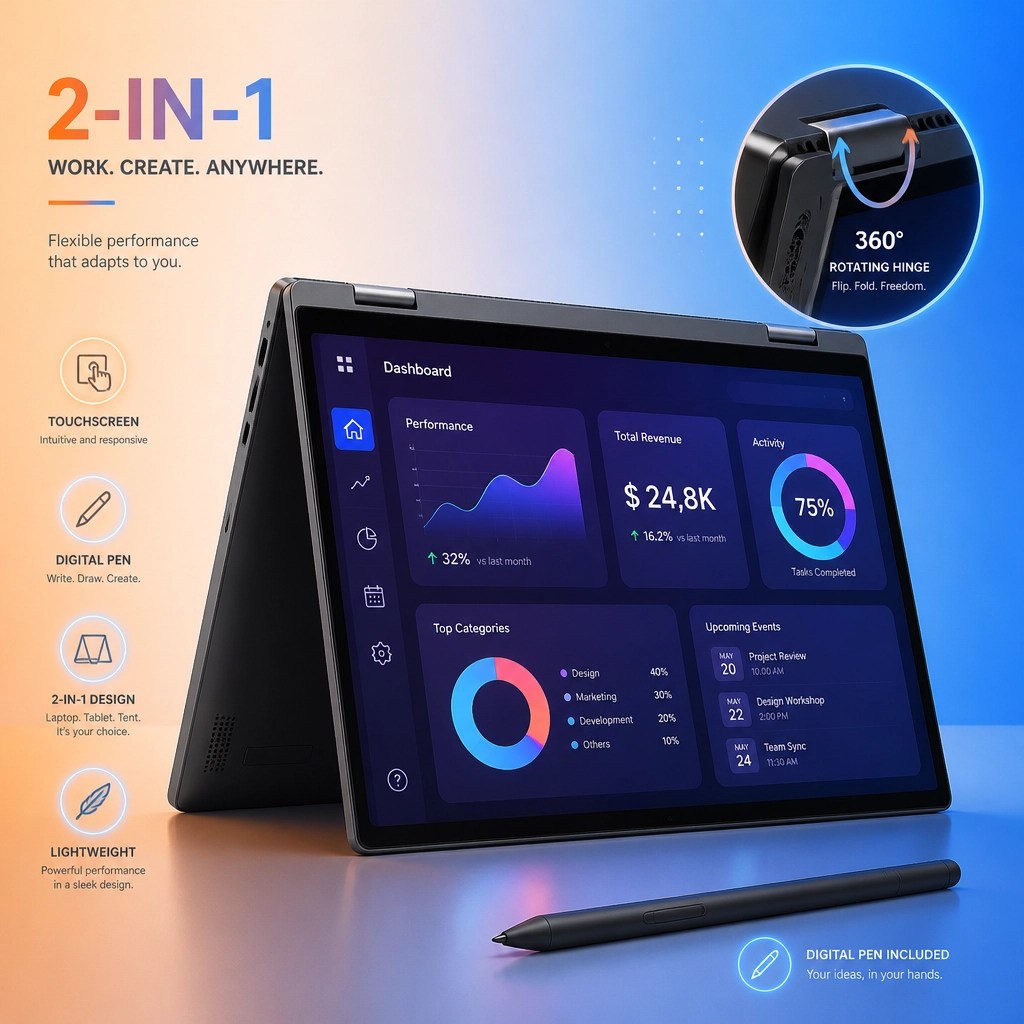
For those who need to sign contracts, sketch ideas, or present to clients, the 2-in-1 form factor is a game-changer. The Dell 14 Plus manages to pack an Intel Core Ultra 7 processor and a massive 1TB SSD into a chassis that flips 360 degrees.
- Flexibility: Use it as a traditional laptop, a tablet for note-taking, or in "tent mode" for video calls and presentations.
- The Screen: The 14-inch touchscreen is responsive and vibrant, perfect for creative workflows that require a hands-on approach.
- Connectivity: Unlike some ultra-thins, Dell provides a healthy selection of ports, meaning fewer dongles to carry in your bag.
Pro Tip: Optimizing Your New Tech for Remote Support

Once you’ve snagged that shiny new laptop, you need to ensure it stays fast and secure. At Network Repair1, we specialize in making sure your system doesn't bog down after six months of use. One of the most effective tools we use for troubleshooting is Microsoft Quick Assist. It’s built into Windows and allows us to securely view your screen and fix issues in real-time without you ever leaving your desk.
To keep your new investment safe:
- Enable BitLocker: If you're on a Windows Pro machine, encrypting your hard drive is the first line of defense if your laptop is ever lost or stolen.
- Regular Optimization: Just like a car, your OS needs a tune-up. We recommend a monthly check-up of your startup apps and background processes to keep that "new computer feel."
- Secure Your Cloud: If you're using Microsoft 365, ensure Multi-Factor Authentication (MFA) is active. We help dozens of small businesses set this up every week to prevent unauthorized access.
🚀 Let's Elevate Your Digital Experience
- ✅ Unlock Professional Performance: Boost your efficiency by integrating our specialized remote IT support into your daily operations.
- ✅ Enhance Your Brand Presence: Together, we can create high-impact product videos and content that showcase your brand on Shopify or Amazon.
- ✅ Secure Your Network: Let us handle your cybersecurity and cloud setup so you can focus on growing your business.
- ✅ Collaborate for Success: We bridge the gap between creative media and technical expertise to give you a competitive edge.
Featured on the YouTube channel:
https://www.amazon.com/shop/networkrepair1?ref_=cm_sw_r_cp_ud_aipsfshop_XV0ER95A5EVVJDPA7W6A_1
Ready to upgrade your tech? Check out our curated list of essential tools to keep you connected and productive.