
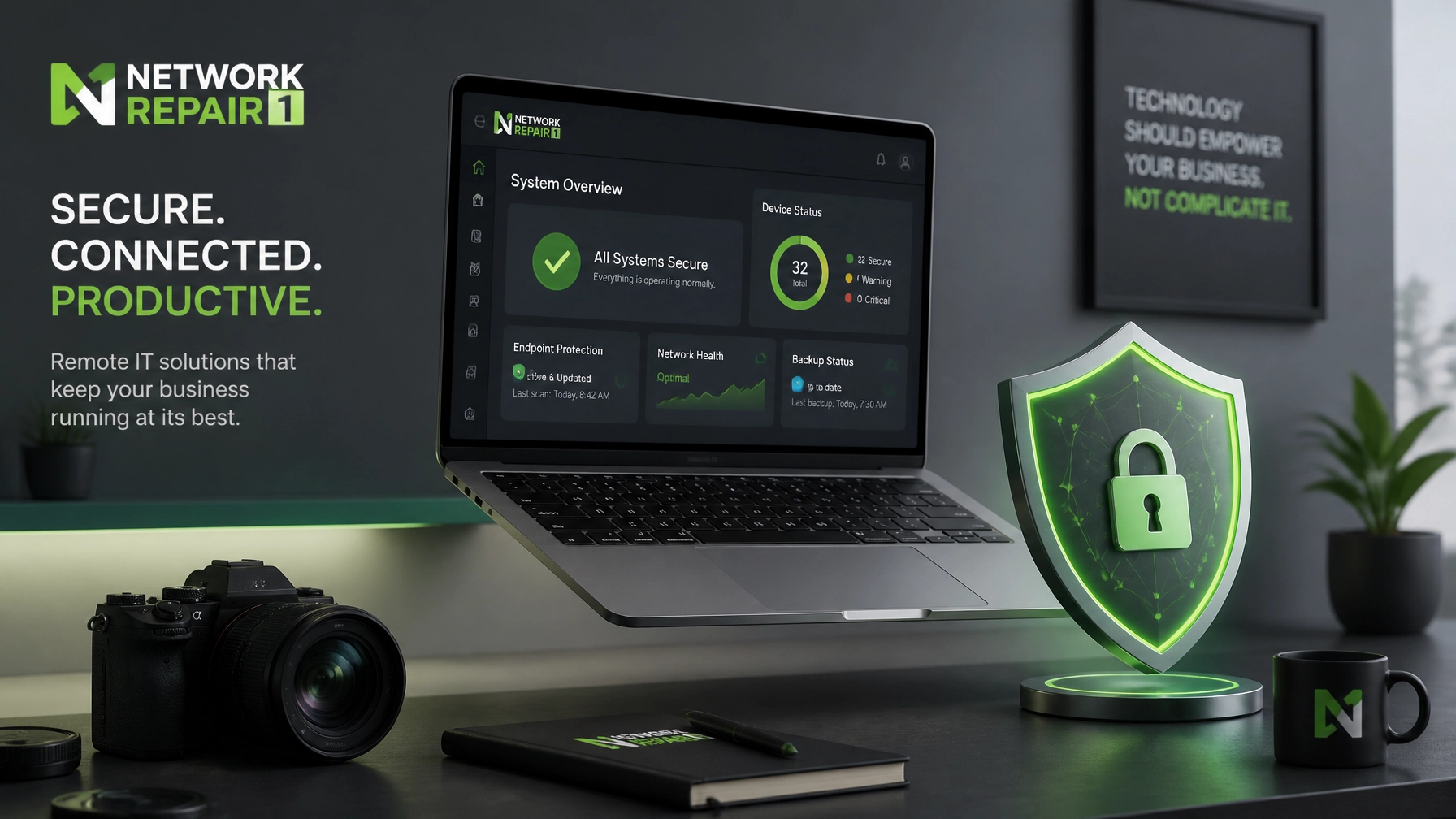
Maintaining a high-performance digital environment requires a strategic combination of robust cybersecurity protocols and optimized hardware configurations to ensure seamless remote operations. Learn the essential principles of secure connectivity by mastering Microsoft Quick Assist for instant troubleshooting, and discover how proactive system diagnostics significantly reduce downtime while enhancing overall productivity. Establishing a resilient network architecture involves implementing multi-factor authentication, performing regular software patches, and verifying identity credentials before every remote session to prevent unauthorized access. You can achieve greater operational efficiency by integrating advanced system optimization techniques that clear background processes and prioritize critical business applications on your devices. These improvements can boost your professional output, increase the longevity of your hardware, and expand your capacity for handling complex digital tasks without technical interruptions.
🛡️ Secure Remote Support: The Network Repair1 Standard
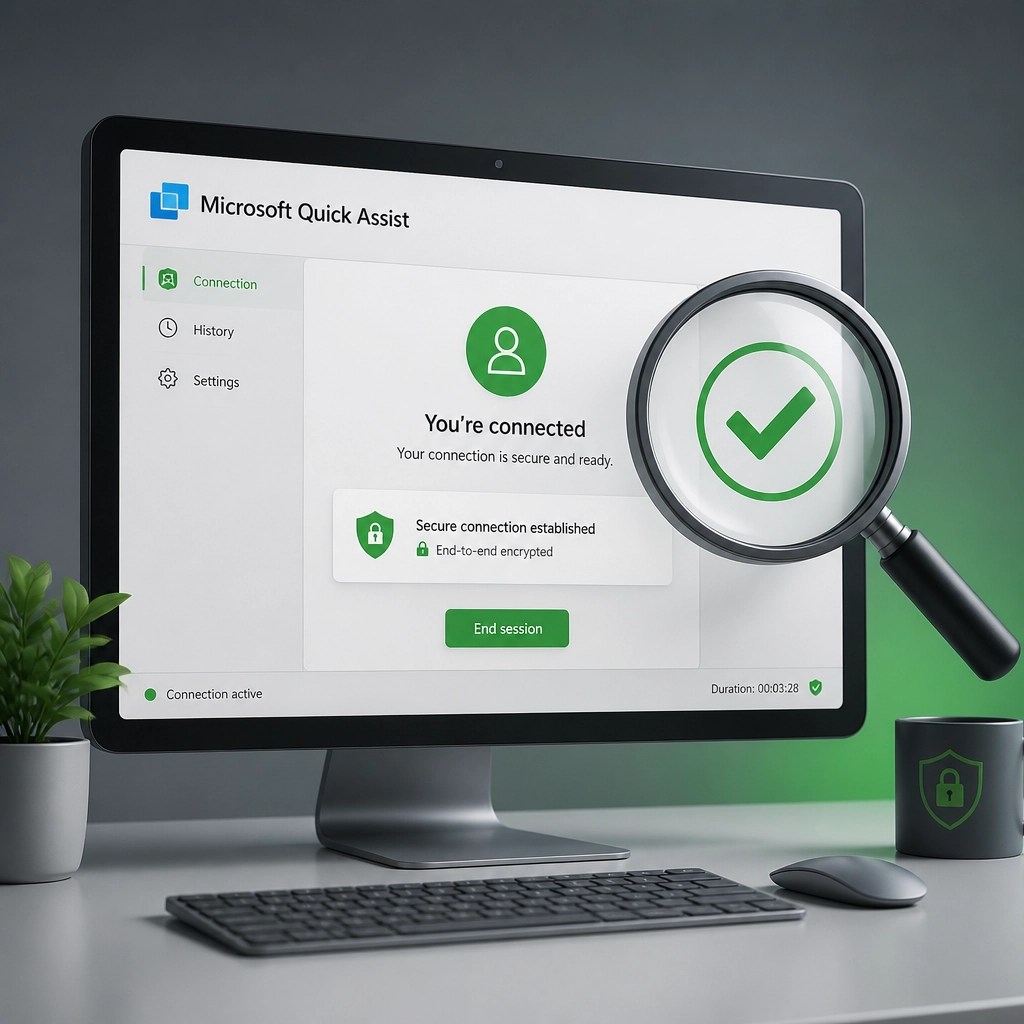
🚀 Mastering Microsoft Quick Assist: Use the built-in Windows tool for fast, secure remote help.
✅ Verify Identity First: Always confirm your support technician's identity via a second channel before sharing a 6-digit code.
🔒 Enable Multi-Factor Authentication (MFA): Protect your primary Microsoft accounts to ensure remote sessions stay locked down.
⚡ Optimize Your Connection: Use wired Ethernet or high-speed Wi-Fi 6 to ensure zero-lag during troubleshooting sessions.
🛠️ Clean Your Registry: Regular system optimization removes "bloatware" that slows down your remote collaboration.
📸 Summer 2026 Tech Roundup: Gear That Performs
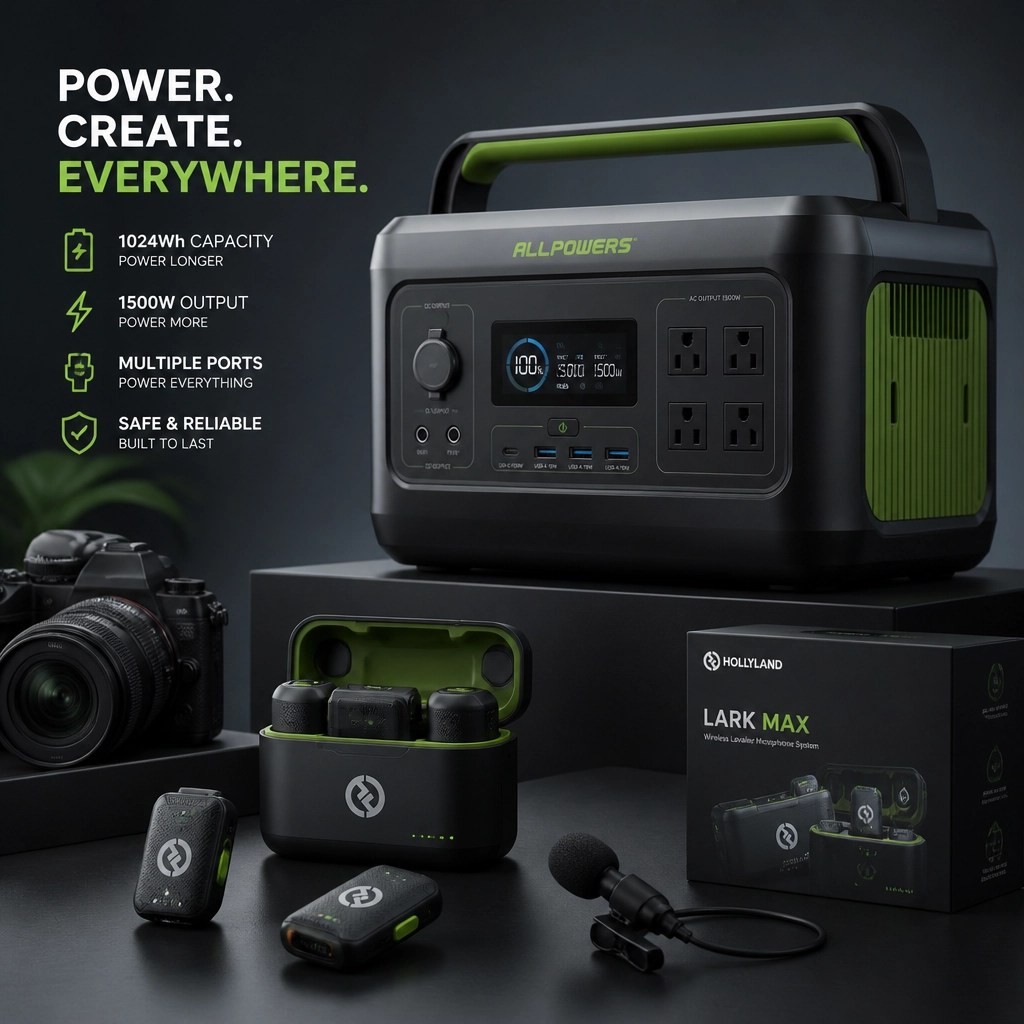
We've done the troubleshooting so you don't have to. Shop the gear we use and recommend for a high-performance setup.
🌟 Featured Tech on the YouTube Channel:
• Laptops: High-refresh-rate displays and 32GB RAM are the 2026 standard for fluid remote work.
• Cameras: Level up your video calls and content with 4K mirrorless systems that double as high-end webcaps.
• Audio: Use the Rode Wireless Go II for crystal-clear sound during meetings or recording.
• Power: Keep your home office running during outages with the DJI Power 1000 Portable Power Station.
🛍️ Visit the Official Store:
Network Repair1 Amazon Storefront
📈 Celebrating Milestones & Moving Forward

🥳 13,000 Subscribers & Counting!: Our YouTube community is growing faster than ever.
🎥 1.1 Million Lifetime Views: Thank you for trusting our tech reviews and remote IT tutorials.
🎬 Shopify & Amazon Video Services: Let us showcase your products with professional high-quality video production.
🤝 Let's Collaborate: We partner with brands to create engaging content that boosts social media presence.
💻 Remote IT Expertise: We provide professional diagnostics for small businesses worldwide.
🔗 Connect With Us
• 📺 YouTube
• 📸 Instagram
• 🎵 TikTok
• 💙 Facebook
We've done the troubleshooting so you don't have to. Shop the gear we use and recommend for a high-performance setup.
All items mentioned are featured on the YouTube channel.
🛒 Shop now: https://www.amazon.com/shop/networkrepair1?ref_=cm_sw_r_cp_ud_aipsfshop_XV0ER95A5EVVJDPA7W6A_1