
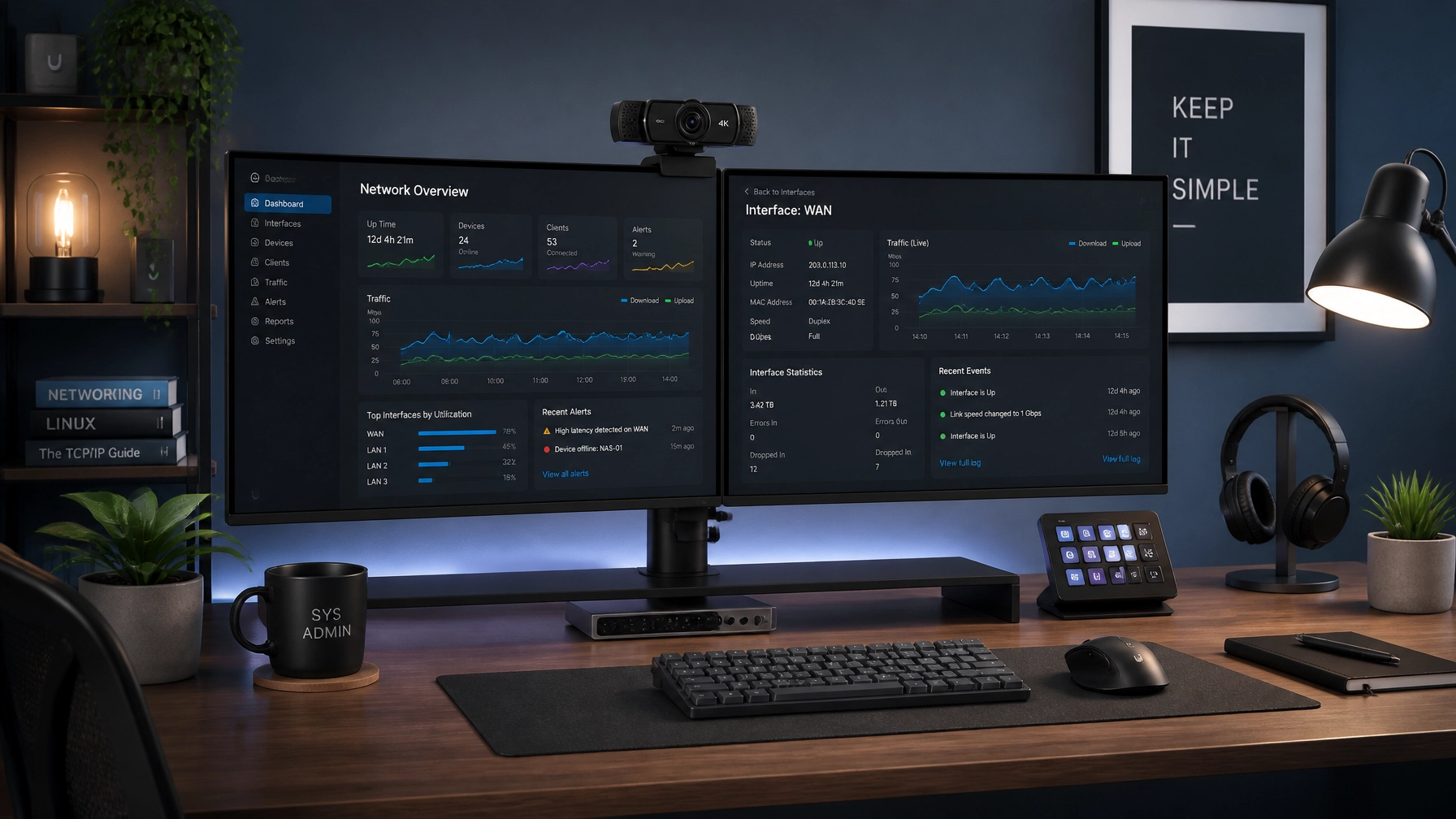
Welcome back to another edition of the Network Repair1 daily newsletter! It’s Monday, August 3, 2026, which means two things: coffee is mandatory, and it’s time to whip your home office and remote tech stack back into tip-top shape.
Before we dive into today's stellar gadget lineup and IT mastery tips, we have a massive thank you to dish out. Thanks to your incredible support, our community just crossed 13,000 YouTube subscribers and smashed past 1.1 Million lifetime views! You all are absolute legends, and we couldn't have done it without your engagement and enthusiasm.
🚀 Milestone Celebration & What's Next
Reaching 1.1 million views isn't just a number: it’s proof that high-quality tech education and honest product reviews resonate with people who love gear as much as we do. Whether you've been with us since day one or just caught your first tutorial last week, thank you for being part of the Network Repair1 family.
📹 Logitech MX Brio Review: The Ultimate Work-From-Home Webcam Upgrade
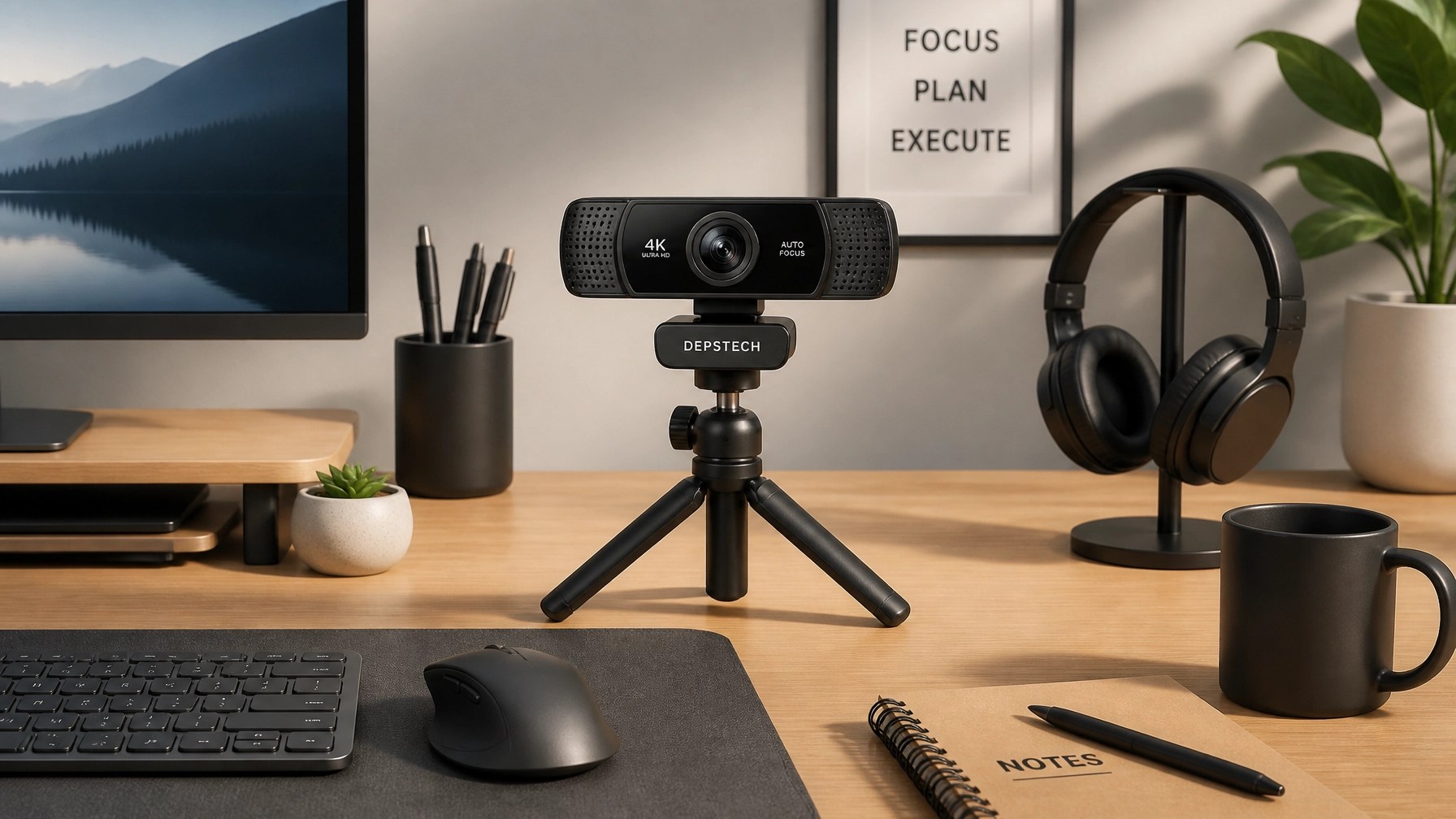
Since everyone is sliding back into work mode this Monday, let's talk about the first impression you make on video calls. If your built-in laptop camera makes you look like you're broadcasting from a potato in 2004, it’s time for an upgrade. Enter the Logitech MX Brio: our top pick for home office professionals and creators alike.
The MX Brio brings 4K resolution and AI-based image tuning to your desk, ensuring you look crisp, professional, and well-lit even in tricky indoor lighting. It features dual beamforming microphones to cut out background keyboard clatter and a built-in physical privacy shutter for peace of mind. While major conferencing apps like Zoom and Teams cap live calls at 1080p, the extra resolution gives you incredible clarity for local recordings and digital zoom cropping. Pair it with Logitech's Logi Tune software, and you've got studio-quality video without the complex lighting rigs.
🛡️ IT Tip of the Day: Mastering Microsoft Quick Assist & System Optimization
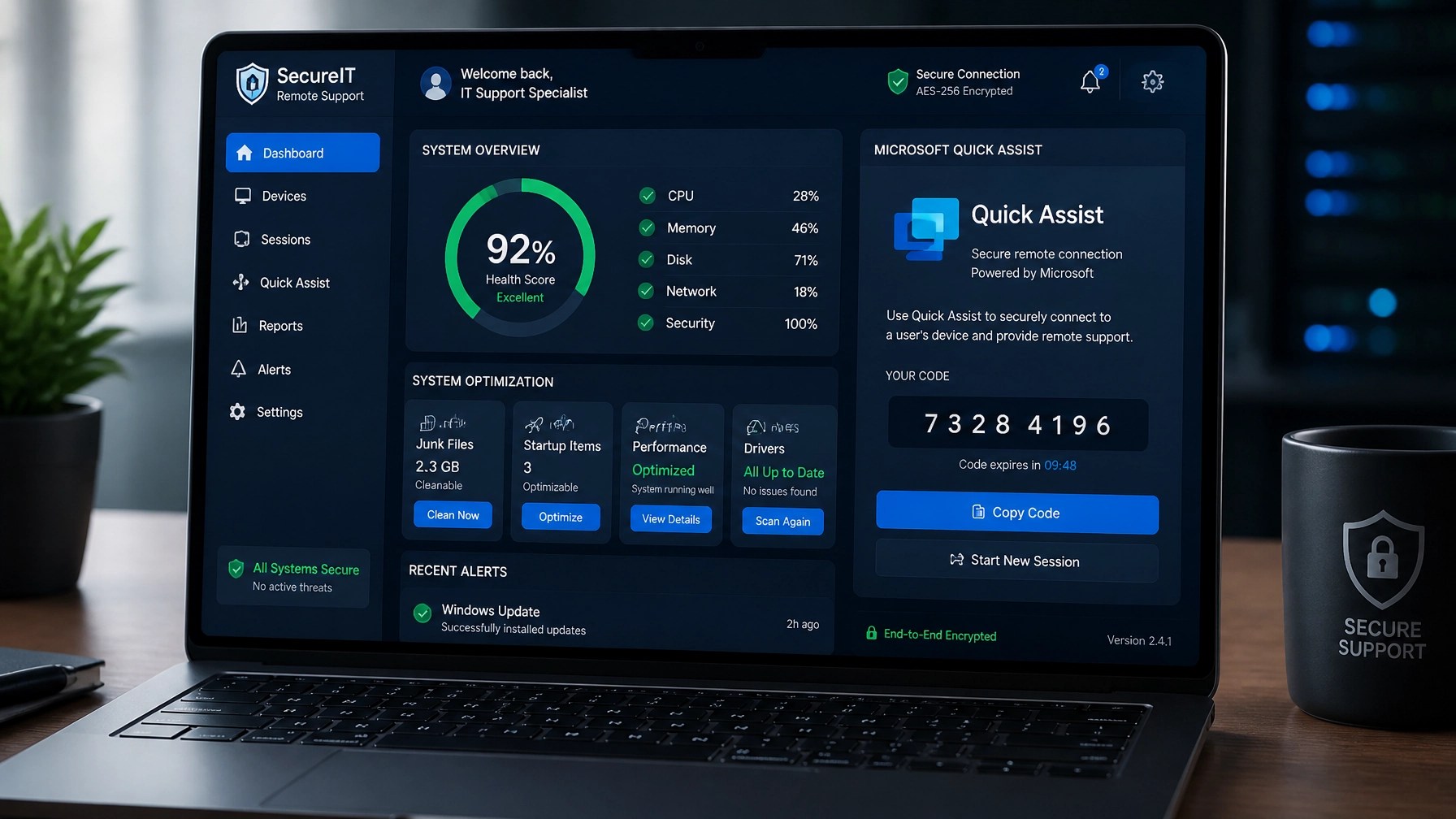
Tired of trying to explain tech issues to clients or team members over the phone? Step away from the panic and embrace Microsoft Quick Assist. Built right into modern Windows machines, Quick Assist lets you securely connect to remote systems with a simple six-digit code: no third-party downloads or sketchy installations required.
When combined with our proactive remote troubleshooting and system optimization services at Network Repair1 Remote Services, Quick Assist allows our technicians to diagnose slow-downs, clean up registry clutter, and patch cybersecurity vulnerabilities in real time. Keeping your operating system lean, running routine malware scans, and utilizing encrypted remote sessions is the holy trinity of keeping downtime to an absolute minimum.
🎬 Boosting Your E-Commerce Brand: Professional Product Videos for Amazon & Shopify Sellers
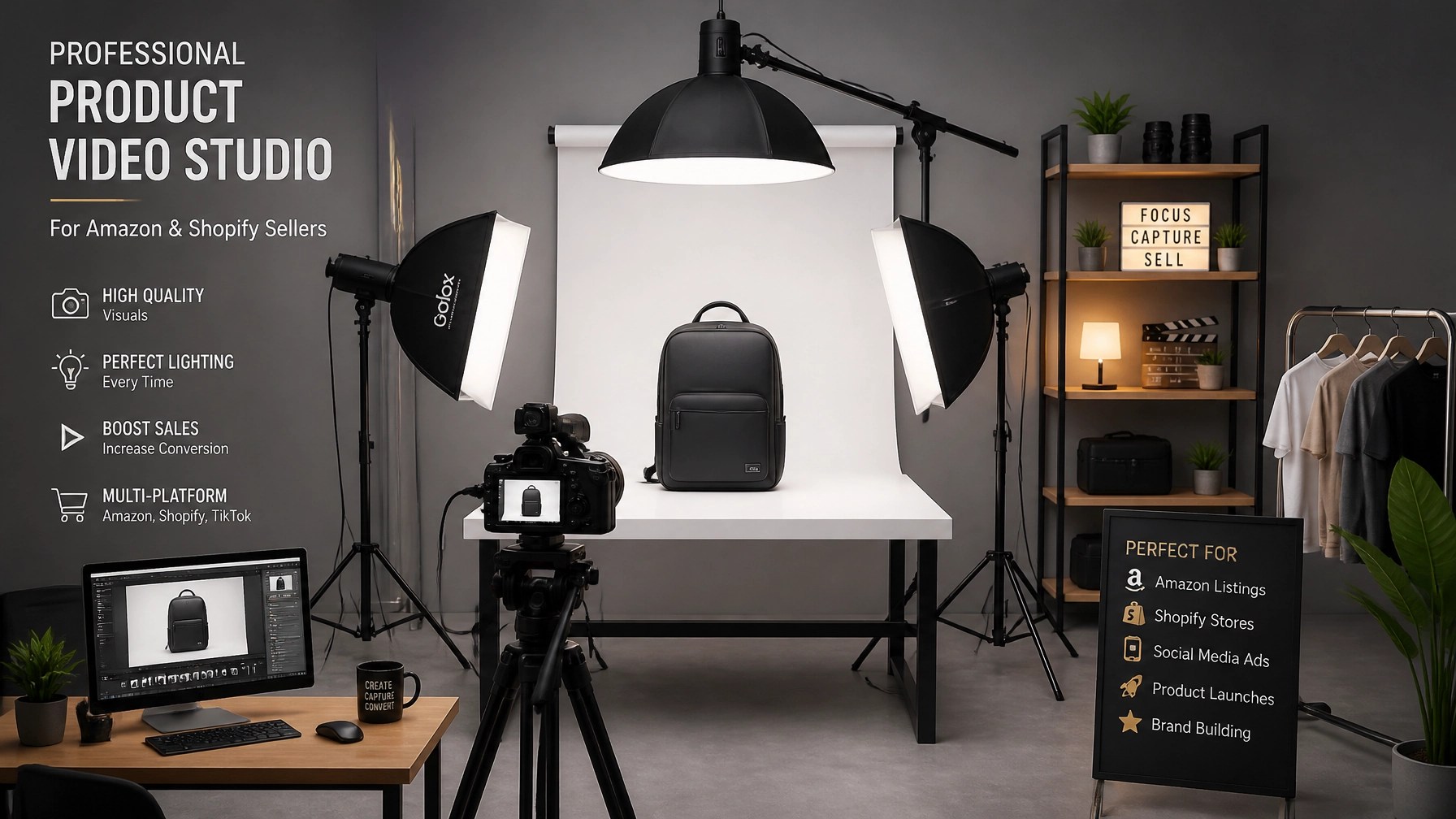
If you're running an Amazon FBA store or a Shopify boutique, specs alone don't sell products: high-impact video storytelling does. Consumers want to see gear in action before they hit "Add to Cart." That’s why Network Repair1 doesn't just fix networks; we build media magic.
Through our professional content creation and product review collaborations, we help brands showcase their hardware and lifestyle gadgets with cinematic flair. From unboxing videos to in-depth technical breakdowns optimized for social media algorithms, we bridge the gap between technical excellence and digital influence. Ready to make your products pop? Explore our collaboration options over at Network Repair1 Collaborations.
🛒 Curated Gear & Ready to Upgrade?
Ready to upgrade your tech? Check out our curated list of essential tools to keep you connected and productive, all featured on the YouTube channel:
Get in touch with us today for remote IT support, cybersecurity consulting, or media production partnerships:
oq@networkrepair1.com
