
August 20, 2026 edition
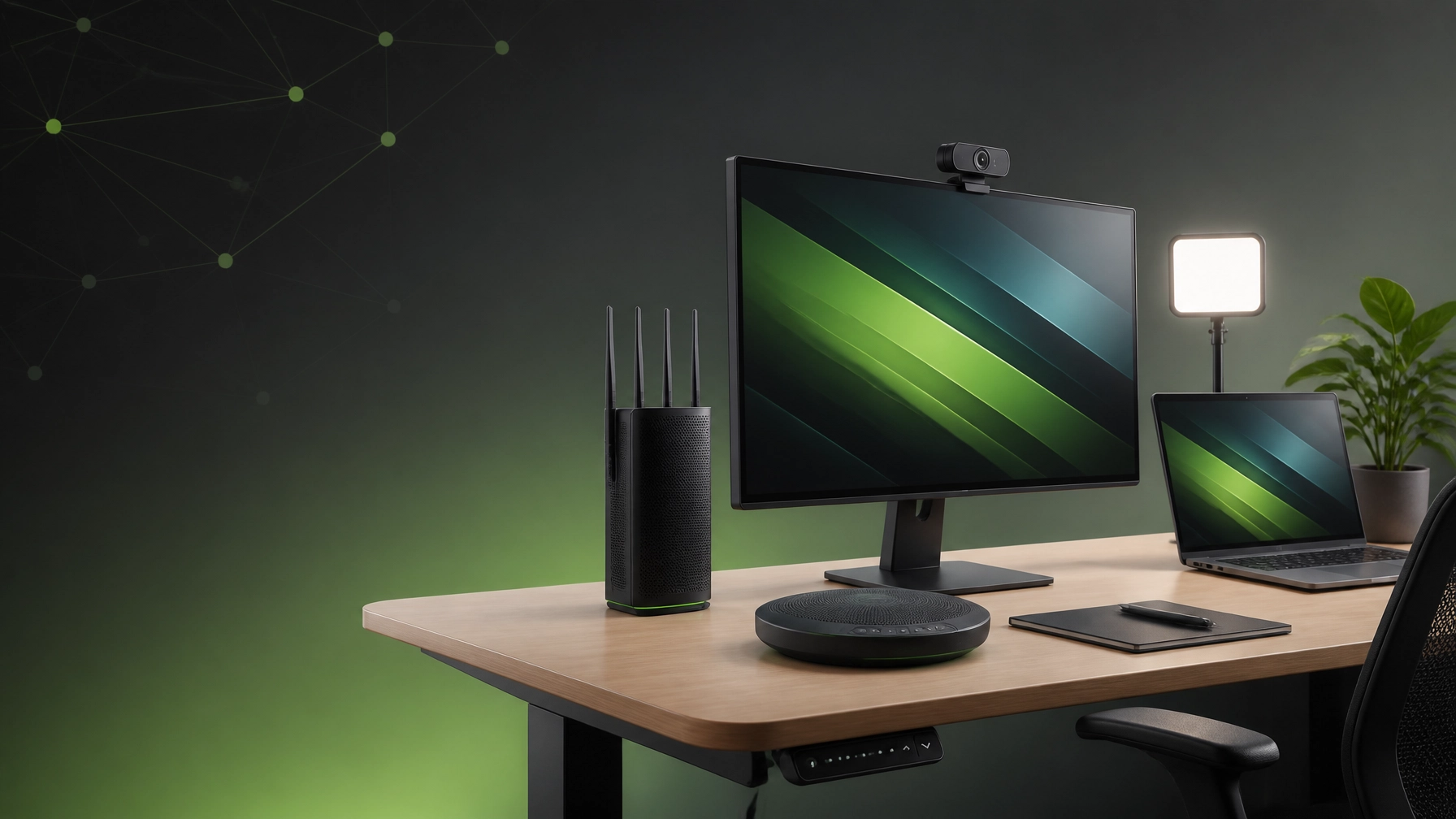
A fast, secure home office is crucial for staying productive, connected, and ready for whatever the workday throws across the network. This week’s roundup combines practical remote IT support with the home office upgrades and summer tech gear 2026 has put on our radar, including displays, Wi-Fi, webcams, lighting, audio, and ergonomic equipment. Think of it as a desk-side tune-up without the awkward moment of discovering twelve browser tabs playing different videos.
Remote IT Support Tips
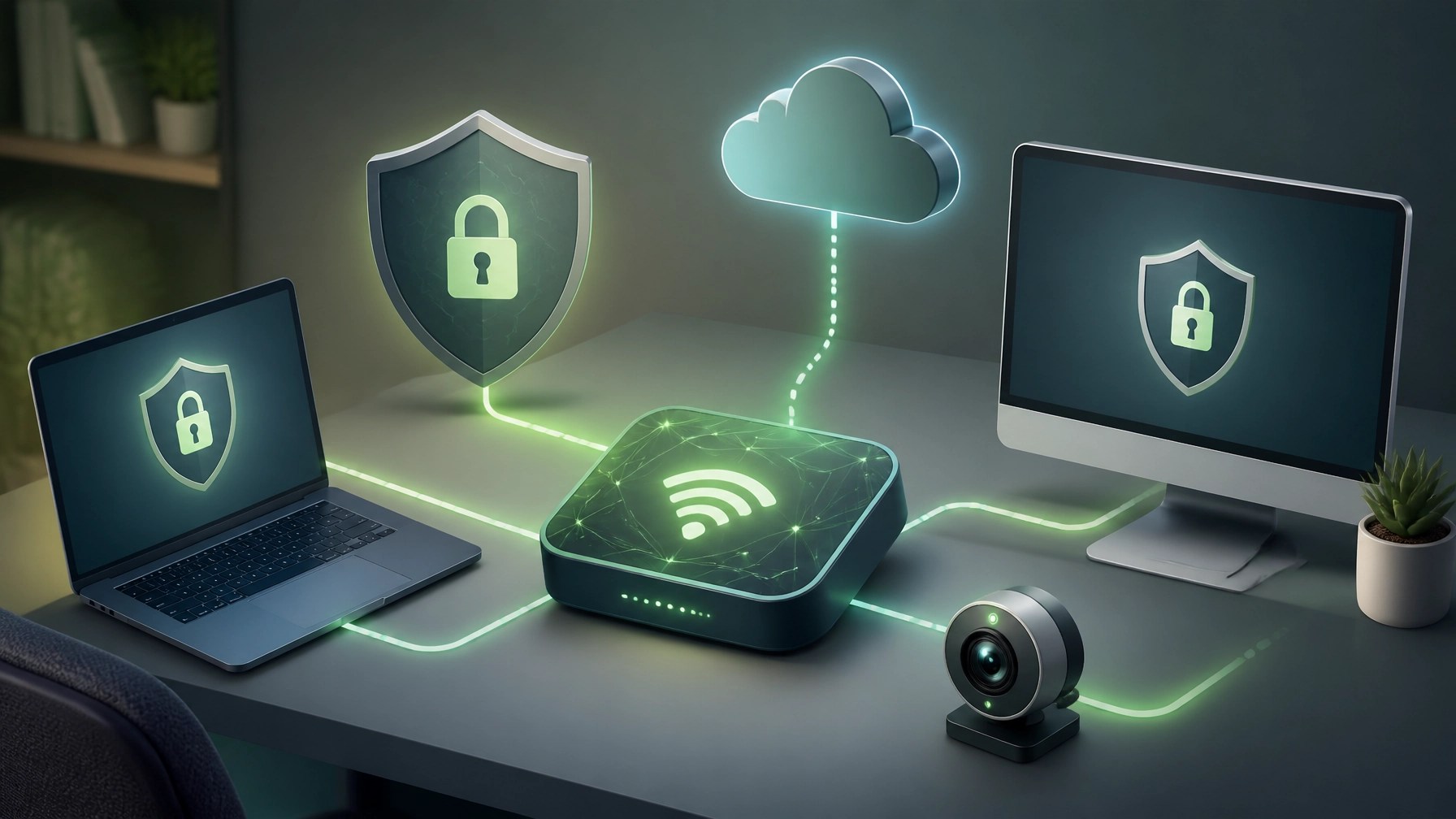
Start with Microsoft Quick Assist when a Windows issue needs another set of eyes. Open Quick Assist from the Start menu, use a security code from a trusted helper, and choose whether the session allows screen viewing or full control before approving access. Microsoft’s current guidance emphasizes using the updated Microsoft Store version, keeping Windows current, and ending the session when the work is complete. NetworkRepair1 also provides remote computer support using Microsoft Quick Assist, helping resolve software issues, configuration problems, system slowdowns, and everyday Windows headaches without an on-site visit.
System optimization remains one of the fastest ways to recover a sluggish workstation. Check available storage, remove unnecessary startup applications, install pending Windows and driver updates, review browser extensions, restart after major updates, and scan for malware before blaming the computer for everything. Microsoft 365 performance also benefits from clean OneDrive synchronization, current Office applications, organized cloud storage, and a stable sign-in environment. A little maintenance can turn a computer that behaves like it is running through pudding into one that responds properly again.
Secure home networks need the same attention as the computers connected to them. Use WPA3 where supported, create a strong Wi-Fi password, update router firmware, separate smart-home devices on a guest network, and place the router where walls and appliances are not staging a hostile takeover of the signal. Use the 5 GHz or 6 GHz band for compatible work devices, reserve Ethernet for critical desktops or production systems, and keep large downloads away from important Quick Assist or video meetings. Reliable coverage is not just about speed tests; it is about fewer dropped calls, cleaner remote sessions, and less time staring at a spinning connection icon.
Product & Home Office Gear Spotlight
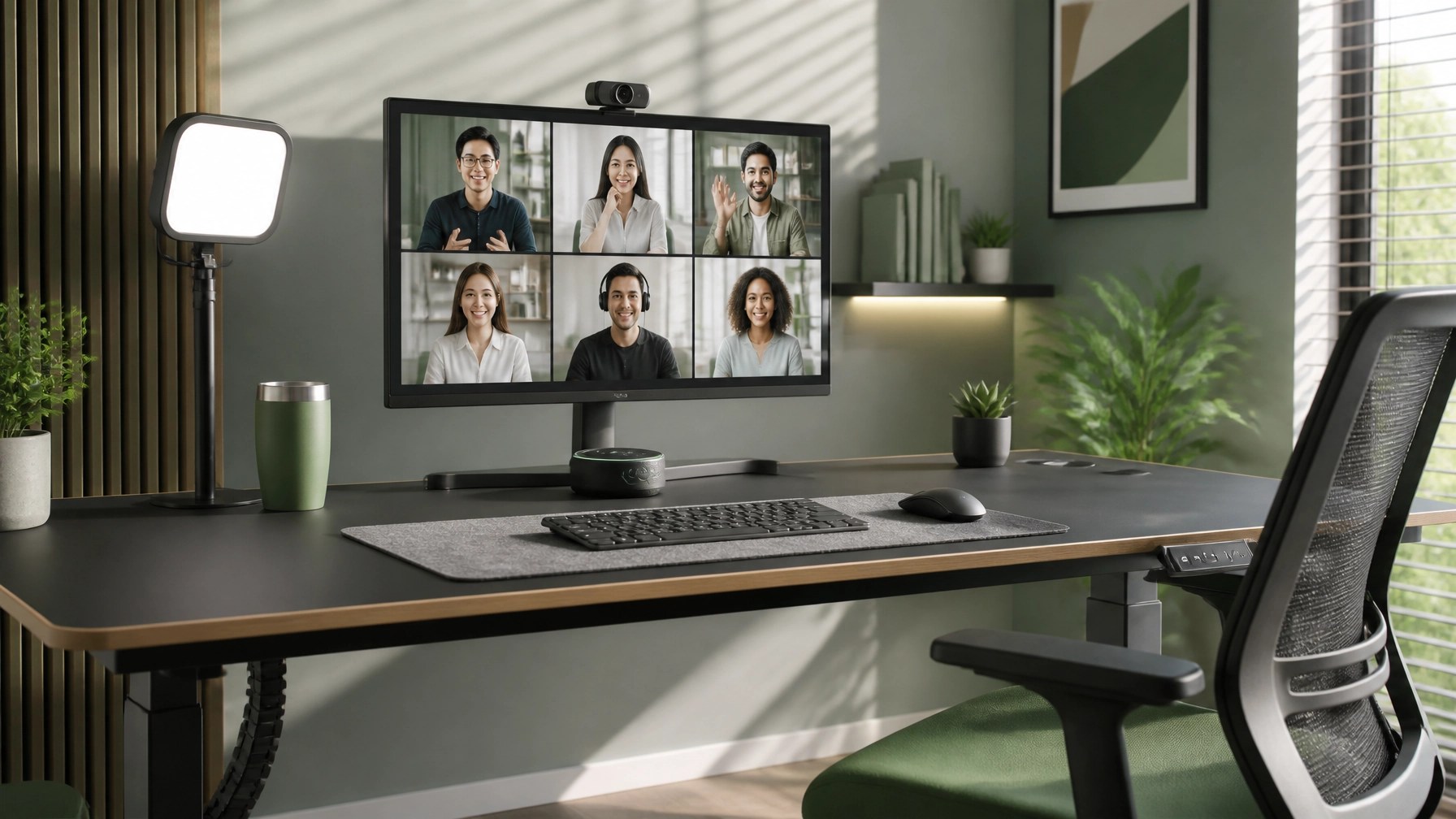
Dell UltraSharp U2724D: A Monitor That Takes Color Seriously

The Dell UltraSharp U2724D is a strong home office pick for editing, design work, spreadsheets, and long productivity sessions. Its 27-inch QHD IPS Black panel runs at 120Hz, delivers wide color coverage, and includes factory calibration aimed at color-conscious workflows. The height-adjustable stand, pivot support, USB hub, DisplayPort, HDMI, and daisy-chain capability make it flexible enough for a single-monitor setup or a more serious multi-display desk.
The 120Hz refresh rate is a welcome upgrade for scrolling through documents, moving windows, navigating timelines, and handling everyday desktop motion. It is not a gaming-first display, and it does not pretend to be one, but it brings smoothness and accurate color to the kind of work that keeps a home office earning its electricity bill.
Eero Max 7: Mesh Wi-Fi for Coverage Without Cable Drama
For homes with multiple rooms, thick walls, connected devices, and several people competing for bandwidth, a Wi-Fi 7 mesh system such as the eero Max 7 is worth considering. It supports modern wireless performance, wired backhaul, multi-gigabit networking, automatic updates, and app-based management, which can make coverage easier to maintain than a single router placed beside the modem and forgotten for three years.
The biggest benefit is consistency. A mesh setup can help keep laptops, smart devices, workstations, cameras, and streaming equipment connected as people move through the home. Pair it with WPA3, strong administrator credentials, updated firmware, and a separate guest or IoT network for a cleaner security baseline.
Webcam Picks: Anker PowerConf C200 or OBSBOT Tiny 2
The Anker PowerConf C200 remains a practical choice for clear video meetings without turning the desk into a broadcast studio. Its 2K resolution, autofocus, adjustable field of view, noise-canceling microphones, and physical privacy shutter cover the essentials for Microsoft Teams, Zoom, Google Meet, and customer calls.
For creators, presenters, trainers, and anyone who refuses to remain inside one rectangle, the OBSBOT Tiny 2 adds AI auto-tracking, auto-zoom, a motorized PTZ design, 4K video, gesture control, voice commands, and a large sensor. It can follow movement, frame a presenter, and make demonstrations feel more intentional. The camera will not fix a chaotic background, but it can at least keep the subject in the shot while the background negotiates its own priorities.
Elgato Key Light Mini: Portable Lighting With a Caveat
The Elgato Key Light Mini is a compact lighting option for video calls, tutorials, product demonstrations, and short-form content. Its adjustable brightness, broad color range, rechargeable battery, magnetic back, and 1/4-inch mounting thread make it easy to move between a monitor, tripod, camera rig, or temporary shooting location.
One important 2026 note: Elgato currently lists the Key Light Mini as discontinued, with the Key Light Neo positioned as an alternative. If a Key Light Mini is already in the setup or available through a trusted retailer, it can still be useful, but buyers should confirm availability, warranty coverage, and replacement options before purchasing.
Jabra Speak2 55: Better Meetings, Fewer “Can You Hear Me?” Moments

The Jabra Speak2 55 is designed for the meetings that outgrow laptop speakers but do not require a full conference-room install. Four beamforming microphones, noise cancellation, voice-level normalization, full-duplex audio, USB and Bluetooth connectivity, and Microsoft Teams certification give it a practical advantage for hybrid work.
Its compact design also makes it useful beyond the permanent desk. The speakerphone can move into a conference area, a temporary workspace, or a product demo setup, and its wireless battery supports up to 12 hours of use. That is enough time for meetings, calls, and at least one conversation where everyone remembers to unmute.
FlexiSpot E7: The Desk Upgrade That Changes the Whole Setup
A FlexiSpot E7 sit-stand desk is a useful foundation for a high-performance home office. Its dual-motor frame, programmable height presets, three-stage columns, and anti-collision features support quick transitions between seated and standing work. The main value is not simply changing desk height; it is creating a workstation that adapts to editing, calls, writing, troubleshooting, and longer technical sessions.
Cable management deserves attention here. Route power and Ethernet with enough slack for movement, secure the power strip beneath the desktop, keep the network equipment ventilated, and avoid creating a cable knot that looks like it requires its own service ticket.
NetworkRepair1 Milestone Celebration
NetworkRepair1 has reached 13,000 YouTube subscribers and surpassed 1.1 million lifetime views. That milestone reflects a growing audience interested in technology, troubleshooting, product reviews, tutorials, automotive content, and practical demonstrations that make complicated equipment easier to understand.
The NetworkRepair1 video channel continues to combine technical knowledge with real-world product coverage, helping viewers make more informed decisions before they spend money on equipment. The result is a community built around useful information, honest testing, and the occasional gadget that earns a permanent spot on the desk.
Product Video Services for Shopify and Amazon Sellers
Shopify and Amazon sellers need more than static product photos. NetworkRepair1 creates professional product review videos, demonstrations, tutorials, unboxings, setup guides, comparison content, and short-form social videos designed to show products in action.
A strong video can explain product benefits quickly, highlight important features, answer customer objections, and give brands reusable content for product pages, social media, advertising, email campaigns, and creator partnerships. Visit the NetworkRepair1 collaboration and sponsorship page to explore review videos, sponsored features, tutorials, and customized media campaigns.
Keep the Setup Connected
A high-performance home office does not depend on one impressive gadget. It comes from the combination of a reliable network, maintained systems, clear video, controlled lighting, intelligible audio, accurate visuals, and an ergonomic workspace. That combination can reduce distractions, improve communication, and make remote work or content production feel significantly more professional.
We've done the troubleshooting so you don't have to. Shop the gear we use and recommend for a high-performance setup.
Featured on the YouTube channel: Amazon Store
Stay Connected With Us
📺 YouTube
🎵 TikTok
🚀 Let’s collaborate: We can help improve your technology setup, showcase your products, and grow your digital presence together.