
Crucial technology updates do not wait for anyone, and today’s marathon brings together remote IT support, cybersecurity, system optimization, and some seriously interesting electronics. Network Repair1 continues the run with practical Windows guidance, product discoveries, and media insights designed to keep individuals and small businesses connected, protected, and productive.
🛠️ Microsoft Quick Assist: Convenient, Capable, and Not a Magic Wand
Microsoft Quick Assist remains one of the most useful tools for remote troubleshooting on Windows 10 and Windows 11. It can connect a trusted helper to a computer through a six-digit security code, support screen sharing, enable optional control, and provide tools such as chat, annotations, and visual pointers. It does not clean a hard drive, repair a failing battery, or transform an aging laptop into a performance champion, but it can make professional technical assistance faster and more efficient.
The important security detail is simple: Quick Assist is safe when used with a trusted helper and dangerous when controlled by social engineering. Microsoft specifically warns against allowing unsolicited callers to connect, because scammers can impersonate support agents, request access, and manipulate users into installing malware or exposing sensitive information. The strongest protection remains user verification, limited permissions, session awareness, and ending the connection as soon as the support task is complete.

Before a Quick Assist session begins, close banking portals, password managers, private documents, customer records, camera dashboards, and smart-home controls. A remote helper can see the screen, and full control can expose anything available through the desktop. Quick Assist does not automatically activate a webcam or microphone, but opening an application that uses a camera or connected gadget can place that information directly in view.
The official Microsoft Quick Assist guide explains installation, connection permissions, control requests, and session termination. For small businesses, policy matters just as much as convenience, so organizations can evaluate whether Quick Assist belongs in the approved support toolkit or whether a more controlled enterprise remote-support platform is a better fit.
🔐 Cybersecurity Checkpoint: Trust Is the Real Firewall
Encryption protects the connection, but it cannot protect a user from approving the wrong person. That distinction is crucial. Quick Assist uses Microsoft’s remote connection infrastructure, yet a legitimate Microsoft application can still become an attacker’s favorite shortcut when fear, urgency, and impersonation enter the conversation.
A practical cybersecurity posture includes verified support channels, multifactor authentication, endpoint protection, current Windows updates, least-privilege access, and clear employee training. It also includes a firm rule: unexpected technical support calls do not receive remote access. Not from “Microsoft,” not from an internet provider, not from a bank, and not from a person claiming to have detected a dramatic problem with the computer.
NetworkRepair1’s Password Security Guide provides another useful resource for strengthening account protection. Strong credentials, password-manager discipline, phishing awareness, and recovery planning can significantly reduce the impact of a compromised device or account.
⚙️ System Optimization: Small Improvements, Noticeable Results
A faster computer rarely comes from one heroic tweak. It comes from reducing friction across the entire system. Startup applications, storage pressure, outdated drivers, browser extensions, background synchronization, thermal limitations, and unnecessary notifications can quietly consume resources throughout the day.
A meaningful optimization review focuses on responsiveness, reliability, storage health, update status, application behavior, and security posture. Removing unused software can reduce clutter, managing startup tasks can improve boot performance, and keeping adequate free storage can help the operating system maintain smoother operation. Malware removal also belongs in the optimization conversation because unwanted processes can create lag, instability, privacy concerns, and unexplained network activity.
Remote IT support makes this maintenance more accessible for individuals and small businesses. NetworkRepair1 can help diagnose Windows performance issues, troubleshoot connectivity, support Microsoft 365 and cloud workflows, remove malware, and improve system organization without requiring an on-site visit. The result is not just a faster computer, but more dependable workdays and fewer interruptions.
💻 Laptop Watch: Performance Meets Camera Readiness
Laptop shopping in 2026 is no longer just about processor names and screen size. Built-in cameras, microphone quality, battery behavior, thermal management, repairability, and AI capabilities can determine whether a device works well for meetings, content creation, customer support, and hybrid productivity.
Current buying guides continue to highlight devices such as the Microsoft Surface Pro 11 for its flexible two-in-one design and strong integrated camera experience. The MacBook Pro remains relevant for users who prioritize a polished operating system, professional applications, and improved built-in video quality. Business-focused systems such as the Lenovo ThinkPad X1 Carbon Gen 14 also remain attractive when portability, keyboard quality, durability, and dependable communication are more important than flashy design.
For heavier creative workflows, performance changes the conversation. Video editing, product review production, local AI tools, and high-resolution photo work benefit from stronger cooling, faster storage, capable graphics, and enough memory to keep multitasking from turning into a digital traffic jam. A laptop may look excellent on a spec sheet, but sustained performance and camera usability are what matter when the workday becomes a marathon.
📷 Camera and Gadget Roundup: More Capture, Less Guesswork
August’s technology coverage places cameras and creator-focused gadgets firmly in the spotlight. The Insta360 X6 continues to attract attention for high-quality 360-degree capture, flexible reframing, and creative editing potential, although visible stitching and premium pricing remain part of the buying decision. A 360 camera can capture more of the environment, but it also adds another layer of editing and framing choices.
Action cameras remain compelling for travel, automotive content, outdoor footage, and fast-moving product demonstrations. The GoPro Mission 1 Pro has been highlighted in TechRadar’s August technology roundup as a versatile option for rugged, all-purpose capture. For creators, durability matters because the best camera is often the one that survives the trip, the test drive, and the occasional desk-edge incident.
Webcams also deserve more respect than they usually receive. The Wired webcam guide and Wirecutter’s 2026 webcam recommendations emphasize the value of better image quality, automatic lighting correction, privacy shutters, and improved microphones. Options such as the Logitech MX Brio, Insta360 Link 2, Elgato Facecam 4K, and Razer Kiyo Pro Ultra target different priorities, including premium resolution, AI tracking, low-light performance, and presenter movement.
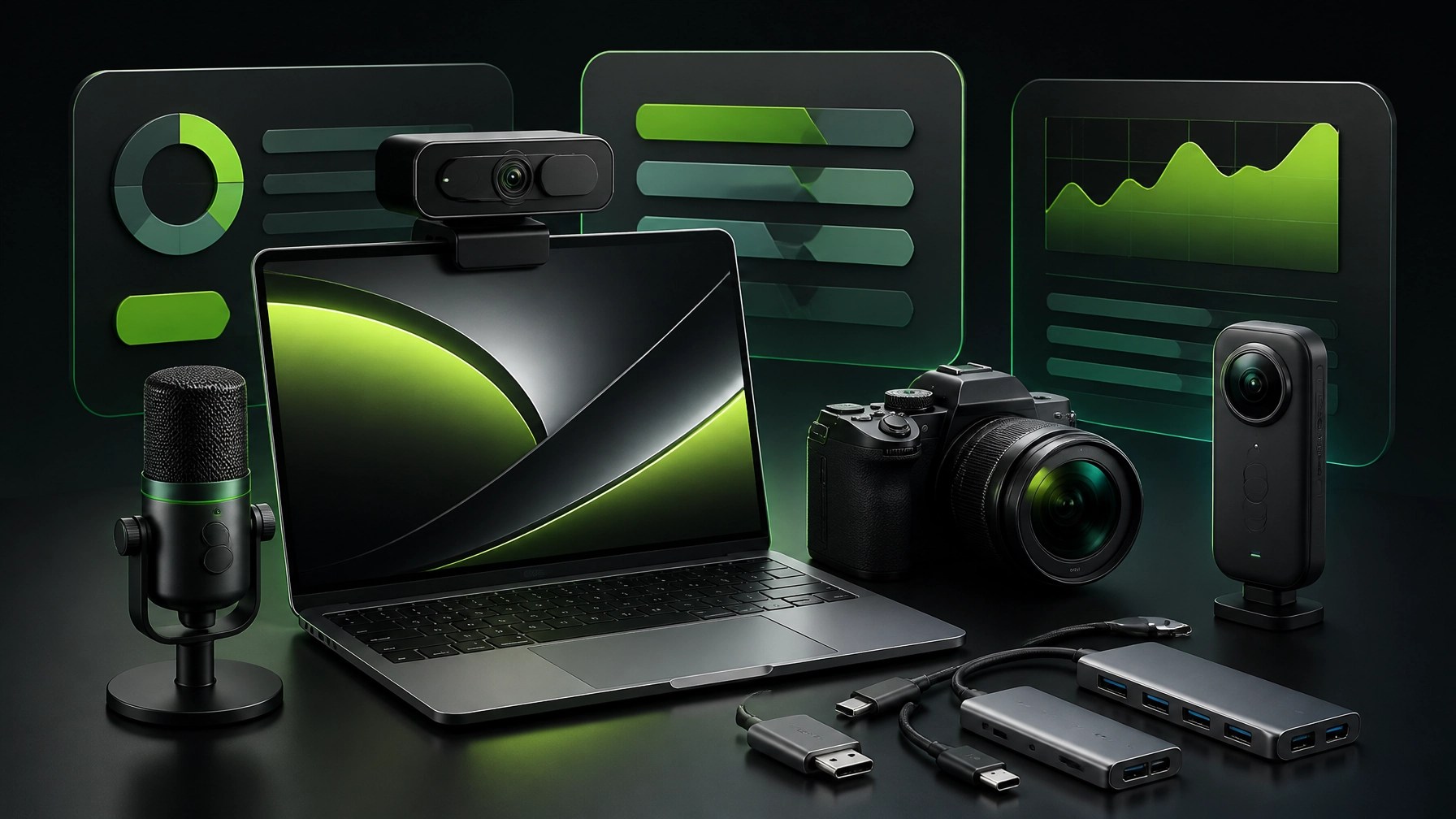
The right gadget depends on the job. A laptop webcam can handle routine calls, an external webcam can improve client meetings, a mirrorless camera can elevate product storytelling, and an action or 360 camera can add energy to automotive and lifestyle content. The winning setup is not always the most expensive one; it is the one that matches the workflow and produces consistent results.
🎥 Product Video Services for Shopify and Amazon
Great products deserve more than a quick phone clip and a hopeful caption. Amazon product videos need clarity, strong demonstrations, clean framing, and fast communication of value, while Shopify videos can expand into brand storytelling, lifestyle positioning, tutorials, and deeper customer education.
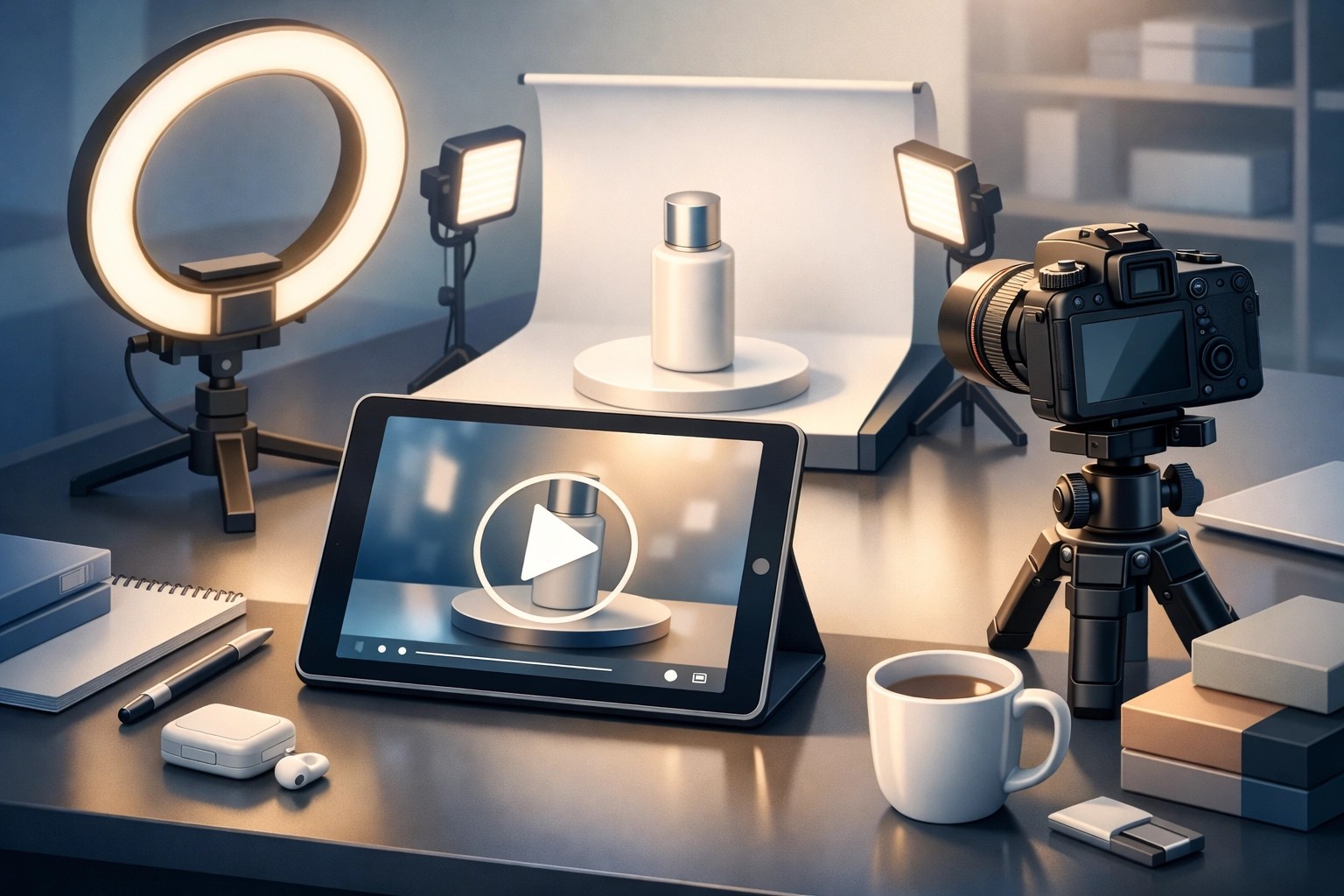
NetworkRepair1 creates product-focused video content for brands selling through Shopify, Amazon, social media, and other digital channels. Our Amazon Product Video vs. Shopify Product Video guide explains how platform goals shape production choices, from concise marketplace demonstrations to more immersive branded storefront content.
This growing media authority is backed by meaningful milestones: 13,000 YouTube subscribers and more than 1.1 million lifetime views. Those numbers represent an audience built through technology reviews, tutorials, product discoveries, and consistent digital storytelling. For brands seeking credible product exposure, NetworkRepair1 combines technical understanding with a creator’s eye for presentation.
🏁 The Marathon Continues
Today’s takeaway is straightforward: secure support, optimize systems, choose hardware based on real workflows, and present products with professional visual storytelling. Quick Assist can reduce support friction, cybersecurity discipline can limit risk, system optimization can restore responsiveness, and better cameras can turn everyday content into stronger marketing.
The technology marathon continues, but the finish line is not the point. Better tools, safer systems, and sharper content can help your business grow, expand its reach, and create more meaningful connections with customers.
🚀 Promote With Us or Get Remote Support
- 💻 Need remote IT help? We can troubleshoot, optimize, secure, and support your systems.
- 🎥 Selling on Amazon or Shopify? We can create product videos that showcase what makes your product worth noticing.
- 📈 Want stronger digital visibility? We can help enhance your content and social media presence.
- 🏆 Trust the track record: 13,000 YouTube subscribers and 1.1M+ lifetime views.
- 🤝 Let’s collaborate: We can build better tech support and stronger product storytelling together.
Loved today's review? You can find this product and all our top picks on our official Amazon storefront.
These items are featured on the YouTube channel right before the link: Amazon Storefront
🌐
🔧 YouTube
🎵 TikTok
📸 Instagram
📘 Facebook
📩 Contact
805-723-9608
Let’s collaborate and grow together.