
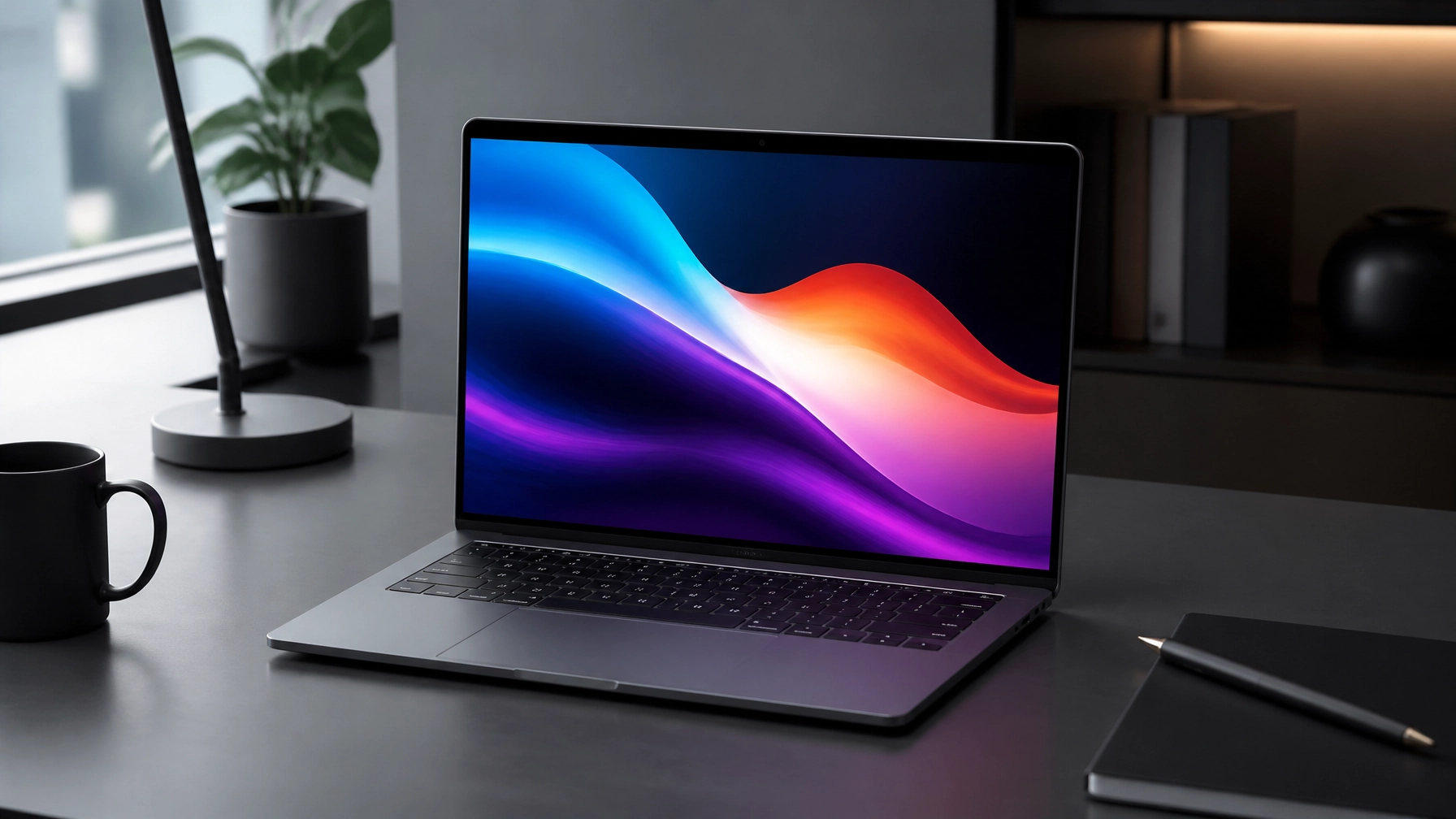
Today’s Dispatch
A fast, secure, and properly optimized computer remains crucial for productive remote work, reliable content creation, and efficient small-business operations, so begin with the Windows 11 fixes that can turn a sluggish PC into a much more responsive workstation, then discover why the HP OmniBook Ultra 14 is one of the most exciting premium ultraportables for remote workers, creators, and business owners. Start with Task Manager by reviewing Startup apps and disabling unnecessary programs that quietly consume boot time and background resources, continue with Storage settings to remove temporary files and unused applications, and keep Windows 11, device drivers, firmware, browsers, and productivity software current for stronger performance and compatibility. Check available storage before blaming the processor, because a nearly full SSD can make file operations, updates, and application launches feel painfully slow, while a clean drive gives the system more breathing room. Adjust power settings to favor performance when editing, multitasking, or running business applications, reduce excessive browser tabs and extensions, and use Windows Security for a complete malware scan because unwanted software can drain system resources while creating a serious cybersecurity problem. These improvements can deliver faster startup, cleaner multitasking, smoother video calls, and fewer interruptions, and the NetworkRepair1 Remote Services page provides a direct path to professional assistance when optimization needs more than a quick settings adjustment. Microsoft Quick Assist adds another useful layer of convenience, allowing a support specialist to connect remotely through a controlled session using a security code and explicit permission, which can make troubleshooting far easier without scheduling an on-site visit; however, cybersecurity still comes first, so only share a Quick Assist code with a trusted support contact, never approve an unsolicited request, end the session when work is complete, and keep account credentials, multifactor authentication codes, and sensitive files protected. 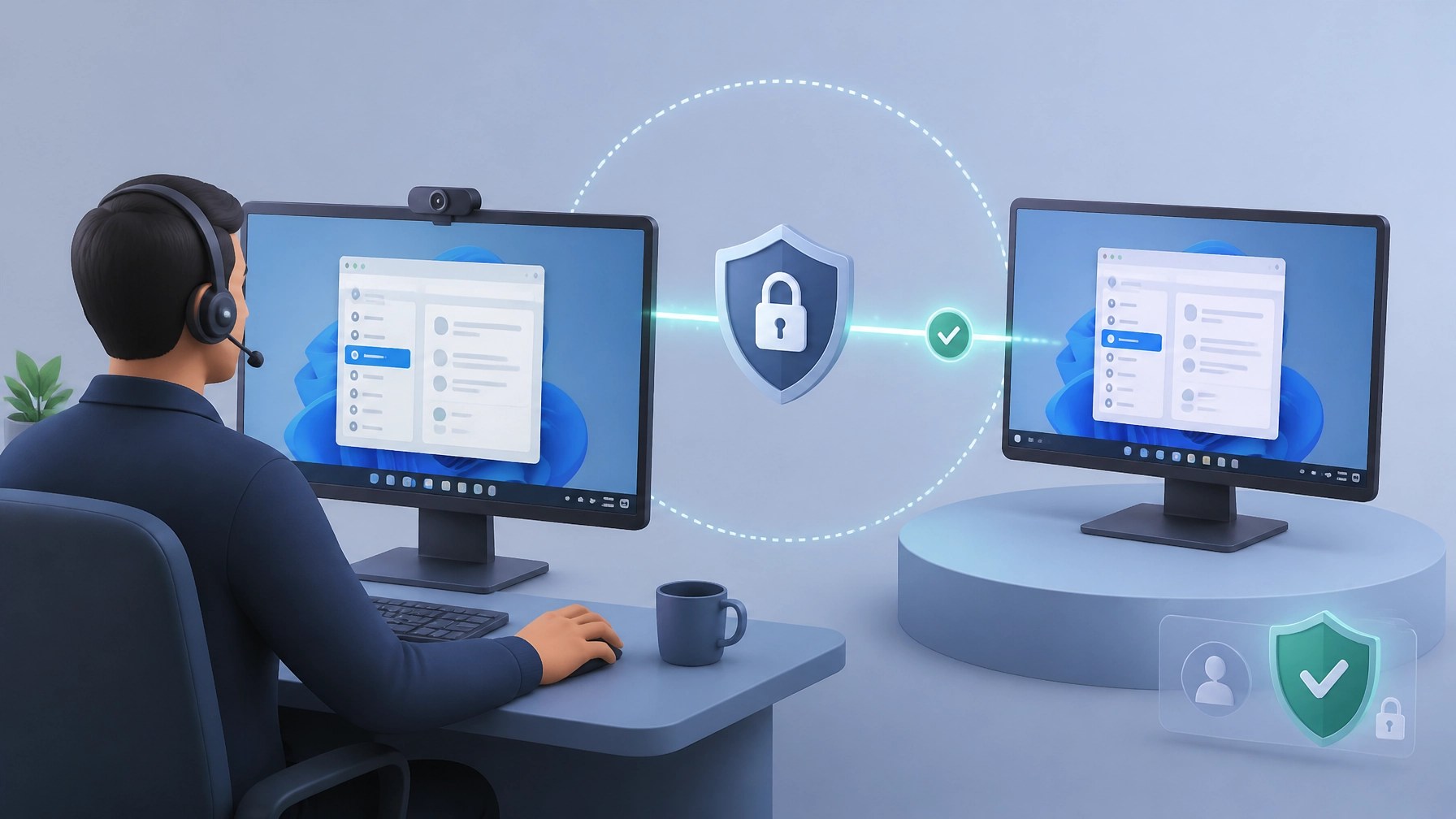 That practical support model pairs perfectly with today’s featured laptop, the HP OmniBook Ultra 14, a premium Windows machine that brings serious performance into a polished ultraportable design. The forged stamped aluminum construction gives the chassis a sophisticated shape, strong rigidity, and a more luxurious feel than the average thin-and-light, while its compact profile and low weight make it easy to move between a home office, client meeting, coffee shop, studio, or travel bag. The display is the star of the show, with a 14-inch 3K OLED touchscreen, a smooth 120Hz refresh rate, HDR capability, deep blacks, vivid contrast, and 100% DCI-P3 coverage that gives creative work, product photography, video editing, presentations, and entertainment a beautifully rich appearance.
The glossy finish can catch reflections in bright rooms, but the visual quality remains excellent, and the combination of resolution, color, and motion clarity gives the OmniBook Ultra 14 a strong advantage for creators who need a display that looks professional before any external monitor is connected. 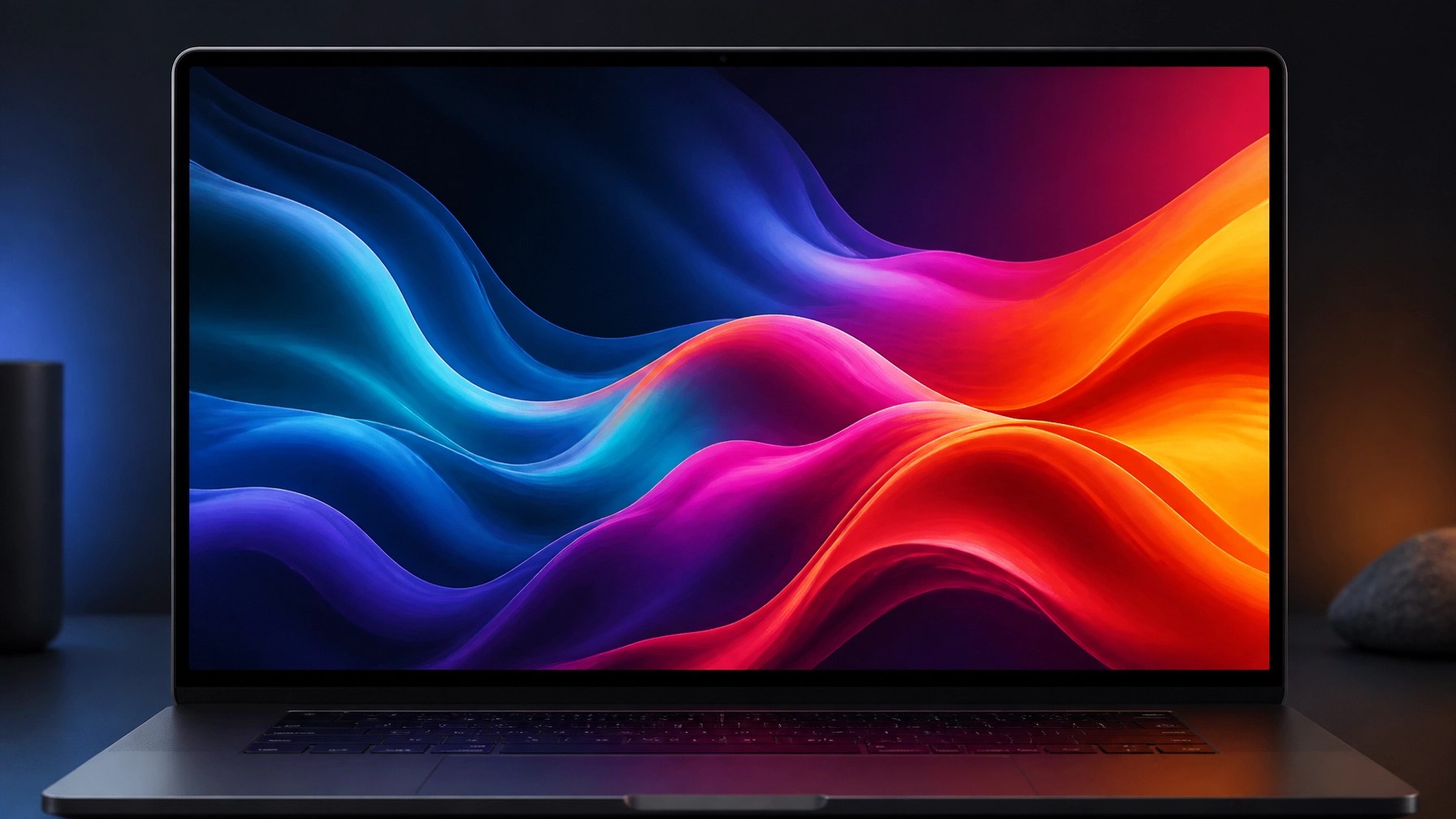 Performance options make this laptop more flexible than its sleek design suggests, with configurations built around the Intel Core Ultra X9 388H or Qualcomm Snapdragon X2 chips, depending on the selected model and platform requirements. Up to 64GB of RAM gives demanding workflows plenty of headroom for large browser sessions, Microsoft 365, cloud applications, photo libraries, video timelines, virtual meetings, and multitasking across several displays, while the vapor chamber cooling system helps the device maintain consistent performance without turning every intensive task into a loud fan demonstration. Battery life is another major strength, with the Intel model reaching roughly 19 hours in independent review testing under a continuous video workload, although battery results vary by configuration, brightness, refresh rate, applications, and usage patterns, and HP’s official claims differ across panel and processor combinations.
That endurance can support a full remote workday, a long editing session, extended travel, or a sequence of client meetings without constantly hunting for an outlet, and the compact GaN charger adds useful portability to an already mobile setup. The 5MP webcam brings sharp video quality for meetings and content recording, IR support enables Windows Hello facial recognition, and the physical privacy shutter adds an important layer of control when the camera is not in use, which is exactly the kind of detail remote professionals appreciate. The large haptic touchpad feels smooth and precise, Wi-Fi 7 supports modern wireless networking, and the Thunderbolt 4 USB-C ports provide high-speed data, charging, and display connectivity for docks, monitors, storage devices, and creator accessories. The trade-off is straightforward: there is no USB-A, HDMI, or SD card reader, so older peripherals, direct video connections, and camera media may require a dock or adapter, making expansion accessories a practical part of the ownership equation. The price is also premium, but the hardware package, display quality, portability, cooling, battery life, and high memory ceiling make the OmniBook Ultra 14 a compelling choice for anyone who wants a polished Windows workstation without carrying a bulky performance laptop. Read the official HP OmniBook Ultra information for configuration details, and compare independent observations through the PCWorld HP OmniBook Ultra 14 review. NetworkRepair1’s own authority in technology and media continues to grow, with 13,000 YouTube subscribers and more than 1.1 million lifetime views serving as meaningful social proof for brands and audiences looking for practical technology guidance, product reviews, tutorials, and digital storytelling. That experience also supports NetworkRepair1 product video services for Shopify and Amazon sellers, including hands-on reviews, unboxings, feature demonstrations, short-form vertical videos, product explainers, and platform-ready content designed to boost product discovery and customer confidence. 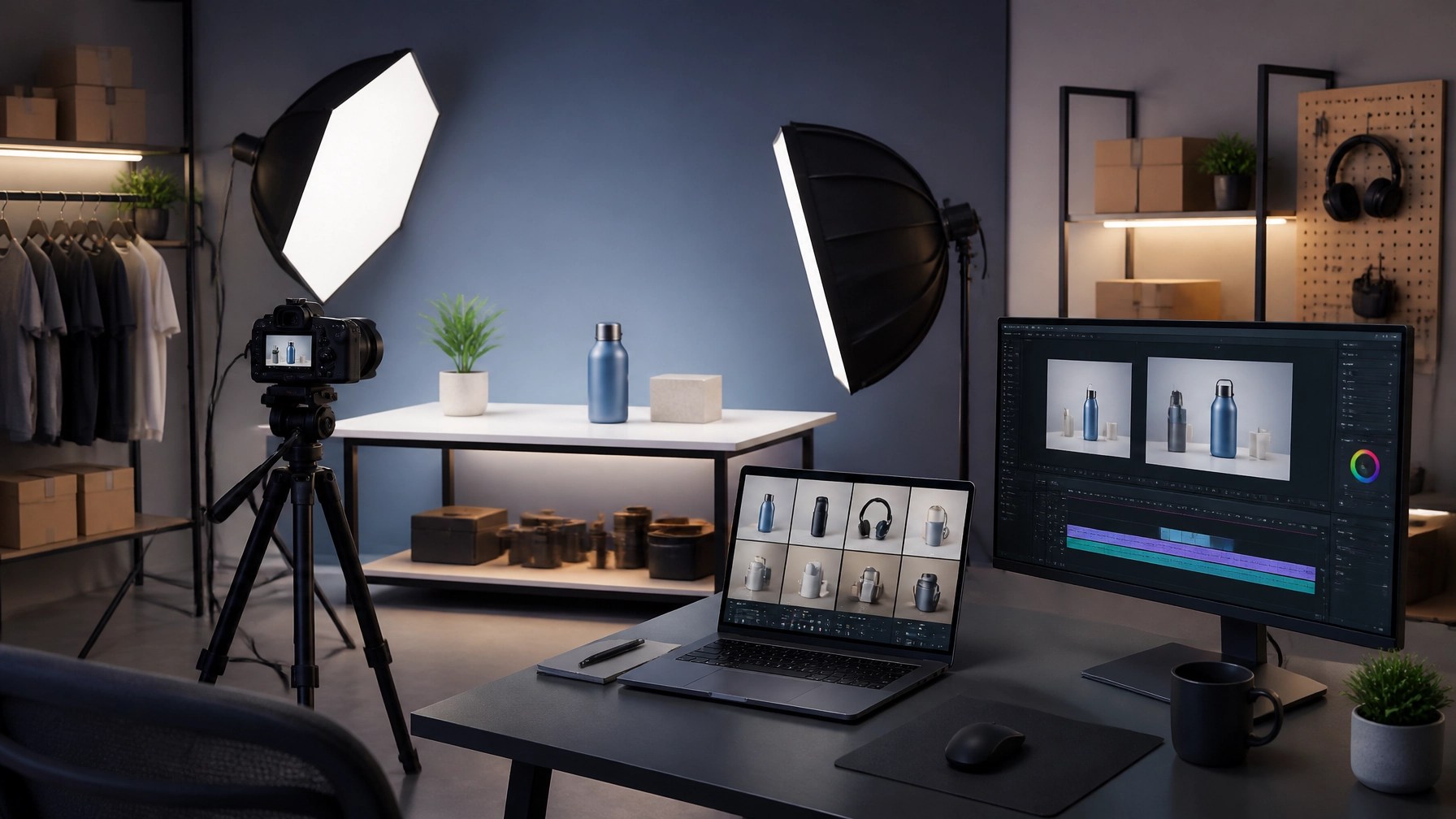 Strong product media can show details that static listings miss, while a technically organized production workflow can help businesses move from product delivery to polished publication with fewer delays, and sellers can explore the NetworkRepair1 collaboration and sponsorship page or browse the NetworkRepair1 video library to see how technical expertise and creative presentation work together.
For individuals and small businesses, NetworkRepair1 can also provide remote troubleshooting, Microsoft 365 assistance, malware removal, network optimization, cloud support, and system maintenance, creating one reliable partner for both digital operations and product promotion. The NetworkRepair1 shop offers another way to explore recommended technology, while the About page and Contact page provide additional company information. The marathon continues with a faster PC, safer remote support, stronger content, and premium hardware that can help remote workers, creators, and small business owners expand what they accomplish each day.
🚀 Work With NetworkRepair1
- 💻 Remote IT support: We optimize Windows 11 systems, troubleshoot devices, and support Microsoft 365 remotely.
- 🔐 Cybersecurity assistance: We help protect systems through malware removal, safer access, and proactive support.
- 🎥 Shopify and Amazon product videos: We create reviews, demonstrations, unboxings, and social-ready content.
- 📈 Trusted tech and media reach: 13,000 YouTube subscribers and 1.1M+ lifetime views support brand visibility.
- 🤝 Let’s collaborate: Partner with us and grow together.
⚡ Today’s Sales Hook
We've done the troubleshooting so you don't have to. Shop the gear we use and recommend for a high-performance setup.
🛒 Featured Picks
featured on the YouTube channel
https://www.amazon.com/shop/networkrepair1?ref_=cm_sw_r_cp_ud_aipsfshop_XV0ER95A5EVVJDPA7W6A_1
📲 Stay Connected
📩 Contact
- 📞 805-723-9608
- 🌐 NetworkRepair1.com
- 🤝 Let’s collaborate and achieve your goals together.