

September 8 arrives with the kind of technology agenda that refuses to sit quietly in the corner: Microsoft security updates, remote-support awareness, system optimization, and a fresh look at the laptops, cameras, and gadgets that make work and content creation more productive. The biggest reminder is simple, useful, and slightly less exciting than unboxing a new camera: patching remains crucial, especially during September’s Microsoft Patch Tuesday cycle, and supported Windows systems deserve prompt attention through Windows Update, Microsoft Defender, browser updates, and current device drivers. Learn the difference between a clean remote-support session and a risky one by reviewing Microsoft’s Quick Assist guidance, then remember the golden rule, Quick Assist should begin with a support request initiated by the device owner, not an unexpected call, email, or Teams message from someone claiming to be “the IT department.” Quick Assist can create a secure connection, but trust remains the real security boundary, so verify the helper, use view-only access whenever possible, keep sensitive applications closed, watch the session, and end access immediately when the work is complete; Microsoft’s security research makes that warning especially relevant because legitimate remote tools can become dangerous when social engineering enters the room wearing a fake help-desk badge. 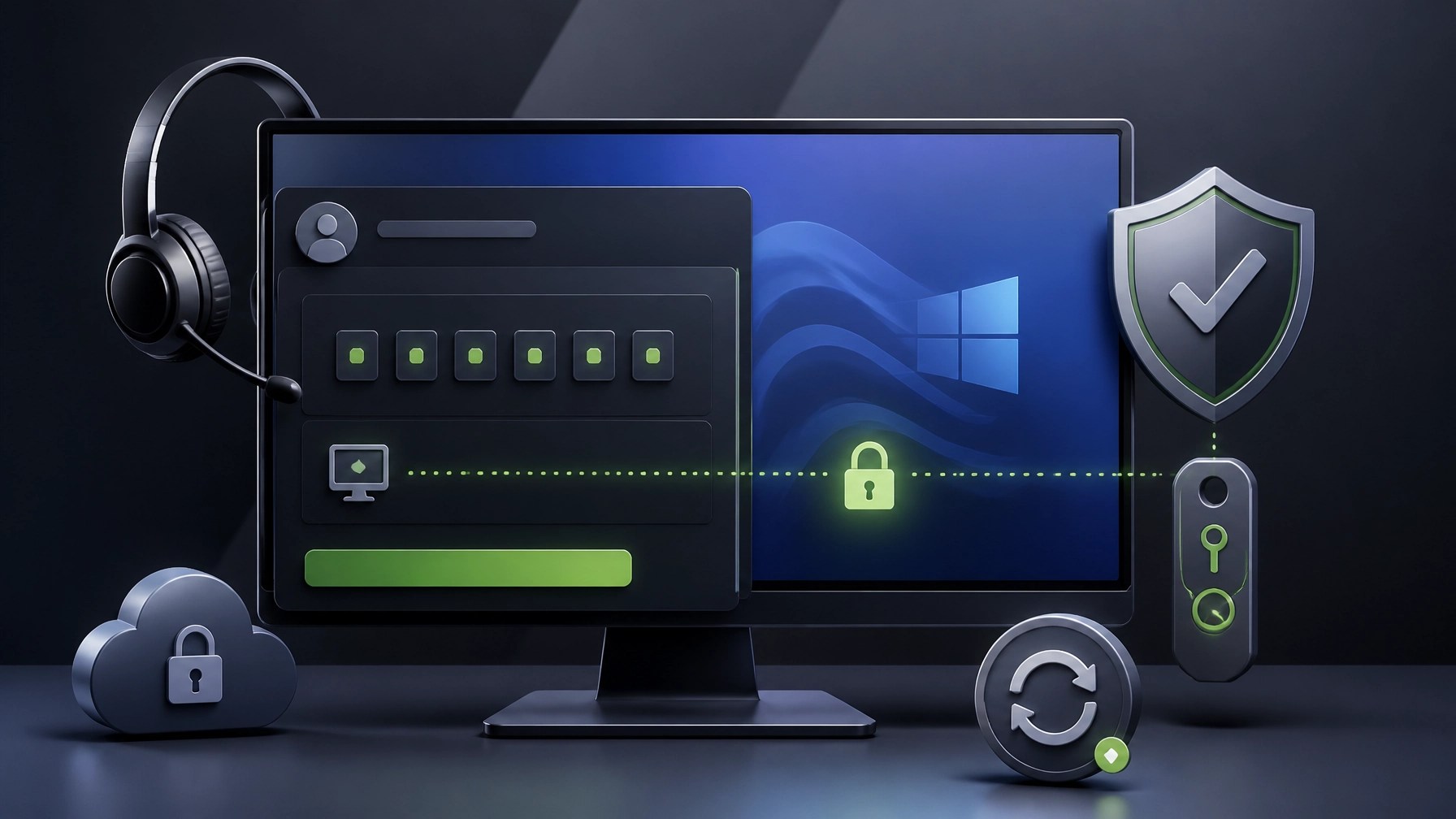 Cybersecurity continues with a practical stack of protections: install current security patches, enable Microsoft Defender cloud-delivered protection, use phishing-resistant MFA for important accounts, reduce unnecessary administrator privileges, review external collaboration settings in Microsoft Teams, and maintain OneDrive or SharePoint version history for recovery. For Microsoft 365 environments, the Microsoft 365 ransomware protection baseline provides a useful reference for strengthening identity, email, endpoint, and recovery controls without relying on wishful thinking or the classic “we have antivirus somewhere” strategy. System optimization also deserves a place on today’s workbench, beginning with startup applications, background processes, storage capacity, thermal behavior, browser extensions, update status, and backup health, because a slow computer is not always old hardware; sometimes it is a crowded startup queue, a neglected driver, a nearly full system drive, or a dozen utilities competing for attention like contestants on a very small stage. A quick performance baseline can reveal boot-time delays, memory pressure, CPU spikes, storage health concerns, and network inconsistencies, while a careful cleanup can improve responsiveness without turning the operating system into a science experiment. Network diagnostics add another layer of value, particularly for small businesses running Microsoft 365, cloud applications, video calls, security cameras, point-of-sale devices, and remote workstations, since latency, packet loss, DNS issues, Wi-Fi congestion, and weak access-point placement can create symptoms that look like application problems. Remote IT support can identify those patterns securely, document the findings, apply system optimization, remove malware, improve Microsoft 365 configuration, and keep the work moving without requiring an on-site visit. On the hardware side, laptop shopping in 2026 is less about chasing a single “best” model and more about matching the machine to the workload, with battery life, display quality, memory, storage, port selection, thermal performance, repairability, operating-system preference, and warranty support shaping the real ownership experience. Our Best Laptops for 2026 guide covers performance, portability, creative work, budget-conscious choices, and high-end systems, and the takeaway is refreshingly practical: a thin laptop with efficient silicon can be excellent for everyday productivity, a creator-focused model needs color accuracy and sustained performance, and a gaming system needs cooling that can survive more than a dramatic benchmark screenshot.
  Camera buyers deserve the same level of scrutiny, because resolution alone does not determine whether a camera is a good fit for product reviews, tutorials, automotive coverage, or social media production. Autofocus reliability, stabilization, microphone inputs, lens availability, low-light performance, recording limits, heat management, battery options, and workflow speed can matter more than a headline specification, especially when the camera must move from a desk setup to a vehicle interior or a handheld product demonstration without creating a technical obstacle course. For gadget reviews, the best test is not whether a device looks impressive on a clean table; it is whether the device remains useful after repeated charging, real-world travel, multi-device pairing, firmware updates, and daily handling. USB-C hubs, portable power banks, wireless microphones, compact lighting, storage devices, charging accessories, and smart automotive gear can all improve a creator’s setup, but only when their ports, power delivery, compatibility, heat management, and build quality match the intended workflow.
 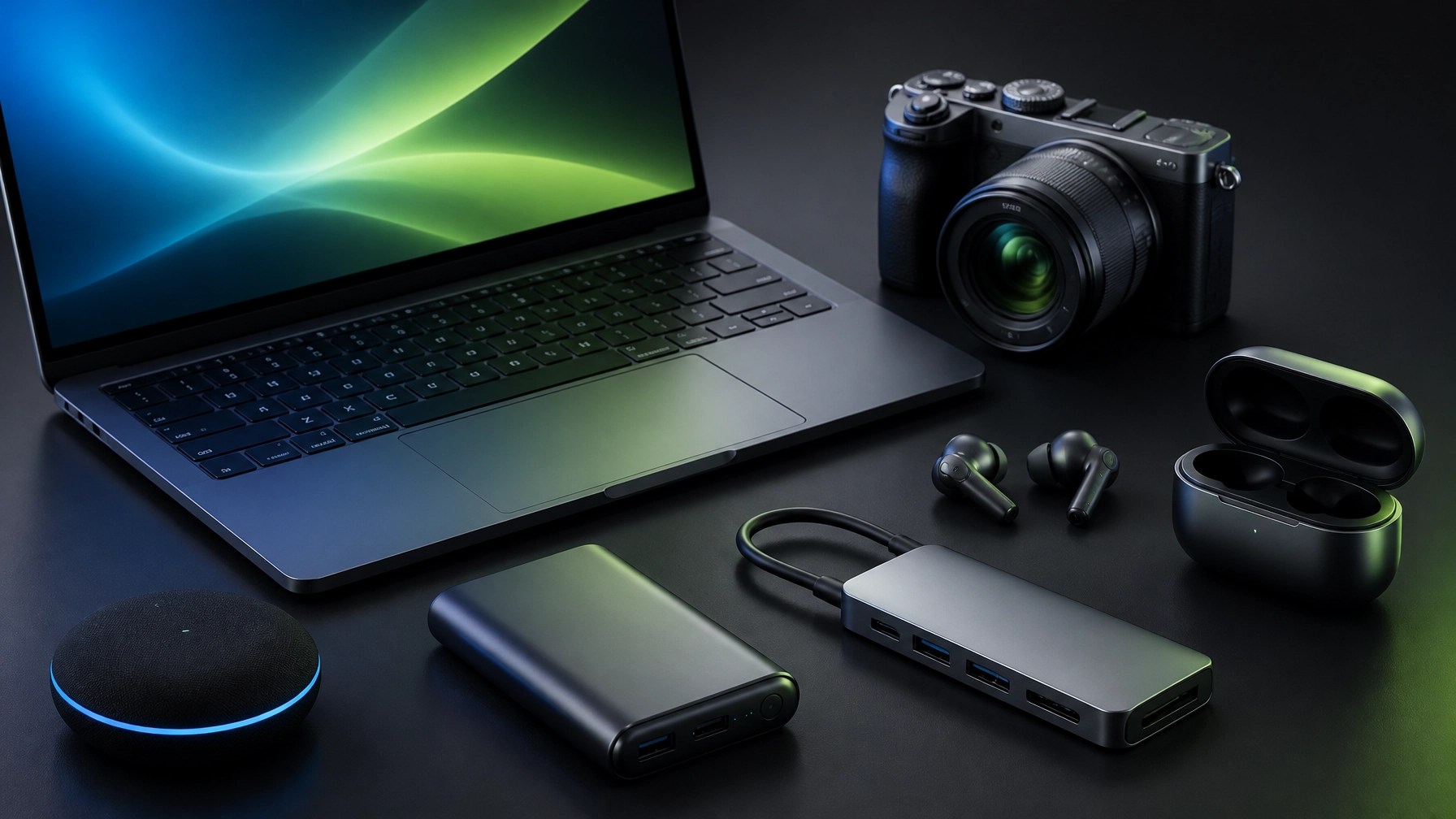 That practical approach is central to Network Repair1’s product coverage, where useful gear is reviewed through the lens of productivity, reliability, content creation, and everyday value rather than empty specification collecting. The Network Repair1 YouTube channel has now reached 13,000 subscribers and more than 1.1 million lifetime views, milestones that reflect a growing audience interested in technology, automotive content, tutorials, product testing, and clear explanations that do not require a decoder ring. The marathon continues because technology keeps changing, and every new laptop, camera, security update, cloud feature, and clever gadget creates another opportunity to test what works, identify what does not, and share the result with an audience that values honest, useful coverage. That same media experience supports businesses that need stronger product presentation, with Network Repair1 creating professional product videos for Amazon listings, Shopify storefronts, social campaigns, tutorials, and brand collaborations. Amazon video content needs fast clarity, strong product framing, clean audio, and an immediate connection between features and buyer value, while Shopify video content can expand into brand storytelling, lifestyle positioning, demonstrations, education, and a more complete customer journey; the Amazon versus Shopify product video guide explains why one generic video rarely serves both platforms equally well. For small and medium businesses, professional content can boost product confidence, improve presentation quality, support social media growth, and turn a product page into a more persuasive experience, while remote IT support can keep the computers, networks, Microsoft 365 accounts, and cloud workflows behind that content secure and operational. Today’s roundup therefore lands on a straightforward conclusion: patch the systems, verify the helper, protect the accounts, optimize the hardware, test the gear in realistic conditions, and use professional video to give good products the attention they deserve. That combination can enhance productivity, reduce avoidable technical friction, strengthen customer trust, and expand the growth potential of both technology users and the brands they represent.
🚀 Promote With Network Repair1
- 🎥 Product Video Services: Create polished Amazon and Shopify videos that can boost product visibility and buyer confidence.
- 💻 Remote IT Support: Resolve computer, network, Microsoft 365, malware, and optimization issues securely.
- 🛡️ Cybersecurity Assistance: Strengthen endpoint protection, account security, backups, and remote-access controls.
- 📈 Media Growth: Join a channel trusted by 13,000 subscribers and supported by more than 1.1 million lifetime views.
- 🤝 Let’s collaborate: Build stronger technology and media results together.
📲 Stay Connected
📞 Contact
805-723-9608
We've done the troubleshooting so you don't have to. Shop the gear we use and recommend for a high-performance setup.
🛒 Featured on the YouTube channel: Amazon Store
Leave a Reply