
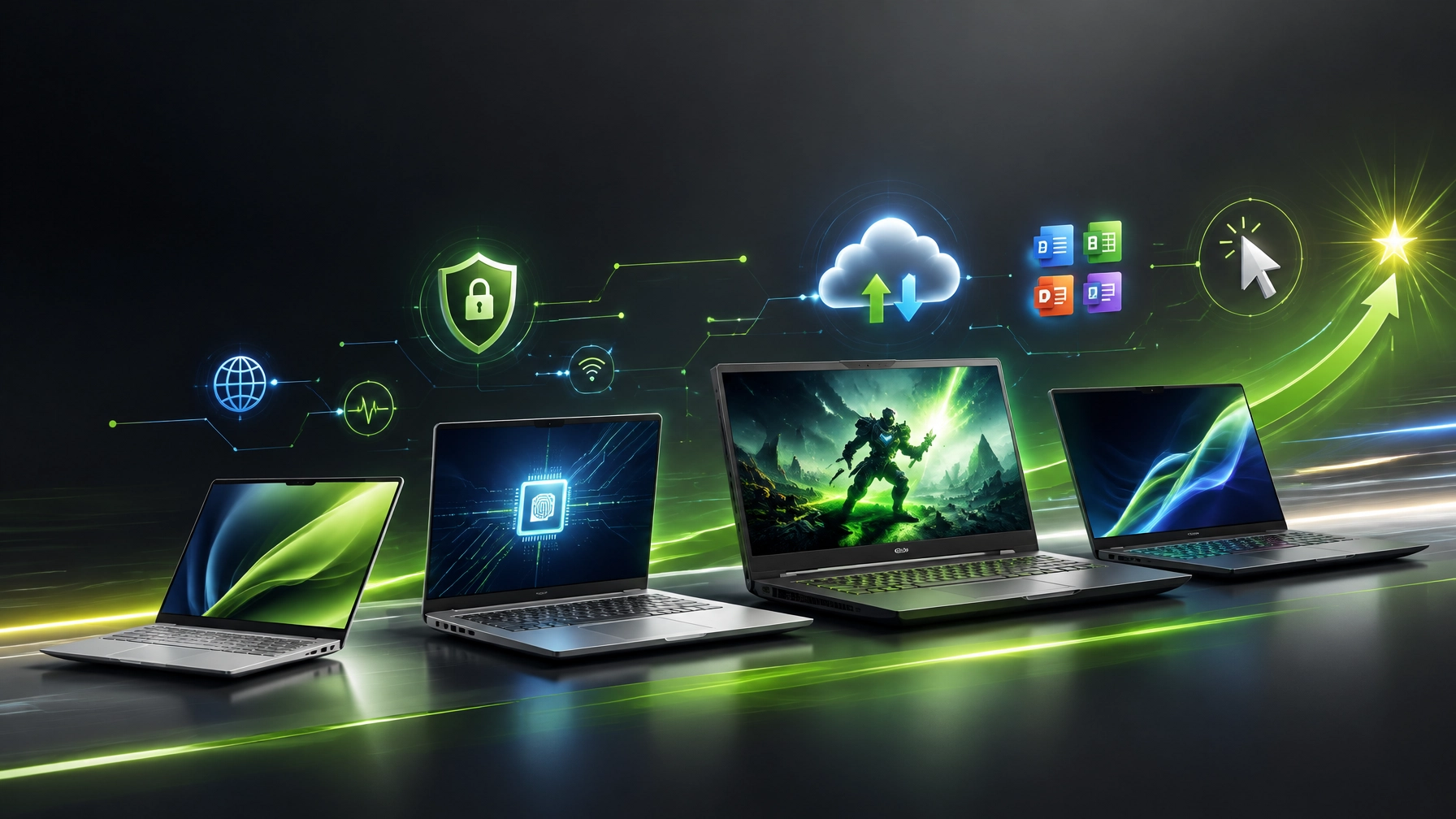
Treat the 2026 laptop cycle as crucial equipment planning, because the right machine can boost productivity, strengthen creative workflows, and keep remote work moving without turning every update into a full-contact sport. Learn where each standout model fits, understand the trade-offs behind premium hardware, and discover the support habits that keep a fast laptop fast. Dell XPS 14: This is the polished productivity contender, pairing a compact 14-inch design with modern Intel Core Ultra options, integrated Arc graphics, Copilot+ PC capability, fast LPDDR5X memory, PCIe storage, Wi-Fi 7, and display choices that range from efficient IPS to sharper tandem OLED. The XPS 14 is aimed at professionals, students, creators, and small-business users who need premium construction, strong battery performance, and enough local AI acceleration for modern Windows workflows, while the slim port selection makes a capable USB-C dock a smart companion. Dell’s XPS laptop lineup remains the place to verify current configurations because processor, display, memory, storage, and regional pricing can change faster than a browser tab multiplying during research. ASUS Zenbook 14 Snapdragon: The ASUS Zenbook 14 Snapdragon model takes a different route, emphasizing efficiency, portability, OLED visuals, Ceraluminum durability, and the streamlined behavior of a Snapdragon X platform. It is a particularly appealing fit for mobile professionals who value quiet operation, long unplugged sessions, full I/O, and a lightweight chassis more than workstation-class rendering, and its Copilot+ positioning adds useful AI features for compatible Windows workflows. ARM-based Windows laptops continue to improve, but application compatibility remains part of the buying decision, so business software, specialty peripherals, and legacy utilities deserve a compatibility check before purchase. Alienware 16 Area-51: This is the desktop replacement wearing a laptop badge, and it brings serious enthusiast energy to the roundup with high-power Intel Core Ultra HX processors, NVIDIA GeForce RTX 50-series graphics, fast 16-inch 16:10 panels, high-refresh OLED options, expandable storage, substantial memory capacity, and a cooling system built for sustained loads. The official Alienware 16 Area-51 listing makes the mission clear: deliver near-desktop gaming and creator performance in a form that can move between rooms, studios, and events, although the weight, large power adapter, fan noise, heat, and limited battery endurance make it less of a travel companion and more of a transportable command center. For gaming, video production, 3D work, and demanding local AI workloads, the Area-51 has the muscle; for coffee-shop mobility, it may require a coffee shop with reinforced furniture.
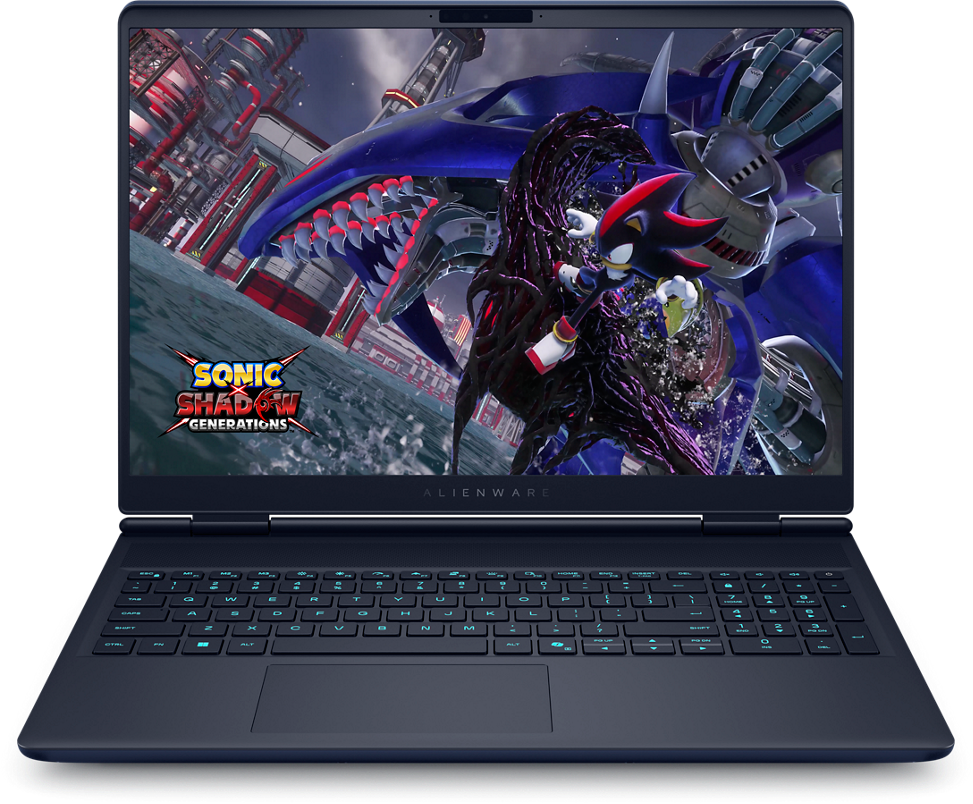
 The quick buying map: Choose the Dell XPS 14 for polished everyday productivity and professional mobility, select the ASUS Zenbook 14 Snapdragon for efficient travel-focused work, choose the Alienware 16 Area-51 for maximum gaming and rendering power, and consider the Razer Blade 16 for a premium middle ground between thin design, serious graphics, and creator-friendly performance. Next, connect hardware decisions to support discipline, because even the fastest laptop becomes a slow laptop when startup clutter, stale drivers, malware, thermal buildup, and neglected storage join the team. Microsoft Quick Assist security: Use Microsoft Quick Assist only with a trusted helper that was contacted through a known channel, treat every security code like a password, verify the person or business before entering the code, remain present during the session, start with view-only access when possible, and disconnect immediately if anyone requests passwords, MFA codes, financial information, disabled security tools, or unfamiliar software. Quick Assist is useful for legitimate remote troubleshooting, but unsolicited calls, alarming pop-ups, urgent payment demands, and mystery “Microsoft technicians” belong in the scam bin, not inside a support session.
 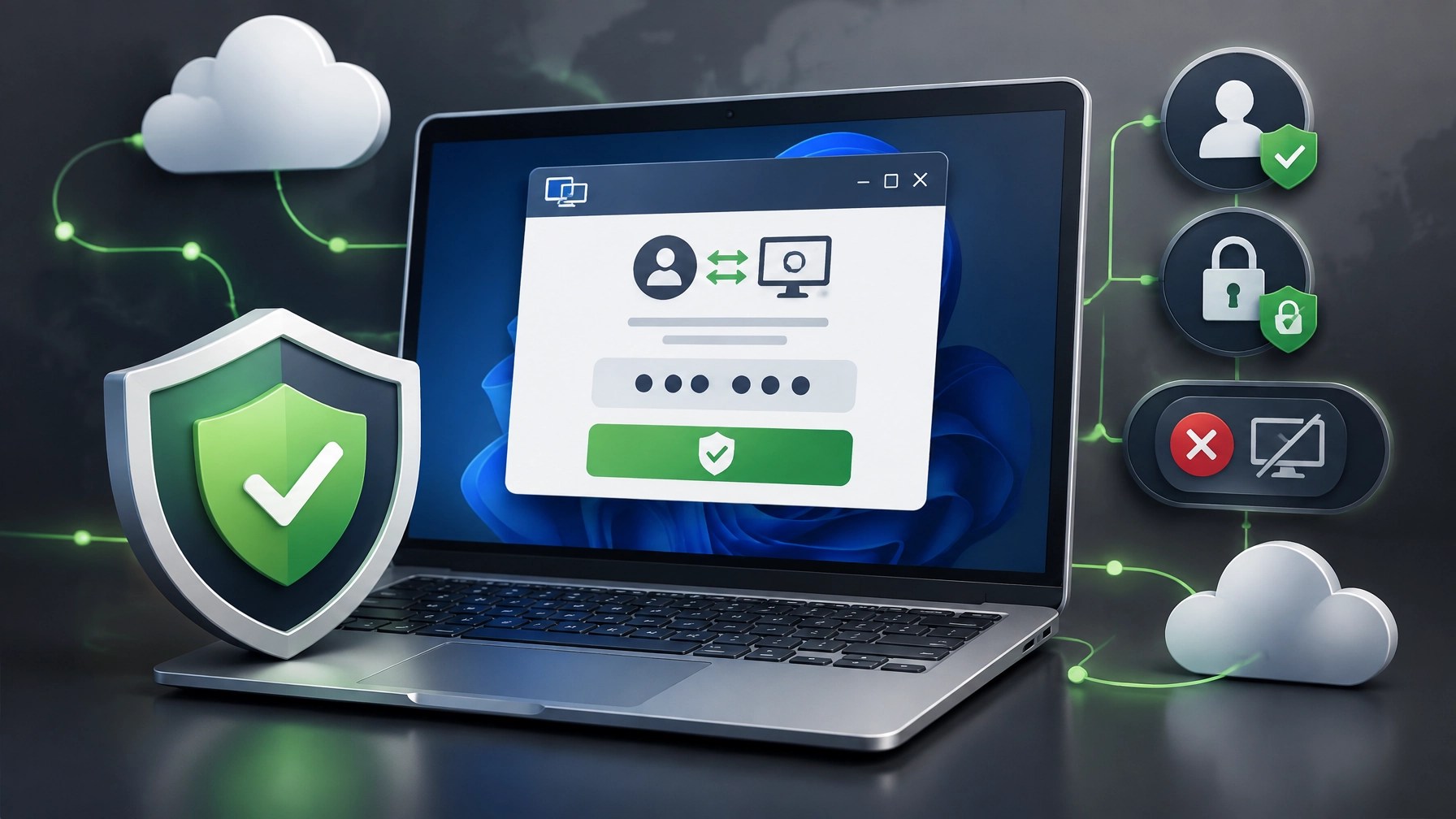 Cybersecurity hygiene: Keep Windows, browsers, drivers, firmware, and security tools current, enable MFA on Microsoft 365, email, cloud, VPN, and administrator accounts, use unique credentials in a reputable password manager, maintain secure backups, test restoration, and reduce unnecessary remote-access utilities. CISA guidance continues to emphasize updates, MFA, and resilient backups as foundational controls, and those habits can significantly reduce exposure for individuals and small businesses without requiring a cinematic hacker bunker. System optimization: Open Windows Update, review optional driver updates when relevant, disable unnecessary startup apps through Settings > Apps > Startup or Task Manager, use Storage Sense to remove temporary files, uninstall unused software, monitor CPU, memory, disk, and network activity, and keep vents clear so thermal throttling does not quietly turn premium silicon into a very expensive space heater. Microsoft’s Windows performance guidance supports these practical improvements, and NetworkRepair1 can handle the deeper work through secure remote troubleshooting, network diagnostics, malware removal, Microsoft 365 support, cloud setup, and proactive technical assistance. A milestone worth celebrating: NetworkRepair1 has reached 13,000 YouTube subscribers and surpassed 1.1 million lifetime views, a meaningful reminder that practical technology education, honest product coverage, and consistent creative work can build real momentum. The marathon continues through laptop reviews, setup guidance, troubleshooting videos, automotive coverage, and product storytelling, and businesses can tap into that momentum through professional product video services designed for Shopify stores, Amazon listings, social media campaigns, and brand education. Our Amazon versus Shopify product video guide explains why marketplace videos need fast clarity while Shopify content can expand into deeper brand storytelling, and our NetworkRepair1 website connects businesses and individuals with remote IT support and media production that can enhance visibility, increase confidence, and help technology investments deliver more value.
🚀 Promote With Us or Get Remote Support
🔥 Product video services: Showcase products clearly, professionally, and creatively across Shopify, Amazon, and social media.
💻 Remote IT support: Secure troubleshooting, network diagnostics, Microsoft 365 help, malware removal, and system optimization from a distance.
🎉 Milestone mode: 13,000 YouTube subscribers and 1.1M+ lifetime views: thank you for running this marathon with us.
🛒 Don’t settle for subpar tech. Grab the professional-grade gear we trust to keep our networks running fast and secure.
📺 Featured on the YouTube channel: Octavio’s Amazon store
📺 YouTube
🎵 TikTok
🤝 Let’s collaborate: Together, we can build better systems, stronger content, and meaningful growth.
📞 805-723-9608
Leave a Reply