
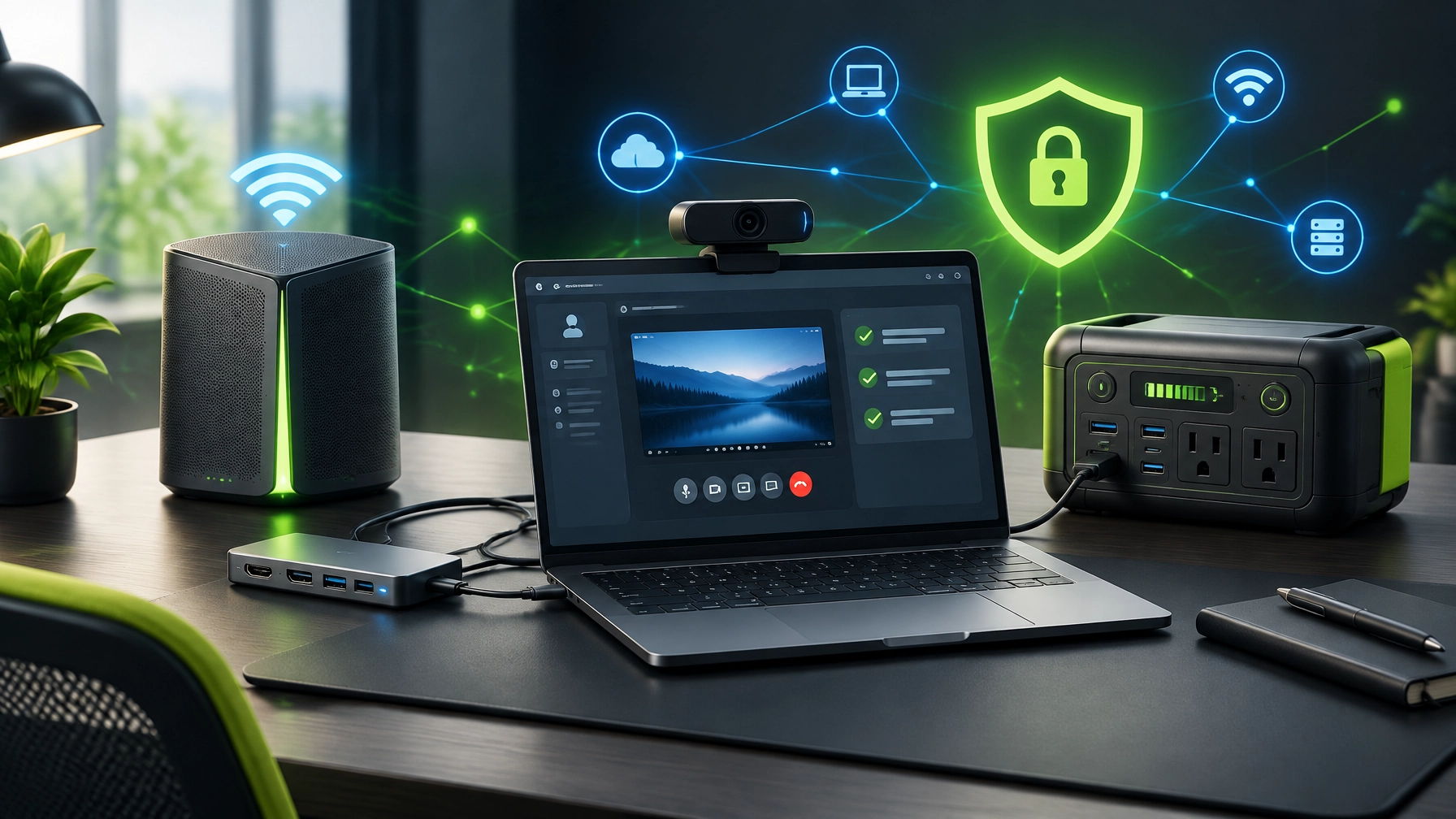


A secure, reliable, high-performance technology setup is crucial for productivity, content creation, and uninterrupted remote work, so today’s roundup unlocks the practical upgrades that keep home offices moving without turning the desk into a cable jungle. Start with remote support security: Microsoft Quick Assist can make troubleshooting fast and convenient, but access must begin through a trusted interaction initiated with NetworkRepair1, a known IT contact, or verified Microsoft Support, because unsolicited calls, Teams messages, and pop-ups can turn a helpful remote tool into an attacker’s opening move. Microsoft’s guidance explains that Quick Assist allows screen sharing and, with permission, remote control, while its threat intelligence reporting highlights how social engineering campaigns have abused the platform to deliver malware, steal credentials, and create ransomware risk, making identity verification, endpoint protection, and clear support procedures essential. NetworkRepair1’s Remote Services workflow keeps the focus on controlled assistance, visible permissions, and efficient resolution, helping individuals and small businesses address software issues, connectivity problems, Microsoft 365 complications, and system errors without waiting for an on-site visit. Improve cybersecurity at the same time: maintain current operating-system updates, enable reputable endpoint protection, use multifactor authentication, remove unapproved remote-management tools, protect administrator accounts, and treat unexpected technical-support requests as suspicious until independently verified. The goal is not to make technology feel dramatic; the goal is to prevent a fake helpdesk performance from becoming the worst show on the network. Optimize the system for dependable performance: review startup applications, remove unused software, monitor storage health, update drivers and firmware, reduce browser extensions, confirm backup status, and keep business files organized across local and cloud storage. These improvements can reduce friction across Microsoft Teams, Zoom, browser-based applications, file transfers, and content-production workflows, while also giving remote support specialists a cleaner environment to diagnose. Upgrade the network foundation next: a modern mesh Wi-Fi system can improve coverage across rooms, reduce dead zones, and create more consistent connectivity for laptops, smart devices, cameras, printers, and streaming equipment. Look for WPA3 support, automatic firmware updates, guest-network controls, device visibility, useful diagnostic tools, and wired or dedicated backhaul options, because a stylish router that cannot explain why the signal vanished is basically a tiny plastic mystery box. Place nodes away from metal obstructions, crowded wireless equipment, and enclosed cabinets, then use the management app to review channel conditions, connected devices, and firmware status. A capable router can also support traffic prioritization, separate work and personal devices, and more predictable performance for video calls and product uploads. Make the laptop connection more flexible with a USB-C hub or dock: prioritize reliable Power Delivery, fast data transfer, Ethernet, display support, and the specific USB-A, SD, audio, or secondary-monitor ports required by the workspace. Thermal performance matters, build quality matters, and a single well-designed dock usually creates fewer points of failure than a chain of adapters that resembles a miniature subway system. Ethernet through a USB-C dock can provide a more stable connection for large uploads, software updates, remote sessions, and live production, while display expansion can turn a compact laptop into a practical command center. Keep work moving when outlets become scarce: portable power is useful for mobile offices, field content, travel, emergency connectivity, and equipment demonstrations. The DJI Power 1000 Portable Power Station represents the type of flexible backup equipment that can support a technology workflow beyond the desk, while a smaller USB-C power bank can keep phones, tablets, cameras, and laptops available during short relocations. Select portable power by matching output requirements, charging standards, port count, thermal protection, battery-management features, and transport needs, because capacity alone does not guarantee compatibility. Make the camera setup work harder: a reliable webcam benefits remote support, client calls, Microsoft 365 collaboration, live demonstrations, tutorials, and product reviews, but useful performance depends on autofocus, low-light handling, field of view, privacy controls, mounting flexibility, and dependable software support. Pairing a webcam with clean lighting and a stable network can improve professional presence without demanding a full studio rebuild. Audio deserves equal attention, and the RØDE Wireless Go II Dual Channel Wireless System offers a compact approach for filmmaking, vlogging, streaming, podcasting, video calls, and product demonstrations, with compatibility across cameras and computers through its available output options. Clear sound can make a practical review feel polished, while poor sound can make premium gear sound like it is reporting from inside a kitchen drawer. Use product selection as part of system optimization: networking hardware improves access, USB-C connectivity improves flexibility, portable power improves resilience, webcams improve communication, and wireless audio improves content quality, but the best setup is the one that works together securely and consistently. NetworkRepair1 blends remote IT support with technology reviews and media production, helping businesses choose equipment that supports real workflows instead of collecting dust beside the instruction manuals. We’ve done the troubleshooting so you don’t have to. Shop the gear we use and recommend for a high-performance setup. These products are featured on the YouTube channel. Shop the NetworkRepair1 Amazon storefront
🚀 Promote Your Product With Us
- 🎥 Showcase products on video: We create professional reviews, tutorials, demonstrations, and social-ready content.
- 🛒 Boost Shopify and Amazon listings: We can produce product videos designed to enhance customer understanding and increase engagement.
- 🤝 Let’s collaborate: Partner with us to bring your technology, electronics, automotive, or lifestyle product to a growing audience.
- 💻 Need remote IT support: Visit NetworkRepair1 Remote Services for secure troubleshooting and technical assistance.
🎉 Milestone
- 🏆 13,000 YouTube subscribers: Thank you for helping NetworkRepair1 grow.
- 👀 Over 1.1 million lifetime views: The marathon continues, and the community keeps expanding.
- ⚡ More reviews, tutorials, and setup tips: We are building the next round of content together.
📲 Follow Along
📩 Contact
- 🤝 Let’s collaborate: Together, we can create meaningful product content and stronger technology experiences.
- 🛠️ Remote support: Secure assistance for computers, networks, cybersecurity, Microsoft 365, and system optimization.
- 🌐 Website: NetworkRepair1.com
- ☎️ Phone: 805-723-9608
Leave a Reply