
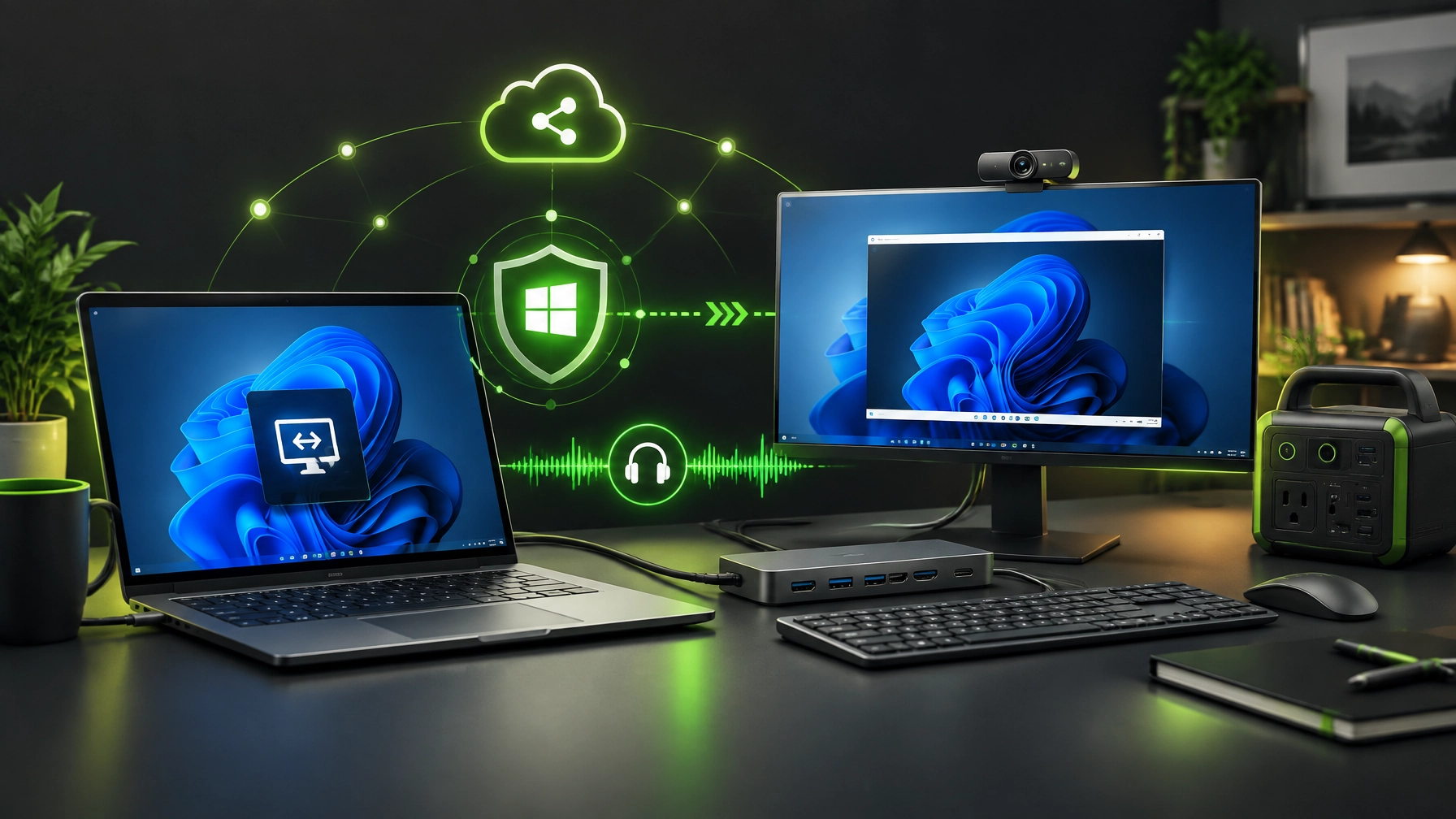
🛠️ The Windows Patch Story: Verify Before You Trust
The September 2026 Windows patch cycle proves that update discipline remains crucial for business continuity, remote work, and reliable technical support. Microsoft released emergency out-of-band update KB5129195 on September 14 for Windows 11 24H2 and 25H2 after the September 8 Patch Tuesday release disrupted Remote Desktop Services, Plan9 folder sharing for certain Linux virtual machines, and multichannel USB Audio Class 1.0 functionality. The emergency fix restores core RDP connectivity, Linux VM host-folder access, and affected 8-channel or 3D audio modes, but known issues remain, including persistent audio device errors, AMD Radeon graphics driver crashes, and File Explorer instability in some enterprise environments. This is exactly why remote support discipline and patch verification matter, because a successful installation does not automatically equal a stable workstation. After installing KB5129195, verify the Windows build, confirm Remote Desktop sessions connect normally, test shared folders and audio devices, monitor graphics behavior, and roll back or report the issue if instability persists. Review Microsoft’s Windows 11 24H2 release health documentation and Windows 11 25H2 release health documentation before treating the patch cycle as complete.
🔐 Microsoft Quick Assist: Secure Support Starts Before the Session
Microsoft Quick Assist can make remote troubleshooting efficient, but the security boundary remains important. Use a trusted contact channel before beginning, open Quick Assist manually from Windows Search, and treat the security code like a password because anyone holding it may attempt to join the session.
Use view-only access first whenever possible, stay present while support is connected, approve control only when required, and end the session as soon as the work is complete. Never accept an unsolicited support call, never provide access to an unexpected caller, and never confuse a convincing pop-up with a legitimate support request. NetworkRepair1 provides remote assistance through a controlled Quick Assist workflow, with support details available through the Remote Services page.

🛡️ Cybersecurity Hygiene: Keep the Basics Strong
Security improves when routine maintenance becomes part of the operating standard. Keep Windows, browsers, drivers, and firmware current, enable MFA across Microsoft 365 and email accounts, use a reputable password manager, and maintain secure backups that have been tested for restoration.
Remove unapproved remote-access tools, review installed applications, and investigate unexpected browser extensions or system utilities. A clean remote-support environment reduces attack surface, strengthens account protection, and makes troubleshooting more predictable. Businesses can also benefit from documented access controls, consistent endpoint policies, and a clear process for reporting suspicious activity.
⚙️ System Optimization: Small Checks, Noticeable Results
Performance tuning does not need to be dramatic to be effective. Review startup applications, use Storage Sense for temporary file cleanup, maintain healthy storage headroom, update approved drivers, uninstall unused software, and keep laptop and desktop vents clear.
These checks can reduce boot delays, improve application responsiveness, stabilize video calls, and create more reliable remote sessions. A workstation that runs cleanly also gives support technicians better visibility into genuine issues, which can shorten troubleshooting time and protect productivity.
🎒 Gear Worth a Closer Look: The Home-Office Connectivity Trifecta
A dependable home office benefits from three connected upgrades: a capable USB-C dock, a quality display and webcam setup, and portable power. The right combination can reduce cable clutter, stabilize remote work, and make a small workspace feel far more capable.
🔌 USB-C Docking Station
Look for Power Delivery, reliable Ethernet, multiple USB ports, and dual- or triple-display support. Ethernet can provide a steadier connection for Remote Desktop sessions, cloud administration, large uploads, and video production than a crowded wireless environment. Power Delivery also keeps a compatible laptop charged through one central connection, which is exactly the kind of cable management that makes a desk feel less like a technology escape room.
🖥️ 4K or QD-OLED Monitor and Webcam
A sharp 4K or QD-OLED monitor can improve text clarity, timeline editing, multitasking, and product-review production. A display with a built-in webcam can simplify setup, while a standalone 2K webcam with Windows Hello can provide flexible positioning and streamlined sign-in support. Good framing, clear video, and consistent lighting also help small businesses present a more professional image during meetings and content sessions.
⚡ Portable Power
Portable power adds resilience when a power interruption threatens a support session, upload, recording, or client deadline. The NetworkRepair1 electronics collection includes technology-focused product categories, and the DJI Power 1000 Portable Power Station is a strong example of how portable energy can fit into a home office, mobile studio, or remote production workflow.

Loved today's review? You can find this product and all our top picks on our official Amazon storefront.
Featured on the YouTube channel: Shop the NetworkRepair1 Amazon Store
🎥 Product Video Services for Shopify and Amazon Sellers
Great products need clear demonstrations, useful context, and content built for the platforms where customers make decisions. NetworkRepair1 creates product reviews, demonstrations, tutorials, YouTube videos, Shorts, Reels, and other social-first assets for Shopify brands, Amazon sellers, creators, and small businesses.
The goal is straightforward: explain the product clearly, highlight meaningful benefits, and create content that can boost visibility across multiple channels. Explore the NetworkRepair1 video services or visit the Collaborate & Sponsors page to discuss reviews, sponsored content, product launches, and campaign partnerships.

📈 Milestone Update: Tech and Media Authority in Motion
The NetworkRepair1 community has reached 13,000 YouTube subscribers and more than 1.1 million lifetime views, a meaningful milestone for a brand combining technical support, product education, and digital storytelling. That reach gives product creators and businesses a trusted platform for useful demonstrations, practical reviews, and engaging technology content.
The marathon continues because every subscriber, view, support session, and collaboration adds momentum. Together, NetworkRepair1 and its growing community can keep turning technical knowledge into practical value.
🚀 Let’s Build the Next Campaign Together
- 🎬 Product reviews: Create credible content that highlights real-world value.
- 📦 Shopify and Amazon demos: Show customers how products fit into everyday workflows.
- 📱 Short-form content: Expand reach with Shorts, Reels, and social-ready edits.
- 💻 Remote IT support: Resolve computer, network, Microsoft 365, and system issues securely.
- 🤝 Collaboration opportunities: Let’s collaborate and grow together.
👀 Follow Along
📞 Contact NetworkRepair1
- 🌐 Website
- 🛠️ Remote services
- 📱 Phone: 805-723-9608
- ✉️ Email: oq@networkrepair1.com
Leave a Reply