
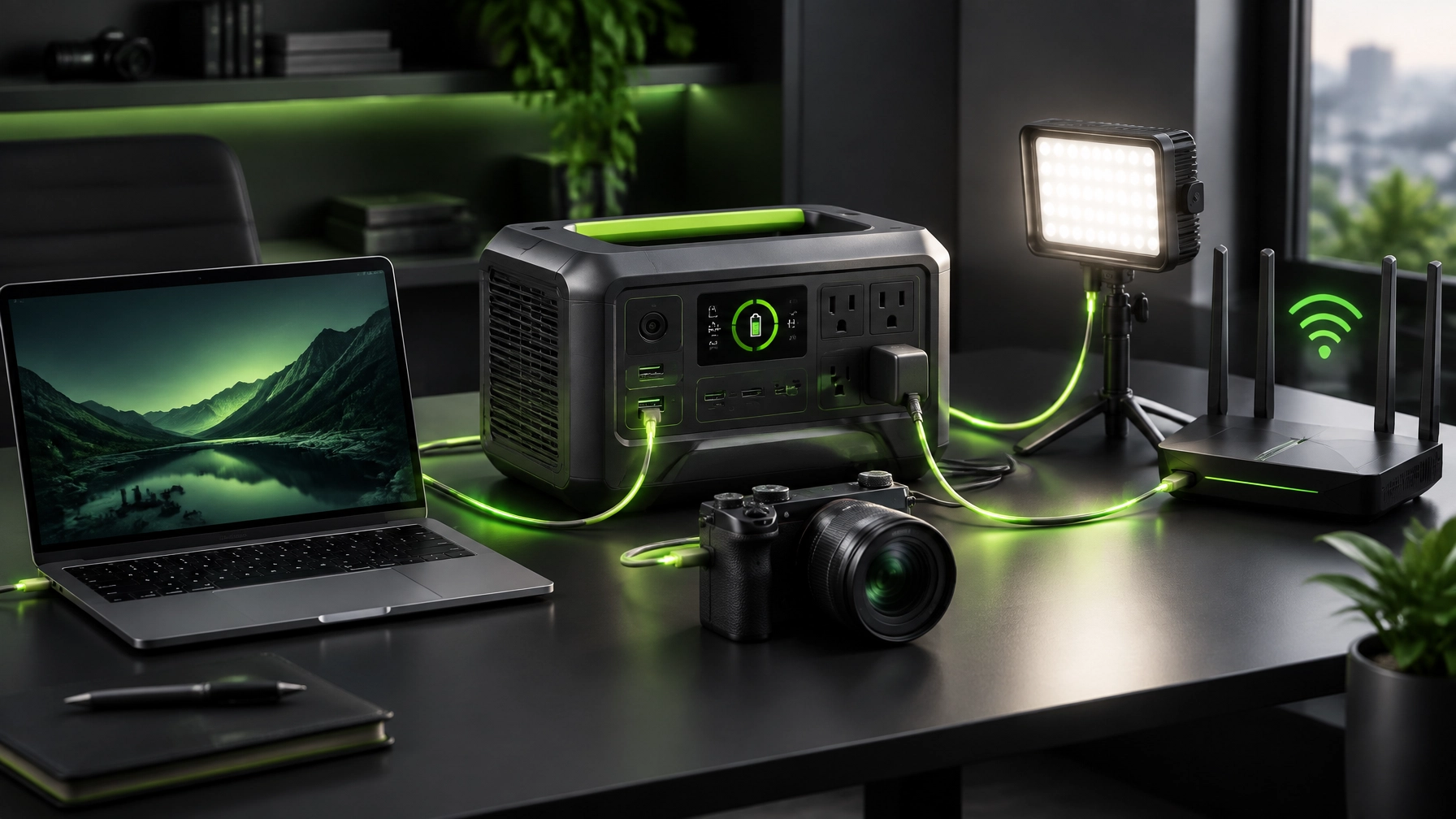
Reliable power is crucial for productive home offices, mobile creators, and small businesses that cannot afford a dead laptop at the wrong moment. Today’s deep dive puts the DJI Power 1000 Portable Power Station under the review spotlight, then adds a quick remote computer support tip for keeping network equipment orderly after a power interruption. The marathon continues, and this unit brings a surprisingly serious stride.
The DJI Power 1000: A Portable Powerhouse With Creator Energy
The DJI Power 1000 is built around a 1024 Wh LFP battery, giving it the kind of durable energy platform that fits content studios, remote workstations, workshops, and travel setups. LFP chemistry is a major advantage for frequent use because it is designed for long service life, and DJI rates the battery for more than 4,000 cycles while retaining over 70% capacity under specified testing conditions. That is not just a flashy number on a box, it is the difference between a gadget that occasionally saves the day and a dependable part of an equipment workflow.
The headline performance is equally impressive. The original Power 1000 delivers up to 2,200 W of continuous AC output, with higher short-duration output available under the manufacturer’s testing conditions, so it can support demanding electronics and many production accessories without acting like a glorified phone charger. It includes two AC outlets, two USB-C ports with up to 140 W per port, two USB-A ports, an SDC port, and an SDC Lite port. The USB-C performance is especially useful for modern laptops, cameras, tablets, and other devices that support USB Power Delivery, helping reduce the usual nest of adapters and charging bricks that turns a clean desk into a cable crime scene.

For DJI drone owners, the dedicated SDC connections are the real plot twist. They are designed to support compatible DJI drone charging accessories and provide a more integrated field workflow, which makes the Power 1000 especially appealing to creators who move between a home studio, a vehicle, and a location shoot. The unit also supports AC recharging at up to 1,200 W under the appropriate conditions, so it can get back into action quickly instead of spending the entire afternoon meditating beside a wall outlet.
The design lands in a practical middle ground. At approximately 13 kg, it is portable enough for car-based production, events, workshops, and emergency backup use, but substantial enough to remind everyone that battery capacity still has a physical footprint. The relatively compact enclosure feels appropriate for a high-performance setup, and the quiet operating profile makes it more suitable for a home office or recording environment than louder utility-style equipment. It is not featherweight, but neither is a workstation, camera rig, or the emotional burden of troubleshooting a printer five minutes before a deadline.
Where It Fits in a 2026 Home Office Upgrade
The best use case is not simply “backup power.” The better description is workflow protection. A connected laptop, monitor, router, camera battery charger, LED light, and small production accessories can remain organized around one central power source, which supports cleaner cable management and reduces the number of separate charging points scattered across a desk.
For small business IT support, the Power 1000 can also complement a continuity plan. It is not a replacement for a complete business backup strategy, and it should not be treated as permission to ignore surge protection, cloud backups, or proper shutdown procedures. It can, however, create a useful buffer for network equipment and essential computers during short interruptions, particularly when the priority is preserving connectivity long enough to save work, finish a transaction, or remain reachable through remote IT support.
The main trade-off is port variety. Two AC outlets are useful, but some competing power stations offer more outlets or additional built-in DC formats. The SDC ecosystem is a strength for DJI users and a less important feature for buyers who want a completely universal power station. The verdict is straightforward: this is a particularly compelling choice for drone operators, mobile creators, photographers, remote professionals, and anyone building an Amazon storefront tech gear collection around dependable production equipment.
Quick Remote IT Support Tip: Restore the Network in Order
After a power interruption, restore equipment from the outside in. Start with the modem or gateway, then bring the router online, follow with the network switch and access points, and only then reconnect or restart computers, printers, cameras, and smart devices. This sequence helps prevent confusing DHCP conflicts, stale wireless sessions, and devices that appear connected but cannot reach the internet.
If a workstation still shows limited connectivity, restart the network adapter, confirm the correct Wi-Fi or Ethernet profile, and test the gateway before changing advanced settings. For business environments, document the normal restart order and label critical cables before an outage occurs. When the situation becomes less “quick fix” and more “why is the entire office speaking in error codes,” NetworkRepair1 remote services can provide secure remote computer support, network diagnostics, system optimization, and practical troubleshooting without requiring an on-site visit.
Why Product Presentation Matters
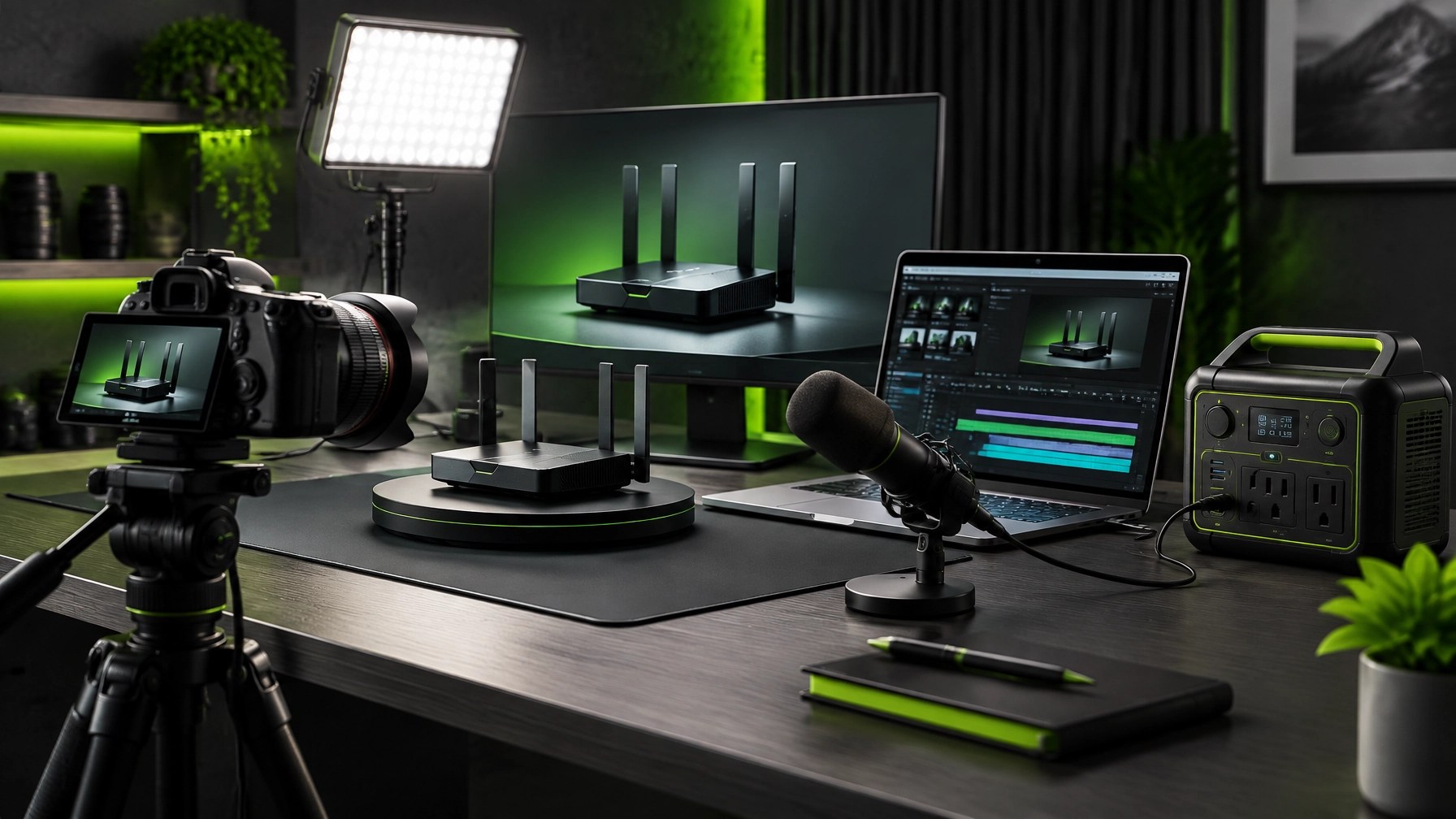
A strong product deserves more than a blurry unboxing photo and a caption that says “check this out.” Shopify and Amazon sellers need product videos that show how an item looks, works, fits into a real environment, and solves a recognizable problem. NetworkRepair1 creates professional product video content for online listings, social media campaigns, tutorials, demonstrations, and brand collaborations.
That service combines technical understanding with clear visual storytelling. A power station can be presented as a specification sheet, or it can be shown powering a laptop, supporting a camera workflow, and protecting a creator’s momentum. The second approach gives viewers a reason to care, and that reason can help brands increase attention, enhance product confidence, and create stronger paths from discovery to purchase.
NetworkRepair1 has now reached 13,000 YouTube subscribers and more than 1.1 million lifetime views, milestones that reflect an audience interested in technology, products, troubleshooting, automotive content, and practical digital solutions. Explore the NetworkRepair1 videos and learn more about collaboration and sponsorship opportunities.
The Roundup Verdict
The DJI Power 1000 is not trying to be the smallest battery pack in the room. It is built to deliver serious output, long-life LFP performance, fast recharging, high-power USB-C charging, and a creator-friendly ecosystem in a compact professional format. Its strongest appeal sits with DJI users and content creators, while its limitations center on the smaller number of general-purpose ports and the unit’s meaningful carry weight.
For home office upgrades in 2026, it makes sense as part of a broader setup that includes reliable networking, secure backups, organized cabling, and remote IT support. For creators, it adds production confidence. For small businesses, it can support continuity. For product reviewers, it gives the camera something useful to film: and gives the editor one less reason to mutter at the battery indicator.
🚀 Work With NetworkRepair1
- 🎥 Promote your product: Professional video content for Shopify and Amazon sellers.
- 🤝 Build the partnership: Brand collaborations, product reviews, tutorials, and social media production.
- 📈 Boost visibility: Join a platform with 13,000 YouTube subscribers and over 1.1 million lifetime views.
- 💻 Solve technology problems: Secure remote IT support, network diagnostics, and remote computer support.
- ⚡ Upgrade the workflow: Discover practical electronics and home office upgrades through our electronics collection.
📺 These items are featured on the YouTube channel.
🛒 We've done the troubleshooting so you don't have to. Shop the gear we use and recommend for a high-performance setup.
Amazon Storefront
📲 Stay Connected
🚀 Let’s collaborate: We can help showcase your product, strengthen your content strategy, and build meaningful audience growth together.
📞 805-723-9608
📧 oq@networkrepair1.com
Leave a Reply