
Phishing-Resistant Sign-In for Small Business
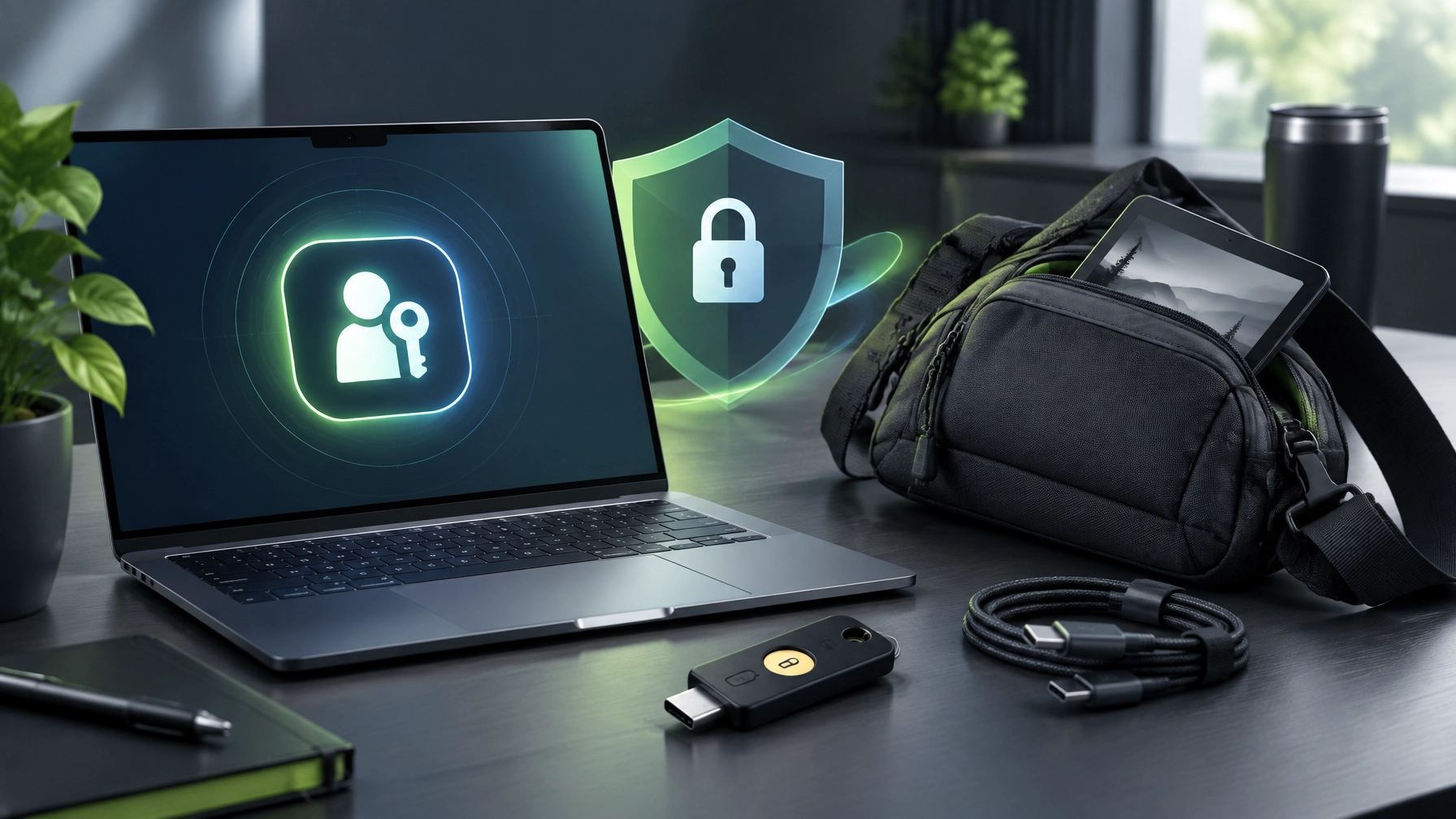
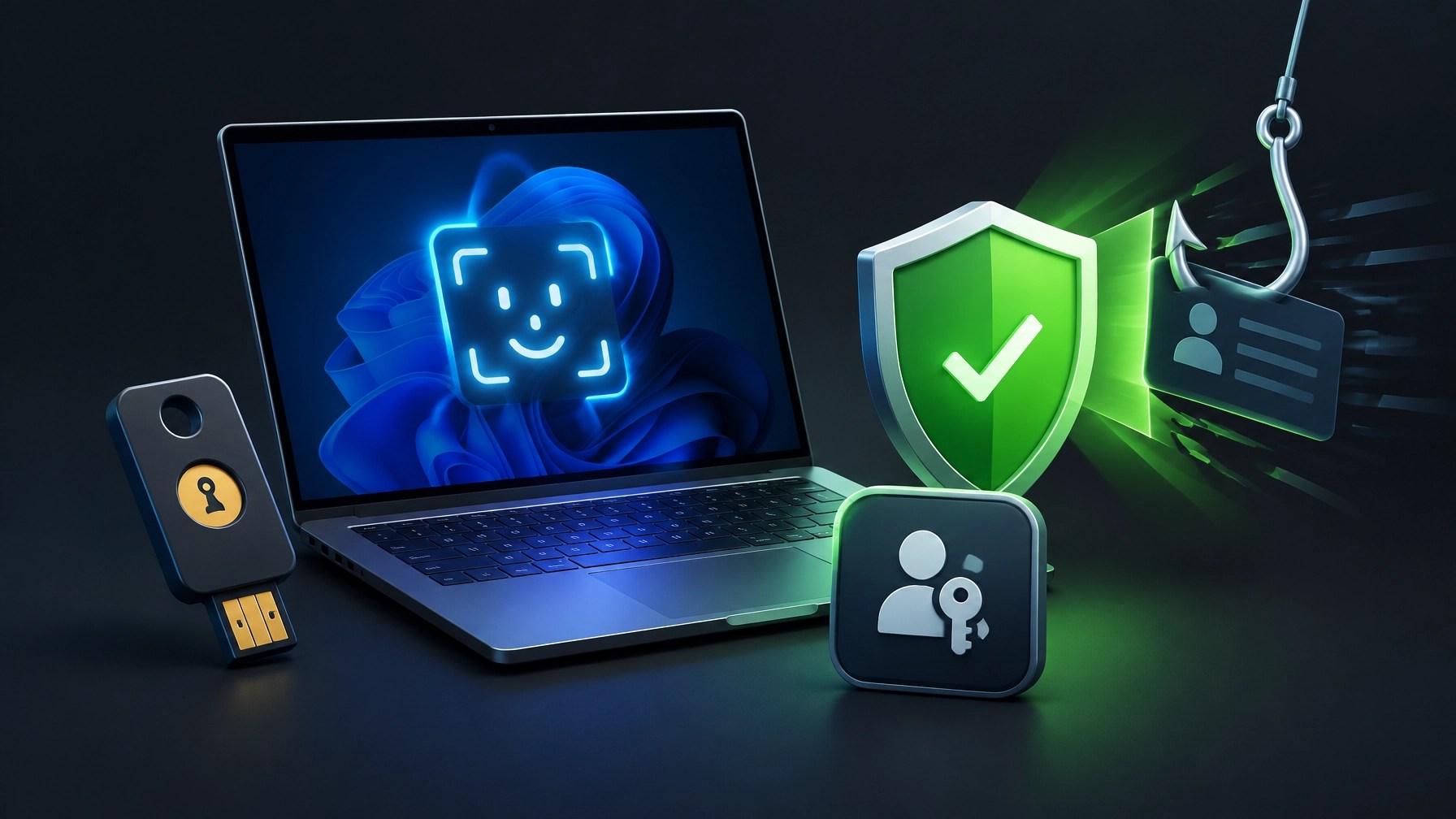
Phishing-resistant sign-in is crucial for protecting Microsoft 365 access, reducing account takeover risk, and keeping small teams productive without adding authentication chaos. Learn how passkeys and FIDO2 replace phishable codes with cryptographic sign-in, understand the Microsoft Entra ID rollout path, and discover the practical order that keeps deployment secure and manageable. Start in the Microsoft Entra admin center, open Entra ID > Security > Authentication methods > Policies, select Passkey (FIDO2), enable Allow self-service setup, and configure the Default passkey profile for device-bound passkeys, synced passkeys, or both, depending on the organization’s security posture. Device-bound credentials provide tighter control for administrators and other privileged accounts, while synced passkeys can support flexible access across approved devices, so profile design can align protection with workforce needs instead of forcing one approach everywhere. Next, create a small pilot group, confirm registration through the Security info experience, and make the sign-in journey clear before expanding the policy, because a smooth user experience can increase adoption while reducing helpdesk friction. After registration works as expected, move to Entra ID > Conditional Access > Policies, create a policy for the selected users and applications, choose Grant, select Require authentication strength: Phishing-resistant MFA, and run the policy in Report-only mode first, allowing sign-in logs to reveal scope conflicts, unsupported applications, device issues, and unexpected exclusions before enforcement begins. Review the results, correct the targeting, confirm emergency access accounts remain protected through a documented recovery design, and then switch the policy to On when the tenant is ready. Require at least two passkeys per user, giving each person a primary credential and a backup credential, and preserve a recovery path through a Temporary Access Pass or a controlled helpdesk process so a lost device does not become a business-stopping event. Retire SMS and voice as a primary factor wherever possible, because convenience codes remain vulnerable to interception, social engineering, and convincing phishing pages, while phishing-resistant methods validate the legitimate sign-in origin. On Windows 11, confirm passkey support through Windows Hello, keep the platform authenticator healthy with current Windows Update status, stable TPM operation, and a clean driver state, then test sign-in inside the applications people actually use every day, including Outlook, Teams, and the browser. This last check matters because identity policy can be technically correct while an outdated client, damaged Windows Hello configuration, or browser setting creates unnecessary confusion. NetworkRepair1 can support the rollout through remote IT services, including secure troubleshooting, system optimization, Microsoft 365 assistance, and practical device checks that help small teams move from password fatigue to stronger access controls without turning security into a full-time project. Milestone callout: NetworkRepair1 has reached 13,000 YouTube subscribers and over 1.1 million lifetime views, reinforcing the brand’s authority across technology education, product media, and practical digital support.
Gear Spotlight: Amazon Sling Bag for Kindle
Everyday Carry Without the Tech Tetris
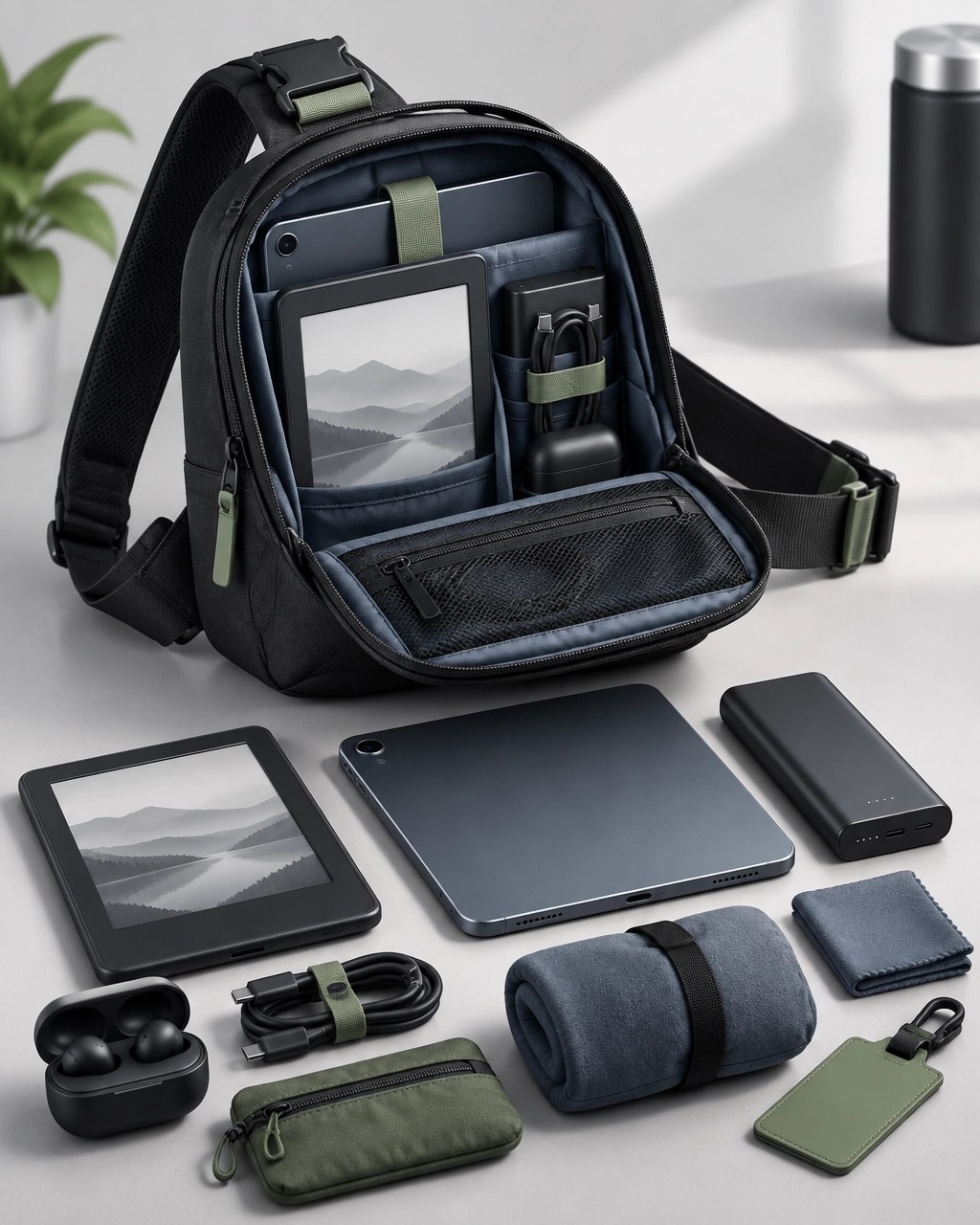
The Amazon Sling Bag for Kindle is a smart everyday-carry option for commuters, travelers, and creators who prefer a compact setup instead of hauling a full backpack for a light workday. The useful combination is straightforward: a Kindle, compact tablet, charging cables, a power bank, earbuds, and a small audio kit can stay organized in one accessible carry piece, which makes the bag especially appealing for mobile reading, quick content work, and travel days where every pocket has a job.
The sling format also makes sense for creators who move between coffee shops, client meetings, transit stops, and filming locations. It keeps essential gear close, offers faster access than a deep backpack compartment, and can act as a small command center for the devices that keep a day moving. It is not trying to become a portable office, and that is the point; the bag works best when the loadout stays focused, practical, and free from the legendary “I packed every cable I own” routine.
What Makes the Loadout Work
A Kindle fits naturally into the setup, while the remaining space can handle a compact tablet, charging accessories, a power bank, and a small audio kit for calls, voice notes, or quick creator work. The strongest use case is organization, because separating reading gear, charging gear, and audio gear can reduce the pocket-digging ritual that turns a simple commute into a minor archaeological expedition.
For creators, the bag pairs well with a lightweight production workflow. A phone, wireless microphone accessories, compact cables, and backup power can travel together without requiring a large camera bag, while the slim profile keeps the setup approachable for daily use. For travelers, the appeal is equally clear: essential devices remain within reach, the carry stays compact, and the bag can move from airport days to casual city exploring without looking like a mobile IT department.
Review Verdict
The Amazon Sling Bag for Kindle earns its spotlight because it supports a realistic tech routine rather than an imaginary one. It is a practical match for readers, commuters, travelers, and creators who carry several small devices and want quick access without overpacking. The design concept is simple, the use case is broad, and the compact format makes it an easy companion for daily movement.
This product is available through the Amazon Sling Bag for Kindle affiliate link, and it is featured on the NetworkRepair1 YouTube channel. For more curated electronics, visit the NetworkRepair1 electronics collection, and for a related home-office power pick already reviewed by the brand, see the DJI Power 1000 Portable Power Station.
Product Video Services for Shopify and Amazon Sellers
NetworkRepair1 also helps Shopify and Amazon sellers turn product features into clear, engaging video content. Product demonstrations, review-style videos, unboxings, tutorials, and social media edits can help brands explain value, improve presentation, and create reusable media for product pages and campaigns. Businesses can review the NetworkRepair1 video hub and explore collaboration and sponsorship services for tailored product exposure.
Loved today's review? You can find this product and all our top picks on our official Amazon storefront. Items are featured on the YouTube channel: https://www.amazon.com/shop/networkrepair1?ref_=cm_sw_r_cp_ud_aipsfshop_XV0ER95A5EVVJDPA7W6A_1
🚀 NetworkRepair1 Updates & Collaboration
- 🎉 Big milestone: 13,000 YouTube subscribers and over 1.1 million lifetime views, thank you for powering the marathon!
- 🛍️ Curated tech picks: Browse our official Amazon storefront for featured gear and practical favorites.
- 🎥 Shopify and Amazon sellers: Let’s create product videos that inform, engage, and boost visibility.
- 💻 Remote IT support: Secure troubleshooting, Microsoft 365 help, system optimization, and cybersecurity assistance.
- ▶️ @networkrepair1
- 🎵 @networkrepair1
- 📸 @networkrepair1
- 👍 @networkrepair1
- 🤝 Let’s collaborate: Build meaningful content and grow together.
- 📞 805-723-9608
Leave a Reply