
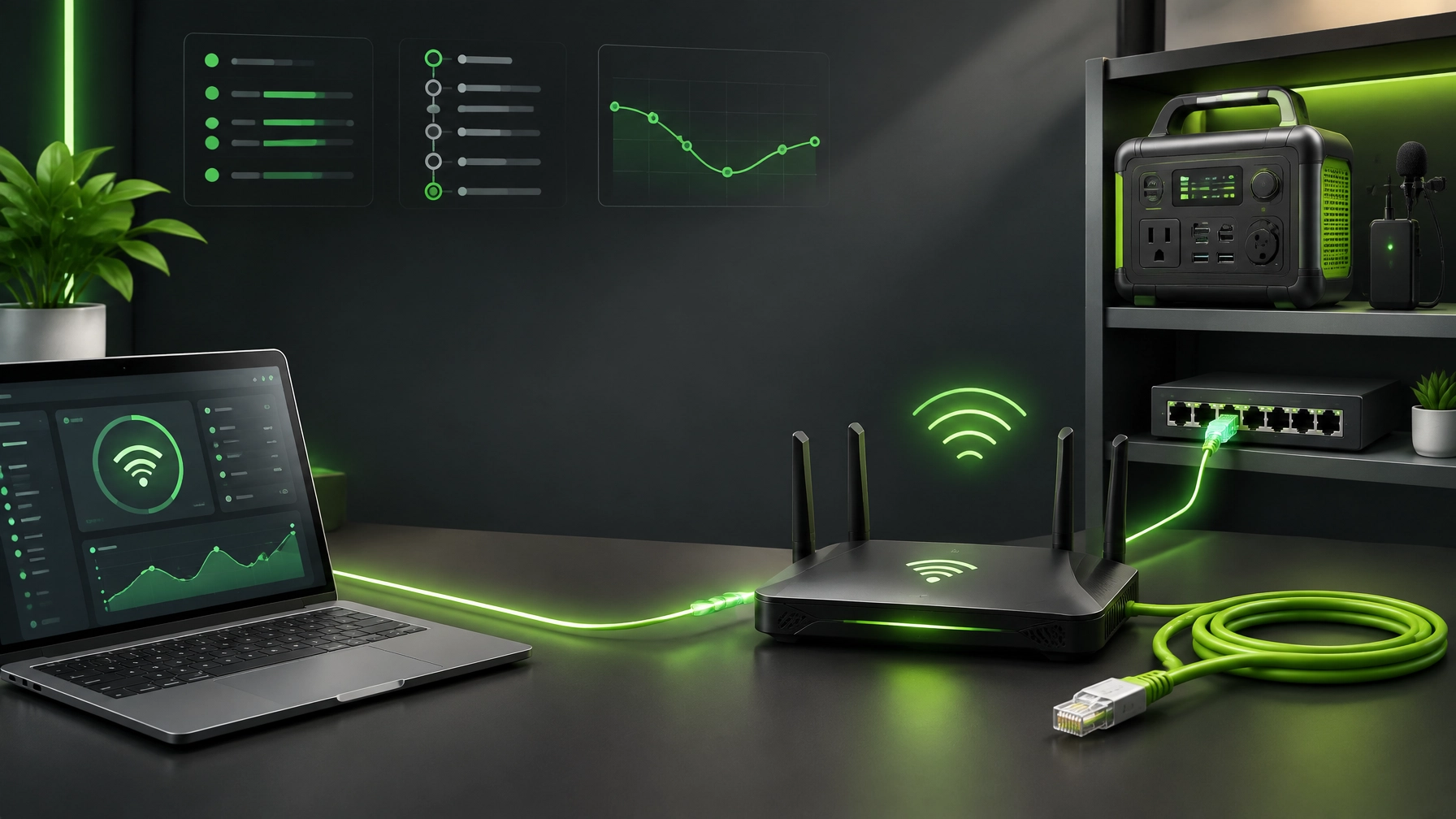
Network diagnostics and Wi-Fi security remain crucial for small-business success, because a slow connection, unstable adapter, congested channel, or forgotten device can reduce productivity before anyone notices the real cause; learn to begin with connectivity diagnostics by checking adapter status, validating the local gateway, running ping against the router and a trusted external address, reviewing traceroute results for routing delays, and confirming DNS resolution with tools such as nslookup or Resolve-DnsName, because each result reveals whether the issue sits with the computer, wireless network, ISP path, or name-resolution layer; understand that system optimization starts at the network edge, so router firmware updates, current wireless drivers, clean startup services, and properly configured power-management settings can improve stability without turning troubleshooting into a guessing game; discover the advantage of separating 2.4GHz and 5GHz bands, because 2.4GHz can provide broader coverage while 5GHz can deliver stronger performance nearby, and deliberate band assignment can reduce roaming confusion across laptops, printers, cameras, and smart-office devices; review Wi-Fi channel congestion through the router dashboard or a trusted analyzer, then select a cleaner channel plan instead of allowing overlapping neighboring networks to create invisible traffic jams; secure the wireless perimeter with WPA3 where supported, a unique administrator password, disabled legacy encryption, current firmware, and a guest network that uses guest network isolation, because visitors and smart devices do not need access to business workstations, file shares, Microsoft 365 administration, or network storage; add DNS filtering to block known malicious domains and reduce exposure to phishing, malware delivery, and unsafe advertising infrastructure, while keeping endpoint protection and Microsoft 365 security controls aligned with the network policy; audit the client list regularly, compare recognized device names and MAC addresses, remove old entries, and investigate rogue or unsecured devices, because an unfamiliar connection is a security signal rather than harmless background noise; place stability-critical work on Ethernet whenever practical, including desktop video production, cloud synchronization, large uploads, business calls, and workstation-to-storage transfers, because wired connectivity reduces radio interference and gives diagnostics a cleaner baseline; treat the router as a business system, not an appliance hidden behind a desk, and document its firmware version, wireless names, encryption mode, guest-network status, DNS policy, and administrator access so small business IT support can respond with accurate information; remote computer support becomes more effective when the client can provide adapter status, gateway results, DNS results, and a short timeline of the symptoms, and NetworkRepair1 can use Microsoft Quick Assist as the secure way to provide guided support, because the session depends on a temporary security code, user approval, active internet connectivity, and visible permission to view or control the Windows computer; review the Remote Services page for secure remote assistance, and keep Quick Assist limited to trusted support sessions rather than accepting unsolicited requests, because good remote support depends on authorization as much as technical skill; home office upgrades 2026 also benefit from a network-first mindset, because premium gear performs better when the connection, power, and workspace are ready for it, and summer tech gear 2026 continues to favor flexible tools that support work, travel, content creation, and backup readiness; the DJI Power 1000 Portable Power Station remains a strong home-office and mobile-production option when dependable portable energy matters, with fast charging, USB-C compatibility, multi-device charging, and a sturdy format that can support a more resilient workspace; the RØDE Wireless GO II Dual Channel Wireless System continues to earn its place in a creator setup through dual-channel wireless audio, built-in microphones, USB and analog connectivity, and compatibility across cameras, Windows and Mac computers, phones, streaming platforms, video calls, and social content; the previously reviewed Amazon Sling Bag for Kindle remains a practical companion for keeping a compact reading device and daily essentials organized without overloading a mobile setup, because small accessories can improve portability just as effectively as large electronics; browse the NetworkRepair1 electronics collection and the NetworkRepair1 shop for additional technology picks, and remember that the best upgrade is the one that removes friction from the workflow instead of adding another blinking box to the desk; sellers on Shopify and Amazon can also unlock stronger product visibility through professional video services designed for product demonstrations, tutorials, reviews, unboxings, and social media campaigns, with NetworkRepair1 videos showing the media direction and collaboration and sponsorship opportunities providing a direct path for brands that want credible presentation; the NetworkRepair1 YouTube channel has reached 13,000 subscribers and more than 1.1 million lifetime views, giving product partners meaningful social proof while connecting technical education with digital storytelling; the marathon continues because secure networks, optimized systems, capable gear, and useful content reinforce one another, helping small businesses stay connected, protected, productive, and ready to grow.


🚀 NetworkRepair1 Promo Desk
- 🛠️ Remote IT Support: Secure troubleshooting, network diagnostics, system optimization, and Microsoft Quick Assist guidance.
- 📡 Small Business IT Support: Boost reliability, enhance security, and keep critical workflows moving.
- 🎥 Shopify & Amazon Sellers: Create professional product videos that increase visibility and engagement.
- 📈 Creator Credibility: 13,000 YouTube subscribers and 1.1M+ lifetime views.
- 🤝 Partnerships: Let’s collaborate and grow together.
🔗 Stay Connected
⚡ Gear Picks
Don't settle for subpar tech. Grab the professional-grade gear we trust to keep our networks running fast and secure.
Featured on the YouTube channel: Octavio’s Amazon Store
📞 Contact
Phone: 805-723-9608
Website: NetworkRepair1.com
Email: oq@networkrepair1.com
Leave a Reply