
Today’s Practical Playbook
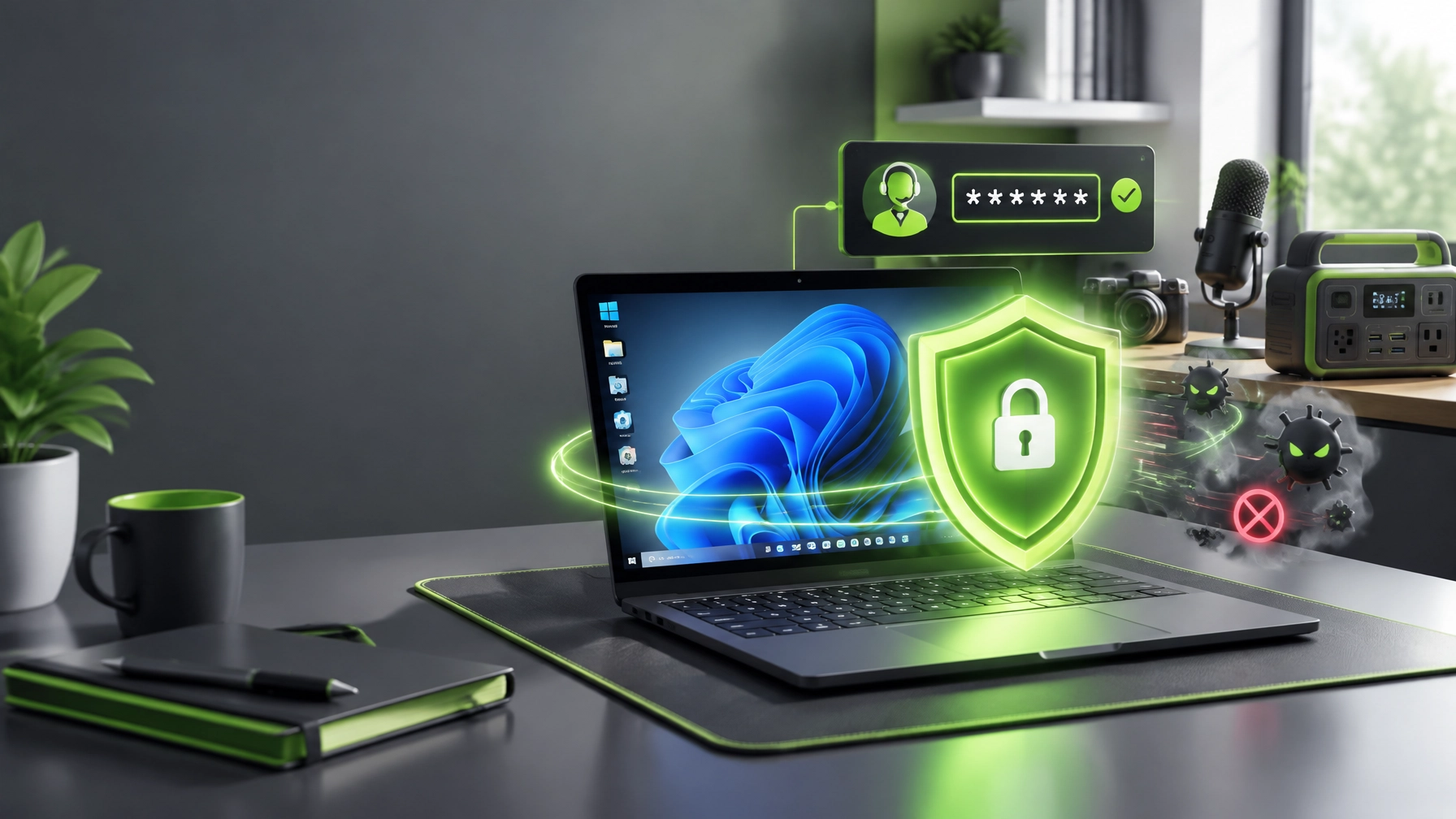
Cybersecurity and system protection remain crucial for small-business continuity, especially when one compromised Windows 11 computer can create downtime, credential exposure, and a very unwelcome office mystery. Learn the professional malware removal and cleanup sequence: first, isolate the machine by unplugging Ethernet, disabling Wi-Fi, disconnecting VPN access, and keeping the device away from shared drives until the situation is understood. Confirm authorization before any remote session, document the symptoms, and avoid deleting suspicious files blindly, because evidence and business records can matter. Next, open Windows Security, review Microsoft Defender protection status, inspect Protection History, confirm whether detections were quarantined or remediated, and run a Full scan rather than stopping at a Quick scan. If the machine continues acting strangely, Microsoft Defender Offline can provide a deeper boot-time check before Windows fully loads. Review Startup apps for unfamiliar entries, inspect browser extensions for unwanted add-ons, and examine Scheduled Tasks for persistence mechanisms that can relaunch malware after restart. Remove suspicious, unwanted, or bundled software through installed-app settings, then clean temporary files with Storage Sense or Disk Cleanup to eliminate clutter that can slow recovery and obscure the real issue. Reset browser search engines, homepage settings, new-tab behavior, and notification permissions when adware or search hijacking has taken over the browsing experience. Review DNS settings and the Windows hosts file for unauthorized entries, check proxy settings for unexpected routing, and restore approved network configuration only after documenting what changed. Re-run Windows Update, install appropriate driver updates, restart the computer, and confirm that security intelligence updates are current. Treat credentials as potentially compromised when malware, phishing, or browser theft is suspected, change the Microsoft 365 password from a trusted device, review active sessions, remove unfamiliar authentication methods, and complete an MFA review rather than assuming the account is fine because the desktop looks normal. Finish with a follow-up Defender scan, a second review of Protection History, a performance check covering startup time, CPU usage, memory pressure, browser behavior, network stability, and application launches, then return the computer to production only when the results are clean and documented. For guided remote computer support, Microsoft Quick Assist offers a secure, code-based path: the helper generates a temporary security code, the user enters that code, the user visibly approves screen viewing or control, and the session can end immediately after the authorized work is complete. Never accept Quick Assist invitations from unknown callers, never provide access without permission, and use Network Repair1’s remote IT support and Quick Assist assistance for authorized small business IT support.  Gear picks for home office upgrades 2026: once the security side is under control, the desk deserves a little attention too, because productivity is easier when the toolkit does not behave like a drawer full of mystery cables. The DJI Power 1000 Portable Power Station is a strong backup-power pick for keeping essential electronics available during interruptions, mobile work sessions, and creator setups that need dependable portable energy.
  The RØDE Wireless GO II Dual Channel Wireless System with Built-in Microphones brings flexible audio capture to product demonstrations, video calls, tutorials, vlogging, streaming, and social clips, with a compact design that can make a home office sound far more polished than the average laptop microphone.
  The Amazon Sling Bag for Kindle adds a practical grab-and-go option for carrying a small reading or mobile-tech setup without turning every outing into a backpack expedition. These picks fit the conversation around summer tech gear 2026, practical home office upgrades 2026, and the Amazon storefront tech gear featured across the NetworkRepair1 YouTube channel, while the electronics collection and Network Repair1 shop provide additional ways to browse reviewed products.
 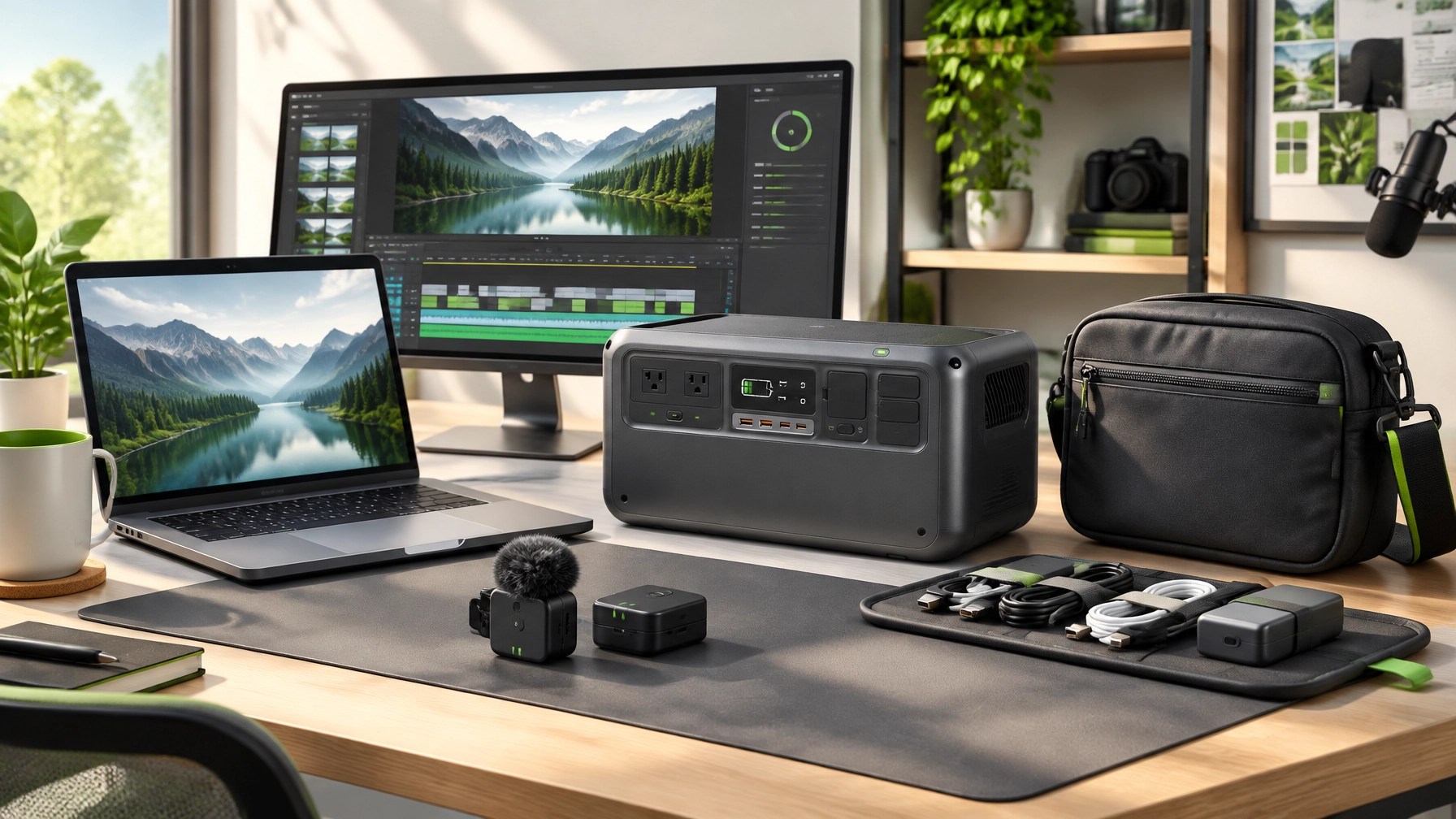 Product video services for Shopify and Amazon sellers: product visibility improves when shoppers can see a device unboxed, hear how it works, watch a demonstration, and understand the use case before clicking purchase. Network Repair1 creates professional product reviews, demonstrations, tutorials, unboxings, feature highlights, and social media content designed to help brands explain their products clearly across digital platforms. Visit the NetworkRepair1 videos page to see the channel format, or explore collaboration and sponsorship opportunities for a tailored campaign that can enhance awareness, support product launches, and expand reach. The NetworkRepair1 media journey now celebrates 13,000 YouTube subscribers and more than 1.1 million lifetime views, meaningful milestones that reflect continuing interest in technology, products, troubleshooting, automotive content, and practical tutorials. Loved today's review? You can find this product and all our top picks on our official Amazon storefront. The items featured on the YouTube channel are available here: Amazon storefront tech gear.
⚡ NetworkRepair1 Daily Boost
- 🛠️ Remote IT Support: Secure remote computer support for troubleshooting, cleanup, setup, and optimization.
- 🛡️ Cybersecurity: Malware removal, Microsoft Defender reviews, account protection, and system recovery.
- 🎥 Product Video Services: Reviews, demonstrations, tutorials, unboxings, and social content for Shopify and Amazon sellers.
- 🚀 Collaboration: Let’s collaborate, grow visibility, and build meaningful campaigns together.
- 🏆 Milestones: 13,000 YouTube subscribers and 1.1 million+ lifetime views, and the marathon continues.
🌐 NetworkRepair1
📞 Contact
805-723-9608
networkrepair1.com
Leave a Reply