
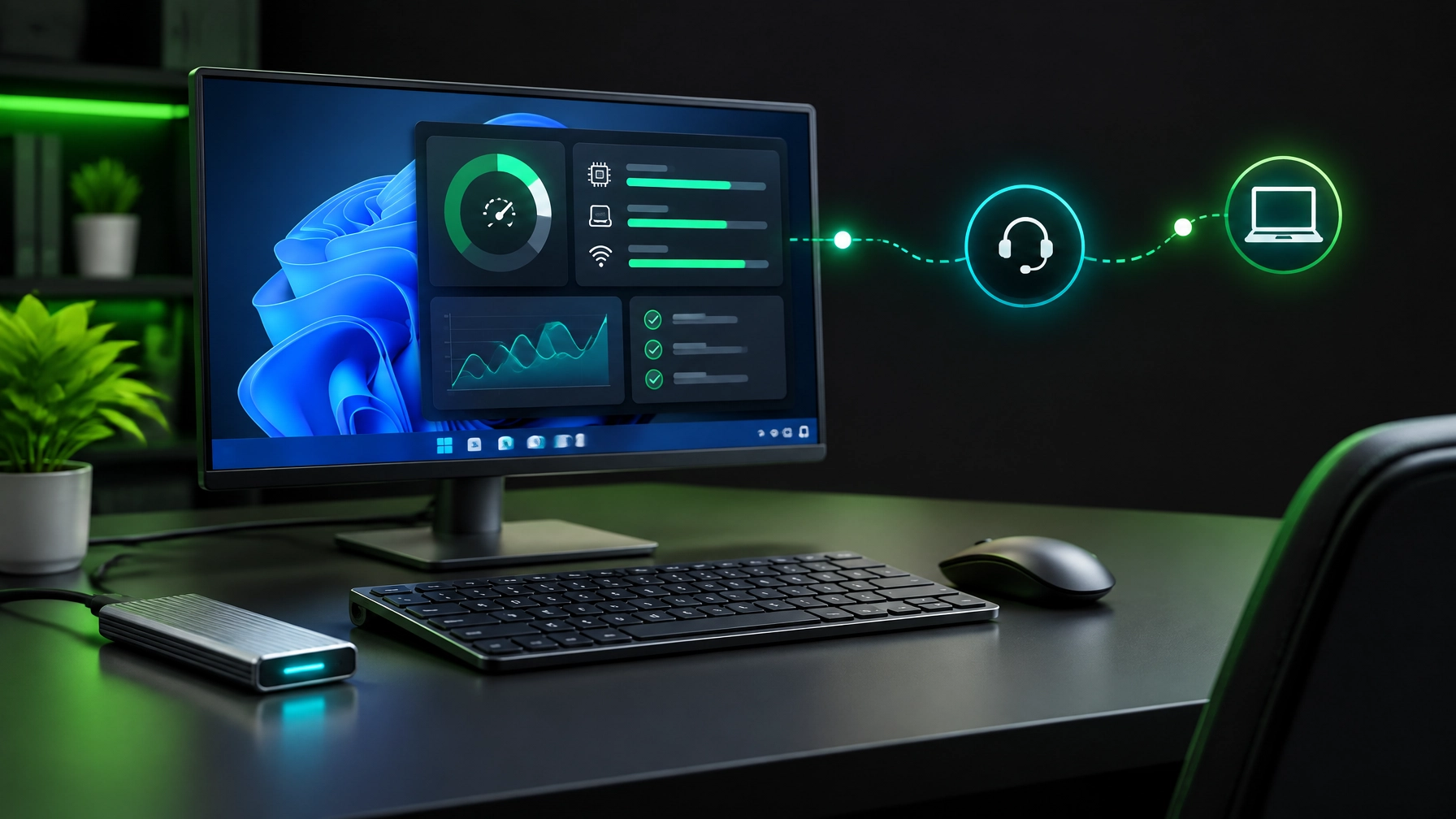
System Optimization Takes the Spotlight
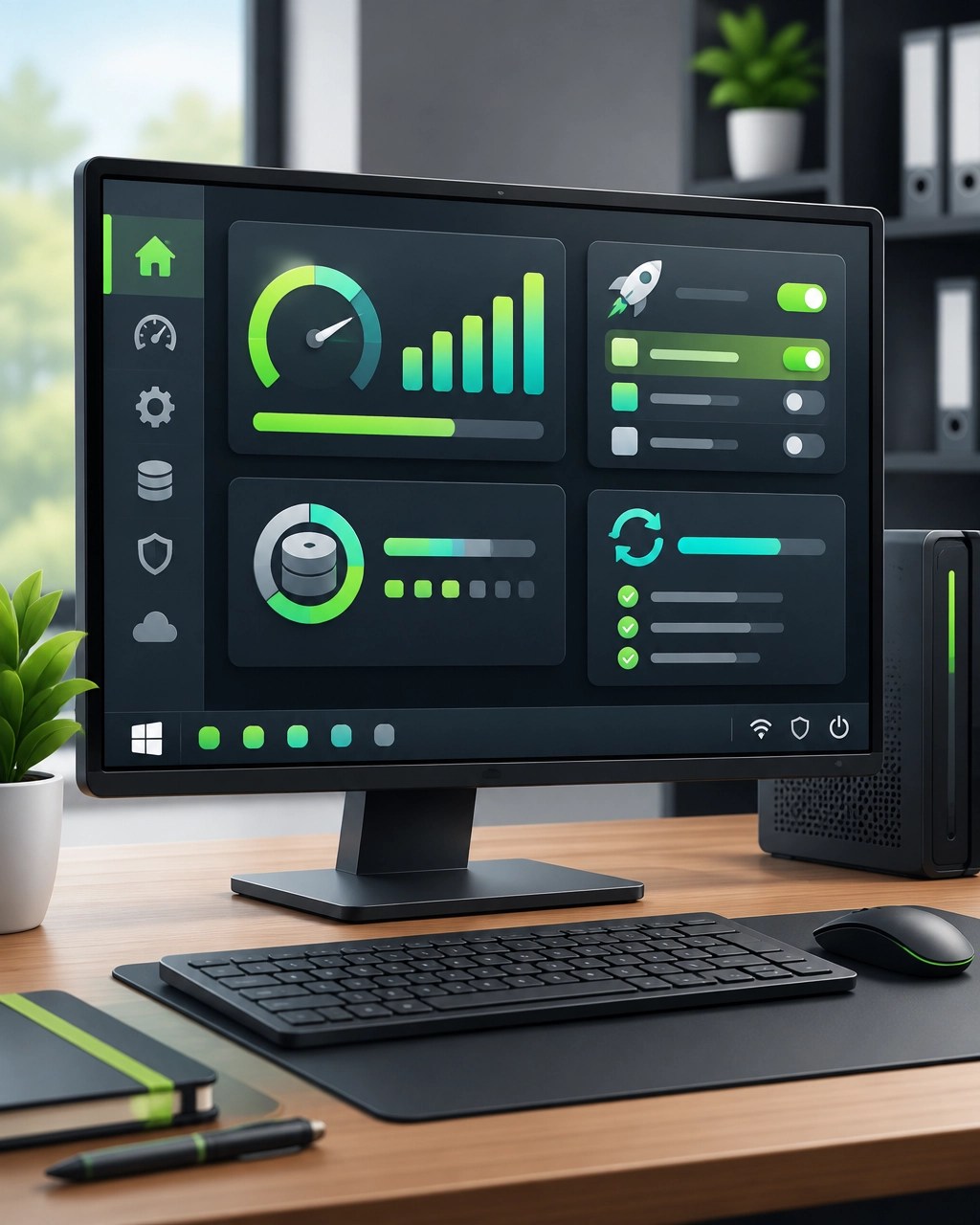
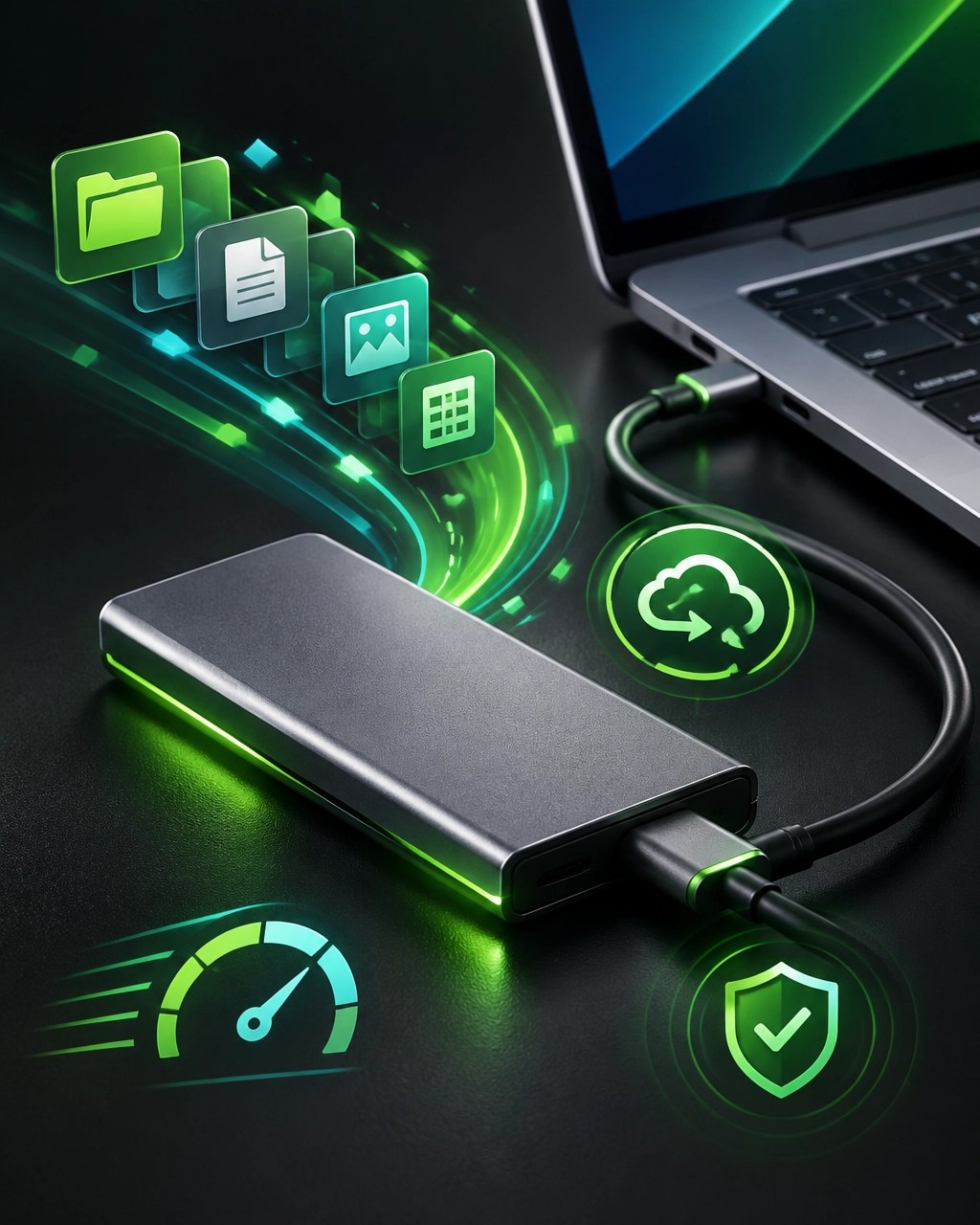
Treat system optimization as a crucial business advantage, because a slow computer can turn a simple task into a full-blown productivity marathon with a spinning circle acting as the unofficial project manager. Windows performance tuning starts with startup load, background applications, storage headroom, storage health, driver updates, firmware updates, temporary-file cleanup, and diagnostics that reveal where performance is being lost, and each area can contribute to a faster, more stable working environment. Startup applications deserve particular attention, because unnecessary launch items can stretch boot times, consume memory, and quietly compete with the tools that matter most, while a lighter startup profile can create a cleaner path from power button to productive work. Disk headroom matters just as much, because an overloaded system drive can affect updates, caching, application responsiveness, and everyday file operations, so regular cleanup and organized storage can keep Windows from feeling like it is carrying a filing cabinet up a staircase. Storage health also deserves a place in the routine, with diagnostics helping identify unusual behavior, warning signs, performance drops, and reliability concerns before they become a more expensive interruption. Driver and firmware updates can improve compatibility, stability, networking, peripherals, and system behavior, but updates need to fit the device configuration rather than becoming a random button-clicking adventure, which is where informed remote IT support can make a meaningful difference. Temporary files, browser caches, abandoned installers, duplicate downloads, and other digital leftovers can accumulate without announcing themselves, and removing unnecessary clutter can free capacity while improving the overall manageability of the computer. Network performance belongs in the same conversation, because a fast computer connected to a struggling Wi-Fi network still delivers a frustrating experience, so diagnosing signal strength, interference, DNS behavior, adapter drivers, router placement, VPN performance, and latency can improve remote meetings, cloud applications, file transfers, and support sessions. For small businesses, proactive remote computer support can prevent downtime by identifying performance issues before they interrupt customer service, bookkeeping, scheduling, communication, content production, or cloud workflows, and secure remote assistance can address many problems without waiting for an on-site visit or turning a minor slowdown into an office-wide emergency. NetworkRepair1 provides remote IT support through secure troubleshooting and Microsoft Quick Assist, helping individuals and small businesses resolve computer issues, tune systems, examine network behavior, and maintain a more dependable technology foundation; details are available through the Remote Services page. The productivity payoff is straightforward: faster application launches, smoother multitasking, fewer interruptions, more reliable connectivity, and a setup that supports the work instead of becoming the work. Today’s featured gear is the external NVMe SSD, a compact performance companion that adds fast storage for active projects, media files, system images, and backups while helping keep an internal drive from becoming a crowded digital junk drawer. The best external NVMe SSD setup pairs a capable drive with a reliable USB-C connection, a quality enclosure, a suitable cable, and enough thermal management to reduce throttling during sustained transfers, because speed is useful only when it remains consistent beyond the first impressive burst. For productivity, an external NVMe SSD can provide responsive access to large files, portable project storage, backup flexibility, and a cleaner division between everyday system files and demanding workloads, while a disciplined backup strategy keeps the drive useful without confusing it with a complete backup plan. It can also support a more flexible remote-work routine, allowing important files to move between compatible workstations while keeping storage organized and easier to monitor, although encryption, safe ejection, access permissions, and versioned backups remain essential parts of responsible usage. The review verdict is practical rather than flashy: external NVMe storage is one of the most useful upgrades for a busy workstation when the goal is faster file handling, better organization, and more breathing room, but performance depends on the complete setup rather than the drive alone. Pair that storage boost with a clean USB-C dock, dependable peripherals, current drivers, and a properly tuned Windows environment, and the result can feel less like a collection of gadgets and more like a coordinated productivity system. NetworkRepair1 also helps Shopify and Amazon sellers turn useful gear into engaging media through product video services that include reviews, unboxings, demonstrations, tutorials, feature highlights, and social media content, giving brands a practical way to explain what their products do while reaching a technology-focused audience. The marathon continues, but a well-maintained computer does not need to run every mile with a backpack full of unnecessary startup apps, low storage, outdated firmware, and mysterious Wi-Fi problems, and proactive optimization can create the speed, stability, and focus needed to keep business moving and growth expanding.

NetworkRepair1 Daily Links
🎥 YouTube
🎵 TikTok
📸 Instagram
📘 Facebook
Remote Support & Resources
💻 Remote IT support: Get help remotely
🎬 Technology videos: Watch the latest content
🛍️ NetworkRepair1 shop: Browse the shop
🤝 Brand collaborations: Collaborate with us
Product Video Services
🚀 Shopify and Amazon sellers: We create reviews, unboxings, demonstrations, tutorials, feature highlights, and social media content.
📈 Audience reach: 13,000 YouTube subscribers and over 1.1 million lifetime views.
🤝 Partnerships: Let’s collaborate and grow together.
Featured Gear
⚡ Ready to upgrade your tech? Check out our curated list of essential tools to keep you connected and productive.
🎥 These items are featured on the YouTube channel: Amazon Store
Contact
📞 805-723-9608
📧 oq@networkrepair1.com
Leave a Reply