
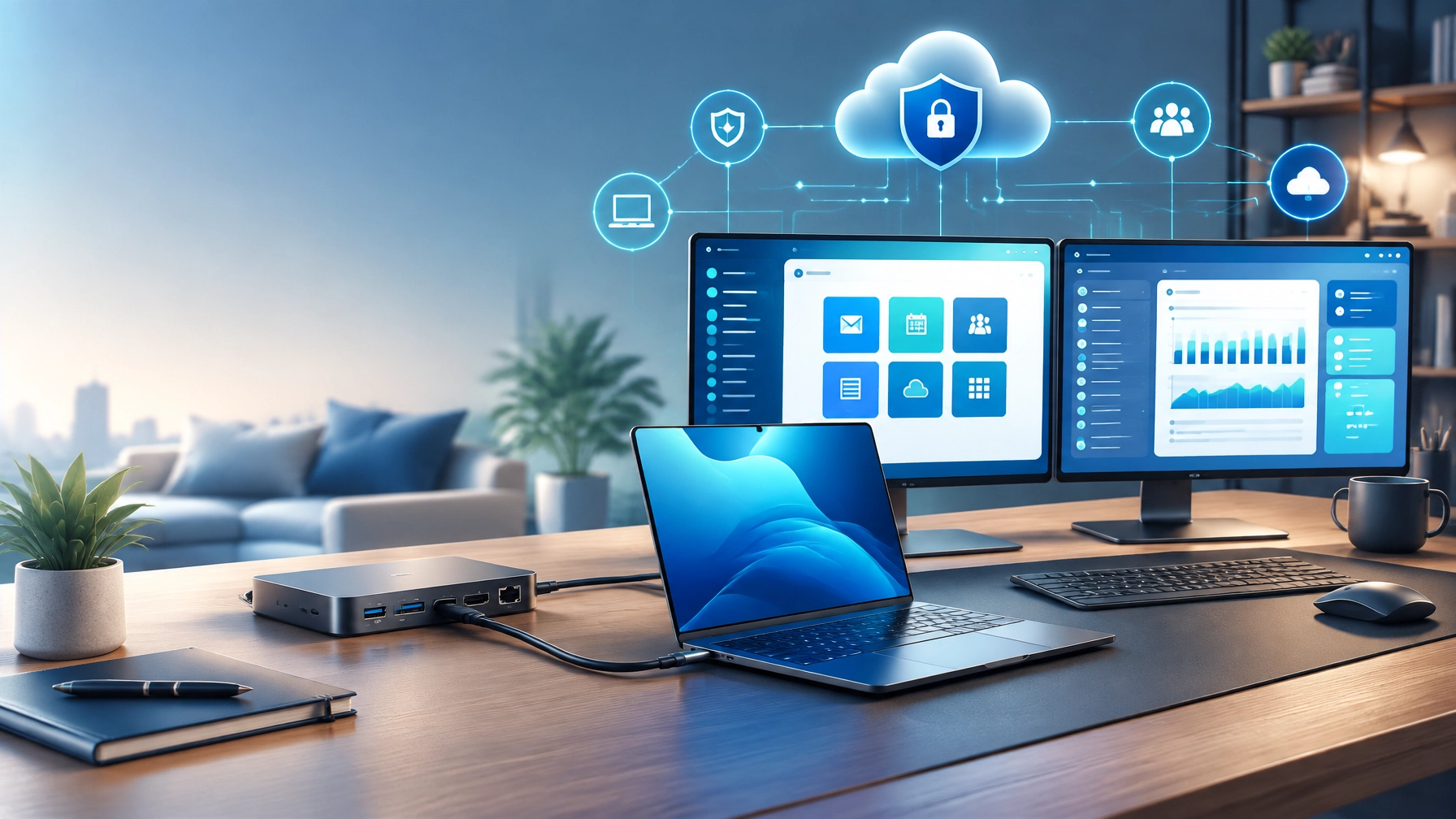
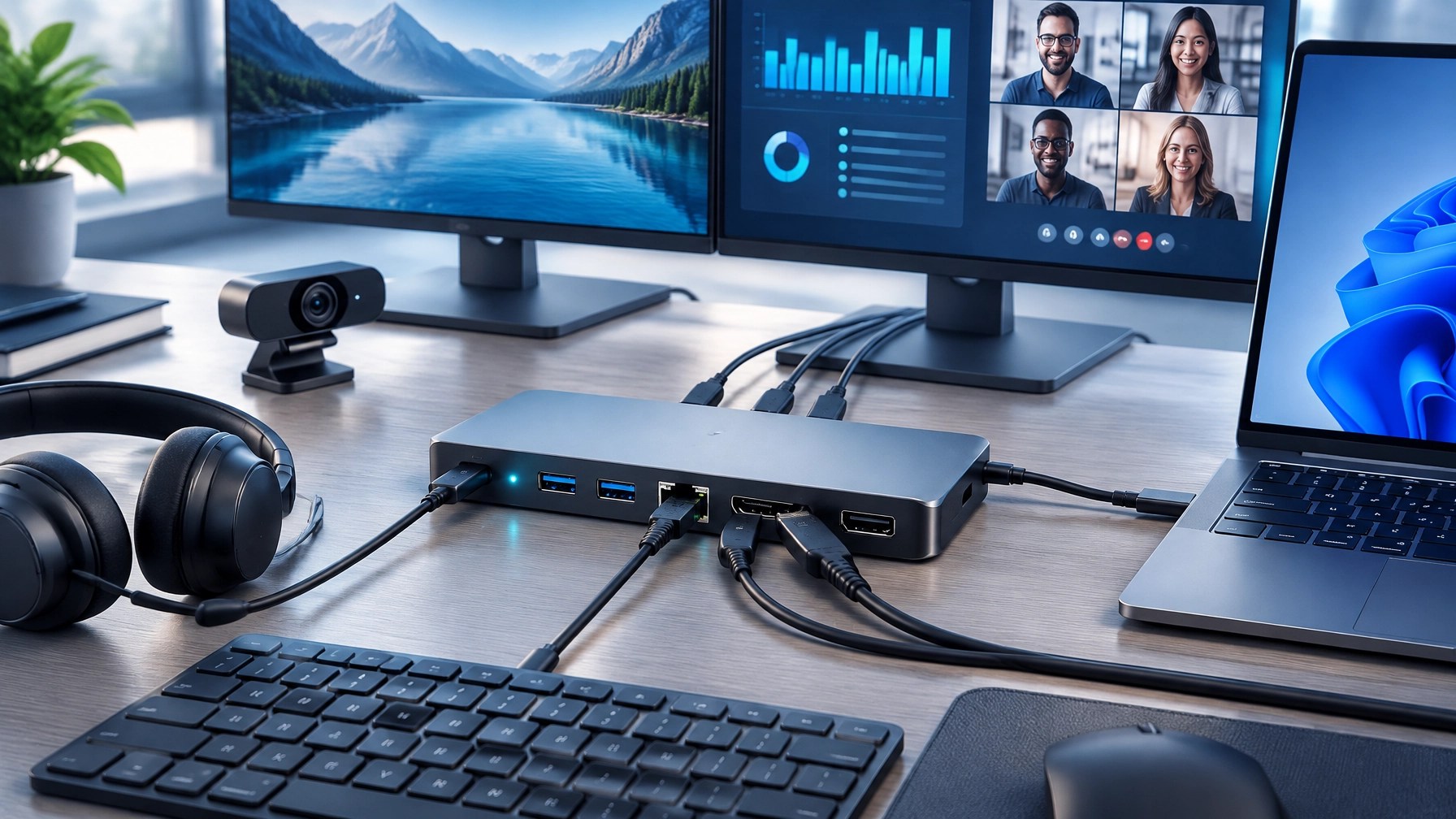
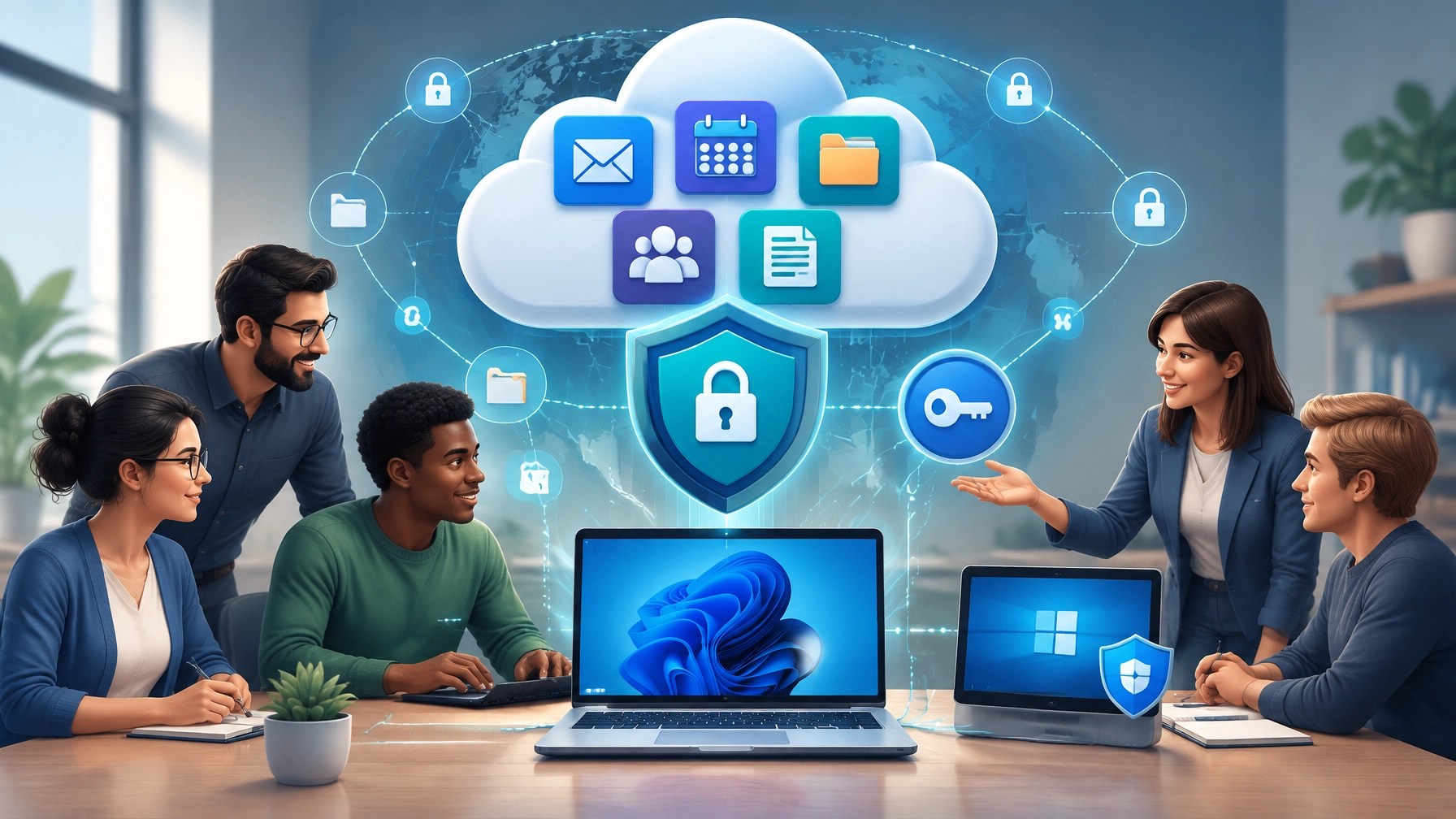
Secure Microsoft 365 cloud support and effective home office upgrades are crucial for small business productivity in 2026, and today’s roundup reveals how the right cloud configuration, remote support workflow, cybersecurity controls, and USB-C docking station can significantly improve daily operations, reduce technical interruptions, and create a more reliable hybrid work environment. Discover the Microsoft 365 advantage: Microsoft 365 Business Premium combines productivity applications, business email, OneDrive cloud storage, Teams collaboration, Microsoft Entra ID, Intune device management, Microsoft Defender, and Microsoft Purview capabilities into a connected business platform, giving small organizations a stronger foundation for secure access, organized data, and consistent remote work. Unlock better cloud setup: professional Microsoft 365 configuration can connect a company domain, establish user accounts, apply role-based access, organize SharePoint and OneDrive storage, strengthen mailbox protection, and improve collaboration across Windows devices, mobile devices, and remote work locations. Prioritize identity security: multi-factor authentication, Microsoft Entra ID, Conditional Access policies, secure administrator accounts, and disciplined access controls can protect business identities while reducing exposure to credential theft, phishing, and unauthorized sign-ins. Enhance endpoint protection: Microsoft Defender, Windows security updates, BitLocker encryption, and device management through Intune can create a more consistent security posture, while Microsoft Secure Score can help identify areas that require additional attention. Strengthen data governance: Microsoft Purview sensitivity labels, Data Loss Prevention policies, retention controls, and permission reviews can help protect confidential files as teams share documents through Outlook, OneDrive, SharePoint, and Teams. Improve remote computer support: Microsoft Quick Assist provides a Microsoft-native path for trusted remote assistance on Windows 10 and Windows 11, allowing an authorized helper to view a screen or take control with the user’s permission through a session security code. The official Microsoft Quick Assist guidance reinforces the importance of using the tool only with trusted support personnel, and that principle remains essential for every small business support policy. Use Quick Assist with greater control: verify the helper’s identity, share the session code only through an approved communication channel, choose view-only access when full control is unnecessary, close the session after troubleshooting, and review sensitive applications before granting access. Network Repair1 provides remote computer support using Microsoft Quick Assist, helping individuals and small businesses resolve Windows issues, Microsoft 365 problems, cloud access concerns, malware symptoms, system configuration errors, and performance interruptions without requiring an on-site visit. Optimize the system before problems expand: current Windows updates, clean startup configuration, available storage, updated drivers, reliable endpoint protection, browser maintenance, and organized cloud synchronization can improve responsiveness and reduce recurring support incidents. System optimization also creates better conditions for video calls, file transfers, remote support sessions, media production, and cloud-based workflows. Today’s featured gear review focuses on the USB-C docking station: for hybrid and home office setups, a quality dock can turn a portable laptop into a centralized workstation with one-cable connectivity for displays, Ethernet, USB peripherals, power delivery, audio devices, webcams, and storage accessories. Evaluate the essentials: USB-C Power Delivery should match the laptop’s charging requirements, display outputs should support the intended monitor configuration, Gigabit Ethernet can provide a more stable connection than inconsistent wireless service, and USB-A and USB-C expansion can reduce cable clutter while improving desk organization. Prioritize compatibility: Windows 11 support, dependable firmware, stable driver availability, adequate thermal design, and clear vendor documentation can make a meaningful difference when a dock becomes part of a standardized small business environment. Recognize the productivity benefit: a single connection can simplify the transition between mobile work and a full desktop arrangement, helping employees reach monitors, keyboards, mice, headsets, webcams, network connections, and charging without repeatedly reconnecting separate cables. Connect the dock to remote support: during a Microsoft Quick Assist session, a standardized docking station can make it easier to diagnose display detection, Ethernet connectivity, peripheral recognition, audio routing, webcam performance, and power-related issues from a remote location. Increase operational consistency: small businesses can reduce support complexity by approving a limited number of docking station models, documenting connection layouts, maintaining current firmware, and pairing each dock with compatible laptop and monitor standards. Improve the home office experience: a properly selected docking station can support focused work, cleaner cable management, stronger wired connectivity, better video conferencing, and smoother transitions between office and home environments, making it one of the most practical home office upgrades 2026 can offer. Build a complete technology foundation: Microsoft 365 cloud support handles identity, collaboration, storage, security, and access, while remote IT support maintains endpoint reliability and the docking station improves the physical workstation. Together, these layers can create a more secure and productive environment for small business teams, independent professionals, remote employees, and content creators. Review the authority behind the recommendation: Network Repair1 has reached 13,000 YouTube subscribers and more than 1.1 million lifetime views, demonstrating established experience in technology education, electronics coverage, troubleshooting, and digital media. That audience growth supports a review approach centered on practical performance, usability, setup quality, and real-world value rather than surface-level product promotion. Explore product video services for Shopify and Amazon sellers: Network Repair1 creates reviews, unboxings, demonstrations, tutorials, feature highlights, vertical videos, social media content, and polished product storytelling designed to help brands explain their products and reach technology-focused audiences. Sellers can use professional video content to clarify product benefits, improve customer understanding, strengthen social media campaigns, and expand brand visibility across digital channels. Learn more through the Network Repair1 video platform, review the shop, or visit the collaboration and sponsorship page for partnership opportunities. The marathon continues with stronger cloud security, smarter remote support, practical home office upgrades, and meaningful technology content that can help businesses remain connected, protected, productive, and ready to grow.
Visual Highlights

🚀 Partner With Network Repair1
- 🎥 Product Videos: Reviews, unboxings, demonstrations, tutorials, and feature highlights for Shopify and Amazon sellers.
- 📱 Social Content: Short-form videos and promotional media built to increase reach and engagement.
- 🤝 Collaboration: Let’s collaborate and grow together through strategic product storytelling.
- 💻 Remote IT Support: Secure Microsoft Quick Assist support for computers, Microsoft 365, cloud services, and cybersecurity needs.
- 📈 Trusted Reach: 13,000 YouTube subscribers and over 1.1 million lifetime views across our technology and media content.
🔗 Daily Links
- ▶️ https://www.youtube.com/@networkrepair1
- 🎵 https://www.tiktok.com/@networkrepair1
- 📸 https://www.instagram.com/networkrepair1/?hl=en
- 📘 https://www.facebook.com/networkrepair1/
- 🛠️ https://networkrepair1.com/remote-services
- 🎬 https://networkrepair1.com/videos
- 🛒 https://networkrepair1.com/shop/
- 🤝 https://networkrepair1.com/colloborate-sponsors
Featured on the YouTube channel: https://www.amazon.com/shop/networkrepair1?ref_=cm_sw_r_cp_ud_aipsfshop_XV0ER95A5EVVJDPA7W6A_1
We’ve done the troubleshooting so you don't have to. Shop the gear we use and recommend for a high-performance setup.
📞 805-723-9608
Leave a Reply