
Today's Security Brief
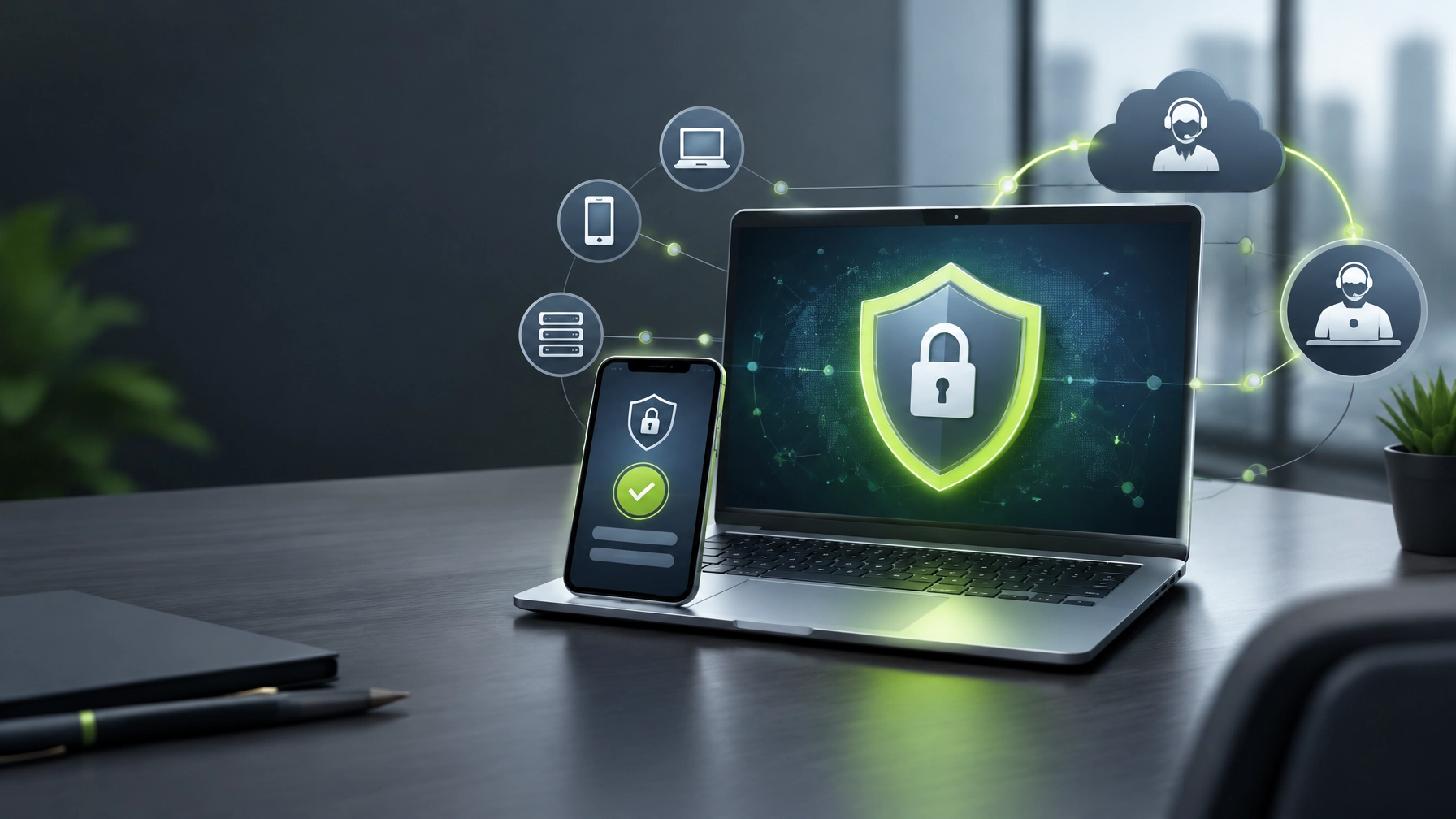
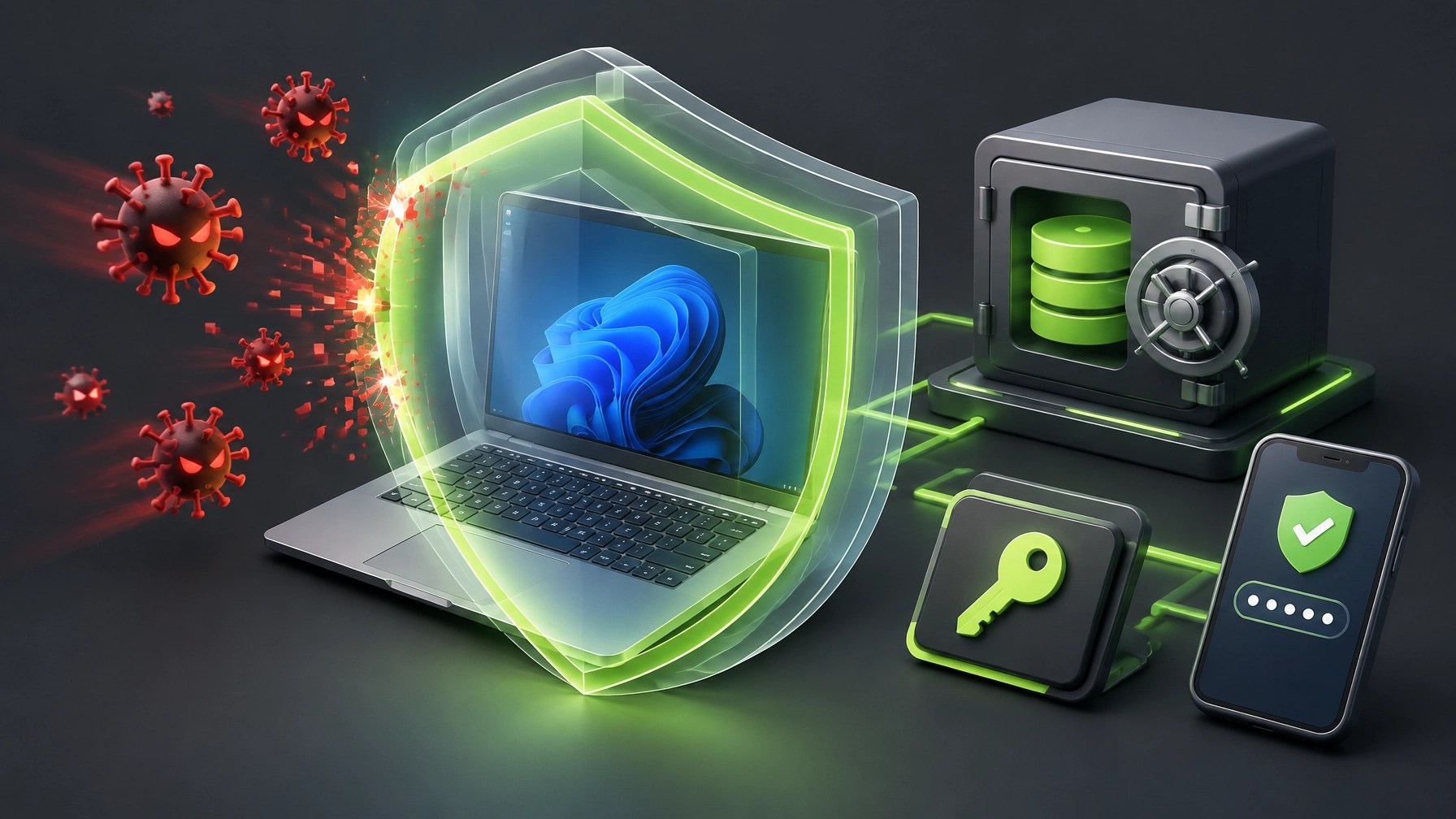
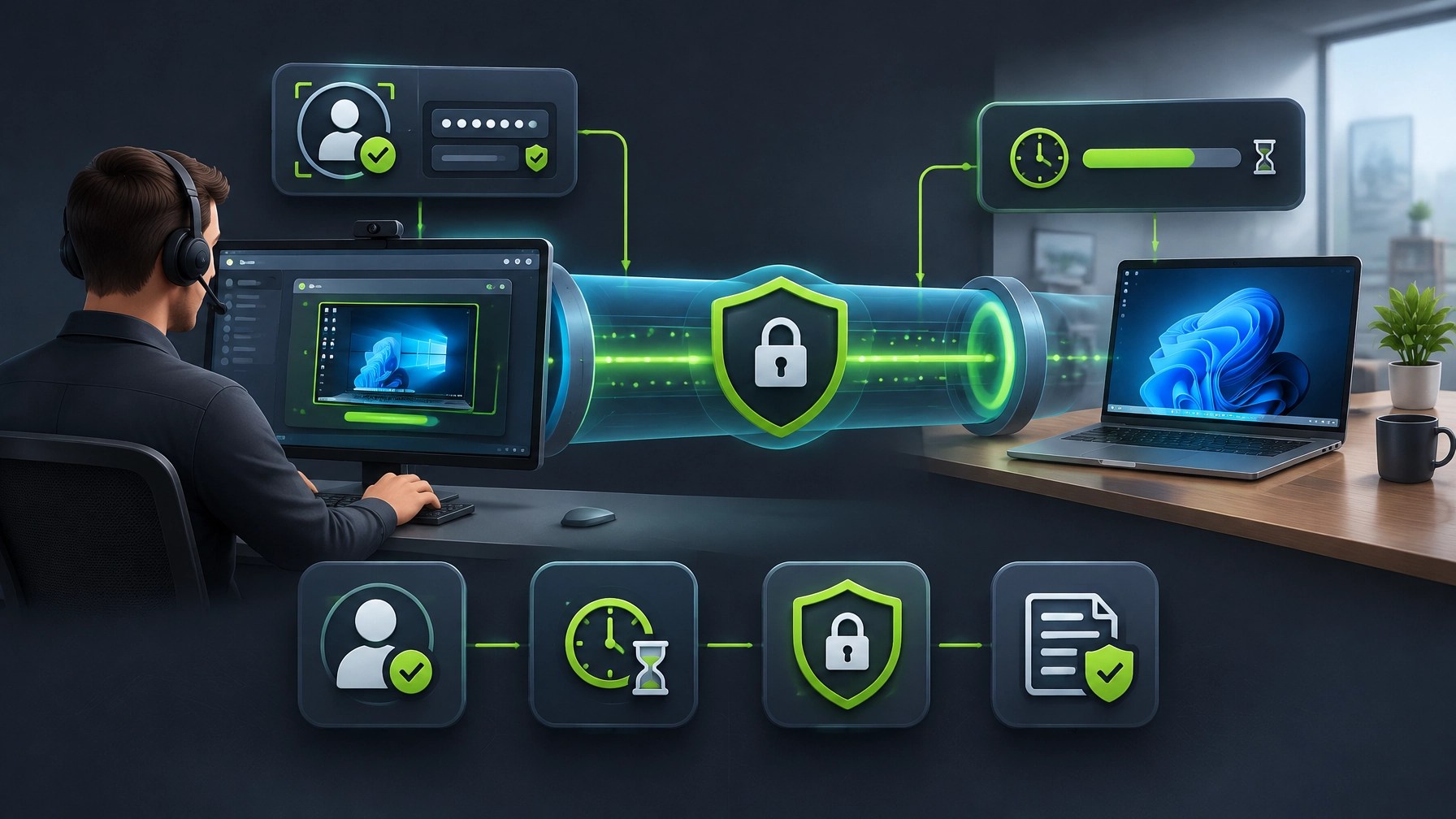
Treat cybersecurity and remote IT support as crucial foundations for reliable growth, discover how endpoint protection can reduce operational disruption, and understand why small businesses need security controls that protect identities, devices, data, and access from one connected strategy. Learn to treat malware removal as a structured security response, isolate suspicious devices, preserve relevant logs, complete trusted scans, remove persistence mechanisms, apply patches, reset exposed credentials, and validate every endpoint before returning it to normal service. Ransomware defense depends on more than antivirus, so maintain offline and encrypted backups, test restoration, preserve clean recovery images, document an incident response plan, and follow the CISA StopRansomware Guide when encryption, data theft, or lateral movement appears. Phishing defense becomes more effective when external email indicators, attachment filtering, DMARC, security awareness, and a clear reporting route work together, while unexpected payment requests, password-reset messages, and shared-document notices require independent verification through a trusted channel. Strengthen account security with a reputable password manager, unique long passphrases, separate administrator credentials, phishing-resistant MFA through FIDO security keys or passkeys where available, and authenticator-based MFA when hardware-backed options are not practical, because CISA identifies MFA, patching, tested backups, disk encryption, and least privilege as core small-business protections in its Cyber Guidance for Small Businesses. Harden Windows 11 Pro systems with TPM 2.0, Secure Boot, BitLocker, Microsoft Defender, SmartScreen, automatic updates, virtualization-based security, Credential Guard, and standard-user accounts, then consider Controlled Folder Access to block untrusted applications from changing protected files, beginning in audit mode before moving to enforcement as recommended in Microsoft Defender guidance. Microsoft Defender for Business can add centralized vulnerability management, next-generation antivirus, endpoint detection and response, and automated attack disruption for small and midsize organizations, making it a practical option for businesses that need stronger visibility without building a large internal security team. Safe remote IT support requires pre-authorization, independent identity verification, a defined support scope, time-limited access, least-privilege permissions, session logging, approved remote-management software, and a clean handoff when the work is complete, while unsolicited pop-up support requests, cold calls claiming to represent Microsoft, permanent unattended access, password sharing, and exposed public RDP deserve immediate rejection. For a business-class laptop upgrade, the Lenovo ThinkPad X13 Gen 6 stands out as a compact option for remote support and home-office work, combining a durable understated chassis, a strong keyboard, quiet operation, and excellent portability with a 13-inch WUXGA display and a lightweight design that approaches one kilogram, although its U-series processor can throttle under sustained battery-powered workloads and its integrated graphics are not intended for demanding production tasks. A small-business configuration should target 32GB of memory and at least a 512GB NVMe SSD, with the exact upgradeability and storage options confirmed before purchase, because remote-management tools, browser sessions, Microsoft Teams, security consoles, and local troubleshooting utilities can quickly consume entry-level capacity. Connectivity is a genuine strength, with dual Thunderbolt 4 or USB4 ports, HDMI 2.1, USB-A, and a headset jack supporting docks, monitors, presentations, wired peripherals, and service calls without turning every desk into a dongle museum, while the missing SD card reader matters mainly for media-heavy workflows. Battery endurance is well suited to mobile business use, build quality supports frequent travel, and thermal behavior remains comfortable for ordinary office and support tasks, but sustained high-load workloads can expose the tradeoff between an ultralight chassis and peak performance. The X13 Gen 6 is therefore a smart fit for small-business administrators, consultants, traveling professionals, and home-office users who value reliability, security features, keyboard comfort, repairability, and practical ports over gaming performance or workstation-class rendering. Review the full Lenovo ThinkPad X13 Gen 6 analysis, compare the security baseline against Windows 11 Pro business guidance, and connect the hardware decision to a broader protection plan through Network Repair1 remote services, because the right combination of hardened endpoints, secure support, dependable hardware, and proactive maintenance can protect productivity, boost confidence, and expand growth potential: the marathon continues.
🧰 Featured Gear
The Lenovo ThinkPad X13 Gen 6 brings business-ready construction, strong battery endurance, useful ports, a comfortable keyboard, and Windows 11 Pro security potential into a highly portable package. It is a particularly practical match for small-business IT support, home-office upgrades, mobile consultants, and professionals who need reliable productivity without carrying a heavy workstation.

Quick take: Choose a 32GB memory and 512GB NVMe storage configuration when available, verify the exact SKU, enable BitLocker and Windows security controls during setup, and pair the laptop with a trusted dock, password manager, MFA, and tested backup routine.
🤝 Partner With Network Repair1
- 🎥 Product video services: We create reviews, unboxings, demonstrations, tutorials, feature highlights, and short-form social content for Shopify and Amazon sellers.
- 🚀 Build product confidence: Our videos can showcase real features, answer buyer concerns, and enhance product discovery across digital channels.
- 📈 Use proven media experience: Network Repair1 has 13,000 YouTube subscribers and over 1.1 million lifetime views across technology and media content.
- 🛠️ Strengthen your systems: Explore Remote IT Support for malware removal, endpoint hardening, network diagnostics, and secure technical assistance.
- 🤝 Let's collaborate: Work with us to create meaningful product content and expand your reach together.
- 🎬 See our production capabilities: Visit Network Repair1 Videos.
- 🛒 Browse featured products: Explore the Network Repair1 Shop.
- 📩 Start a brand partnership: Visit Collaborate With Sponsors.
🔗 Daily Links
- 🛡️ CISA Cyber Guidance for Small Businesses
- 🚨 CISA StopRansomware Guide
- 🔐 Microsoft Defender for Business
- 🪟 Microsoft Windows 11 Pro Security Features
- 📁 Microsoft Controlled Folder Access
- 💻 Lenovo ThinkPad X13 Gen 6 Review
- 🧭 NIST Cybersecurity Framework
🛍️ Network Repair1 Storefront
Ready to upgrade your tech? Check out our curated list of essential tools to keep you connected and productive.
These items are featured on the YouTube channel.
Amazon Storefront
📞 Contact
📱 805-723-9608
▶️ @networkrepair1
🎵 @networkrepair1
📸 @networkrepair1
📘 @networkrepair1
Leave a Reply