
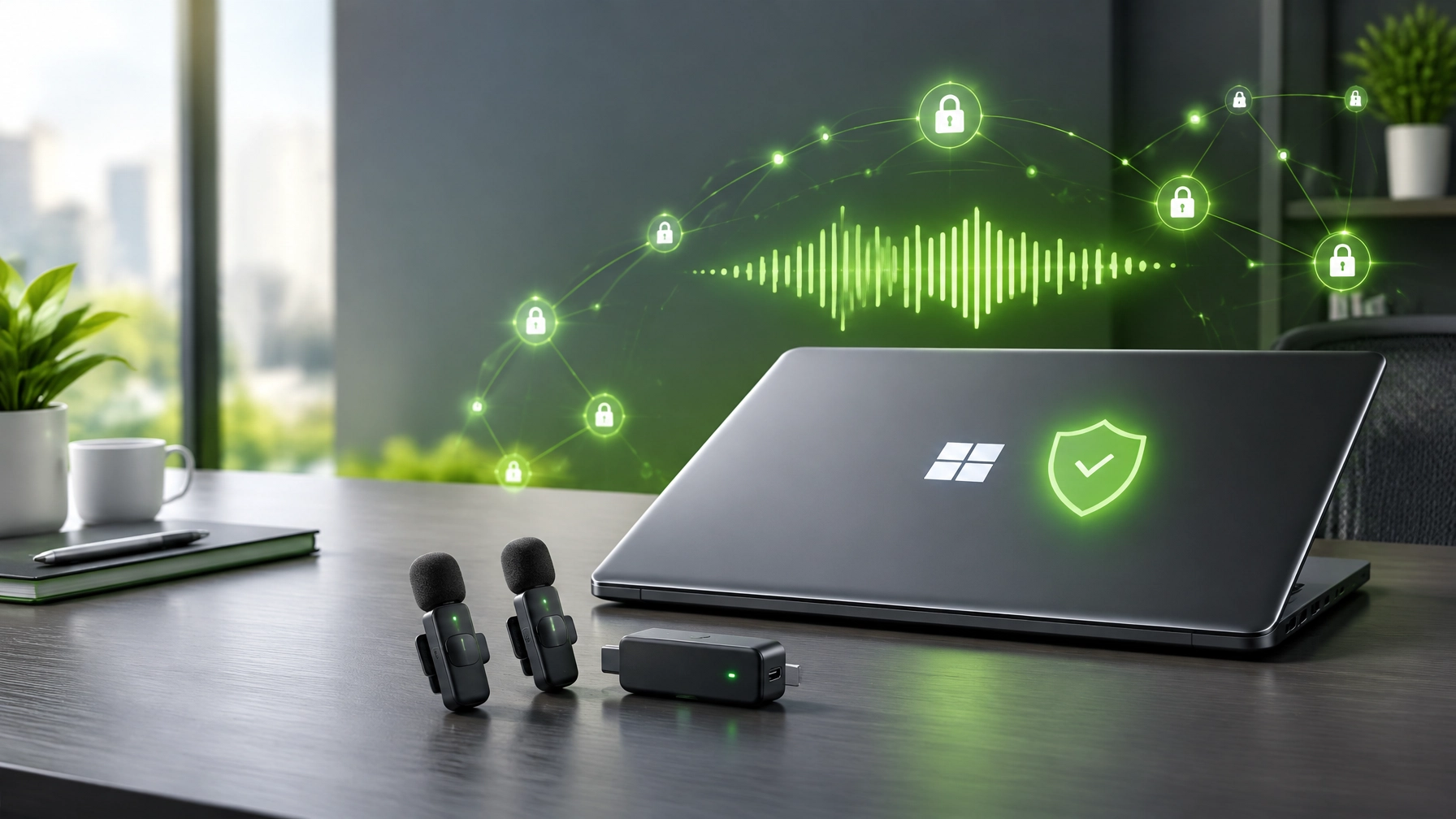
October’s tech marathon keeps moving, and today’s winning combo is practical system protection plus remote-work audio that sounds ready for the meeting, not like a call from inside a laundry basket. Start with the essentials: treat unexpected links, attachments, and “urgent account problem” messages as potential phishing, verify requests through a separate trusted channel, and turn on multifactor authentication (MFA) for email, Microsoft 365, and administrator accounts. Use unique, long passwords managed with a reputable password manager, limit access to only the people who need it, and keep recovery details current. Backups matter just as much as prevention: maintain a separate backup of important business and personal files, then test a restore so the backup is more than a comforting icon. For Microsoft 365, review sign-in and sharing settings, secure admin accounts with MFA, and avoid granting broad permissions without a business reason. On Windows, install security and quality updates consistently, restart when updates require it, and avoid postponing patches indefinitely; a sensible update routine protects both work files and the apps and drivers that keep remote meetings running.  Now keep the PC responsive: leave useful free space on the system drive, review startup apps and disable what does not need to launch at sign-in, and close background applications that consume resources without adding value. Run malware scans with Windows Security and investigate alerts rather than clicking through them. Healthy update discipline means installing trusted Windows and driver updates, checking that essential devices still work afterward, and restarting when needed, not repeatedly interrupting active work to install every optional update. If performance or security problems continue beyond sensible self-service, Microsoft Quick Assist can provide a controlled route to remote help: the person receiving support should initiate the interaction with a trusted helper, enter the helper’s one-time six-digit code, and approve screen sharing or any request for control. End the session when help is complete, and never grant access to an unsolicited caller or someone using scare tactics; Quick Assist is useful precisely because the user remains part of the permission process, not because every remote connection is automatically safe. Network Repair1 also offers remote troubleshooting through Microsoft Quick Assist. And now for the audio side of remote work: the featured gear is the RØDE Wireless GO II dual-channel wireless microphone system, a compact way to make phone and laptop recordings sound more polished for product reviews, tutorials, remote presentations, webinars, testimonials, and client calls. The kit includes two transmitters and one receiver, with a built-in omnidirectional microphone in each transmitter plus a 3.5mm TRS input for a lavalier mic.
  Its Series IV 2.4GHz digital transmission uses 128-bit encryption and is rated for up to 200 meters line of sight, while onboard recording in each transmitter serves as a useful safety net if a wireless link drops during a take. RØDE specifies over 40 hours of onboard recording per transmitter, with about seven hours of uncompressed 24-bit/48kHz WAV recording, and up to seven hours of battery life. Connectivity covers a 3.5mm TRS analog output plus USB-C and iOS digital output, making the system flexible across camera, phone, and computer workflows. A small reality check before adding it to a cart: RØDE’s product page currently marks the Wireless GO II as discontinued and points to the newer Wireless GO (Gen 3), so confirm availability and compare current options before purchasing. The dual-channel kit is also overkill for a solo podcaster who never records two voices, while serious music recording and larger multi-person productions still benefit from a dedicated audio interface and better microphones. It is a practical creator-and-remote-work tool, not a magic wand that fixes room echo, poor mic placement, or the mute button.
 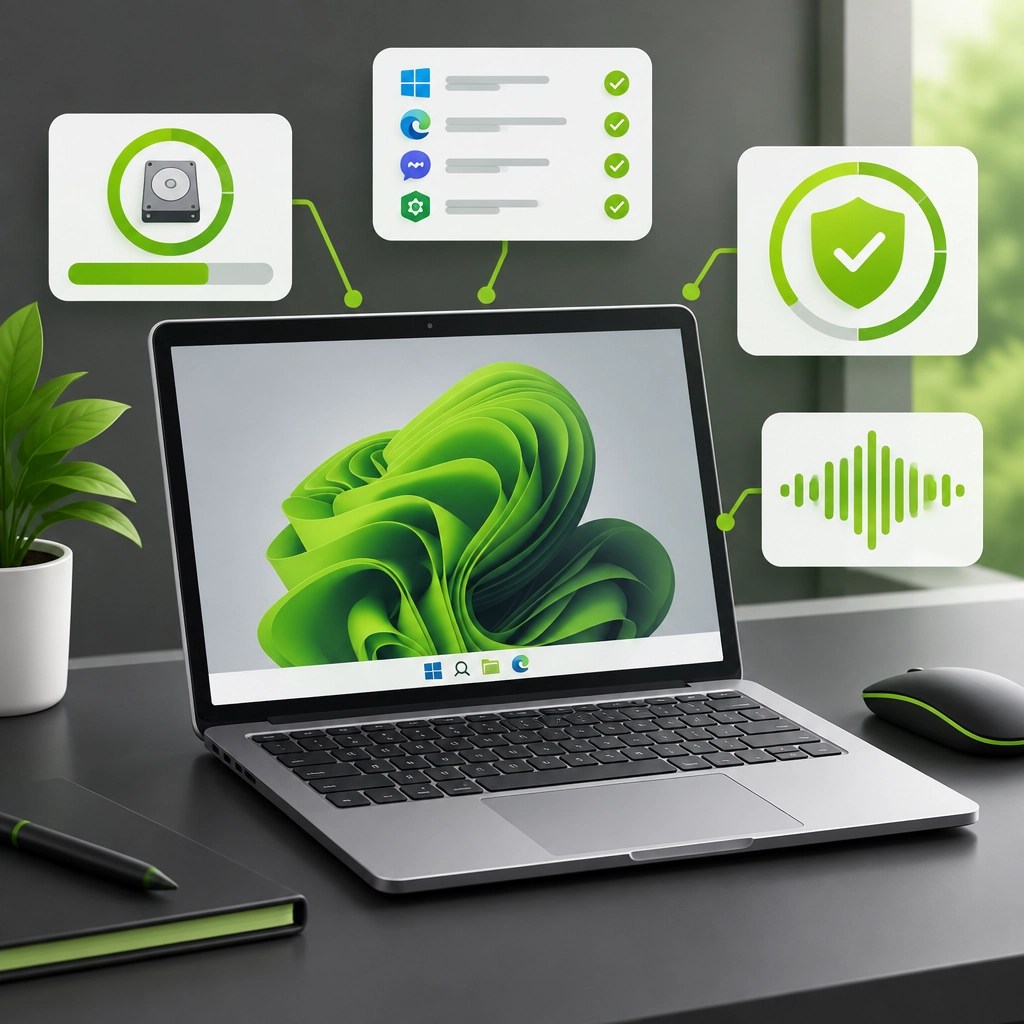 The useful through-line today: security and reliability are built from small repeatable habits, while better audio helps the work, and the product story, come across clearly. Keep the PC patched, the backup restorable, the login protected, and the remote support session under the device owner’s control; pair those basics with clean audio and your calls, tutorials, and product content can feel more confident and professional.
🔗 Daily Links
- 🛡️ Microsoft: Tips to improve PC performance in Windows
- 🖥️ Microsoft Quick Assist support
- 🎙️ RØDE Wireless GO II product page
- 💻 Network Repair1 remote services
- 🎬 Network Repair1 videos
- 🛍️ Amazon product video vs. Shopify product video
🚀 Product Videos for Growing Brands
- 🎥 Selling on Shopify or Amazon? We create professional product videos that help showcase products and strengthen your social presence.
- 🏁 13,000 YouTube subscribers and over 1.1 million lifetime views: Thank you for being part of the Network Repair1 community.
- 🤝 Let’s collaborate: Explore sponsorships and partnerships, and let’s grow together.
- 📞 Call: 805-723-9608
- ▶️ YouTube | 🎵 TikTok | 📸 Instagram | 👍 Facebook
The items mentioned here are featured on our YouTube channel. Don't settle for subpar tech. Grab the professional-grade gear we trust to keep our networks running fast and secure. Visit the Network Repair1 Amazon Store
Leave a Reply