
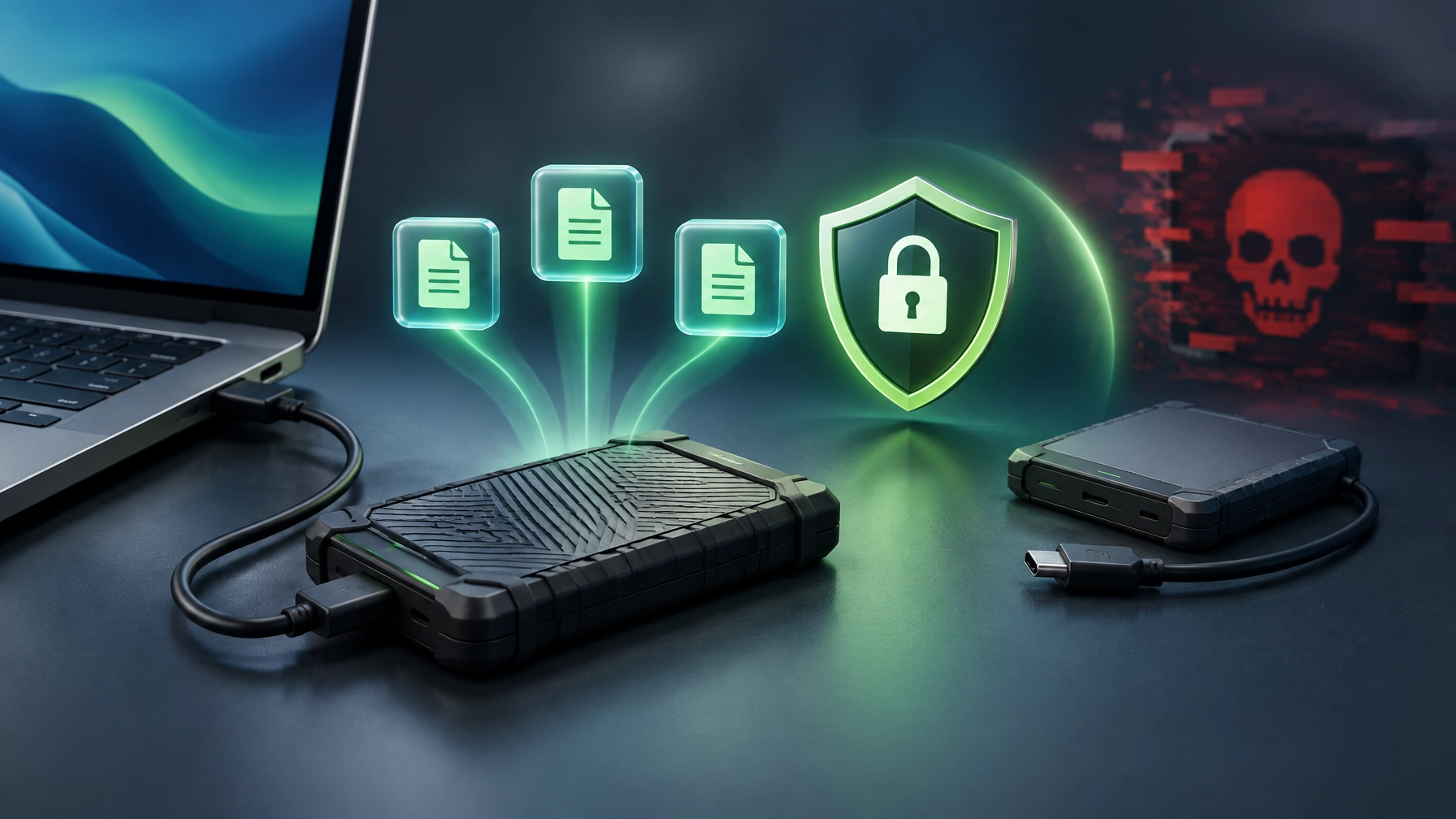
Protect important files before a failed drive, accidental deletion, or ransomware attack turns a normal workday into a recovery project; today’s crucial field note is simple: a backup only counts when it exists, stays protected, and can be restored. Start with the 3-2-1 rule: keep three copies of important data, store them on two different types of media, and keep one copy off-site. That gives critical files more than one route back when a device or location goes down. 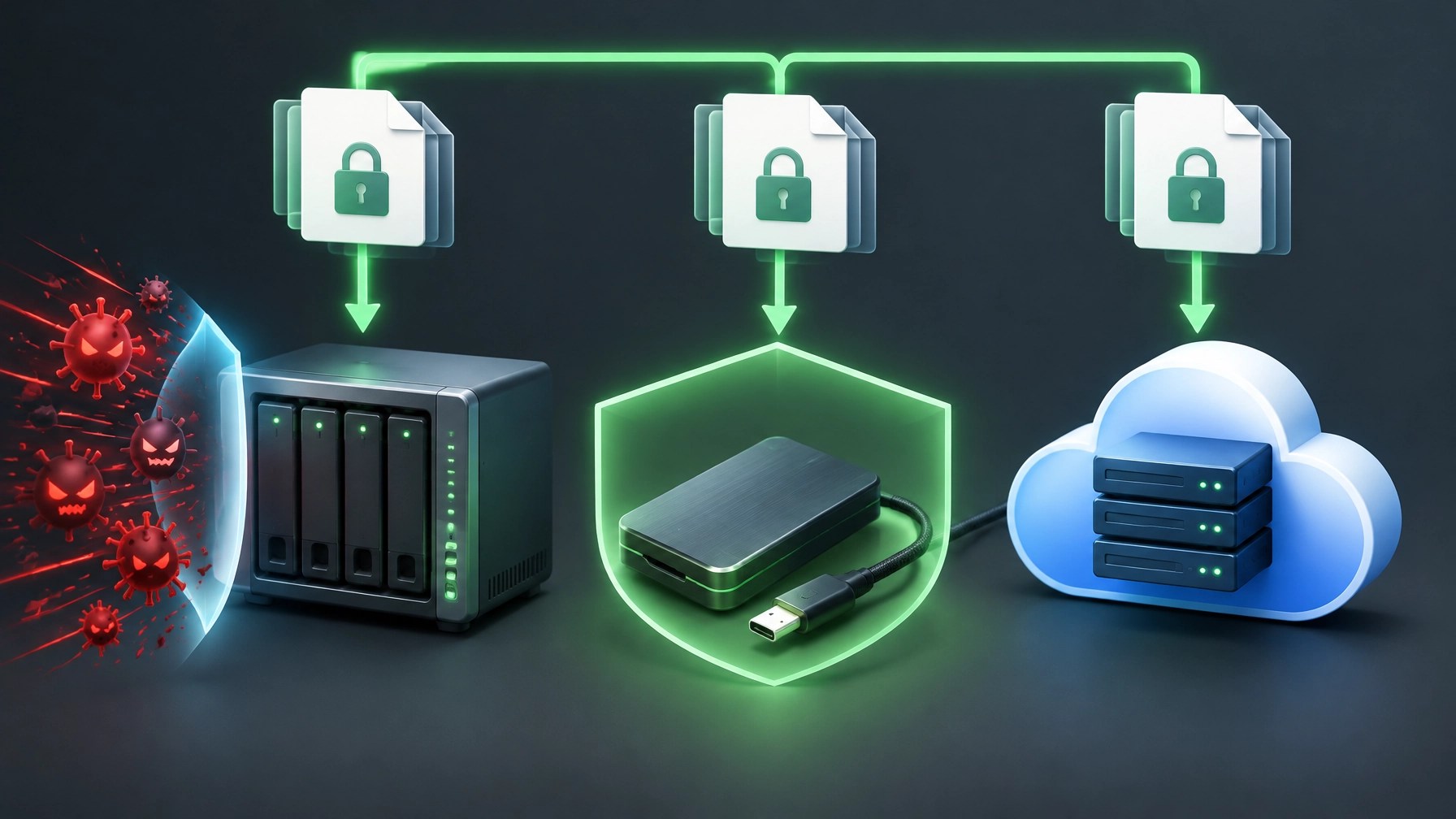 The secret ingredient is separation: keep at least one backup offline or disconnected after the backup completes, because ransomware can target connected storage and accessible backups. A drive left plugged in around the clock may be convenient, but it is also within reach of the same incident affecting the computer. CISA recommends offline backups, encryption, and regular tests of backup availability and integrity; its guidance also highlights restoring files as well as systems, so make sure the recovery plan works beyond the “backup complete” notification. Test restores regularly, confirm the files open, and keep the process understandable to the people who may need it. A fast portable SSD can make that offline leg easier to use, and this roundup’s hardware pick is the Samsung T9 Portable SSD.
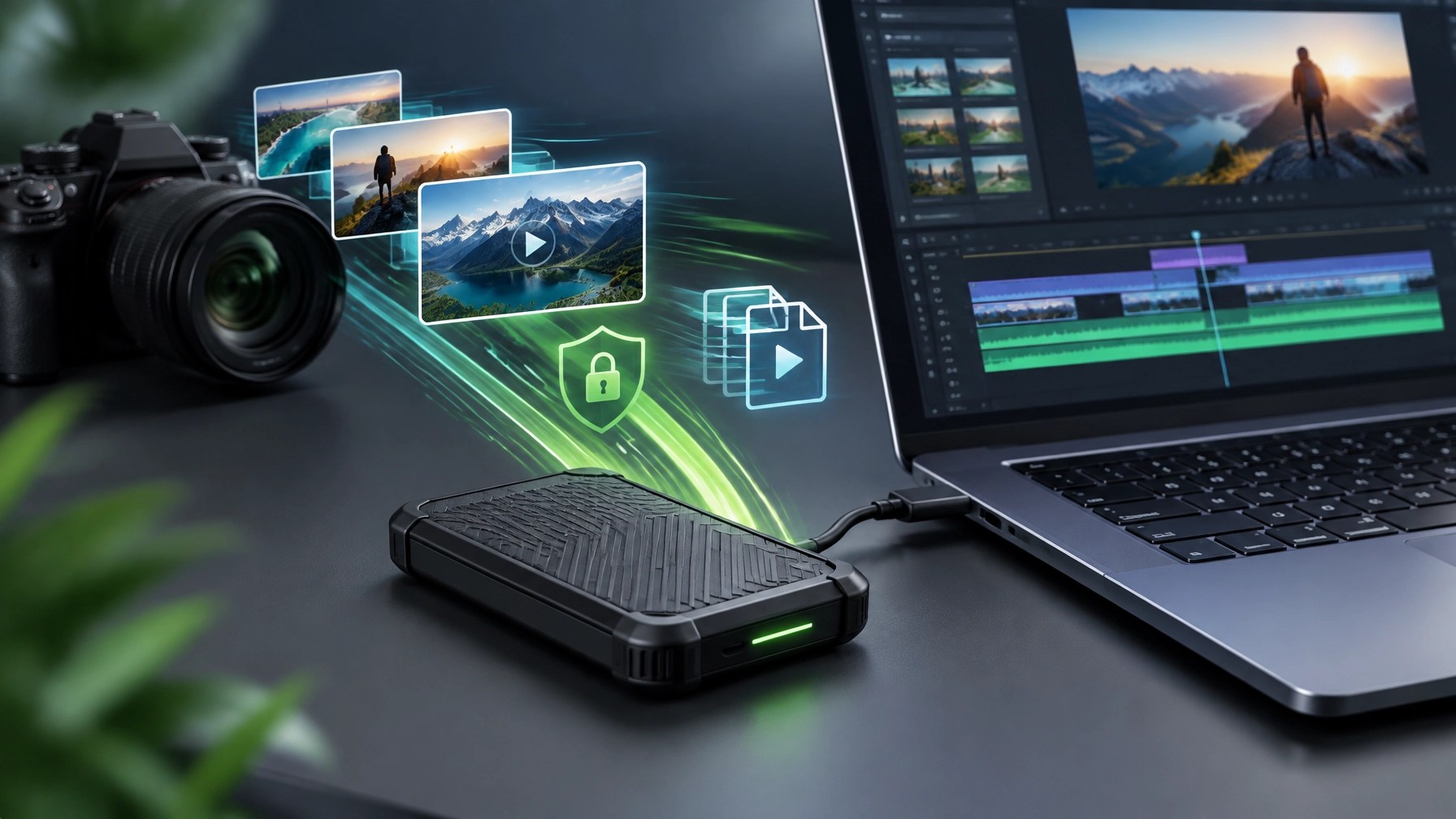 For creators, fast transfers can reduce waiting during file handoffs; for a business, an offline copy can add resilience to a wider recovery plan. Neither use case makes the SSD immune to loss, failure, or accidental damage, so keep those other copies and test them. For a broader small-business security perspective, the FTC’s cybersecurity guidance is another useful reference. And if the backup plan feels more like a pile of cables than a reliable system, Network Repair1 offers remote IT support for troubleshooting and technical assistance, plus product video services for Shopify and Amazon sellers looking to present their products through professional content. Back up the files, disconnect that offline copy, test the restore, and give both business data and creative work a better chance of bouncing back.
Daily Links
- CISA: Back Up Business Data
- CISA: #StopRansomware Guide
- FTC: Cybersecurity for Small Businesses
- Samsung: T9 Portable SSD product page
- Samsung: T9 Portable SSD announcement and launch specifications
Grow with Network Repair1
🚀 Milestone unlocked: 13,000 YouTube subscribers and 1.1 million+ lifetime views, thank you for helping us grow.
🎥 Product videos: We partner with Shopify and Amazon sellers to create engaging content that can boost product visibility.
💻 Remote IT support: We help individuals and small businesses troubleshoot, optimize, and stay productive.
🤝 Let’s collaborate: We can build meaningful content and practical technology support together.
📺 https://www.youtube.com/@networkrepair1
🎵 https://www.tiktok.com/@networkrepair1
📸 https://www.instagram.com/networkrepair1/?hl=en
📘 https://www.facebook.com/networkrepair1/
📞 805-723-9608
Don't settle for subpar tech. Grab the professional-grade gear we trust to keep our networks running fast and secure.
The items mentioned are featured on the YouTube channel.
https://www.amazon.com/shop/networkrepair1?ref_=cm_sw_r_cp_ud_aipsfshop_XV0ER95A5EVVJDPA7W6A_1
Leave a Reply