
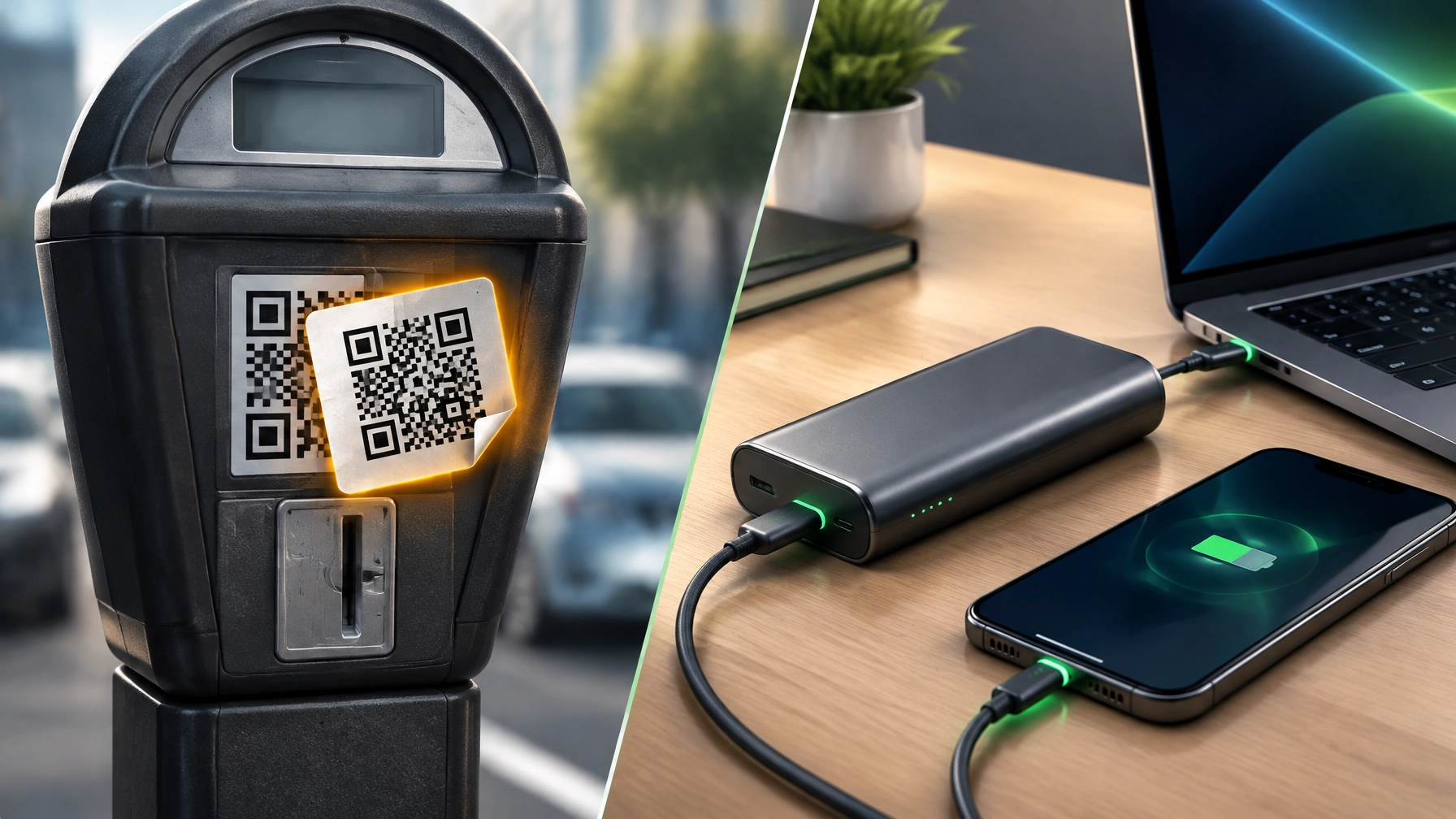
Treat every unexpected QR code as a link that deserves a quick security check, because one scan can send a phone to a convincing fake page, expose account details, or start an unwanted download. The FTC’s September 2026 alert warns consumers about QR codes placed in public locations such as parking meters, where scammers may stick a fake code over the legitimate one; the sticker can look like part of the sign, but the destination may lead to a payment or login page designed to capture personal and financial information. Pause before scanning, look for a sticker that appears layered, damaged, or out of place, and inspect the URL preview that appears on your phone before tapping through, checking the domain carefully for misspellings or unfamiliar addresses. [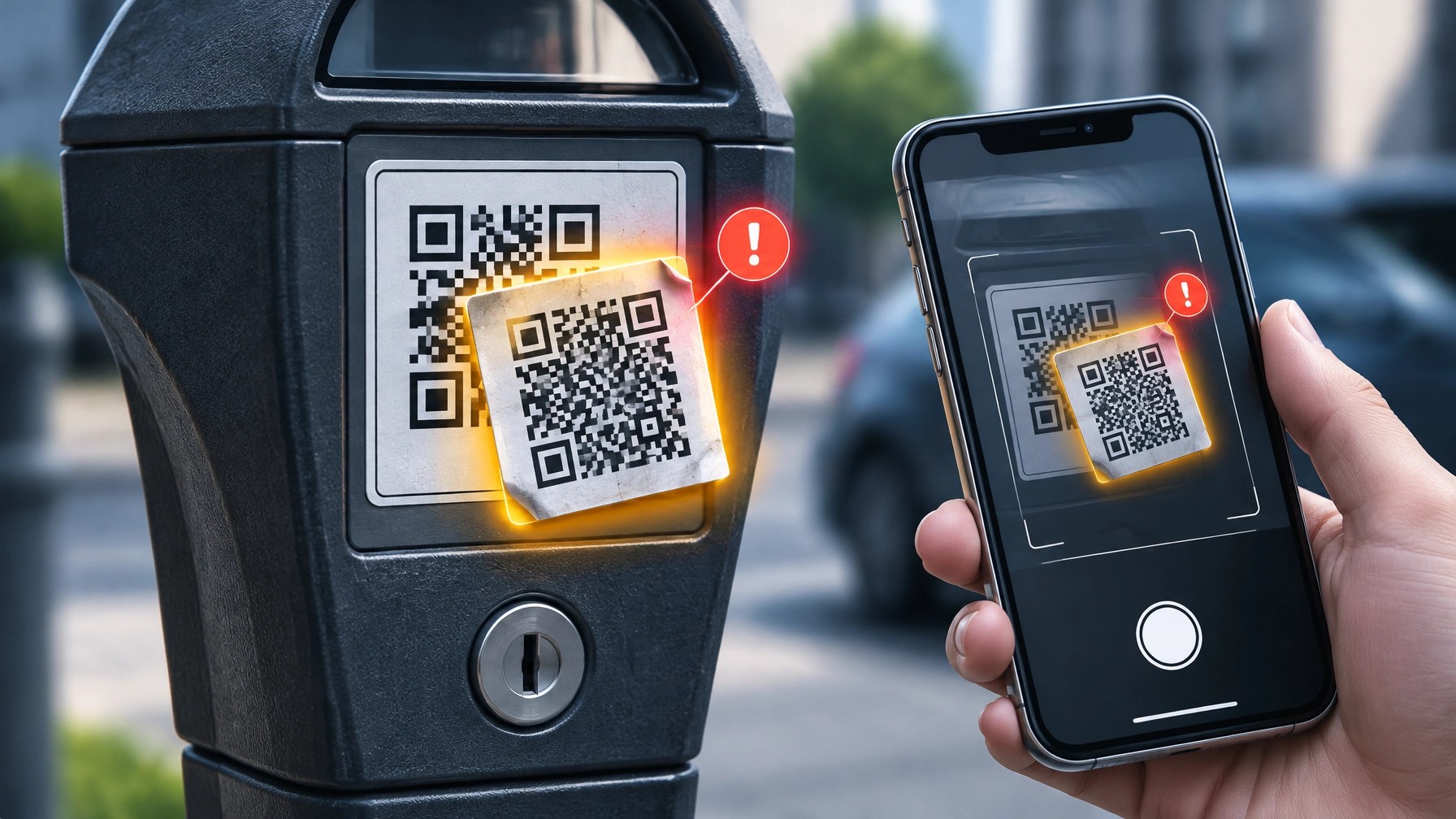 ] The same caution applies to packages that arrive without a clear sender or that nobody in the household ordered: the FBI’s IC3 has warned that unsolicited packages containing QR codes can lure recipients to fraudulent sites or prompt malicious downloads, and a surprise box is not a security clearance. Don’t scan codes from unsolicited packages or emails, and when a payment, delivery, or account notice seems legitimate, go directly to the known website by typing its address or using its official app instead. This is more than a minor nuisance: the FBI’s 2025 Internet Crime Report recorded more than $20.8 billion in reported cyber-enabled losses, while a January 2026 IC3 advisory described North Korean Kimsuky actors using malicious QR codes in spearphishing campaigns targeting U.S. entities. For small businesses, make QR-code safety part of the everyday security routine: train staff to inspect public payment signage before use, audit printed marketing materials and pay-station codes for tampering, and encourage customers to verify payment destinations rather than scan on autopilot. Keep phone operating systems and security apps updated, and use strong, unique passwords with multifactor authentication to reduce the damage if a credential is exposed. If a suspicious scan has already happened, don’t panic, but do act: close the page, avoid entering information or granting permissions, change any password that may have been shared, and monitor relevant bank and account activity. Report suspected cybercrime to ic3.gov and fraud to reportfraud.ftc.gov; timely reporting can help document the incident and support a stronger response. Today’s product pick tackles a different kind of productivity interruption: a dead battery at the wrong moment. The Anker 737 Power Bank (PowerCore 24K) packs a 24,000mAh capacity into a compact-for-its-class body, with two USB-C ports, one USB-A port, and up to 140W of two-way USB Power Delivery 3.1 output. That high-wattage USB-C output can charge compatible laptop-class devices, including a MacBook Pro 16-inch with the right PD 3.1 cable, while the smart digital display shows battery percentage and charging information instead of leaving the remaining power to guesswork. [
 ] At about 6.13 × 2.15 × 1.95 inches, it is space-conscious for its capacity, but its 630-gram weight is worth considering before adding it to an everyday carry kit. Anker lists the U.S. price at about $109.99 at the time of writing; prices can fluctuate, so confirm current details on the official product page. [
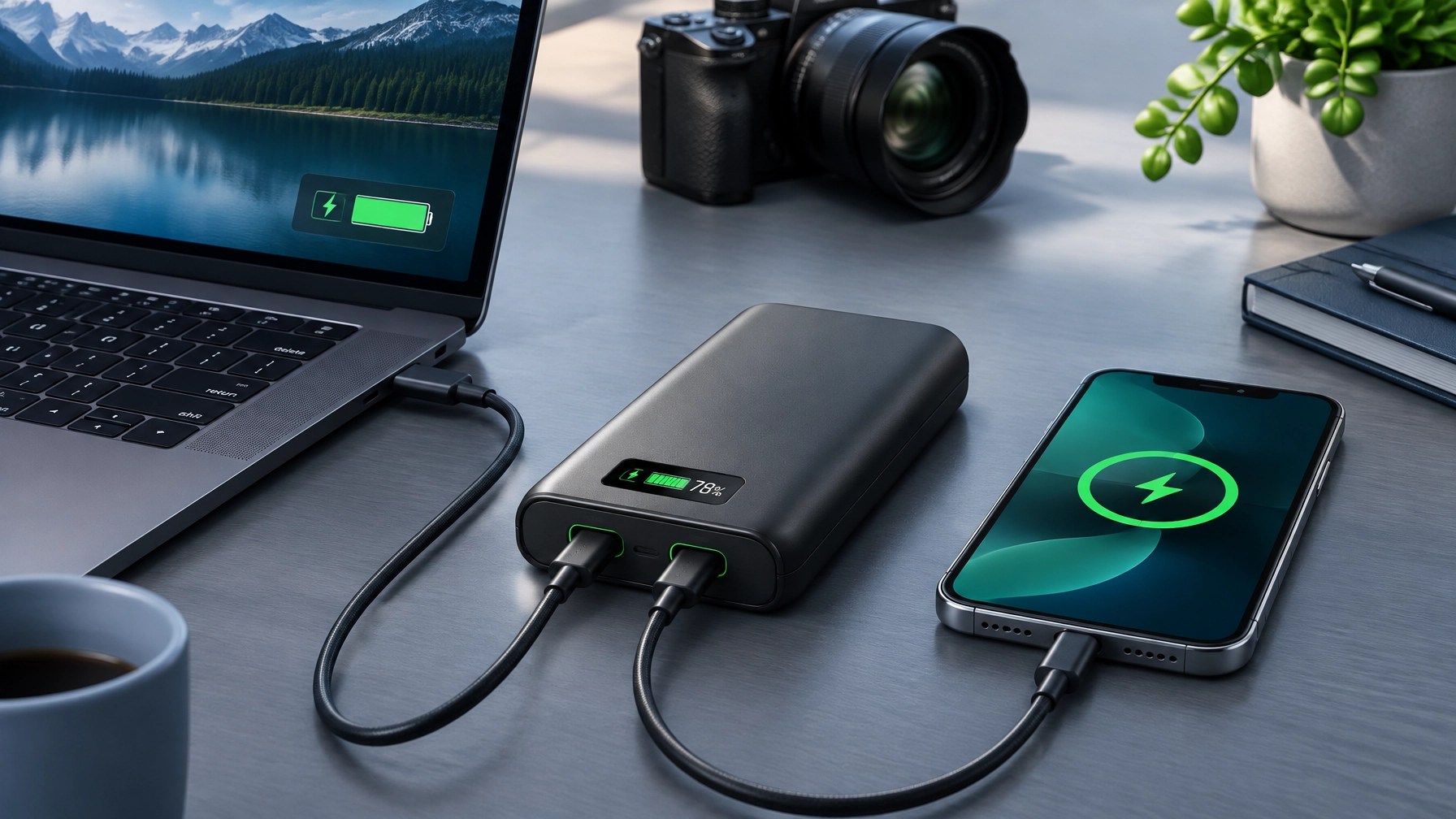 ] A reliable power bank can keep a laptop, phone, hotspot, or compatible USB-powered networking device available when an outlet is not; routers and other network equipment require the correct power output and compatible connection, so check device requirements before relying on a battery pack. For remote workers and small-business owners, that extra reserve can help preserve access to communications and work during a short interruption. For creators filming product videos away from the studio, it can also help keep a laptop and mobile devices ready for capture, review, and publishing. Pair dependable backup power with secure, well-maintained systems: Network Repair1 provides remote IT support for troubleshooting, network and power-related issues, and day-to-day technical assistance, alongside product video services for Shopify and Amazon sellers that can help brands present products clearly and professionally. Keep the QR-code check quick, choose gear that fits the actual devices in use, and build a more resilient routine for working, creating, and staying connected.
Daily Links
- FTC: See a QR code parked somewhere? Don’t scan it…yet!
- FBI IC3: Unsolicited packages containing QR codes advisory
- FBI IC3: 2025 Internet Crime Report
- FBI IC3: Kimsuky malicious QR-code campaign advisory
- Anker 737 Power Bank (PowerCore 24K)
Grow with Network Repair1
🎉 13,000 YouTube subscribers and 1.1 million+ lifetime views, thank you for being part of our growing community. Your support helps us share practical tech guidance, product discoveries, and useful content with an expanding audience.
Promote with Network Repair1
🚀 Grow your product visibility: We create engaging product videos for Shopify and Amazon sellers.
🤝 Let’s collaborate: Explore product video and sponsorship services and grow together.
💻 Get remote IT support: Explore remote services for troubleshooting and technical assistance.
Ready to upgrade your tech? Check out our curated list of essential tools to keep you connected and productive.
The items mentioned are featured on the YouTube channel.
https://www.amazon.com/shop/networkrepair1?ref_=cm_sw_r_cp_ud_aipsfshop_XV0ER95A5EVVJDPA7W6A_1
📞 805-723-9608
Leave a Reply