
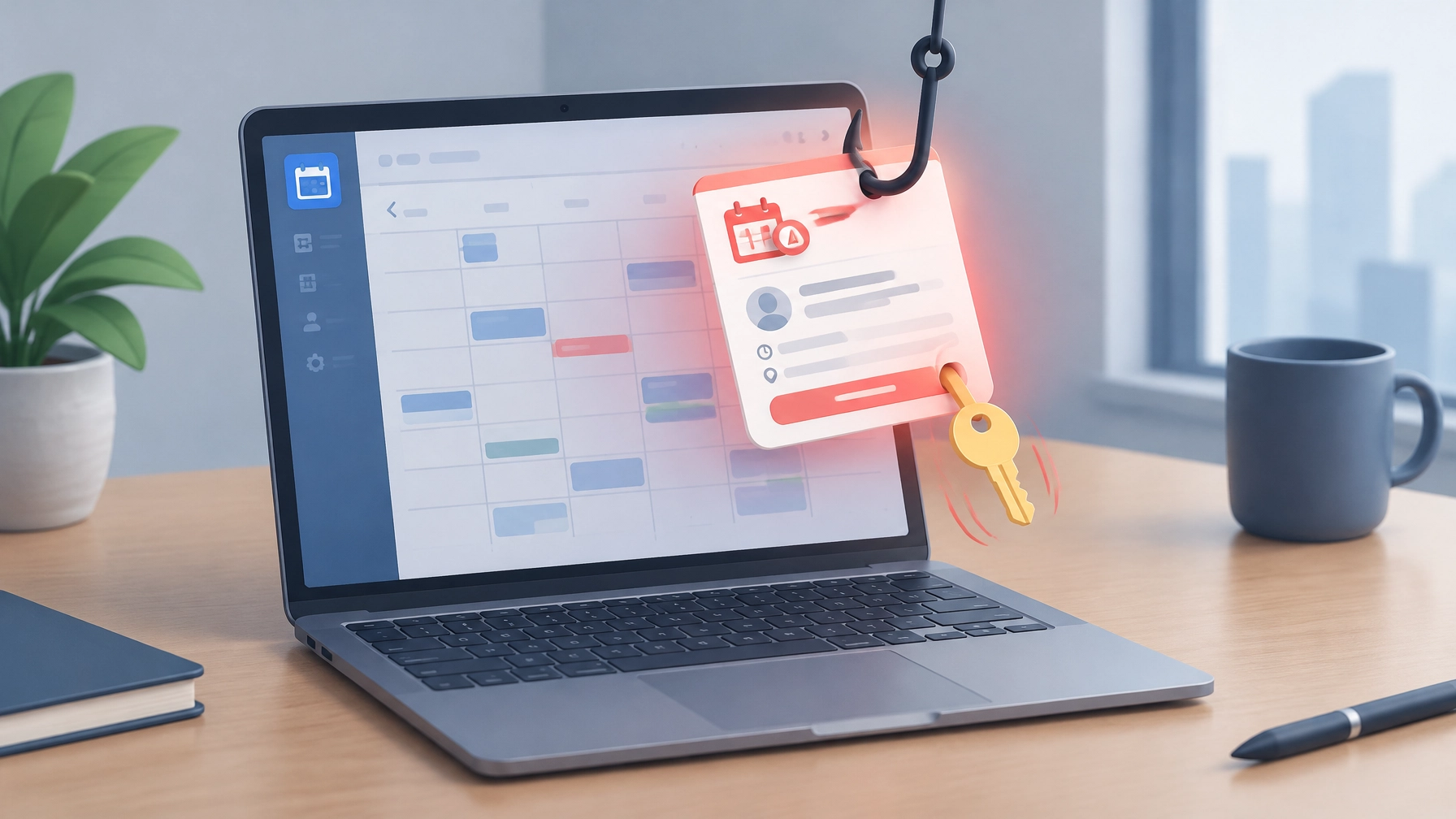
Today’s roundup has two useful upgrades for a more secure, productive workday: spot the calendar invitations that are trying to steal Microsoft 365 credentials, and meet a keyboard designed to make everyday typing feel smoother. First, the security alert, because a meeting invite can look routine right up until it asks for a password.
Security Brief: The Calendar Invite Is the Phishing Lure
A calendar invitation can feel more trustworthy than an email, and that is exactly the opening attackers are exploiting. Check Point researchers reported a Microsoft credential-phishing campaign that began surging around September 25, 2026, using fake meeting invitations to lead recipients toward credential-harvesting pages. The invites may arrive with malicious .ics attachments or include convincing Microsoft Teams “Join” links, turning an ordinary calendar workflow into an unexpected sign-in trap.
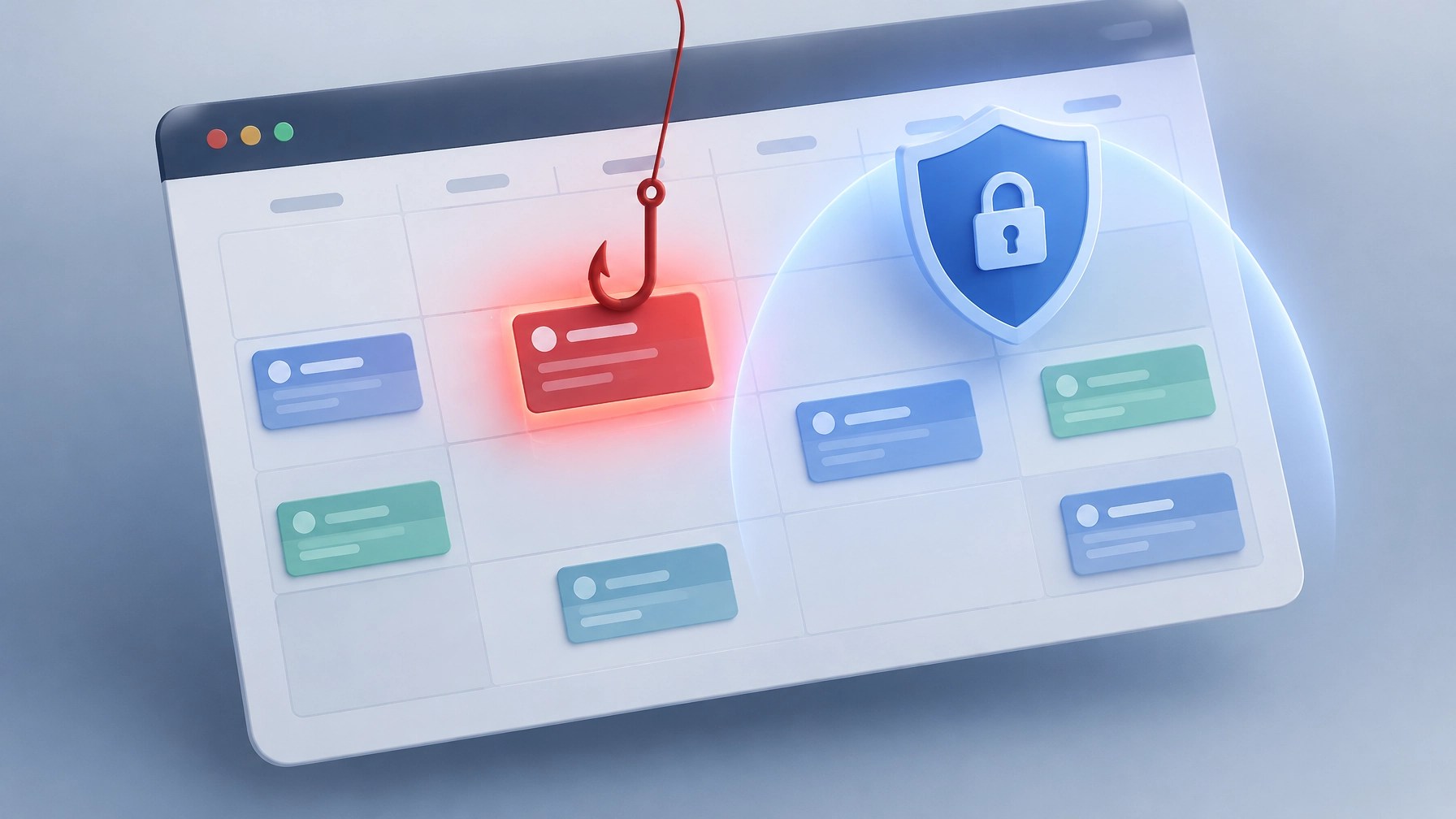
The scale is substantial. Check Point’s dedicated detection layer flagged more than 302,386 unique phishing emails sent to recipients at over 40,000 organizations, and researchers observed more than 740,000 campaign emails in the first two weeks of October. Those figures describe separate measurements: the flagged unique emails and the broader campaign volume observed in that early-October period. Activity peaked on October 8, with nearly 200,000 emails, and researchers identified more than 33,890 sender domains.
The trick is less about a software flaw and more about exploiting familiar habits. A meeting request is easy to accept quickly, and a “Join” button can encourage a click before anyone checks where it leads. The landing page may imitate a Microsoft sign-in experience at a lookalike domain, so a convincing logo or familiar layout is not proof that the page is legitimate.
Treat an unexpected invite like an unverified link, even if it appears on the calendar. Don’t join a meeting or enter credentials from an invitation you weren’t expecting. Hover over the Join link first and inspect the actual destination domain; don’t rely on link text, display names, or a page that merely looks like Microsoft. If an invite claims to be from a colleague, verify it using a separate, trusted channel before acting.
There’s one calendar-specific detail worth remembering: deleting the email may not remove an event that has already been added to the calendar. Check the calendar itself, then delete the suspicious event there as well. If the sender is unknown or the meeting makes no sense, don’t accept it just to clear a notification. A little caution can prevent a much bigger account-recovery headache.
Protect the account beyond the inbox, too. Use phishing-resistant MFA where available, and never enter a Microsoft code on a device-authorization page unless you initiated that sign-in process yourself. If a suspicious invite has already been opened, avoid entering more information, report it through the organization’s normal security process, and contact IT support promptly. For small businesses, a clear reporting route and consistent account-protection settings can help turn a confusing near-miss into a manageable security event.
Desk Upgrade: Logitech MX Keys S

The Logitech MX Keys S Advanced Wireless Illuminated Keyboard is a strong candidate for a remote-work desk refresh, especially if yesterday’s MX Master 3S mouse mention is already on the shopping list. The pair makes a tidy productivity duo: one precision-focused mouse, one full-size keyboard built for fluid typing, and fewer reasons to blame the desk setup for a slow Monday.
Logitech lists the MX Keys S at $119.99, a $10 reduction from its regular $129.99 price, as part of LogiWork Deal Days through November 1. Check the product listing for current availability and terms before ordering. Its low-profile, spherically dished keys are shaped to fit fingertips, helping support precise, comfortable typing while key stability keeps keystrokes quieter.
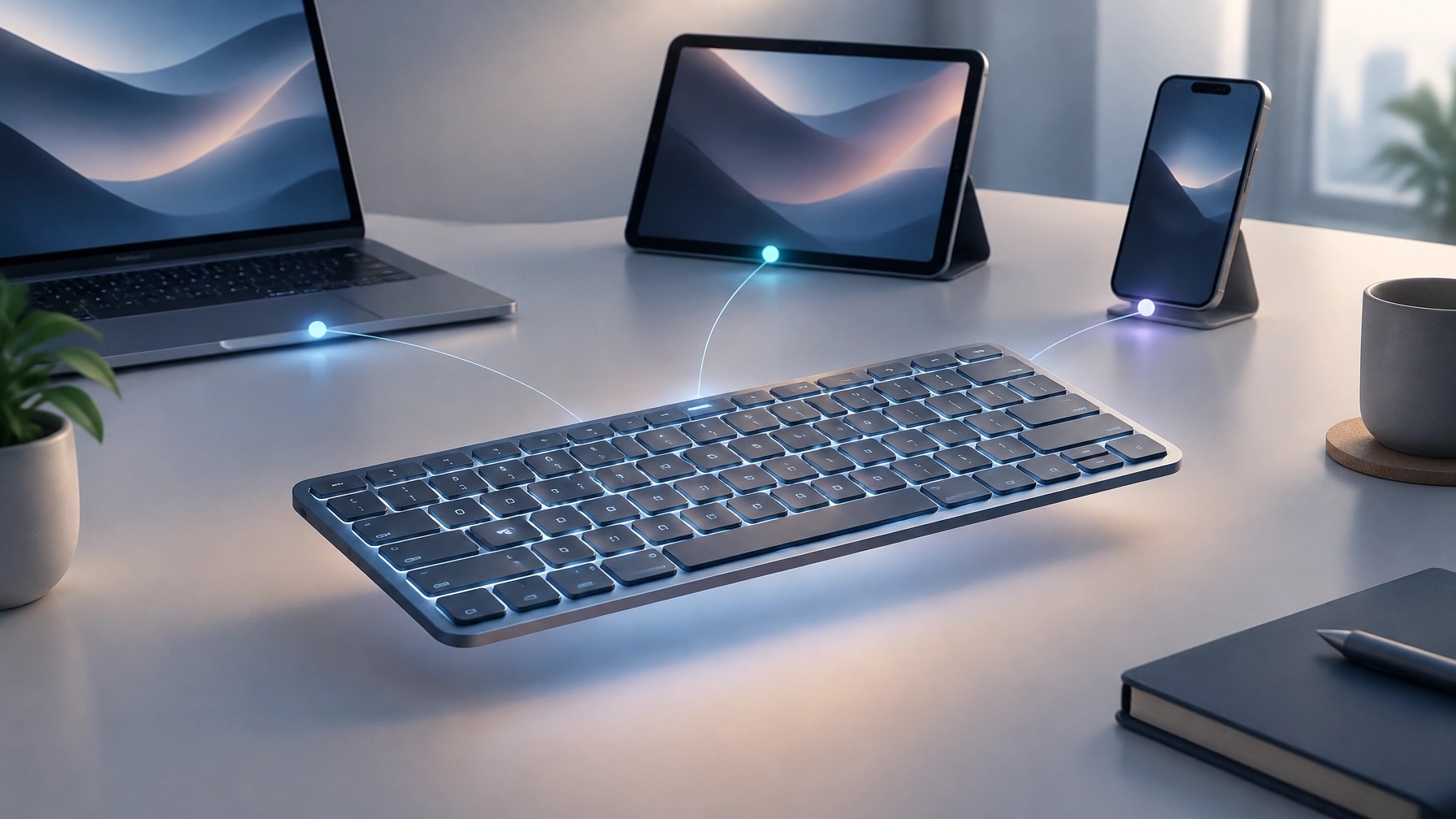
The smart backlighting is a practical touch, not just desk theater. Keys illuminate when hands approach, then adjust brightness automatically to suit the environment. Logitech rates battery life at up to 10 days with backlighting or up to five months with backlighting off; USB-C recharging keeps the power routine straightforward.
Easy-Switch lets the keyboard connect across up to three devices, with compatibility for Windows, macOS, Chrome OS, Linux, and iPadOS. Connect using Bluetooth Low Energy or the included Logi Bolt USB receiver. For repetitive work, Smart Actions in Logi Options+ lets programmable keys trigger multiple tasks with one keystroke, helping reduce the small interruptions that add up across a busy day.
The low-profile ergonomic design aims to support a natural wrist position during longer typing sessions, while the keyboard is made with recycled plastic. It’s not a substitute for choosing a setup that fits individual needs, but it brings useful comfort, multi-device flexibility, and smart controls together in one polished work surface. For hybrid teams and home offices, that can be a meaningful desk upgrade without turning the keyboard into a complicated project.
Daily Links
- Check Point: Fake calendar invites target organizations in Microsoft credential-phishing campaign
- Logitech MX Keys S: Product details and current pricing
Grow with Network Repair1
🎉 13,000 YouTube subscribers and 1.1 million+ lifetime views, thank you for growing with us.
Promote with Network Repair1
🎥 Showcase products: We create Shopify and Amazon product videos that can help brands boost visibility and engagement: Let’s collaborate
💻 Keep business moving: We provide secure remote IT support for troubleshooting, Microsoft 365, networks, and more: Get remote support
🤝 Let’s collaborate and grow together: We’ll help make the next product story or tech fix count.
We've done the troubleshooting so you don't have to. Shop the gear we use and recommend for a high-performance setup.
The items mentioned are featured on the YouTube channel.
🛒 https://www.amazon.com/shop/networkrepair1?ref_=cm_sw_r_cp_ud_aipsfshop_XV0ER95A5EVVJDPA7W6A_1
📞 805-723-9608
Leave a Reply