
Happy Sunday! This edition brings a security story with a nasty twist: a trusted software update that could run its payload just by starting Python. Then, we’re checking out a first for this roundup. A multi-monitor docking station built to tidy up hybrid-work desks. Let’s get into it.
Security Brief
The LiteLLM 1.107.0 supply-chain compromise is a reminder that “we don’t use that product” doesn’t always mean “we’re unaffected.” On October 21, a malicious version of the popular LiteLLM Python package appeared on PyPI and in container registries after attackers used a stolen GitHub organization owner token to interfere with release workflows and publish a backdoored build. The compromised files included Python startup hooks (cook.pth, cook.py, and sitecustomize.py) that could launch the payload when Python started in an affected environment, even if the application never imported LiteLLM. The malware was designed to collect sensitive information from developer tools, cloud accounts, AI services, browsers, and other locations accessible to the system. The incident was identified by security researchers at Socket and Wiz, and Microsoft published an analysis of the attack chain on October 23. 
For a small business, the key takeaway is straightforward: Python may be running somewhere even if LiteLLM isn’t part of the daily toolkit. It could be on a developer’s workstation, a contractor’s machine, or a CI runner with saved cloud keys. Think of an unverified package install as letting an unknown USB device into the office network: it may do more than the label suggests. If LiteLLM 1.107.0 or an affected image may have been used, isolate the environment and don’t run Python or pip inside it; starting the interpreter could retrigger the malicious hooks. Rebuild from verified artifacts, and rotate potentially exposed API keys, cloud tokens, SSH keys, and other credentials from a clean system. 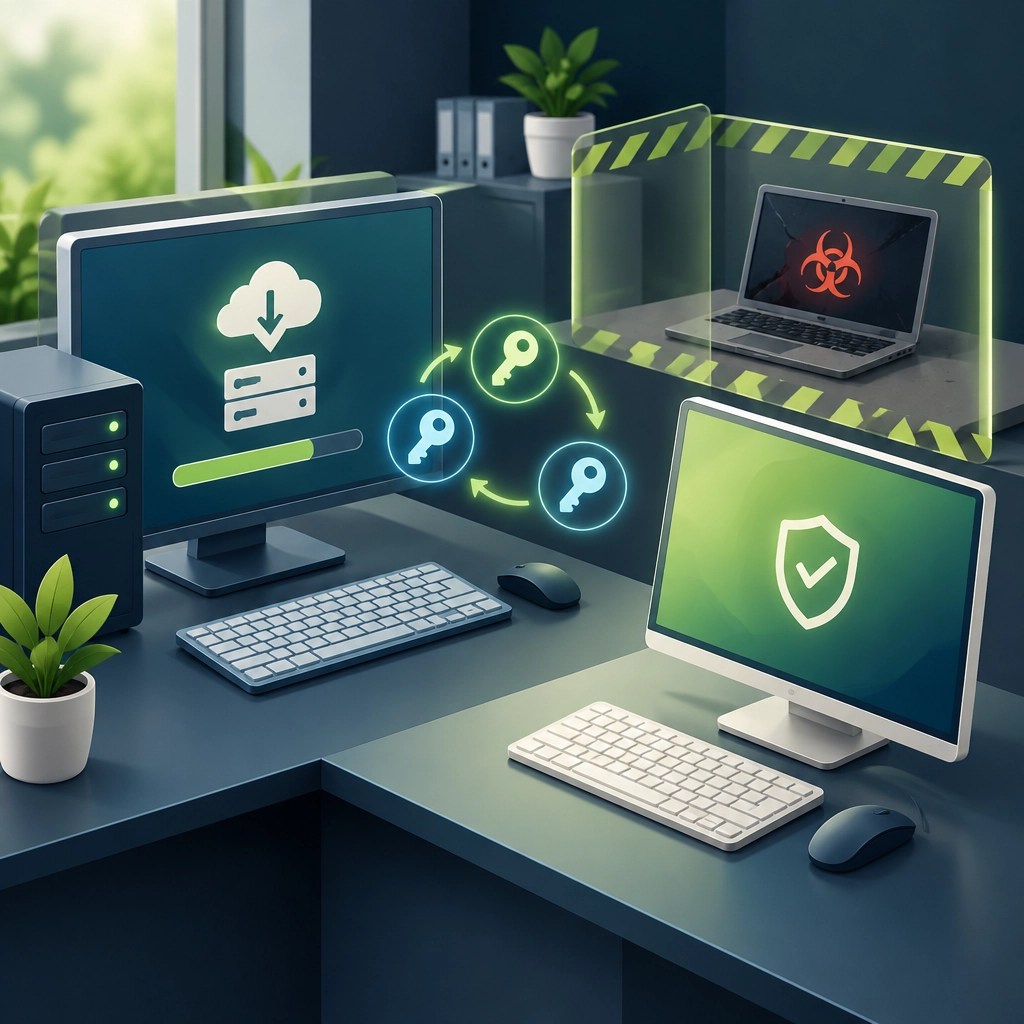
For everyday prevention, pin package versions, keep secrets out of saved configuration files where possible, and rotate credentials regularly. If an affected environment is suspected, get qualified incident-response help rather than experimenting on the machine. Removing the package alone may not remove startup files or undo access to stolen credentials, so a careful rebuild and credential review matter. The goal is to protect the keys that connect a small business to its cloud services, development tools, and customer-facing systems.
Desk Upgrade
First docking station in this series: welcome to the desk-upgrade department, UD-MSTH3. Plugable’s 15-port USB-C docking station is listed at $149.99 and is designed for Windows and ChromeOS systems. It uses Multi-Stream Transport (MST) to support multiple extended displays without requiring Thunderbolt or display drivers, helping turn a compatible laptop into a more organized workstation through one host cable. How-To Geek reviewed it on October 5, 2026. 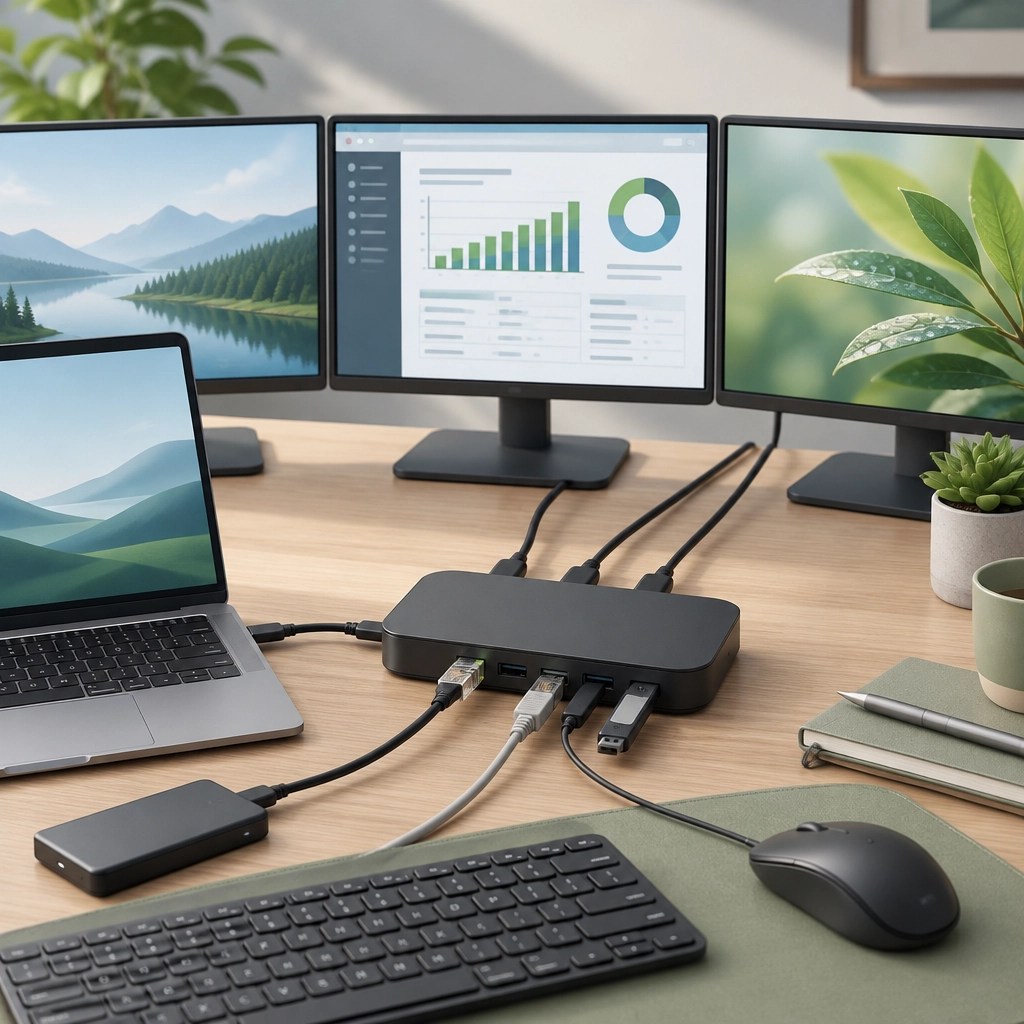
The headline display options are dual 4K at 60Hz or, typically, one 4K display at 60Hz plus two 1080p displays at 60Hz. The dock has three HDMI 2.0b outputs, two USB-C 10Gbps ports, one USB-A 10Gbps port, two USB-A 5Gbps ports, and one USB-A 2.0 port. It also includes a USB-C 30W charge-only port, up to 100W host charging, 2.5Gb Ethernet, SD and microSD card slots, and a 3.5mm audio connection. That mix covers monitors, storage, wired networking, memory cards, and everyday peripherals without turning the laptop’s ports into a game of musical chairs.
The appeal is practical rather than flashy: one cable can connect a compatible laptop to displays, network, accessories, and power, which can make a hybrid-work setup easier to use and easier to support remotely. It’s a new category for the roundup, and a useful one for small offices aiming to standardize desk connections without adding a complicated installation routine. 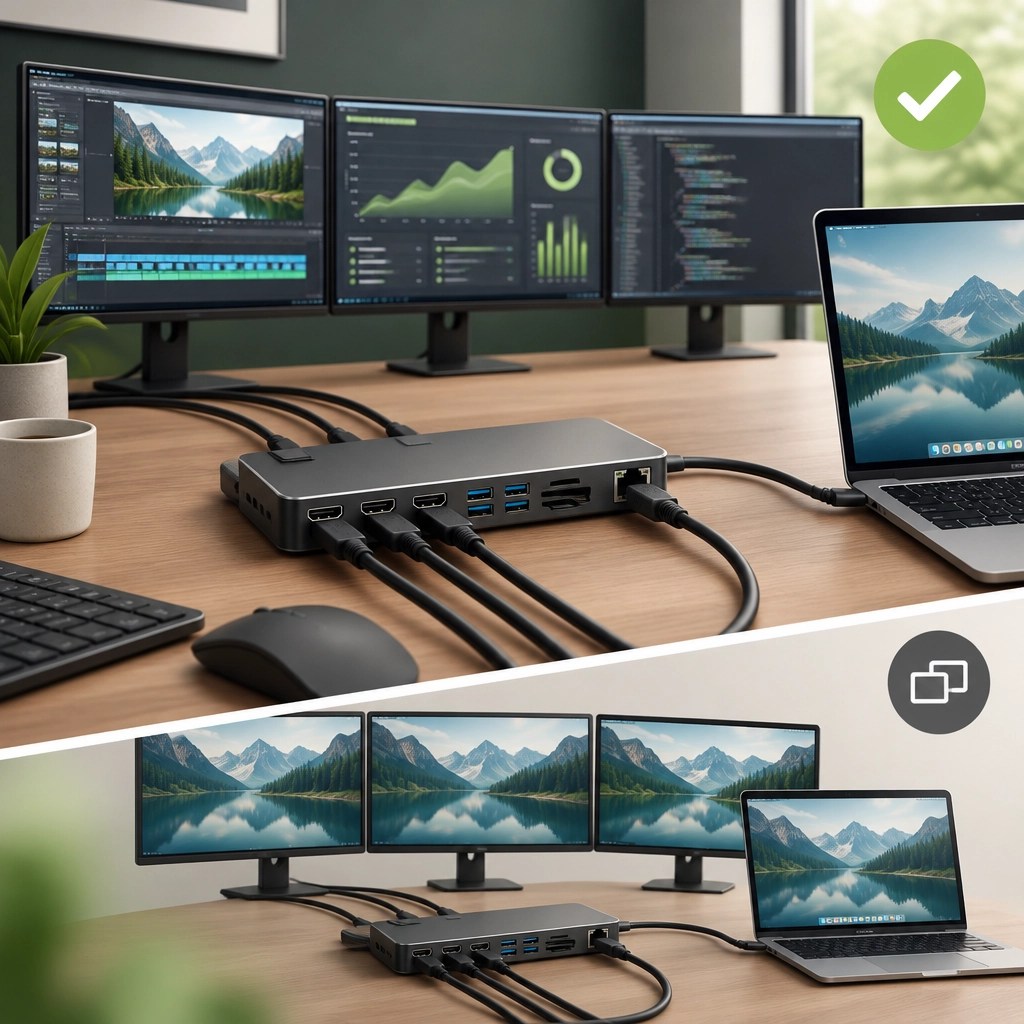
There are important caveats before adding it to a shopping list. The computer needs a USB-C port that supports video output; a USB-C connector alone does not guarantee that feature. The laptop’s processor and graphics hardware also affect how many displays and what resolutions are available. Three 4K screens are not the standard promise here. The recommended triple-display setup is a resolution mix. macOS does not support extended multi-monitor use through this MST dock, so connected displays may mirror rather than act as separate desktops. And while no display drivers are required, a Windows display-settings adjustment may be needed to switch from mirroring to an extended desktop. Check the official compatibility and product details before buying, especially if the laptop model or display requirements are unusual.
Daily Links
- LiteLLM: October 21 security incident and attack chain
- Microsoft Security Blog: Inside the LiteLLM 1.107.0 supply-chain compromise
- Wiz: LiteLLM compromised, credentials at risk
- How-To Geek: Plugable UD-MSTH3 review
- Plugable UD-MSTH3 product page
Grow with Network Repair1
A big thank-you to everyone helping this community grow: Network Repair1 has reached 13,000 YouTube subscribers and more than 1.1 million lifetime views. Every view, subscription, share, and thoughtful comment helps us keep making useful technology content for individuals and small businesses. We appreciate being part of this growing community!
Promote with Network Repair1
- 🛍️ Shopify and Amazon product videos: We create engaging product videos that can help brands showcase what makes their products worth a closer look.
- 🛠️ Remote IT support: We help troubleshoot computers, networks, Microsoft 365, cloud services, and security concerns remotely.
- 🤝 Let’s collaborate: Partner with us to create useful content and grow your reach together.
Need a hand or a content partner? Explore remote IT support or collaboration opportunities.
Loved today's review? You can find this product and all our top picks on our official Amazon storefront.
The items mentioned are featured on the YouTube channel.
805-723-9608
Leave a Reply