
Welcome to Monday’s roundup: a cloud security incident puts stored secrets in the spotlight, and a fast portable SSD offers a practical way to move and protect business files. The vault metaphor is doing a little extra work today, because encryption matters, but so does who can reach the vault.
Security Brief
Railway, a developer platform, says an attacker accessed some of its internal systems between October 20 and 22, and that some customer environment variables may have been decrypted. Railway’s preliminary estimate is that up to 1.85% of workspaces, about 100,000-may have had some environment variables potentially compromised. That is an upper-bound estimate, not confirmation that every workspace or every stored secret was exposed. Railway says the intruder appeared to be looking for AI-provider API keys, and recommends that customers who signed up before October 21 rotate sensitive keys and variables stored on the platform.
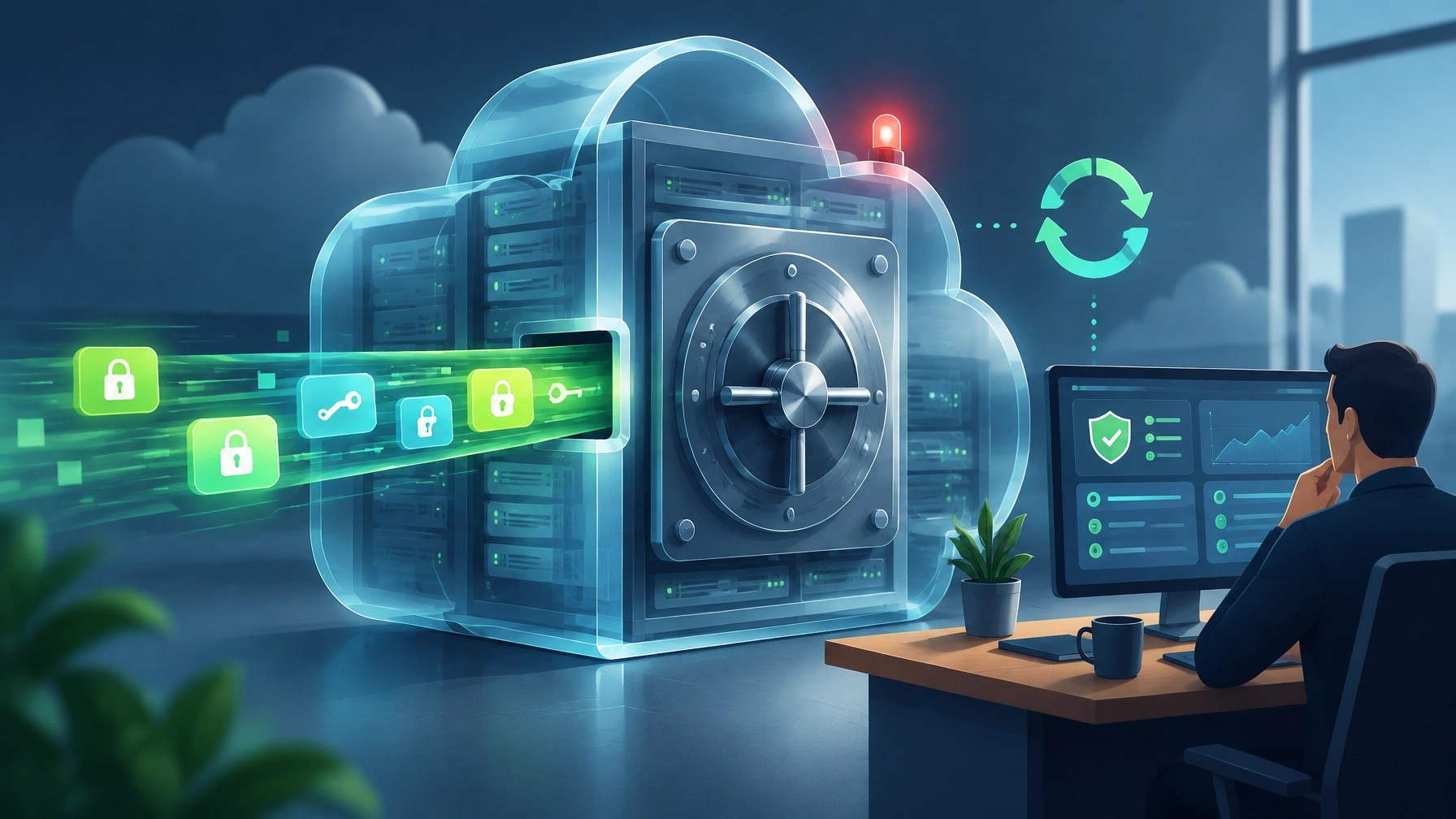
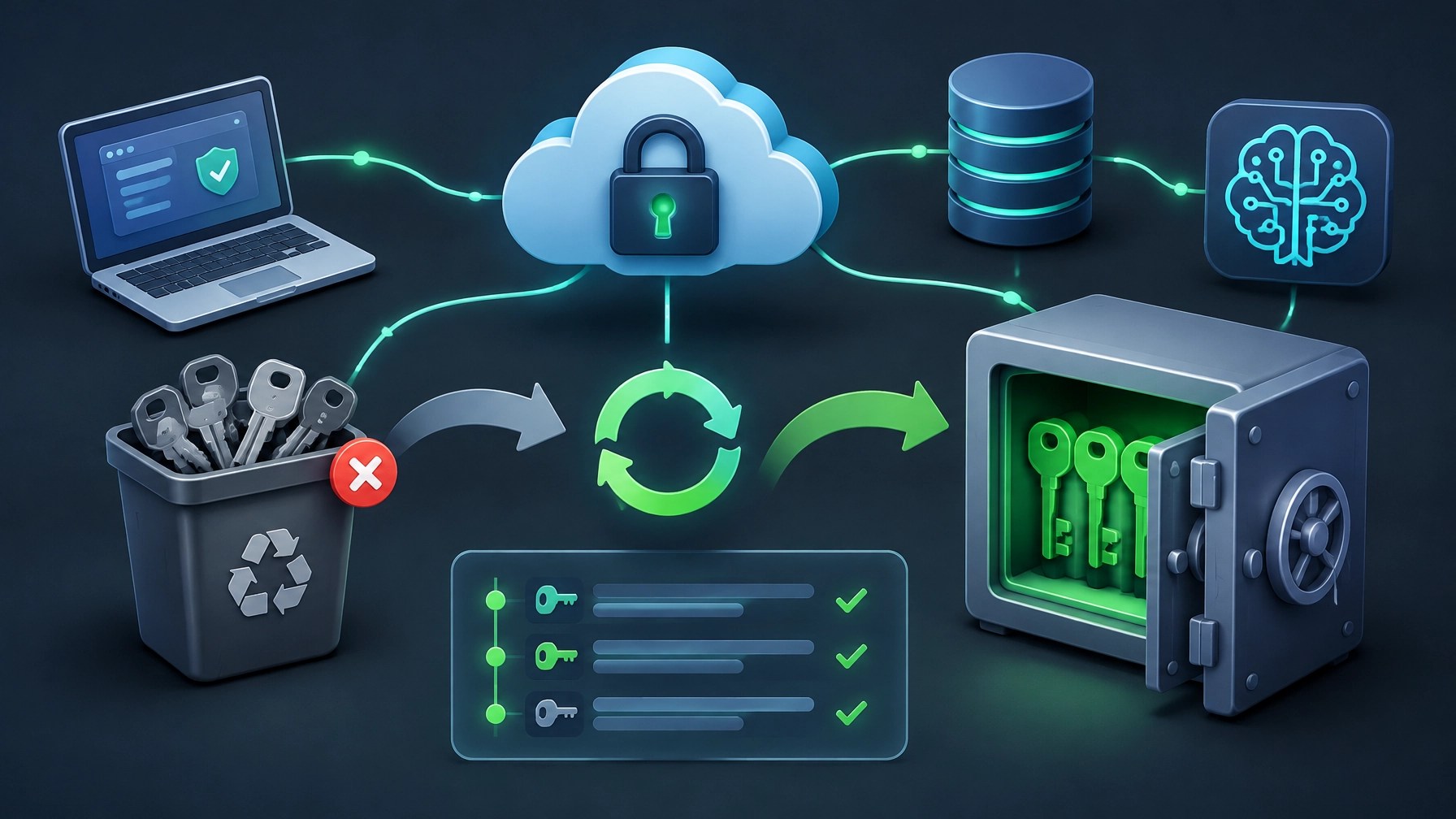
In small-business terms, the lesson is straightforward: encryption is important, but it does not make stored credentials invulnerable if an intruder gains access to systems that can decrypt them. And those credentials tend to travel: between cloud platforms, databases, AI services, source-control accounts, payment tools, and deployment pipelines. A key may be stored in more places than anyone remembers, which is why a provider notification can be a useful prompt to review the full chain, not just one dashboard.
For Railway customers, follow the company’s guidance and rotate sensitive variables stored before October 21, then check relevant service and provider logs for unusual activity. Prioritize credentials that can reach production data, cloud infrastructure, payment services, code repositories, and AI accounts. Railway has said that vendor revocation notices may cover a broader set of keys than those known to be affected, so a notice alone does not confirm that a particular workspace was compromised. Still, when a secret may have been exposed, replacing it is a much better business plan than hoping it stayed hidden.
Desk Upgrade
The Samsung T9 portable SSD is a fast, compact option for moving large files and keeping a working copy of important business data close at hand. The 2TB model uses USB 3.2 Gen 2×2, with advertised sequential speeds of up to 2,000 MB/s read and 1,950 MB/s write according to Samsung’s datasheet. It also offers AES 256-bit hardware encryption, drop resistance up to three meters under controlled testing, and a five-year limited warranty. The official Samsung T9 product page currently lists the 2TB model at $489.99.
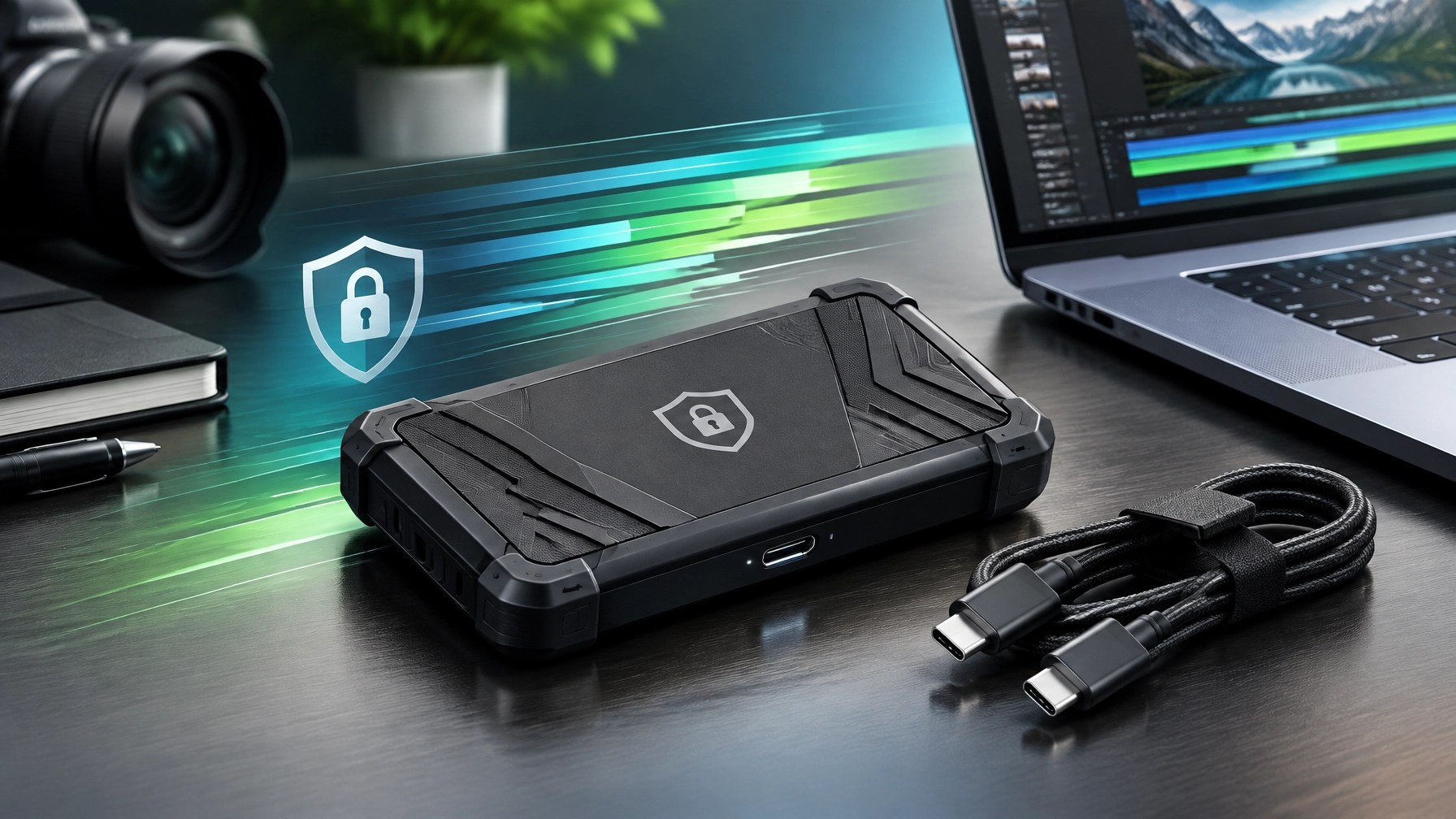
There is a key speed caveat: the full 20 Gbps interface requires a USB 3.2 Gen 2×2 host port. Plug the T9 into a more common 10 Gbps port and the connection becomes the bottleneck, so don’t buy on headline transfer speeds without checking the computer’s specifications. Actual performance also depends on the host, cable, and system environment.
Price is another reason to pause before clicking “buy.” The 2TB model was around $405 in August 2026, with wider NAND-market pressure contributing to rising storage prices. A roughly $240 sale price also appeared in coverage that month, but that deal was for the 1TB version, not the 2TB model. An important detail when comparing listings. Check current prices and capacity carefully; the discount landscape is moving around more than files on a transfer bar.
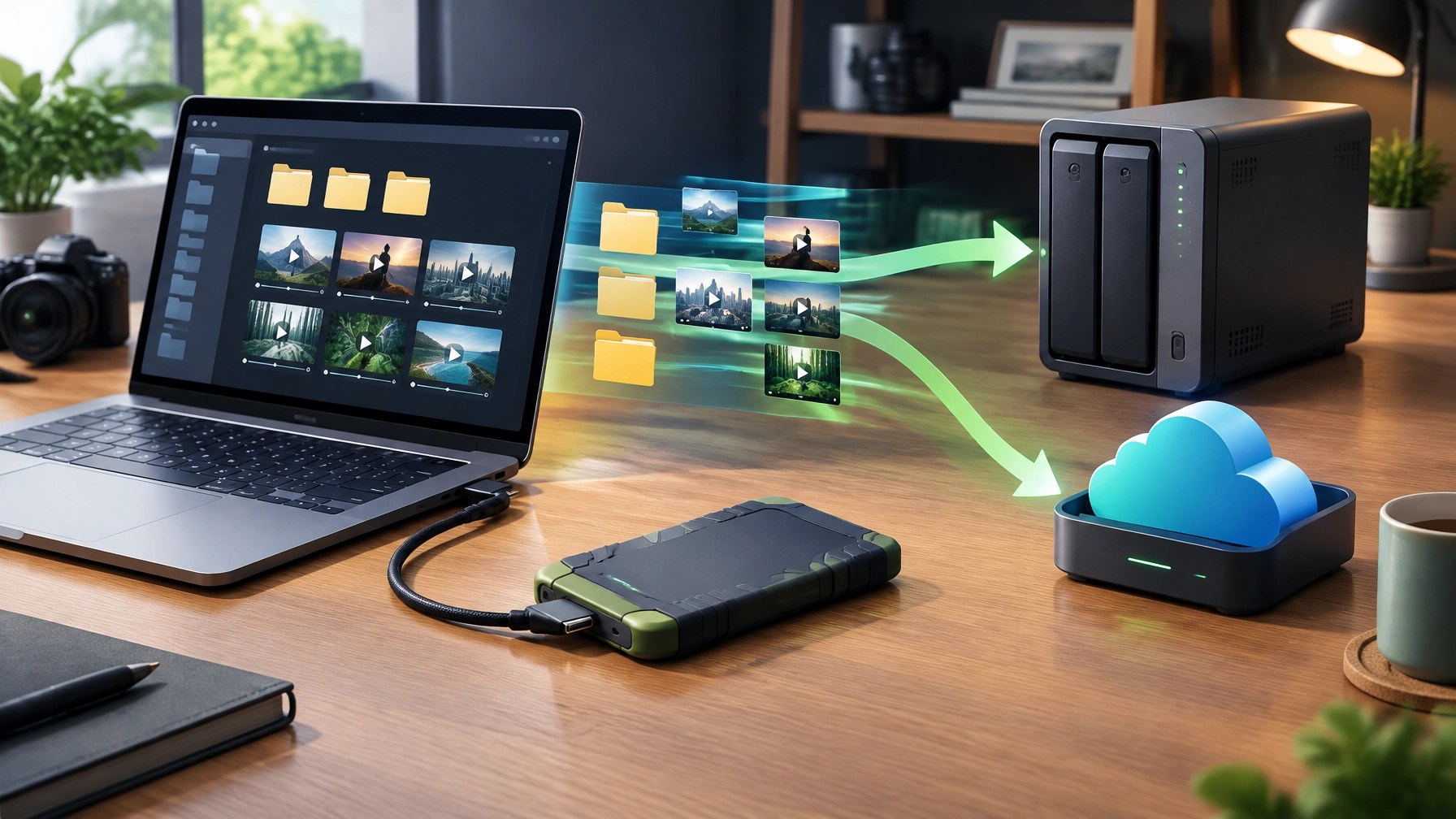
For a small business, the T9’s appeal goes beyond fast file transfers. It can hold a secondary copy of project files, product footage, or essential working documents, and hardware encryption adds a useful layer when storage is carried between locations. Treat it as one part of a backup plan, not the whole plan: a drive kept beside the computer can’t protect against every loss, so maintain another separate backup and verify that important files can be restored.
Daily Links
- Railway’s preliminary report on the October security incident
- Railway’s credential reset guidance for buckets and GitHub
- TechCrunch: Railway urges users to revoke secret keys after cyberattack
- The Hacker News: Railway incident and credential rotation
- BleepingComputer: Railway warns developers to rotate secrets
- Samsung T9 datasheet
- TechRadar’s August Samsung T9 deal coverage
Grow with Network Repair1
A big thank-you to the community: Network Repair1 has reached 13,000 YouTube subscribers and more than 1.1 million lifetime views. Those milestones reflect a growing audience that values useful technology coverage, hands-on product content, and clear guidance. Every view, subscription, and share helps us make more videos that connect products with the people and businesses who can put them to work.
Promote with Network Repair1
- 🎥 Shopify and Amazon sellers: We create polished product videos and reviews that can boost visibility and give customers a closer look at what you offer.
- 🛠️ Need tech support? We provide secure remote IT assistance for troubleshooting, network issues, system optimization, and more. Explore remote services.
- 🤝 Let’s collaborate: We partner with brands on product features, reviews, and engaging content. Explore sponsorship opportunities, let’s grow together.
Don’t settle for subpar tech. Grab the professional-grade gear we trust to keep our networks running fast and secure.
The items mentioned are featured on the YouTube channel.
📞 805-723-9608
Leave a Reply