
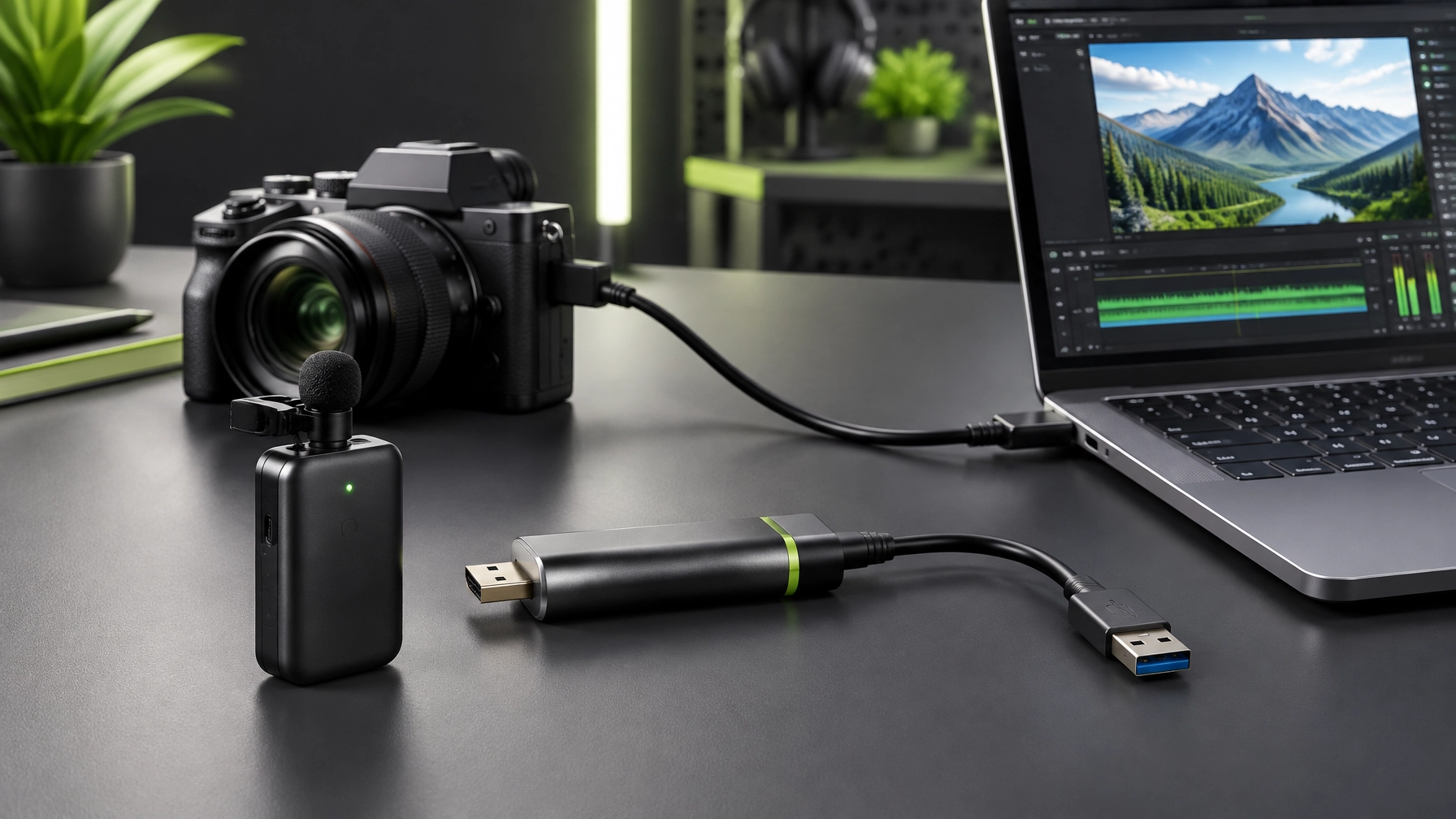
Nobody ever skipped a video because the audio was too good. Viewers may forgive a modest set, but distracting sound or a soft, laggy camera feed can make polished content feel unfinished. Today’s creator setup focuses on two useful upgrades: a wireless microphone system for clean dialogue and a compact capture card that can turn a compatible camera into a streaming workhorse.
DJI Mic 2: Two wireless mics, one neat kit
The DJI Mic 2 two-transmitter, one-receiver bundle is reported at $199 on Amazon, down 26% from $269-a $70 reduction and an all-time low reported by Kotaku on October 29. It’s a capable kit for interviews, product demonstrations, and videos with two people on camera, with two transmitters connecting to one receiver.
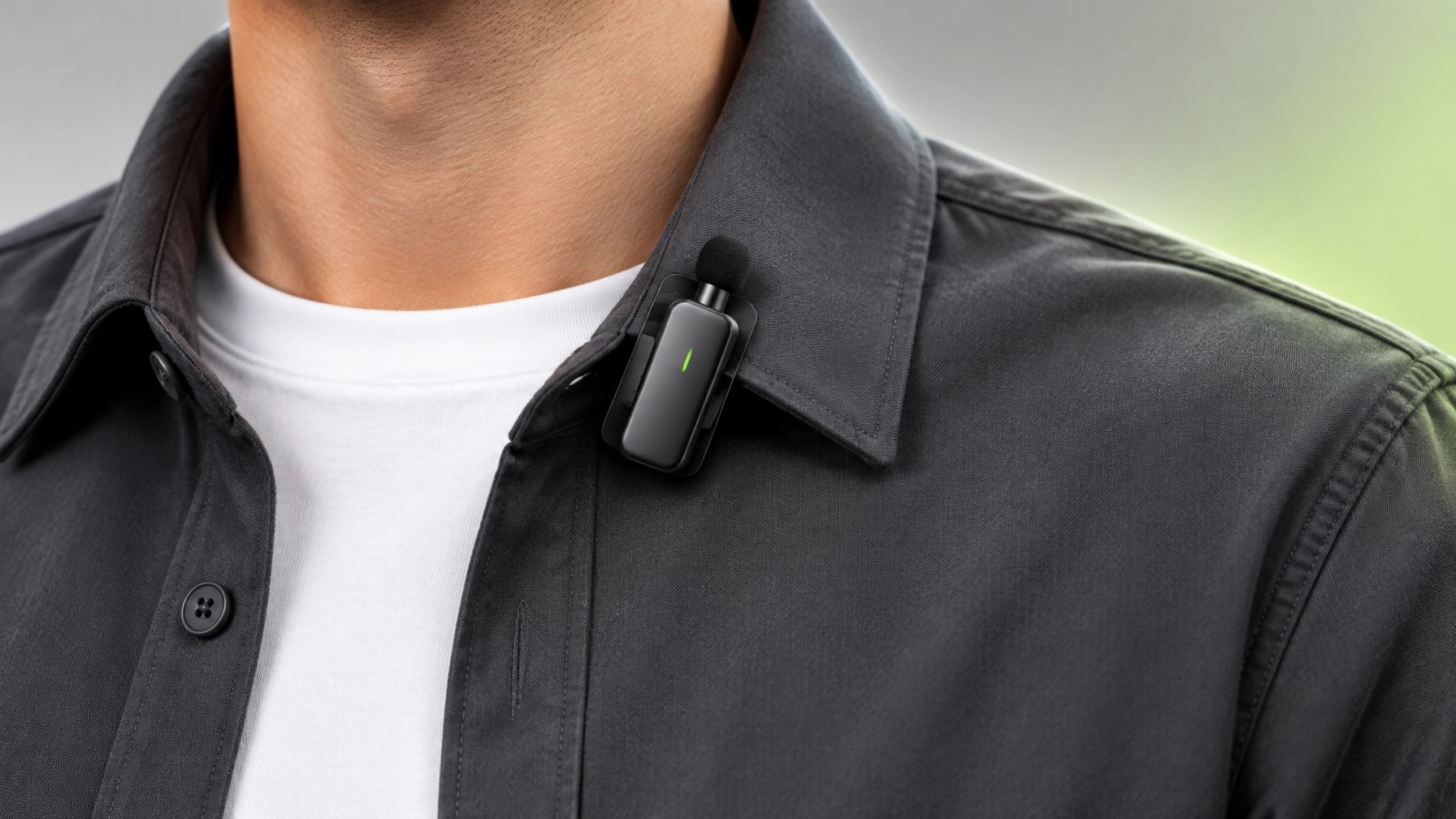
Each transmitter weighs about 10 grams and has a built-in clip for a lapel, cap, or lanyard. That compact design keeps the mic close to the speaker without turning the shoot into a cable-management exercise. DJI lists a maximum transmission range of up to 250 meters under its specified conditions; actual results can vary with the environment and obstacles.
The bundle includes the two transmitters, receiver, charging case, soft carrying bag, USB-C cable, two windscreens, two magnet clips, camera audio cable, and USB-C and Lightning phone adapters. The included receiver can connect to both transmitters at once, making two-person dialogue simpler to capture. For more product detail, see DJI’s Mic 2 specifications.
The honest caveat: the $199 bundle is a two-person kit, and the price is a limited-time offer. If a solo creator only needs one mic, the single-transmitter version may be the better-value choice. The advertised 250-meter maximum is also a best-case spec, not a guarantee for every location. Check the current price and bundle contents before checkout.
Elgato Cam Link 4K: Give a compatible camera a streaming route
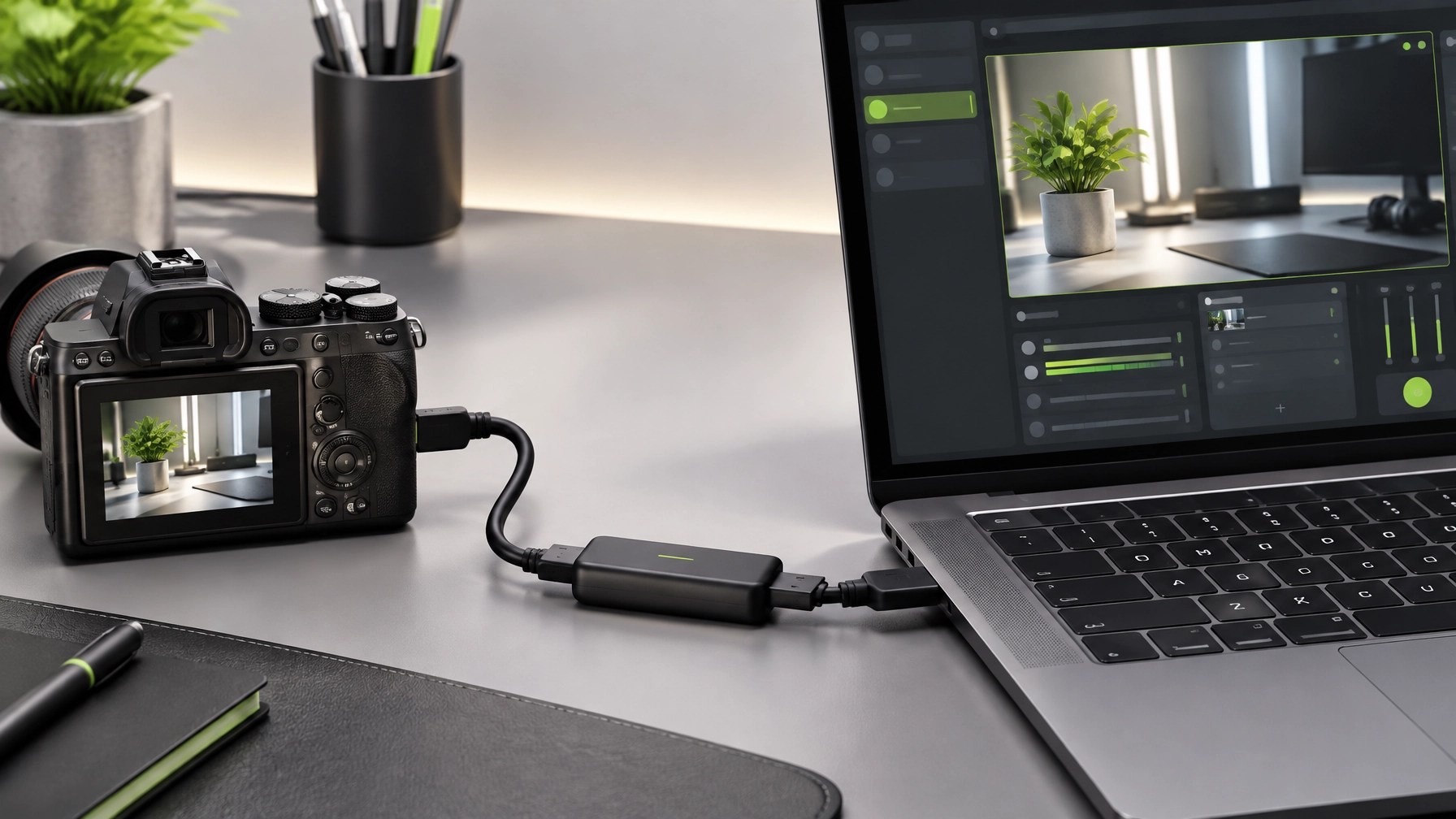
The Elgato Cam Link 4K is listed at $85.99, 14% below its $99.99 list price. It takes an HDMI feed from a compatible DSLR, mirrorless camera, camcorder, or action camera and delivers it to a computer over USB 3.0, so the camera can appear as a video source in software such as OBS, Zoom, and Discord.
This small capture card can help a creator keep a familiar camera in the workflow instead of relying on a built-in laptop webcam. It supports 1080p at 60 frames per second and 4K options, with low-latency capture. Amazon’s listing showed a 4.6-out-of-5 rating from 14,045 ratings, an Amazon’s Choice badge, and 2K+ bought in the past month at the time checked for this post. Those signals are useful context, not a promise that every camera and computer combination will work without adjustment.
The honest caveats: 4K60 requires a compatible camera and the latest Cam Link 4K model; earlier models may have different limits. The computer needs a free USB 3.0 port, and the device can run warm during long sessions. Also check the camera’s HDMI output settings before a live shoot: some cameras only provide a clean feed when the camera’s own display is off. Confirm the camera, frame rate, HDMI cable, and operating system are compatible first. Elgato’s product page and supported video sources guide offer more compatibility information.
Put the sound and signal together
For a straightforward camera-based workflow, connect the DJI receiver to the camera’s microphone input and send the camera’s HDMI output to the Cam Link, then connect the Cam Link to a USB 3.0 port on the computer. In OBS or another streaming app, select the Cam Link as the video source. When the camera sends its audio over HDMI, use that audio path in the streaming setup rather than enabling a duplicate microphone feed as well: two copies of the same voice can create distracting echo or timing issues.
Before recording or going live, confirm that the camera is sending a clean HDMI image, the selected resolution and frame rate are supported, and the computer recognizes the capture device. Monitor the audio and make a short test recording. A few minutes of checking can help catch a muted input, unwanted camera overlay, or level problem before it becomes part of the final video.
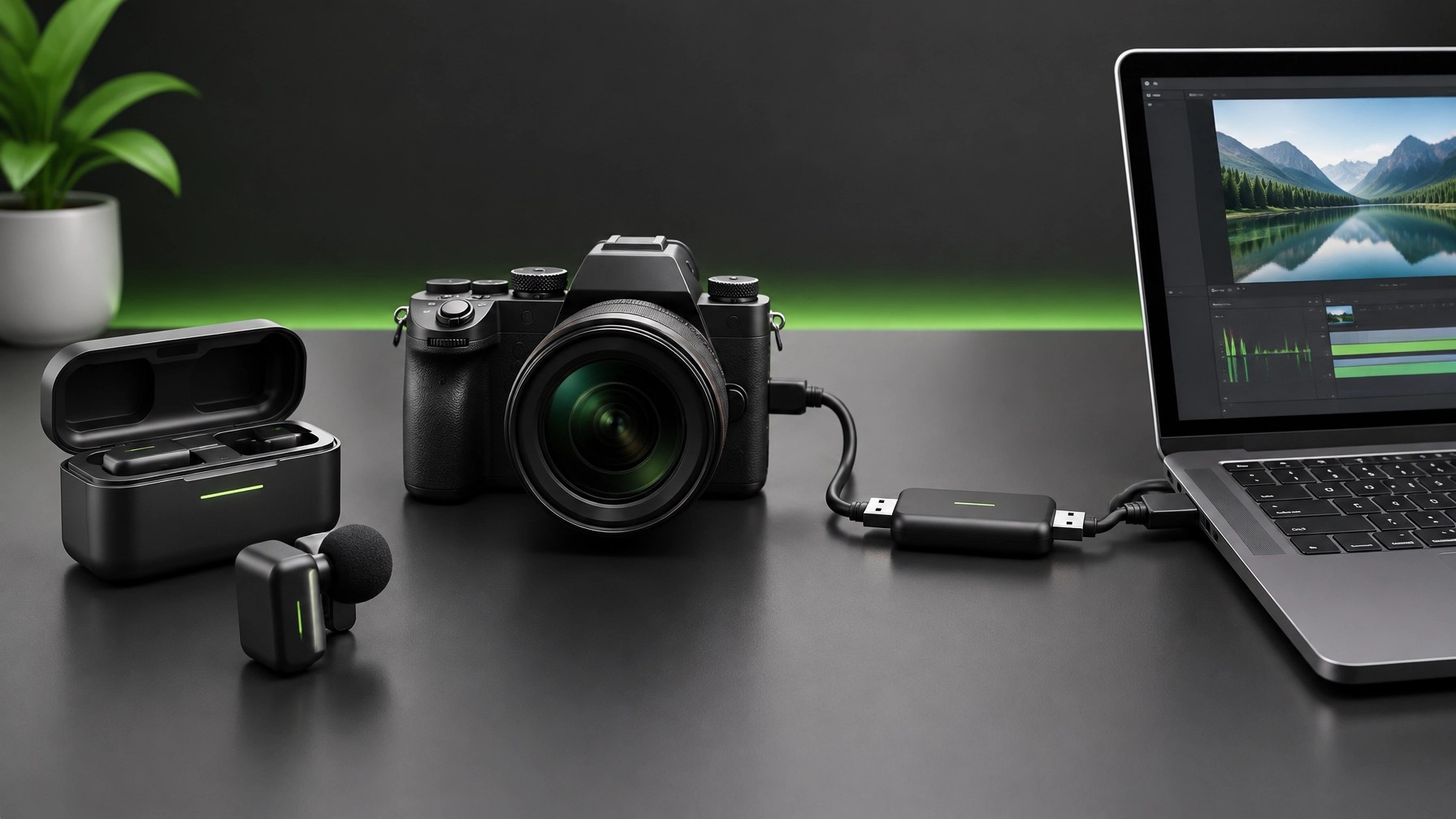
The pairing keeps the jobs clear: the DJI kit helps capture dialogue without tethering the speaker to the camera, while the Cam Link gives a compatible camera a direct route into a streaming or video-call setup. Neither piece fixes poor lighting, bad framing, or a camera that cannot output the needed feed, but together they can make a creator’s existing gear more useful.
🎥 Product video services for sellers
- 🚀 Show your product at its best: We create engaging video content for Shopify and Amazon sellers.
- 🤝 Let’s collaborate: Partner with Network Repair1 and grow your product’s reach together.
💻 Remote IT support
- 🛠️ Need help with computers, networks, or Microsoft 365? We provide secure remote troubleshooting and technical support.
- ⚡ Get connected: Explore remote services and let us help keep your setup productive.
📲 Follow along
Featured on the YouTube channel: Join 13,000 YouTube subscribers and explore 1.1M+ lifetime views.
This post contains affiliate links. Network Repair1 may earn a commission from qualifying purchases. Prices are accurate as of publication on October 30, 2026, and can change.
Leave a Reply