
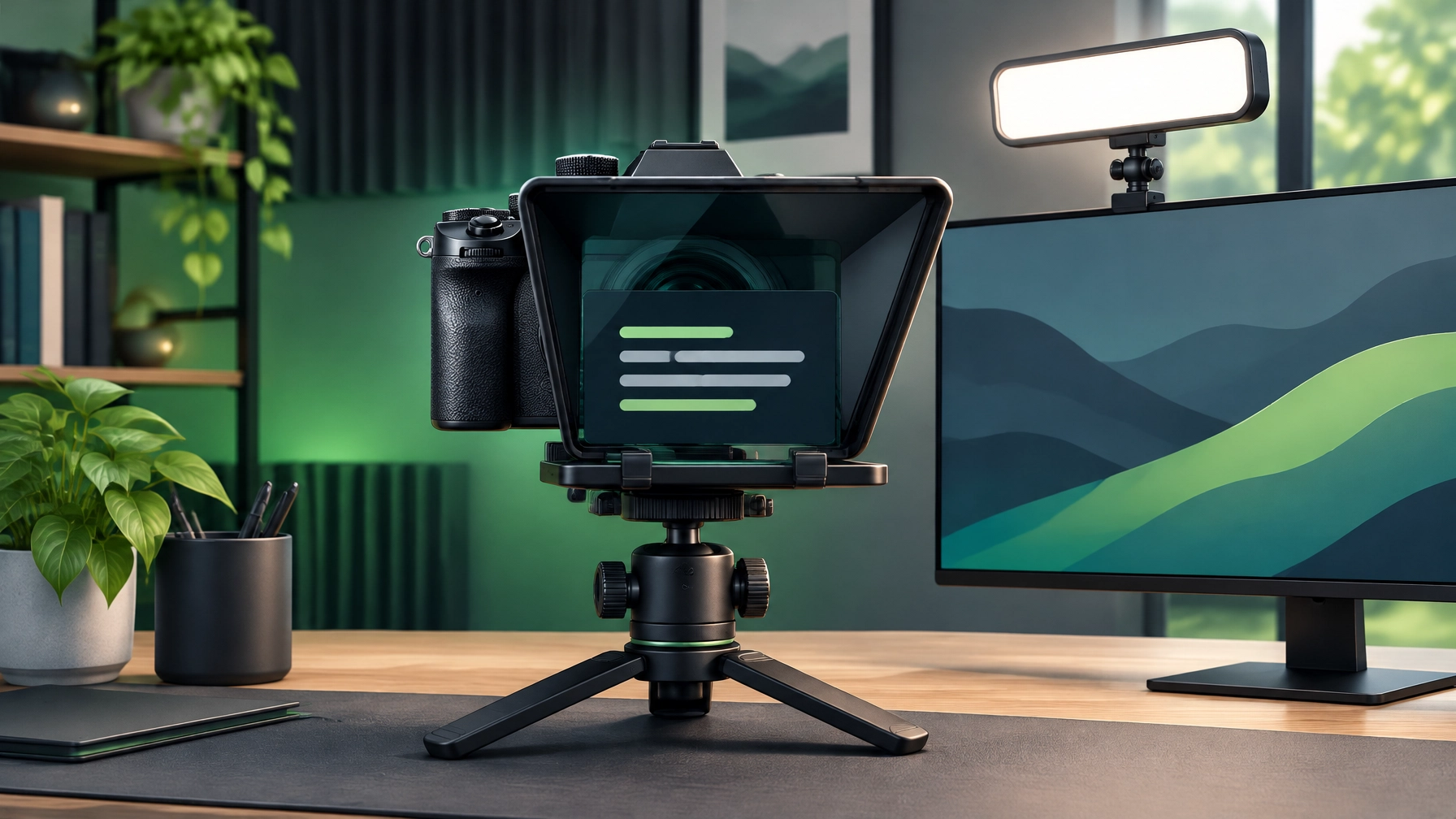
A confident on-camera delivery can make a product video feel polished before the edit even begins. But a wandering gaze, a forgotten line, or overhead lighting that makes everything look a little haunted can quickly steal the show. This Halloween afternoon, the fix is less spooky than it sounds: put the script beside the lens, add soft light, and let the setup handle some of the pressure.
For creators recording product reviews, tutorials, business updates, or a quick Halloween greeting in costume, this pairing is designed to make speaking to camera feel more natural. The Elgato Prompter keeps words close to the lens, while the Logitech for Creators Litra Glow brings a soft, adjustable glow to the desk. Together: fewer frantic glances off-screen, more confident takes, and less video editing that starts with “let’s try that again.”
Elgato Prompter: Keep the words where the camera is
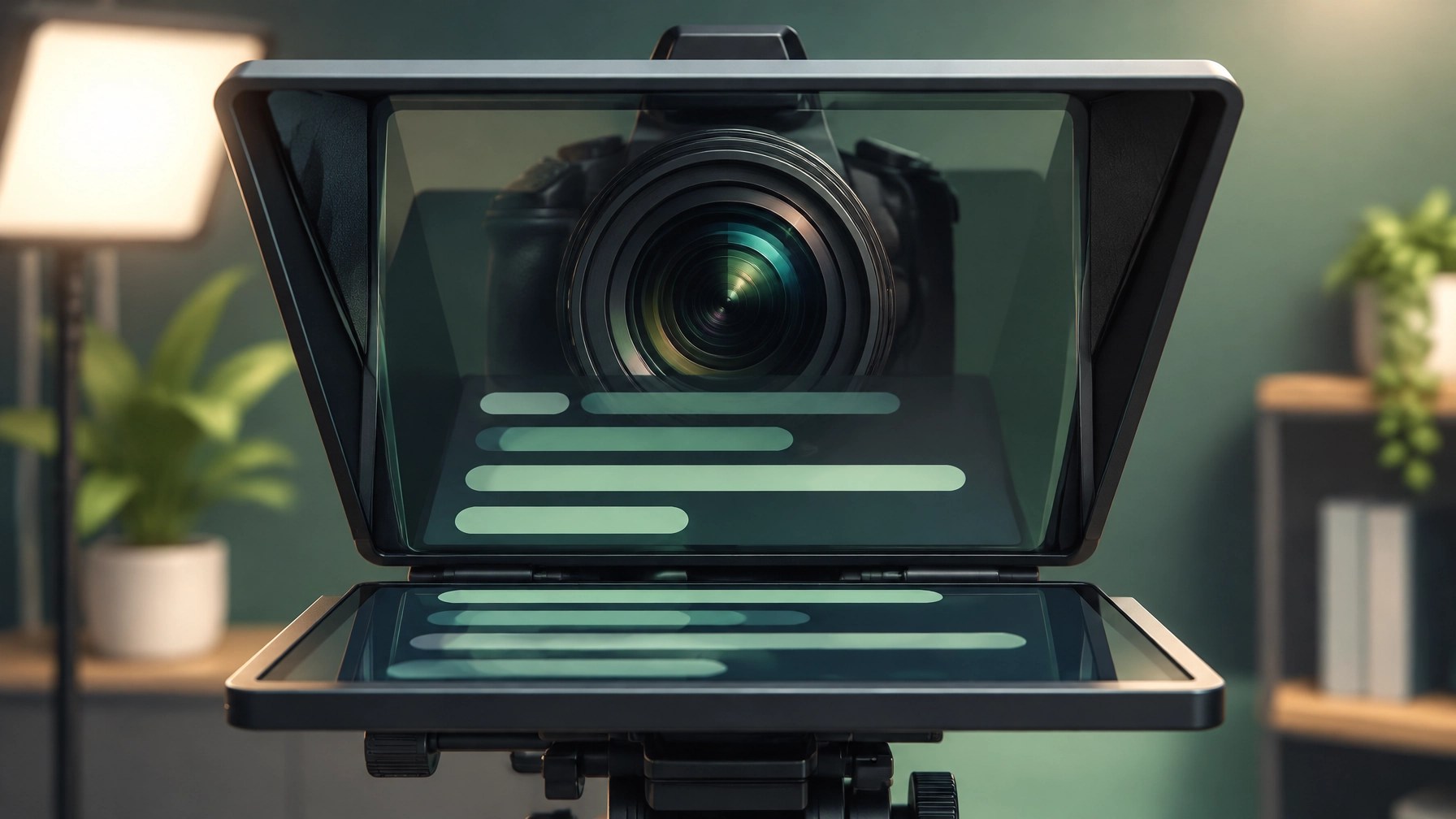
The Elgato Prompter puts a 9-inch built-in display in front of the camera, so a script can sit close to the lens instead of on a phone or laptop off to the side. Its display can show scripts, chat, or other windows, and it can also double as a second monitor. It supports DSLR cameras, webcams, and smartphones, and works with Mac, PC, and Stream Deck.
That positioning is the whole magic trick: read a line while looking near the lens, and the result can feel much more like a direct conversation than a performance aimed at the corner of the room. The Prompter can be useful for a review with product details to remember, a tutorial with a clear sequence, or a short greeting where “Happy Halloween” should not accidentally become “Happy… whatever day it is.”
As listed on Amazon on October 31, the Prompter is $271.99, or 9% below its $299.99 list price. The listing shows 4.3 stars from 1,410 ratings, Amazon’s Choice, 1K+ bought in the past month, and #1 Best Seller in Teleprompters. Those are useful signals of interest, but the discount is modest rather than a dramatic price drop. The price briefly reached about $220 earlier in October and has since risen, so patient buyers may prefer to wait and see whether it dips again.
A few practical trade-offs deserve a spot on the cue card. The Prompter needs a computer to feed it scripts, and because it sits in front of the camera, it adds a noticeable piece of equipment to the desk. It is a considered purchase, not an invisible accessory. Check the current system and connection requirements before buying, and leave time to get the software and display working with the recording setup.
Logitech Litra Glow: Softer light, fewer webcam shadows
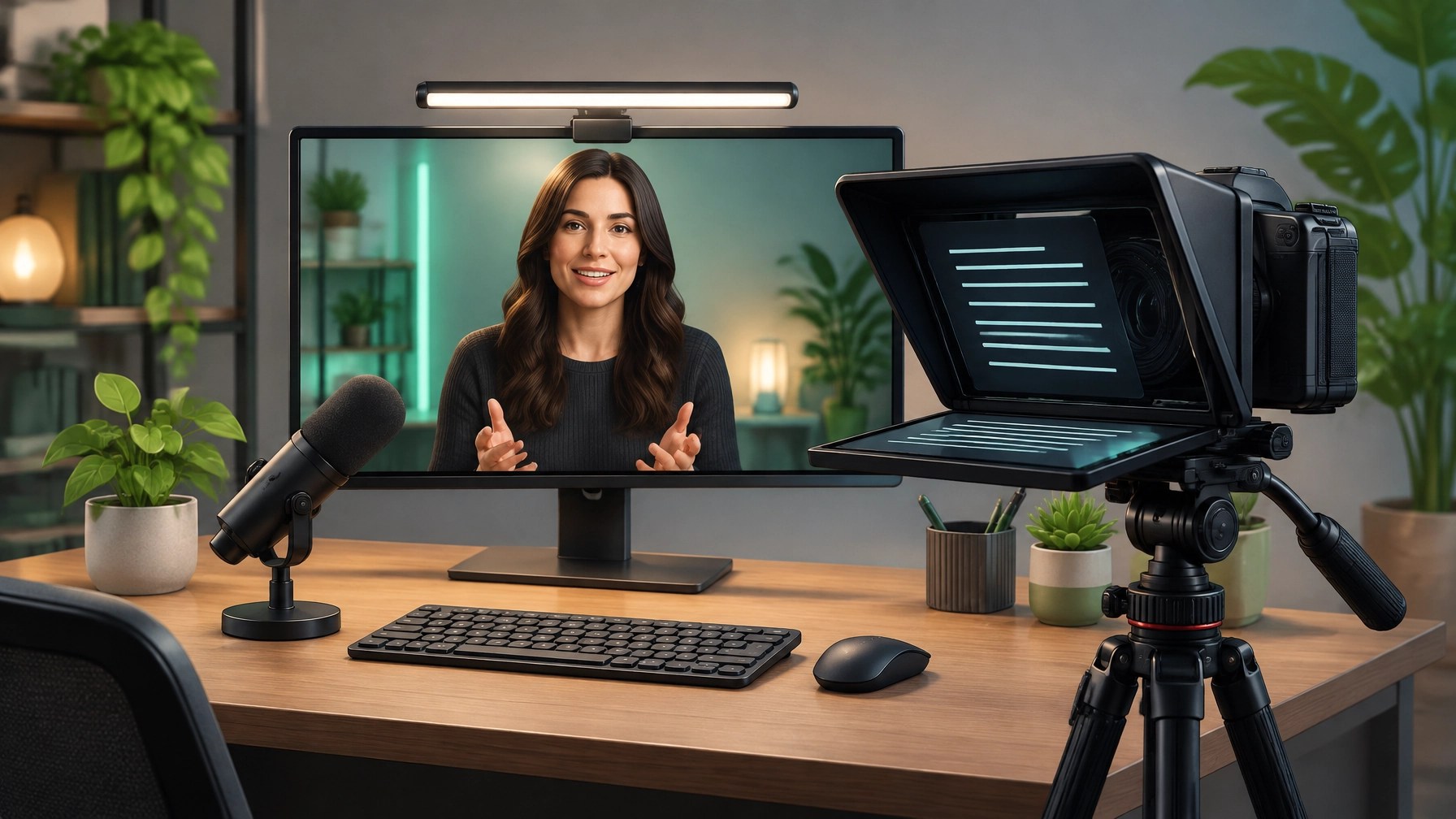
The Litra Glow is a compact, USB-powered LED light made for streaming, video calls, and talking-head shots. Its TrueSoft lighting, adjustable brightness, and adjustable color temperature help create a softer look than a bare screen or a ceiling light pointed in the general direction of a face. The monitor mount adjusts for height, tilt, and rotation, while desktop app controls are available for PC and Mac.
Amazon’s October 31 listing shows $58.60, 16% below its $69.99 list price, with 4.5 stars from about 3,400 ratings and 4K+ bought in the past month. For a modest desk setup, it’s a practical way to improve the light hitting the presenter without hauling out a separate stand every time a recording happens.
The limitations are simple and worth knowing: the light clips to a monitor, so placement and framing depend on where that monitor sits. It is a key or fill light for talking-head footage, not a replacement for a full studio lighting kit. USB power keeps it convenient, but its brightness is modest compared with larger LED panels. Think “helpful desk light,” not “turn the room into a movie set.”
The workflow: reads like a pro, lights like a pro
Put the script on the Prompter display, close to the lens, and arrange the opening lines so the eyes stay near the camera while speaking. Keep the wording comfortable to read, with pauses where the delivery needs breathing room. Then mount the Litra Glow on the monitor, position it near the camera axis, and angle its soft light toward the face to reduce harsh webcam shadows.
Before recording, check the framing with the Prompter in place, set the Litra Glow’s brightness and color temperature, and capture a short test clip. This helps catch reflections, distracting background light, or a script that is too small to read without squinting. If the video includes a product, confirm that it remains visible alongside the presenter rather than disappearing just outside the frame.
Then record in manageable sections: the hook, the main product points, and the close. The Prompter can help keep key details in reach, while the Litra Glow makes the image more consistent. A stumble can still happen (this is video, not a legally binding oath) but it is easier to pick up a line than to restart the entire take. The pairing won’t replace practice or a good script; it can make both pay off more clearly.
On Halloween, that can mean a costume greeting that looks intentional rather than “I remembered to record this between answering the doorbell and finding the candy bowl.” More broadly, the same compact setup can support recurring reviews, social clips, online presentations, and customer-facing videos without turning the desk into a maze of stands and screens.
Build a better-looking video workflow
🎥 Product video services: Want polished content that showcases a product? Let’s collaborate and create something meaningful together.
💻 Remote IT support: Need help with a computer or setup issue? Connect with us for remote assistance.
▶️ YouTube
🎵 TikTok
📸 Instagram
📘 Facebook
Featured on the YouTube channel: Network Repair1 has 13,000 YouTube subscribers and 1.1M+ lifetime views.
🛒 Visit Octavio’s Amazon store
Affiliate disclosure: Network Repair1 may earn a commission from qualifying purchases made through links in this post, at no additional cost to the buyer. Prices, availability, ratings, and offers can change; confirm current listing details on Amazon before purchasing.
Leave a Reply