
Treating secure technology, dependable hardware, and polished digital content as one connected strategy is crucial for staying productive in 2026, and this week’s roundup puts the spotlight on remote support, cybersecurity, system optimization, and the gear that keeps modern work moving. Microsoft Quick Assist remains a useful tool, but it requires disciplined identity verification because unsolicited “support” calls, messages, and pop-ups can turn a convenient remote session into a security headache with excellent timing and terrible intentions. Microsoft’s official Quick Assist guidance confirms that the application can share a Windows or macOS display, provide annotations, and request full control, which makes it effective for troubleshooting but powerful enough to demand caution. Only approve a session that started through a trusted support relationship, never share passwords during a remote connection, and end the session immediately when the helper’s identity or instructions feel suspicious, because a legitimate technician does not need theatrical urgency, mystery phone numbers, or a dramatic countdown clock. 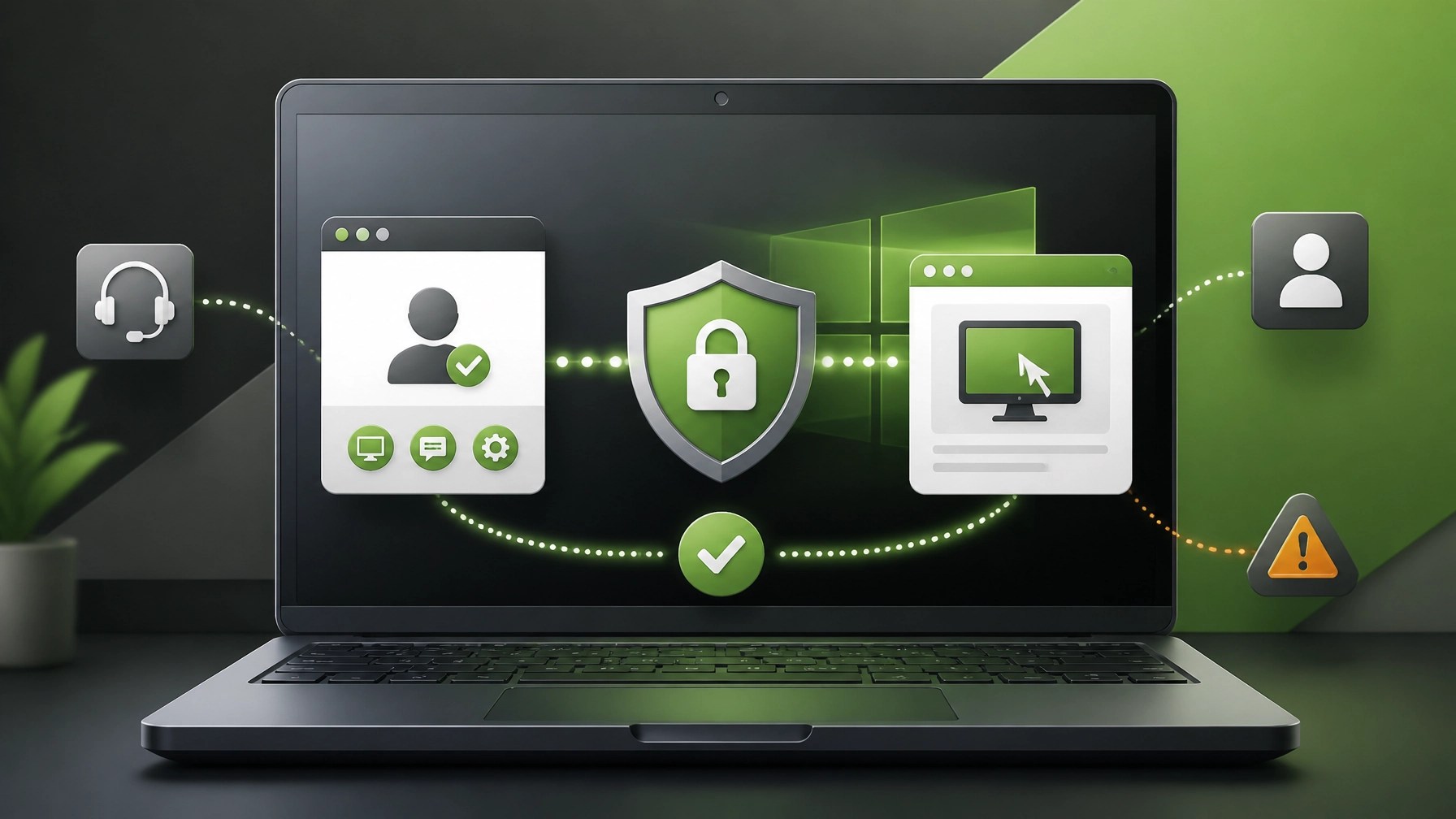 The insider security move is simple: keep Quick Assist available when it supports a defined workflow, restrict or remove it when another managed solution is in place, and consider Microsoft Intune Remote Help for environments that need Conditional Access, RBAC, session logging, tenant isolation, and Microsoft Defender integration. That combination can improve accountability, reduce unauthorized access, and give small businesses a cleaner support trail instead of relying on memory, screenshots, and the classic “I think somebody connected to it yesterday” investigation method. System optimization also deserves a place at the front of the line, particularly after major Windows and Microsoft 365 update cycles, because a well-maintained endpoint can deliver faster startup performance, more reliable video calls, smoother file handling, and fewer interruptions during customer work. Prioritize operating system updates, firmware updates, browser maintenance, storage cleanup, startup-app review, endpoint protection, backup validation, and network diagnostics, then confirm that Microsoft 365 applications, cloud sync, and authentication workflows operate without errors. Performance tuning is not about turning every laptop into a laboratory experiment; it is about reducing friction across the full workday, keeping thermal load under control, improving responsiveness, and ensuring that the machine is ready when the camera turns on and the presentation begins. Cybersecurity belongs inside optimization, not in a separate drawer labeled “deal with later,” so strengthen MFA, remove unused accounts, apply least privilege, review email forwarding rules, inspect unexpected remote-management tools, segment business devices where practical, and maintain a recovery plan that can survive a compromised password or unavailable workstation. These controls can protect customer data, preserve business continuity, and make remote support significantly more effective because technicians can diagnose the real issue instead of fighting layers of preventable configuration chaos. On the hardware side, the winning laptop is not automatically the one with the loudest specification sheet; it is the one that balances processing performance, memory, storage, display quality, battery behavior, webcam output, keyboard comfort, port selection, wireless stability, and repairability for the actual workload. Remote professionals can benefit from strong multitasking performance and dependable connectivity, while creators need a display and camera workflow that support editing, color review, file transfers, and consistent content production without turning every export into an intermission.
 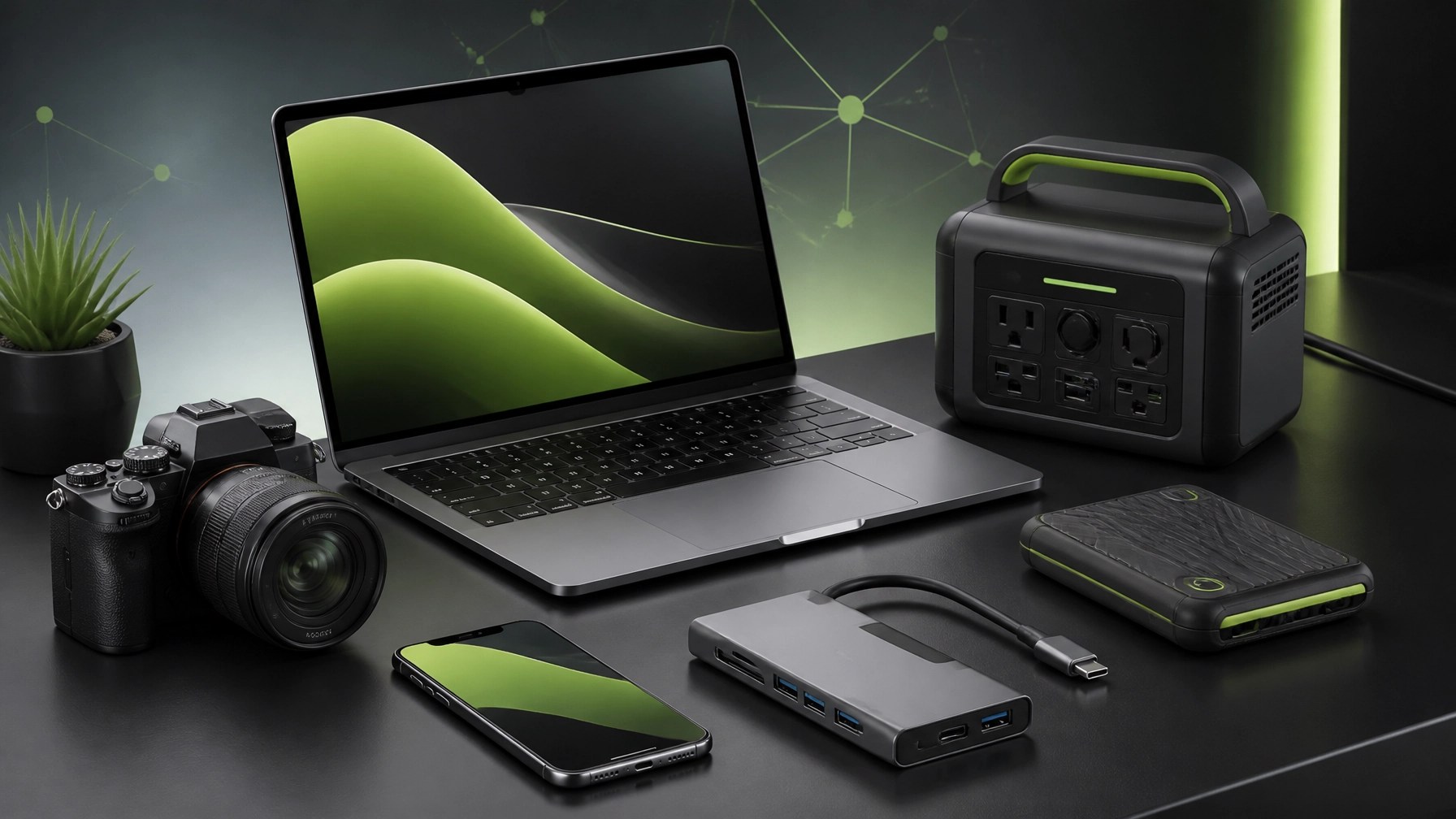 Cameras follow the same rule: image quality matters, but the complete system matters more, including autofocus behavior, stabilization, microphone compatibility, battery management, lighting response, storage workflow, and the ability to move footage quickly from camera to editing device. A camera that produces beautiful footage but complicates audio, power, or file management can create more work than it removes, while a balanced setup can make product reviews, tutorials, client videos, and social clips feel sharper and more consistent. The gadget category remains wonderfully crowded, which makes practical evaluation more valuable than hype, and useful accessories include USB-C hubs, portable SSDs, lighting tools, microphone systems, cable-management gear, battery banks, and compact power solutions that support a stable mobile workstation. NetworkRepair1’s electronics category currently features the DJI Power 1000 Portable Power Station, a practical addition to a creator or small-business setup when backup power, mobile production, and flexible equipment placement matter. The larger lesson is that accessories should remove bottlenecks, not simply multiply the number of items occupying the desk, because the best gadget is the one that solves a recurring problem and then politely stops demanding attention. Product reviews also need the same discipline as IT support: verify the use case, test the workflow, inspect the limitations, and explain the outcome clearly. That approach keeps laptop reviews grounded, makes camera coverage more useful, and gives gadget recommendations enough context to help shoppers make informed decisions rather than collect another box that becomes a very expensive paperweight. For brands selling through Shopify or Amazon, professional product video can turn that clarity into measurable attention by showing the product in use, highlighting the details that matter, and building a visual story that works across product pages, short-form clips, advertisements, and social feeds.
 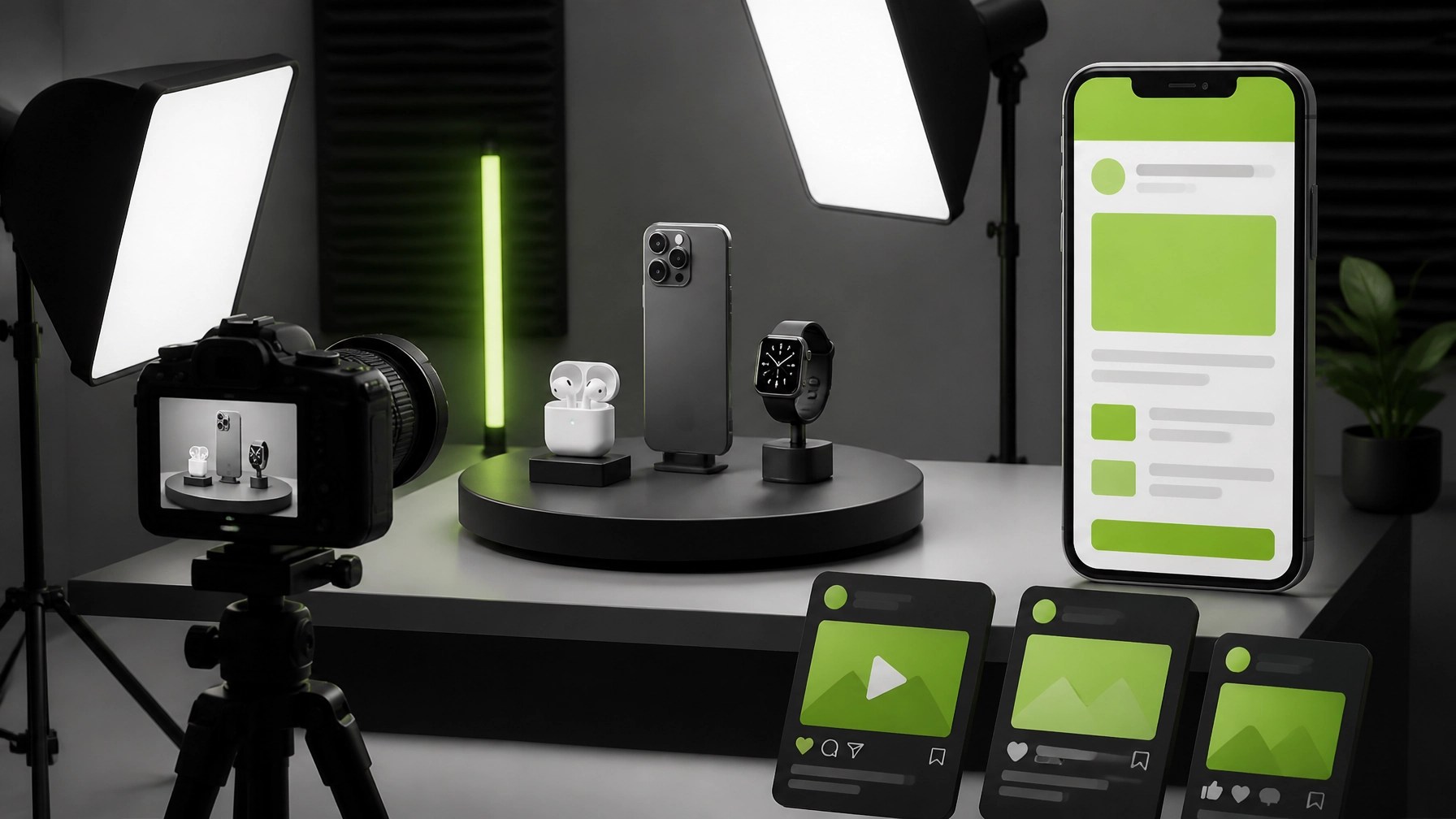 NetworkRepair1 combines technical knowledge with media production to create product demonstrations, tutorials, review content, unboxing videos, comparison pieces, and social media assets designed for modern buyers who want evidence before they click. The channel’s momentum reinforces that mission, with 13,000 YouTube subscribers and more than 1.1 million lifetime views, milestones that represent sustained audience trust across technology, automotive, product, and everyday-use content. That reach gives brands an opportunity to place products in front of an engaged audience while receiving content that can continue working across Shopify listings, Amazon pages, YouTube, TikTok, Instagram, and other digital channels. The marathon continues because technology never really clocks out, but a thoughtful mix of secure remote support, proactive maintenance, capable hardware, and credible product storytelling can make the route smoother, faster, and far more productive.
🚀 NetworkRepair1 Remote IT Support
- 🛠️ Resolve computer problems remotely: Get secure troubleshooting, network diagnostics, malware removal, Microsoft 365 support, and system optimization without an on-site visit.
- 🔐 Strengthen cybersecurity: Improve endpoint protection, account security, remote-access controls, backups, and business continuity.
- ⚡ Boost productivity: Reduce slowdowns, connection issues, software conflicts, and recurring technical interruptions.
- 🤝 Work with us: Let’s build a more secure, reliable technology environment together.
🎥 Product Video Services for Shopify & Amazon
- 📦 Showcase products professionally: Turn product features into clear, engaging demonstrations.
- 🛒 Enhance online listings: Create video content built for Shopify stores, Amazon listings, and digital campaigns.
- 📱 Expand social reach: Repurpose product footage into useful clips for YouTube, TikTok, Instagram, and more.
- 🚀 Grow visibility: Let’s collaborate and put your products in front of an expanding tech-focused audience together.
🏆 Milestone Checkpoint
- 🎬 13,000 YouTube subscribers
- 👀 1.1+ million lifetime views
- 🔧 Tech support, product reviews, tutorials, and digital storytelling
📲 Follow Along
We've done the troubleshooting so you don't have to. Shop the gear we use and recommend for a high-performance setup.
Featured on the YouTube channel: Amazon Store
🤝 Let’s Collaborate
- 💻 Remote support: NetworkRepair1.com
- 📧 Email: oq@networkrepair1.com
- 📞 Phone: 805-723-9608