
🛠️ Remote Support
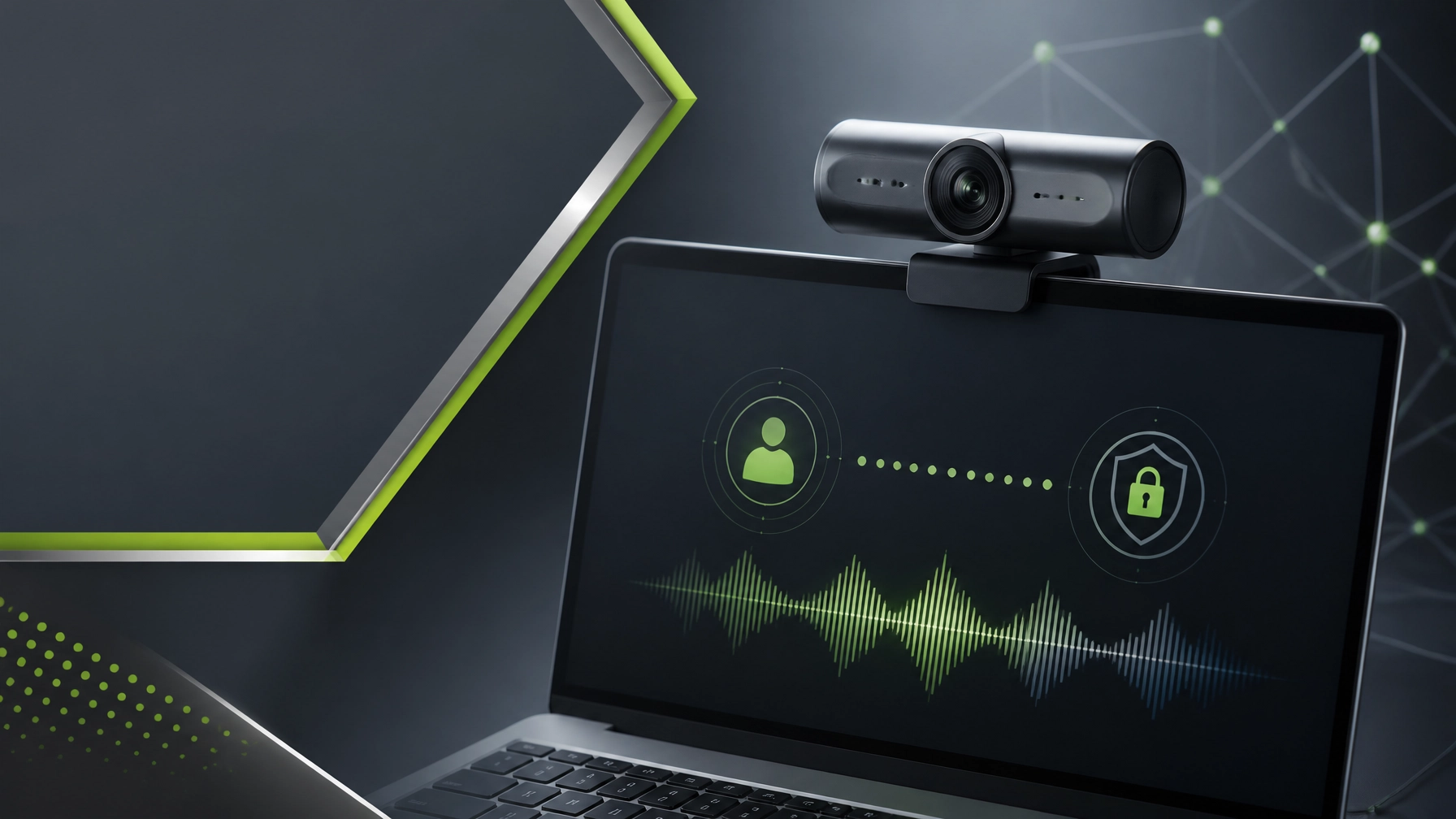
Treat secure remote support, protected systems, and dependable hardware as crucial ingredients for staying productive through another busy technology marathon. Microsoft Quick Assist remains one of the most practical tools for Windows support because it creates a permission-based connection that allows a trusted helper to view a screen, provide guidance, or request control only after approval. Open Quick Assist from Windows Search or use Ctrl + Windows + Q, verify that the support interaction was initiated through a trusted channel, and share the temporary six-digit code only with the authorized technician. Microsoft’s official Quick Assist guidance explains the current process for Windows 10 and Windows 11, including screen sharing, control permissions, annotations, chat, and ending the session through the Leave button. The security rule is simple and significant: never approve an unexpected remote session, never provide a code to an unsolicited caller, and disconnect immediately if a supposed support representative pressures anyone to install software, reveal credentials, or bypass normal authorization. Microsoft has documented the misuse of Quick Assist in social engineering and ransomware activity, making user awareness, MFA, endpoint protection, cloud-delivered antivirus, network protection, tamper protection, phishing-resistant authentication, and tested backups essential layers of cybersecurity. For small businesses, system optimization adds another meaningful advantage through startup application cleanup, storage management, Windows updates, driver maintenance, malware screening, performance monitoring, and network diagnostics, while NetworkRepair1 Remote Services provides a direct path to professional assistance for computer troubleshooting, Microsoft 365 support, connectivity issues, cloud configuration, and workstation tune-ups. Remote support works best when convenience and control move together, so every session should have a clear purpose, an approved helper, limited permissions, and a documented finish.

📷 Electronics Review: Logitech MX Brio 4K Webcam
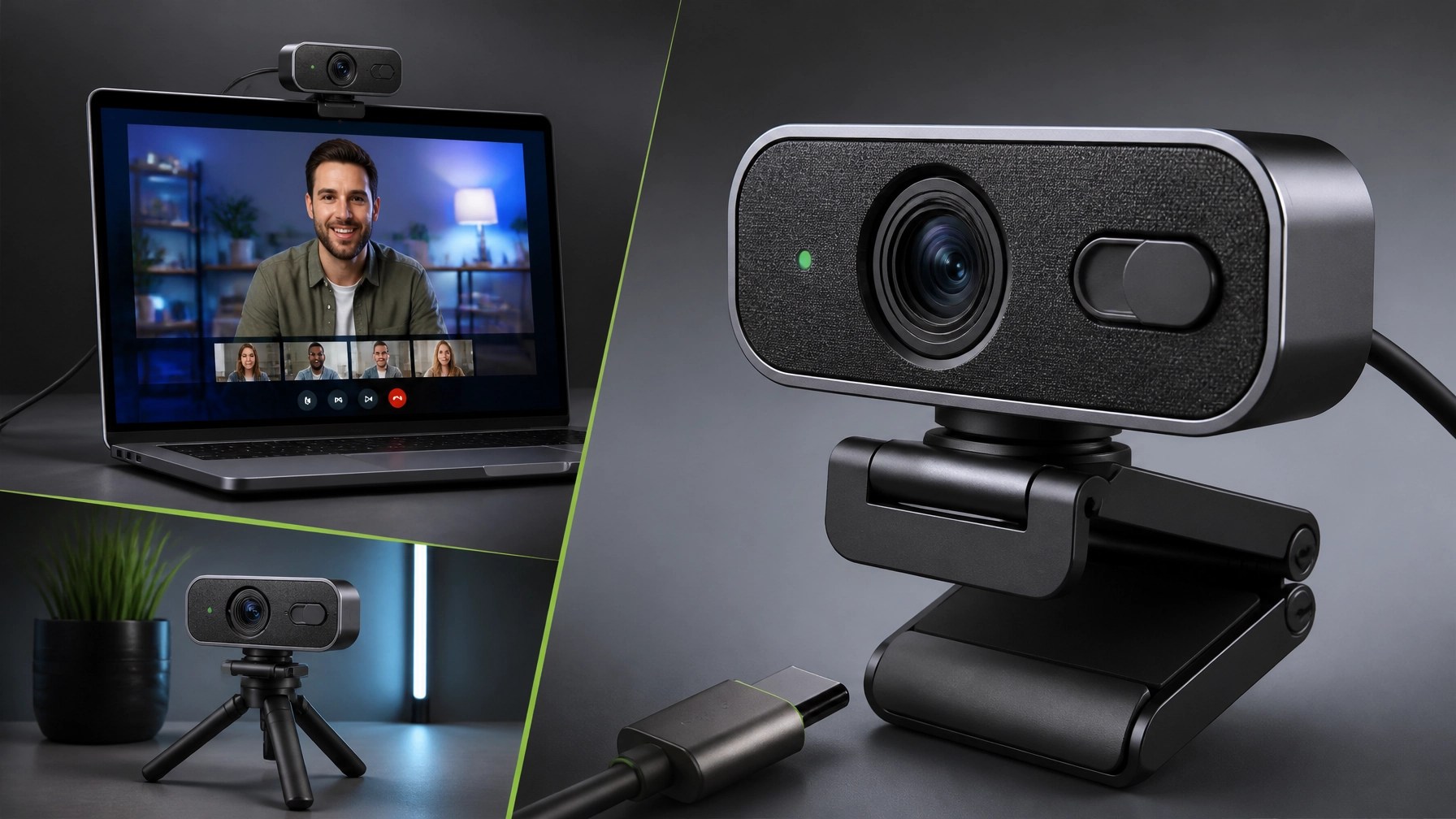
The featured gadget for August 28 is the Logitech MX Brio 4K, a premium webcam aimed at professionals, streamers, remote consultants, educators, and creators who want a cleaner image without immediately building a full camera-and-capture-card production rig. This is not the bargain-bin webcam that makes every meeting look like it is being transmitted from a submarine. The MX Brio uses an 8.5MP Sony STARVIS sensor, records in 4K at 30 frames per second, supports 1080p at 60 frames per second, and includes autofocus, HDR, face-based exposure adjustment, and automatic white-balance control. The image is crisp, detailed, and noticeably more capable in dim or mixed lighting than the average built-in laptop camera, which makes it useful for late support sessions, product demonstrations, webinars, and video calls where looking prepared matters.
The hardware feels appropriately premium, with an aluminum body, glass lens, adjustable monitor mount, standard tripod compatibility, detachable USB-C connectivity, and a built-in physical privacy shutter. That shutter is one of those features that seems minor until the first time a camera activates at the wrong moment, at which point it becomes the star of the show. The adjustable field of view gives the camera flexibility for tighter head-and-shoulders framing, standard desk presentations, or wider shots that include products and equipment. Show Mode is particularly useful for creators because tilting the webcam toward a desk can help present documents, sketches, keyboards, gadgets, or product packaging without requiring a second overhead camera.
In real-world use, the MX Brio makes the most sense for Microsoft Teams, Zoom, Google Meet, OBS, streaming, online instruction, remote consultations, and product review workflows. The dual beamforming microphones with noise reduction perform better than typical webcam microphones, although a dedicated USB or XLR microphone remains the stronger option for podcasting and polished commercial audio. Logitech’s software ecosystem provides control over exposure, focus, color, framing, and other image settings, but the flexibility comes with a small learning curve because different workflows may use Logi Options+, Logi Tune, or G Hub. The main drawbacks are the premium price, the absence of Windows Hello facial recognition, and image processing that may look slightly sharpened for creators seeking a cinematic, camera-like appearance. For business calls, tutorials, livestreams, and product content, those tradeoffs are reasonable, especially when the goal is a reliable upgrade that improves the entire presentation without turning the desk into a Hollywood production bunker.
🎉 Milestone
- 🏆 13,000 YouTube subscribers: A growing community continues to follow practical technology coverage, product reviews, tutorials, and support-focused content.
- 🔥 Over 1.1 million lifetime views: The NetworkRepair1 audience continues to expand across technology, automotive, gadgets, and digital education.
- ⚡ The marathon continues: Every review, tutorial, and collaboration helps connect useful products with people ready to make smarter technology decisions.
These milestones provide meaningful social proof for brands seeking product exposure and for viewers looking for technology content grounded in practical use. The audience is growing because useful information, clear demonstrations, and honest commentary remain more valuable than empty hype.
🎥 Product Video Services
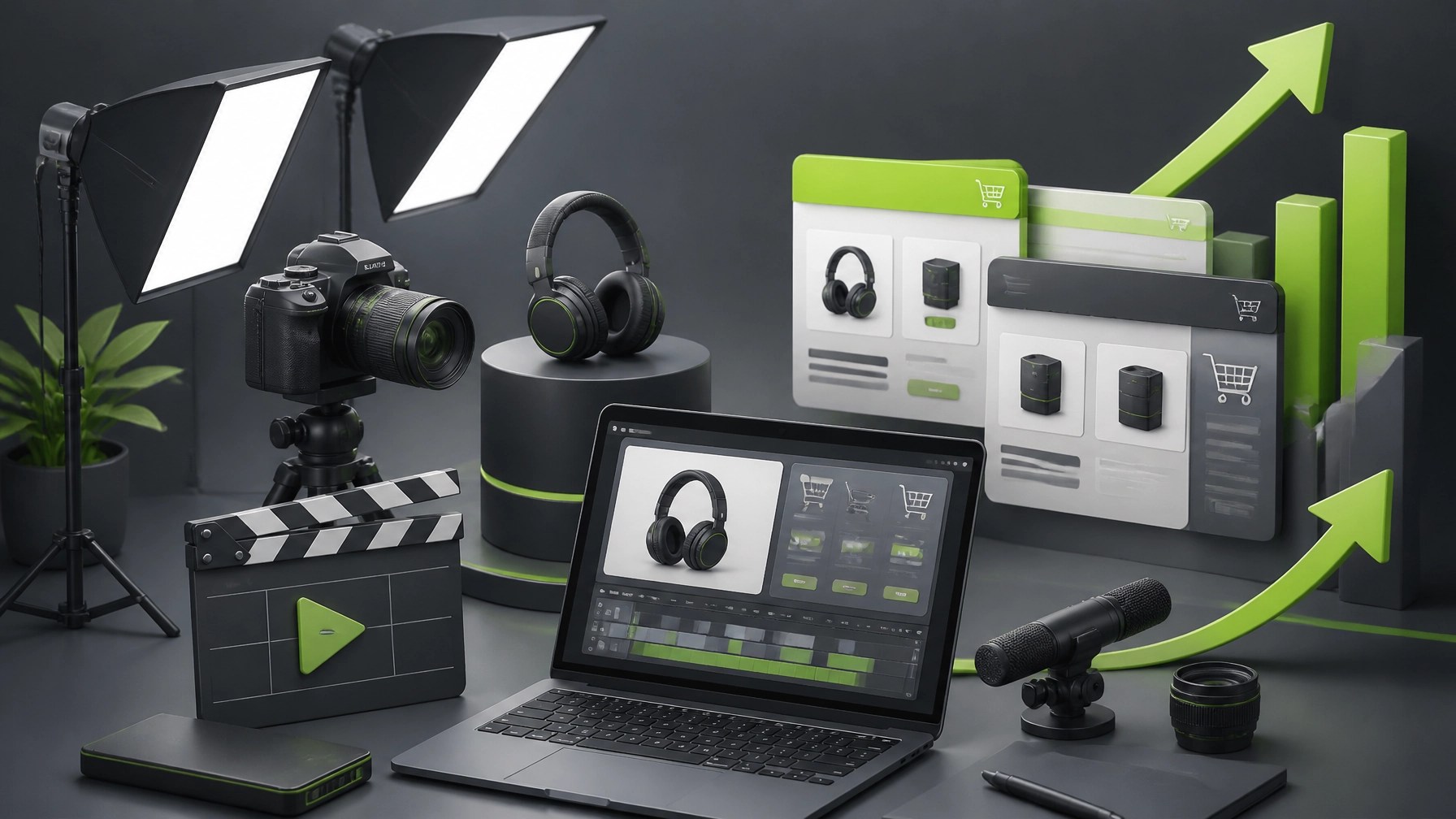
- 🚀 Shopify product videos: Enhance storefront presentation with clear demonstrations, polished visuals, and feature-focused storytelling.
- 🛒 Amazon product videos: Improve listing content with professional footage designed to clarify benefits and strengthen buyer confidence.
- 🎬 Review campaigns: Showcase technology, automotive products, tools, accessories, and consumer electronics through engaging video coverage.
- 📈 Brand collaborations: Expand reach through tailored reviews, tutorials, sponsored features, and social media content.
- 🤝 Let’s collaborate: We can create meaningful product media and grow your digital presence together.
NetworkRepair1 helps businesses move beyond static product photos by creating content that demonstrates how products look, function, and fit into real workflows. For Shopify and Amazon sellers, this can make complex features easier to understand, strengthen brand credibility, and give customers more confidence before purchase. The Collaborate & Sponsors page includes more information about product reviews, sponsorships, featured videos, and partnership opportunities.
📱 Stay Connected
⚙️ Upgrade the Setup
The Logitech MX Brio 4K is a strong fit for anyone who needs sharper video, more dependable autofocus, better low-light performance, and a flexible desk camera that can handle both professional meetings and creator work. It pairs especially well with a capable laptop, reliable lighting, a quality microphone, secure network access, and a workstation that is optimized rather than overloaded with unnecessary startup applications. Don't settle for subpar tech. Grab the professional-grade gear we trust to keep our networks running fast and secure. Review products and creator tools from NetworkRepair1 are featured on the YouTube channel.
📩 Contact
- 💻 Remote IT support: Secure troubleshooting, network diagnostics, malware removal, Microsoft 365 assistance, cloud support, and system optimization.
- 🎥 Product video services: Shopify and Amazon reviews, tutorials, demonstrations, and promotional campaigns.
- 🌐 Website: https://networkrepair1.com/
- 📞 Phone: 805-723-9608
- 🤝 Let’s collaborate: Partner with us to enhance your products, strengthen your content, and grow your digital presence together.