
September 4, 2026 | Network Repair1 Daily Tech Newsletter
Reliable technology remains crucial for staying productive, protected, and prepared, so today’s roundup brings together practical Microsoft Quick Assist guidance, cybersecurity reminders, system optimization wins, and one piece of creator gear that earns its place on the desk. Network Repair1 has now reached 13,000 YouTube subscribers and more than 1.1 million lifetime views, giving this newsletter a solid foundation in real-world technology coverage, troubleshooting, tutorials, and product testing. Think of this as the daily tech toolbox: a little remote support, a little security, a little performance tuning, and one gadget that refuses to become expensive desk clutter.
Quick Assist: Useful Tool, Serious Responsibility
Microsoft Quick Assist remains one of the most convenient ways to provide remote support on compatible Windows devices. It can connect a trusted helper to a user’s screen, support real-time troubleshooting, and eliminate the need for an unnecessary on-site visit. NetworkRepair1 provides remote computer support through Microsoft Quick Assist, helping individuals and small businesses resolve technical problems efficiently.
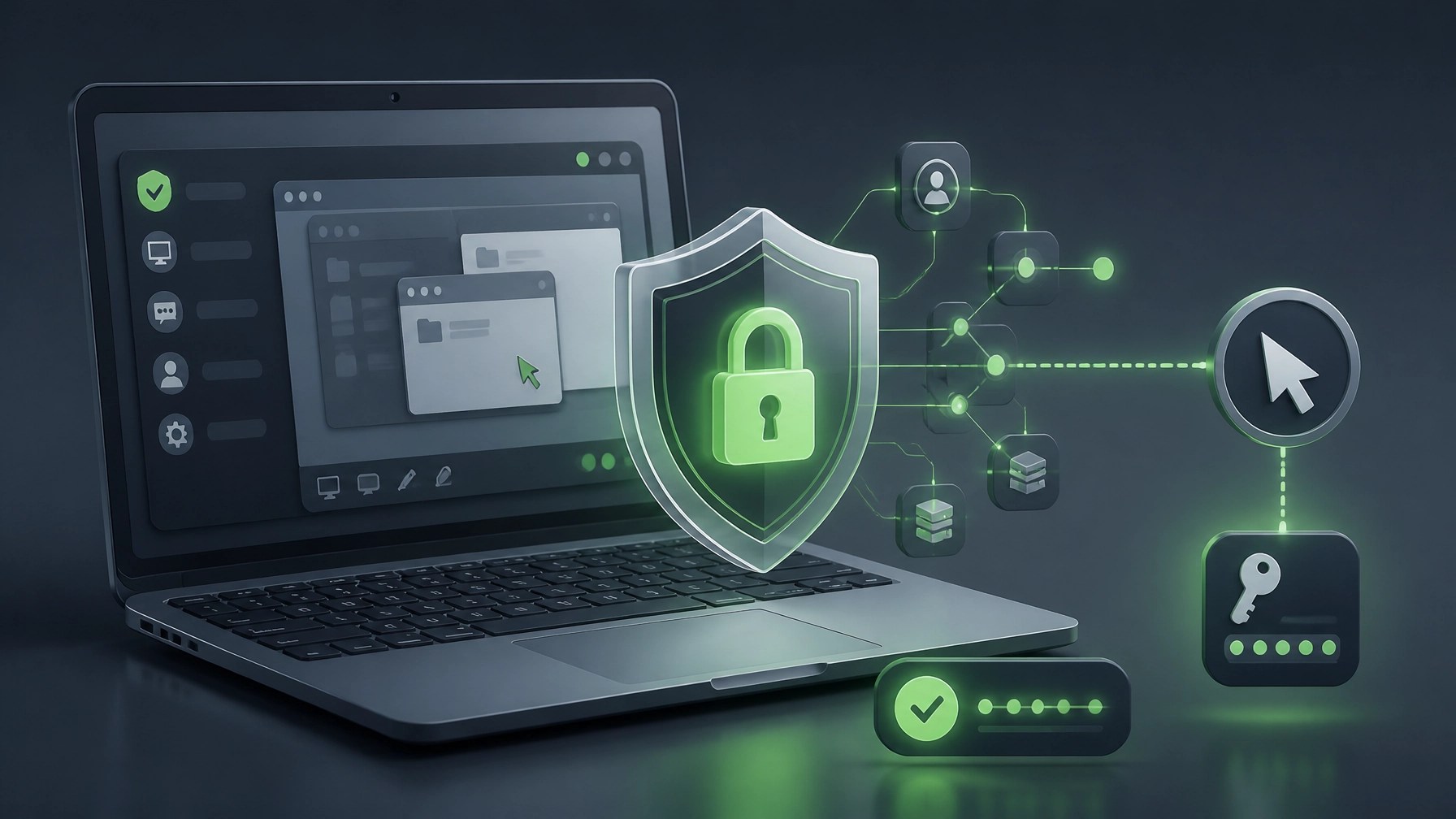
The important security rule is simple: only approve a Quick Assist session that was expected and initiated through a trusted support channel. Microsoft has warned that threat actors can impersonate support representatives, persuade users to open remote-access tools, and use that access to deploy malware, steal credentials, or manipulate active sessions. A surprise phone call demanding a security code is not technical support; it is a red flag wearing a headset.
Before a session begins, confirm the helper’s identity, close sensitive documents, remove unnecessary browser tabs, and avoid sharing passwords or authentication codes. The person receiving support remains in control of the connection and can end the session if anything feels suspicious. For businesses that do not use Quick Assist, restricting or uninstalling the tool can reduce attack surface, while managed environments may benefit from controlled remote-support platforms with stronger policy enforcement, auditing, and identity protections.
Microsoft’s official Quick Assist guidance is a useful reference for supported Windows workflows, while Microsoft’s security blog on Quick Assist abuse explains why user awareness matters. The best remote session is fast, authorized, documented, and boring: in cybersecurity, boring is often a five-star review.
Security Fixes Worth Keeping on the Radar
Security maintenance works best when it becomes routine instead of a dramatic emergency. Keep Windows, Microsoft 365 applications, browsers, drivers, firmware, and endpoint protection current, then review MFA coverage for administrator accounts and cloud services. Defender definition updates, cumulative Windows updates, and vulnerability remediation all contribute to a stronger baseline, especially for small businesses without a dedicated security operations team.
Remote assistance tools deserve extra attention because they combine legitimate support functionality with powerful interactive access. Review whether Quick Assist is required, monitor unusual use of remote-support applications, and maintain an incident-response plan for suspicious sessions. If an unknown person gains access, disconnect the device from the network, preserve relevant information, run a malware assessment, and review account activity before returning the system to normal operations.
The next Windows maintenance cycle deserves a place on the calendar as well. Microsoft’s Windows release health information provides update and known-issue details, while the Microsoft Security Update Guide offers official vulnerability information. Security is not a one-click purchase; it is a collection of small decisions that can significantly reduce avoidable trouble.
System Optimization: Faster Is Nice, Reliable Is Better
System optimization should improve more than boot time. A healthy Windows workstation should provide stable network performance, predictable application behavior, sufficient storage, responsive security tools, and a clean startup environment. Review startup applications, remove software that is no longer needed, use Storage Sense, check available disk space, and apply driver or firmware updates from trusted manufacturers.

Remote work also benefits from network optimization. Confirm that the device uses the correct Wi-Fi network, eliminate unnecessary VPN conflicts during troubleshooting, verify system time synchronization, and test whether security software or firewall policies are interfering with approved business applications. Quick Assist connection problems can sometimes relate to outdated app components, Microsoft Store issues, WebView2 dependencies, restrictive proxies, or blocked service endpoints, so a structured diagnosis can prevent random settings changes from creating new problems.
For small businesses, performance and security should move together. Enable full-disk encryption where appropriate, protect administrator accounts with phishing-resistant MFA, maintain reliable backups, and document critical cloud and network settings. A faster computer that is poorly protected is simply a more efficient way to make a mess.
Gear That Earns Its Keep: RØDE Wireless GO II
Today’s featured gadget is the RØDE Wireless GO II Dual Channel Wireless System with built-in microphones, a compact audio kit designed for filmmaking, vlogging, streaming, podcasting, video calls, and social media production. The system supports analog and digital USB outputs, works across cameras and computers, and offers a flexible setup for creators who need clean audio without turning the studio into a cable jungle.

Audio quality can make a major difference in product reviews and instructional content. Viewers may forgive a modest camera angle, but muffled speech, inconsistent volume, and room echo can send them searching for the exit button. A dual-channel wireless system helps creators capture separate voices, move naturally around a workspace, and produce clearer content for YouTube, Shopify product pages, Amazon listings, TikTok, and brand campaigns.
Network Repair1 has the product listed in its online shop, with a purchase option available through the product page. The broader lesson is simple: choose equipment that solves a recurring production problem, supports multiple workflows, and earns repeat use. A gadget that improves tutorials, product demos, video calls, and social clips is doing more than sitting there looking expensive.
From Product Shelf to Product Story
A strong product deserves more than a specification dump and a quick camera pan. Network Repair1 helps Shopify and Amazon sellers turn products into clear, engaging media through reviews, demonstrations, tutorials, and promotional videos. The goal is straightforward: explain the product, show its value, highlight real use cases, and give prospective customers a reason to keep watching.
With 13,000 YouTube subscribers and over 1.1 million lifetime views, Network Repair1 brings an established technology and media audience to product coverage. Sellers can explore content creation and sponsorship opportunities, while creators and tech enthusiasts can browse the NetworkRepair1 video library for product demonstrations and tutorials.
The combination of technical expertise and media production creates a useful advantage. Product content becomes more credible when it is supported by practical testing, clear explanations, and a production workflow built for digital audiences. For brands ready to expand visibility, improve product education, and strengthen social media presence, Network Repair1 can help turn useful gear into meaningful attention.
Today’s Quick Takeaways
- 🛠️ Quick Assist: Use it only with trusted, expected support sessions.
- 🛡️ Security: Keep Windows, Defender, Microsoft 365, browsers, and firmware current.
- ⚡ Optimization: Improve startup performance, storage health, network stability, and reliability.
- 🎙️ Gear: The RØDE Wireless GO II can support reviews, tutorials, meetings, and social content.
- 🎥 Media: Network Repair1 helps Shopify and Amazon sellers showcase products through professional video.
- 🚀 Milestone: 13,000 YouTube subscribers and more than 1.1 million lifetime views continue to fuel the mission.
Stay Connected
Remote IT support: networkrepair1.com/remote-services
Product reviews and collaborations: networkrepair1.com/colloborate-sponsors
We've done the troubleshooting so you don't have to. Shop the gear we use and recommend for a high-performance setup.
featured on the YouTube channel https://www.youtube.com/@NetworkRepair1
https://www.amazon.com/shop/networkrepair1?ref_=cm_sw_r_cp_ud_aipsfshop_XV0ER95A5EVVJDPA7W6A_1