
Reliable remote support remains crucial for productivity, security, and business continuity, and today’s roundup unlocks the practical secrets behind safer Microsoft Quick Assist sessions, sharper system optimization, and better content-production hardware, starting with the essential rule that every remote connection must be initiated through a trusted support channel rather than an unexpected call, email, or chat; Microsoft Quick Assist can provide fast screen sharing, annotation, troubleshooting, and remote control across Windows environments, but the same convenience can create risk when impersonators pose as help-desk staff, request a security code, and pressure users into approving access, so the most effective outcome begins with identity verification, documented support requests, clear session permissions, and a firm refusal to grant control to unsolicited contacts, while NetworkRepair1 remote support can help individuals and small businesses resolve computer issues through a structured, customer-initiated process;  cybersecurity improvement continues with Microsoft Entra ID protection, phishing-resistant MFA, Conditional Access, least-privilege administration, Microsoft Defender monitoring, endpoint telemetry, and user awareness training, because Quick Assist operates through encrypted HTTPS communication and legitimate access still requires disciplined authorization, while businesses that do not use the tool can reduce attack surface by removing it, restricting the relevant Microsoft service endpoint, applying application-control policies, or evaluating Intune Remote Help for stronger role-based access, tenant controls, session auditing, and compliance visibility, and Microsoft’s threat intelligence guidance reinforces the importance of disconnecting immediately when activity appears suspicious, protecting credentials, reporting abuse, and reviewing the device for follow-on malware, abnormal downloads, unauthorized remote-management tools, and unusual account activity; system optimization also means reducing friction before a support session begins, which includes applying operating-system updates, removing unused applications, reviewing startup services, maintaining adequate storage, checking network reliability, validating backup status, strengthening browser security, confirming Microsoft 365 sign-in protection, and keeping endpoint security controls active, producing a cleaner baseline that can make diagnostics faster and business operations more resilient, with the biggest benefit coming from a repeatable support standard rather than a one-time fix, and the lighter side of today’s technical marathon arrives through the RØDE Wireless GO II product listing, a compact dual-channel wireless microphone system designed for filmmaking, vlogging, streaming, podcasting, video calls, and product demonstrations, offering built-in microphones, analog and digital USB outputs, and compatibility across cameras, Windows and macOS computers, iOS devices, and Android devices, which makes it a particularly useful upgrade for creators who need clean voice capture without building a full audio rack, while its receiver-and-transmitter format supports a more flexible shooting workflow, its small footprint keeps attention on the product being reviewed, and its broad device compatibility can simplify the transition from an unboxing clip to a polished Shopify listing, Amazon product video, tutorial, or social campaign;
 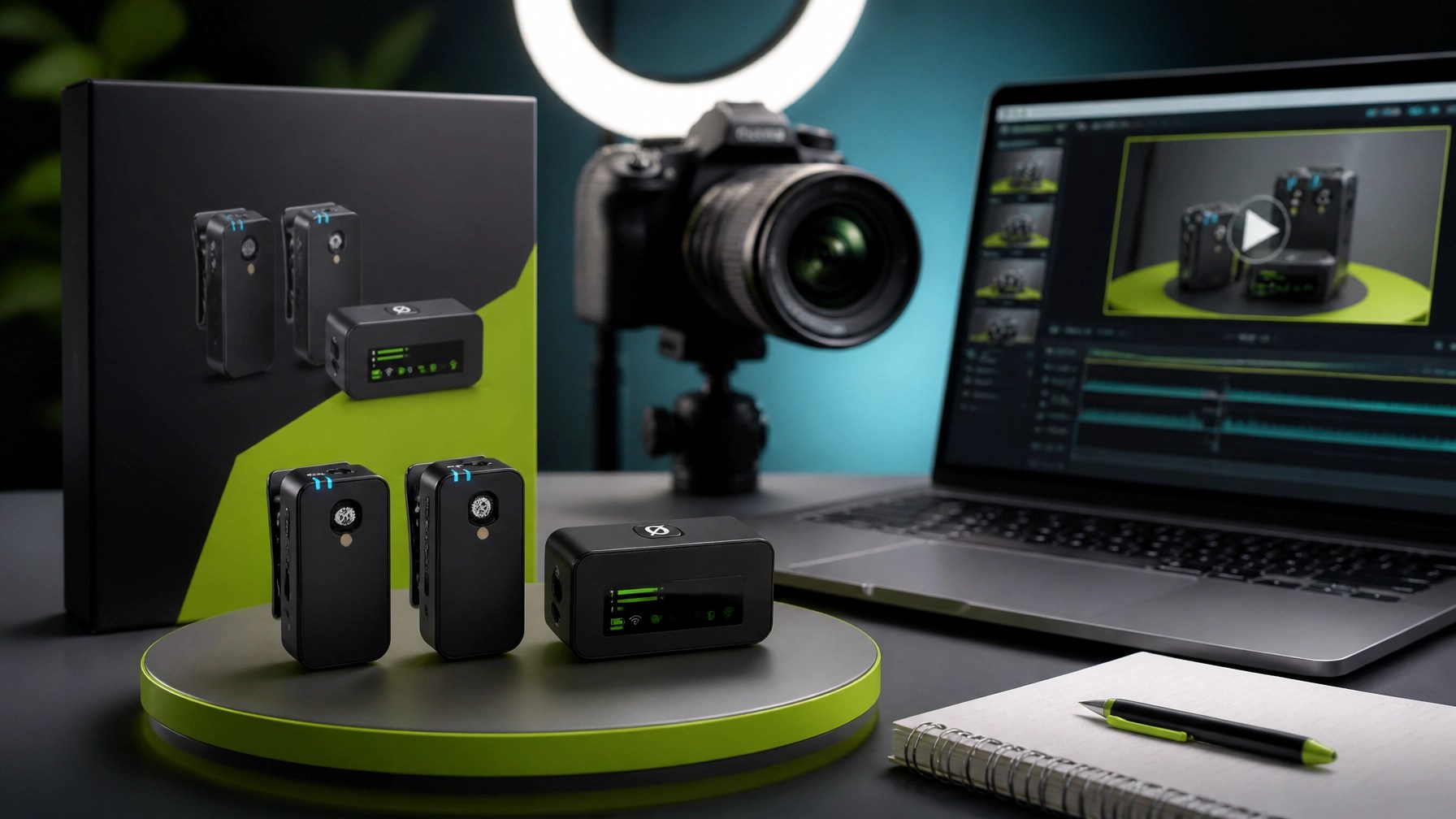 the review takeaway is straightforward: better audio can make an otherwise capable product video feel more organized, more credible, and easier to follow, and that improvement matters when sellers compete for attention across storefronts, short-form feeds, livestreams, and branded content, so the RØDE Wireless GO II fits the NetworkRepair1 approach by connecting practical technology with meaningful presentation, and its role extends beyond microphones because the same content pipeline benefits from stable computers, secure accounts, optimized networks, reliable cloud storage, accurate product information, and a production plan that keeps every frame focused on customer value;
  NetworkRepair1 is also celebrating a major community milestone with 13,000 YouTube subscribers and more than 1.1 million lifetime views, social proof that practical tutorials, technology reviews, product demonstrations, and honest troubleshooting can build meaningful momentum, and the marathon continues through NetworkRepair1 videos, brand collaborations, remote IT support, cybersecurity assistance, Microsoft 365 guidance, system optimization, and professional video services for Shopify and Amazon sellers, giving businesses a way to improve both the technology behind their operations and the digital storytelling that introduces their products to the market, with every secure connection, useful review, and carefully produced demonstration creating another opportunity to boost visibility, enhance trust, expand reach, and grow with confidence.
🚀 Work With NetworkRepair1
- 🛠️ Remote IT support: Resolve computer, network, Microsoft 365, malware, and system-performance issues without an on-site visit.
- 🔐 Cybersecurity assistance: Strengthen endpoint protection, remote-access policies, account security, and proactive monitoring.
- 🎥 Product video services: Showcase Shopify and Amazon products with detailed reviews, tutorials, demonstrations, and engaging social content.
- 📈 Business growth support: Enhance digital presentation, improve technical reliability, and reach more customers through professional media.
- 🏆 Community milestone: 13,000 YouTube subscribers and over 1.1 million lifetime views.
- 🤝 Partnership opportunity: Let’s collaborate, create meaningful content, and grow together.
🛒 Featured Picks
📺 Featured on the YouTube channel: Loved today's review? You can find this product and all our top picks on our official Amazon storefront.
📲 Stay Connected
▶️ YouTube
🎵 TikTok
🤝 Let’s Collaborate
🚀 Brands and sellers: Send product-review and promotional inquiries.
💻 Individuals and small businesses: Request secure remote technical support.
🌐 NetworkRepair1: networkrepair1.com
📞 Phone: 805-723-9608