
Understanding the fundamental mechanics of remote technical support remains a crucial pillar for maintaining peak operational efficiency and unlocking the full potential of modern Windows environments. Learning to navigate integrated tools like Microsoft Quick Assist provides an immediate advantage in resolving software conflicts, configuring complex settings, and performing system optimizations without the necessity of physical intervention. This built-in utility serves as a powerful bridge between technical expertise and user challenges, ensuring that downtime is minimized and productivity is significantly enhanced through streamlined collaboration.
The 5-Minute Fix: Mastering Microsoft Quick Assist
The process of securing remote assistance begins with the rapid activation of the Quick Assist application, a tool that often remains hidden to the average user despite its immense utility. Accessing this feature can be achieved instantly by pressing Ctrl + Windows + Q, a keyboard shortcut designed to bypass menu navigation and launch the interface directly. Once the application is active, the individual receiving help must enter a unique six-digit security code provided by the technician, which establishes a secure, encrypted link between the two workstations.
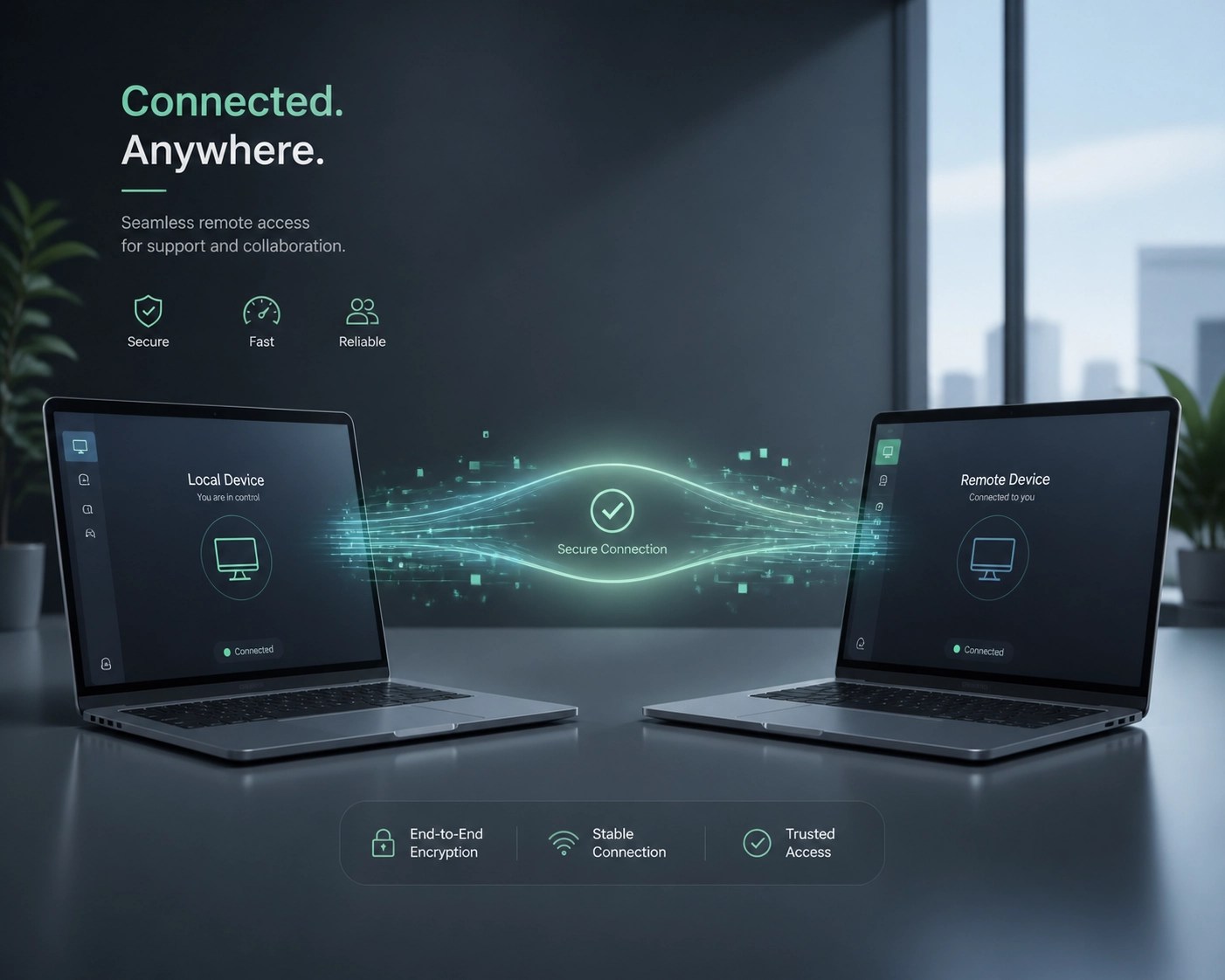
Upon entering the code and granting permission, the helper gains the ability to view the screen in real-time and, with further authorization, take full control of the mouse and keyboard to execute necessary repairs. This seamless integration allows for the rapid identification of driver errors, the cleaning of temporary files, and the adjustment of security protocols within a single, unified session. Efficiency is further bolstered by the tool's lightweight nature, as it requires no third-party installations or complex firewall configurations, making it the most effective first-response tool for any Windows-related performance issue.
Unlocking Hardware Excellence: Today’s Top Laptop Picks
Discovering the perfect balance between processing power and portability is essential for professionals who demand high performance from their mobile workstations. Selecting the right hardware requires an understanding of thermal management, display accuracy, and battery longevity to ensure the device can sustain intensive workloads throughout the day.
1. The Professional Powerhouse: MacBook Pro (M3 Max)
The latest iteration of the MacBook Pro continues to dominate the creative industry by offering unparalleled efficiency through its silicon architecture. This machine is designed to handle complex video rendering and large-scale data processing while maintaining exceptional battery life, making it a crucial tool for developers and media professionals alike.
2. The Windows Standard: Dell XPS 13
Understanding the requirements of the modern traveler leads directly to the Dell XPS 13, a device that optimizes every square inch of its chassis to provide a premium experience. Its InfinityEdge display and robust build quality ensure that productivity remains high, whether you are managing a network or drafting a business proposal in a remote setting.
3. The Content Creator’s Edge: ASUS Zenbook Pro 14 OLED
For those focused on visual excellence, the Zenbook Pro 14 offers a stunning OLED panel and a unique DialPad that significantly increases the speed of creative workflows. It represents a meaningful upgrade for anyone looking to bridge the gap between a traditional laptop and a high-end editing suite.

Maximizing Your Digital Presence with Video Services
Enhancing the visibility of your brand on platforms like Shopify and Amazon requires a strategic shift toward high-quality video content that captures consumer attention and effectively communicates product value. Network Repair1 LLC offers specialized product video services designed to significantly boost conversion rates by showcasing features through professional cinematography and expert editing. Research indicates that consumers are more likely to engage with brands that provide clear, concise video demonstrations, making this service a crucial investment for any growing e-commerce business. Learn more about the differences between Amazon and Shopify product videos to determine which strategy best fits your current business objectives.
Cybersecurity and System Optimization
Maintaining a secure digital environment involves more than just periodic virus scans; it requires a proactive approach to password management and system hygiene. Utilizing resources such as our password security guide can help you establish a defense-in-depth strategy that protects sensitive data from unauthorized access. Furthermore, optimizing your system through the removal of bloatware and the management of startup applications ensures that your hardware continues to run at peak speeds, preventing the gradual slowdown that often plagues aging devices.
🚀 Elevate Your Tech Game
• 🛠️ Professional Support: We provide top-tier remote IT troubleshooting and network optimization for homes and businesses.
• 📹 Product Video Services: Boost your Amazon or Shopify sales with professional, high-converting video content.
• 💻 Hardware Consulting: Let us help you select the best gear for your specific professional needs.
• 🛡️ Security First: We implement robust cybersecurity measures to keep your data safe and your connection private.
Looking for more insights on how to scale your online presence? Check out our tips on YouTube SEO and see how high-quality video production can transform your brand's reach.

Shop Our Curated Tech
We understand that finding the right equipment can be overwhelming, which is why we’ve narrowed down the best tools of the trade for you. Whether you need a laptop that can keep up with your 24/7 hustle or the networking gear that ensures your Wi-Fi never drops during a crucial meeting, we've got you covered.
Items mentioned today are featured on the YouTube channel.
Loved today’s review? You can find this product and all our top picks on our official Amazon storefront:
https://www.amazon.com/shop/networkrepair1?ref_=cm_sw_r_cp_ud_aipsfshop_XV0ER95A5EVVJDPA7W6A_1
Let's collaborate on your next big project and grow your digital footprint together. For direct inquiries regarding our IT support or video production services, reach out to us today.