
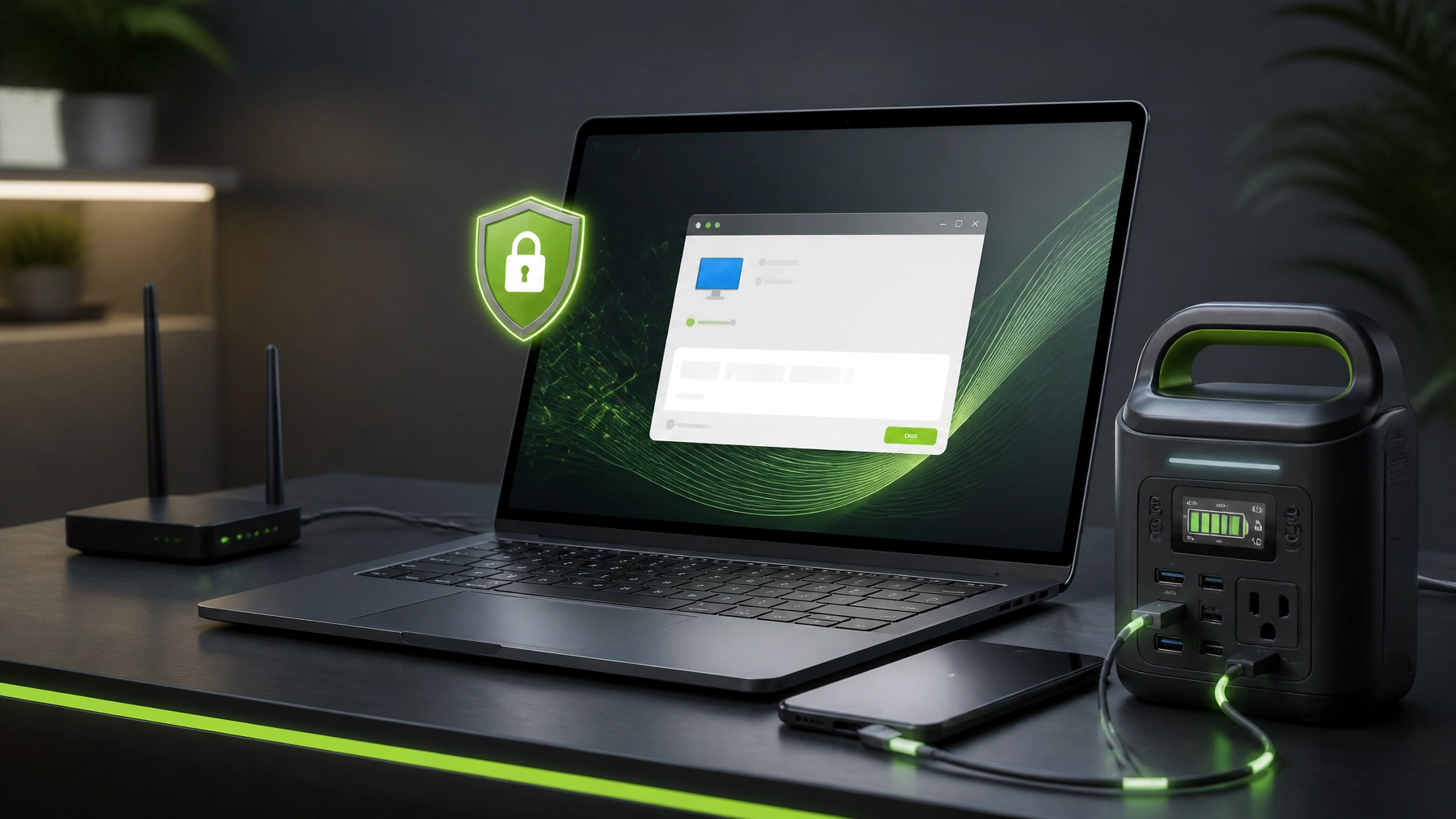
Welcome to today’s NetworkRepair1 tech dispatch, where the mission is simple: solve computer problems faster, keep networks moving, and stop buying gear that looks impressive in a product photo but behaves like a sleepy brick in real life. Remote IT support has become a crucial part of staying productive, especially for home offices, freelancers, creators, and small businesses that cannot afford long stretches of downtime. Today’s lineup covers Microsoft Quick Assist for remote computer support, a laptop under $1K that can handle real work, and a portable power station built for the moments when the nearest outlet suddenly becomes a mythical object.
Microsoft Quick Assist: The Tiny Lifeline Hiding in Windows
Microsoft Quick Assist remains one of the most useful tools for straightforward remote troubleshooting on Windows devices. A trusted helper can view the screen, diagnose errors, adjust settings, assist with system optimization, and request control when hands-on support is necessary. The process uses a time-limited security code, and the person receiving help must enter the code and approve screen sharing before the session begins.
That consent-based design makes Quick Assist practical for remote IT support, but cybersecurity still matters. Only accept a session from a technician or support provider that was contacted directly, never share passwords or sensitive login codes, and disconnect immediately if the interaction becomes suspicious. Microsoft also warns users about tech support scams, because apparently “urgent computer infection” remains a favorite script for people who think honesty is optional.
Quick Assist can help with application errors, Windows settings, printer problems, network diagnostics, update issues, malware-removal guidance, and basic performance improvements. The helper must sign in with a Microsoft account or organizational identity, while the person receiving help enters the code and approves access. Microsoft documents that Quick Assist communicates over HTTPS and uses encrypted traffic, but secure technology still depends on secure decisions.

For small business IT support, Quick Assist becomes especially valuable when the issue is inconvenient rather than catastrophic. A sluggish workstation, misbehaving Microsoft 365 application, unstable Wi-Fi connection, or confusing Windows notification can often be handled remotely without waiting for an on-site visit. That means fewer interruptions, faster answers, and less time spent staring at a loading circle that has clearly developed an attitude.
For larger environments with strict compliance, auditing, and role-based access requirements, Microsoft points organizations toward Intune Remote Help. Quick Assist is best treated as interactive, consent-based assistance rather than unattended administration. That distinction matters, because convenience should never be allowed to quietly turn into uncontrolled access.
Faster Networks Start With Less Guesswork
A fast internet plan cannot rescue a chaotic home network. Router placement, wireless congestion, outdated firmware, unnecessary background traffic, weak passwords, and poor device organization can all reduce performance before the signal reaches the laptop. Network optimization starts with visibility, then moves toward practical improvements that reduce friction.
Begin with the basics: place the router in an open, central location, keep firmware current, use strong unique administrative credentials, and separate guest devices from core work equipment when the router supports guest networking. Wired Ethernet remains useful for desktops, streaming setups, cameras, and other devices that benefit from consistent throughput. Wi-Fi is convenient, but convenience has never personally promised low latency.
System optimization also belongs in the same conversation. Keep Windows updated, remove applications that no longer serve a purpose, review startup programs, maintain adequate storage space, and use reputable endpoint protection. A clean system improves boot times, reduces background load, and makes remote troubleshooting much easier. If a business depends on Microsoft 365, cloud storage, video meetings, and browser-based applications, stable networking and predictable system performance become part of the operating model rather than optional polish.
NetworkRepair1 supports secure remote diagnostics, malware removal, Microsoft 365 assistance, cloud setup, and proactive technical support for individuals and small businesses. The password security guide is also a useful resource for strengthening everyday account protection before a minor issue becomes a larger one.
The Laptop Under $1K That Makes Sense
For a practical home office upgrades 2026 pick, the Acer Swift Go 14 deserves a close look. Current configurations commonly target the productivity sweet spot with a modern Intel Core Ultra processor, 16GB of memory, a 512GB solid-state drive, and a 14-inch display. Pricing changes by configuration and retailer, but the model is frequently positioned below $1,000, making it a strong candidate for remote work, Microsoft 365, video calls, content planning, and light creative tasks.
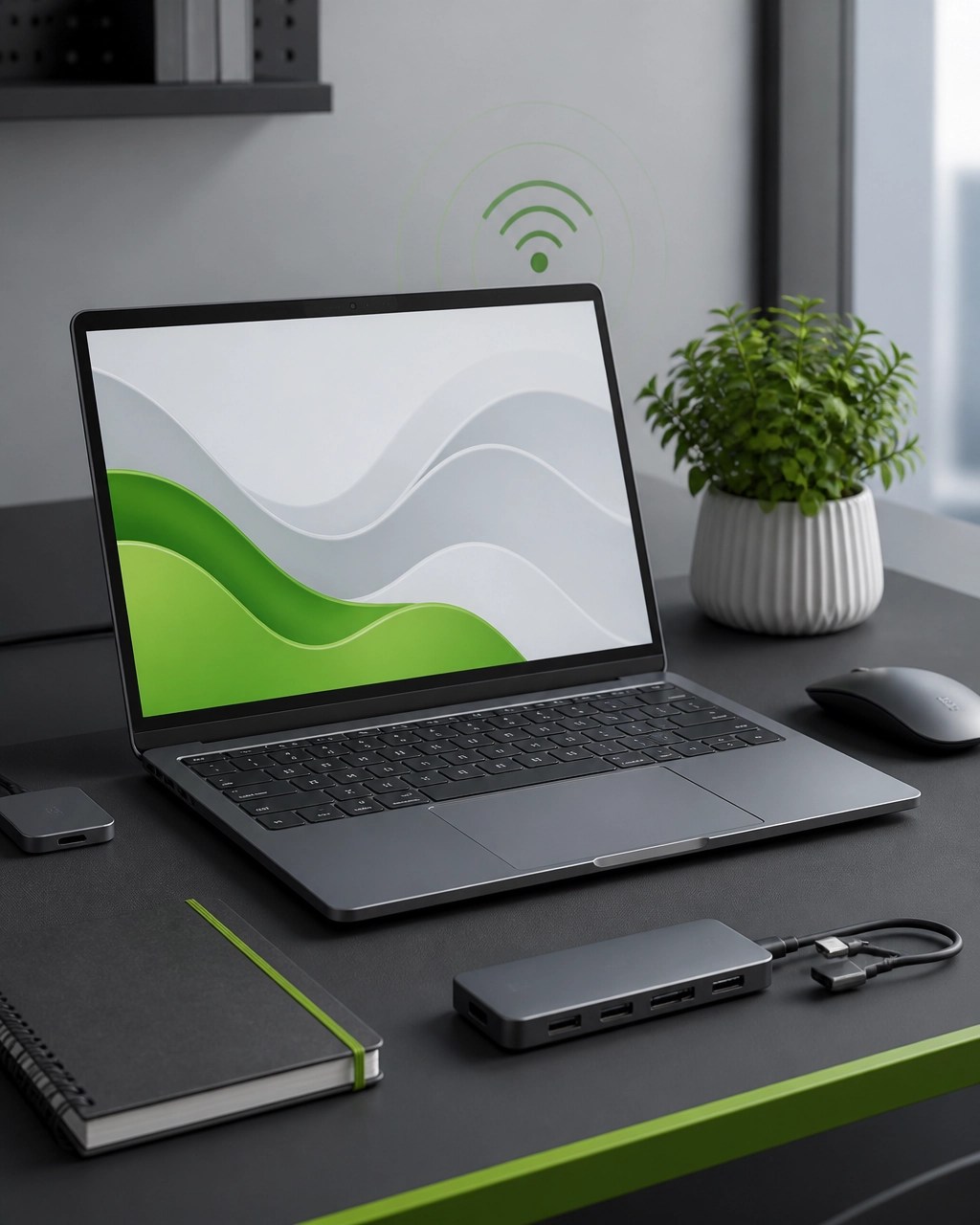
The appeal is balance. The Swift Go 14 is portable without feeling like a toy, fast enough for browser-heavy workflows, and generally more display-friendly than bargain laptops that treat screen quality as an optional subscription. A 14-inch 16:10 display can provide useful vertical space for documents, dashboards, and spreadsheets, while the SSD keeps applications responsive and file access quick.
For buyers who prioritize a traditional business keyboard and durable chassis, the Lenovo ThinkPad E14 Gen 6 remains worth considering. For frequent travelers who care more about weight and battery life, the ASUS Zenbook A14 offers a different approach, although Windows-on-ARM compatibility deserves a quick review before purchase. The broader PCMag laptop guide provides additional comparison points, but the basic rule remains reliable: prioritize 16GB RAM, a 512GB SSD, a modern processor, and a display that does not make every work session feel like a punishment.
The laptop does not need to be the most expensive device in the room. It needs to open the applications required for work, maintain a stable connection, support security updates, and avoid turning multitasking into a dramatic event. That is the standard a productivity machine should meet before anyone starts discussing decorative lighting.
Portable Power That Pulls Its Weight
A compact portable power station can turn a temporary outage, outdoor shoot, mobile workstation, or remote work session into a manageable inconvenience instead of a full production. The DJI Power 1000 is a strong fit for users who need high-capacity backup power, multiple-device charging, and a dependable way to keep laptops, networking equipment, lights, and creator gear running away from a wall outlet.

The NetworkRepair1 product page for the DJI Power 1000 highlights fast charging, USB-C compatibility, multi-device charging, and a durable portable design. It is not a pocket-sized battery bank, and that is precisely the point. A serious power station provides more headroom for a laptop, router, monitor, camera equipment, and accessories without forcing every device into a charging rotation that resembles a tiny office scheduling department.
For a lighter setup focused on a laptop, phone, and router, a smaller power bank may be the more sensible choice. For content creators, mobile technicians, and home office users who want more flexibility, the Power 1000 class offers a stronger foundation. Always confirm current pricing, port specifications, capacity, and retailer availability before purchasing, because product configurations and promotions can change faster than a laptop battery percentage during a video call.
Why the NetworkRepair1 Community Keeps Growing
NetworkRepair1 has passed 13,000 YouTube subscribers and reached more than 1.1 million lifetime views, milestones that reflect a growing audience interested in technology, troubleshooting, gear, tutorials, and practical product knowledge. The NetworkRepair1 video hub features technology content alongside product demonstrations, giving viewers a useful blend of education and hands-on evaluation.
That experience also extends to businesses. Shopify and Amazon sellers can work with NetworkRepair1 for product video services, detailed reviews, tutorials, promotional content, and social media production designed to make products easier to understand and more appealing to potential customers. Strong product content does more than show an item from three angles; it communicates use, value, fit, and confidence.
🚀 Need remote IT support?
We provide secure remote troubleshooting, network diagnostics, malware removal, Microsoft 365 support, cloud assistance, and system optimization.
🎥 Selling on Shopify or Amazon?
Let’s collaborate on product videos, tutorials, reviews, and social media content that can boost visibility and help your brand grow.
🛠️ Want better tech decisions?
Follow NetworkRepair1 for practical guidance, product coverage, and technology content without the unnecessary hype.
📺 YouTube
🎵 TikTok
Ready to upgrade your tech? Check out our curated list of essential tools to keep you connected and productive.
Featured on the YouTube channel: Amazon Store
📞 805-723-9608
🤝 Let’s collaborate and build something meaningful together.