
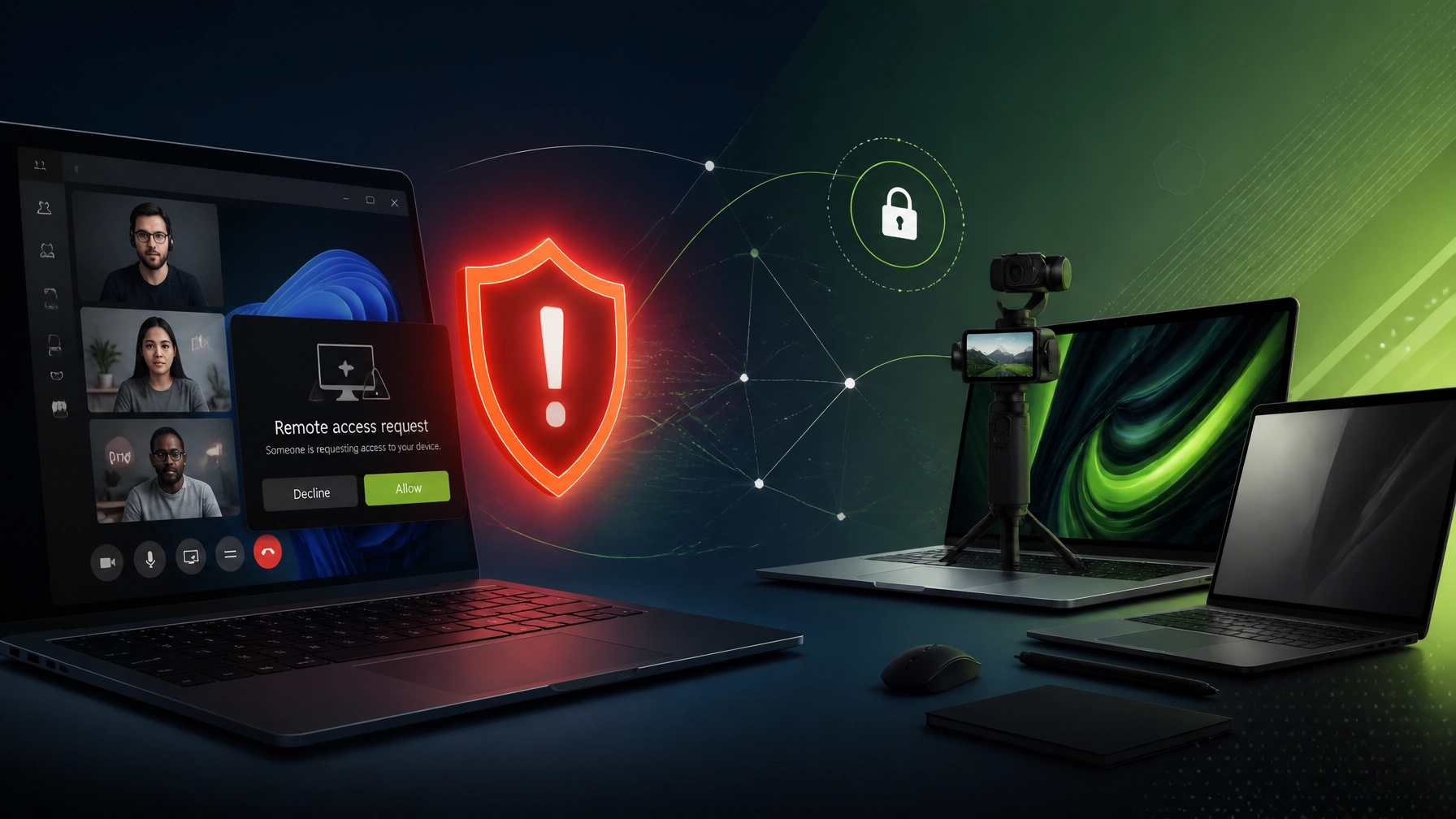
Saturday, August 8, 2026 : Treat unexpected Microsoft Teams support calls as a security incident, not a routine IT favor. Microsoft Quick Assist is being actively abused by scammers impersonating IT support through Microsoft Teams, and the playbook is uncomfortably simple: attackers call or message through Teams, pretend to be the helpdesk, create urgency, convince a user to open Quick Assist, and then persuade that user to grant remote control, giving the attacker a direct path into the device. From there, attackers can steal credentials, install additional remote-management tools, deploy malicious payloads, move through connected systems, and potentially launch ransomware, which makes this more than a suspicious pop-up or annoying sales call. Microsoft’s own incident-response reporting describes a Teams voice-phishing campaign where an attacker impersonated IT support and eventually convinced an employee to grant access through Quick Assist, followed by credential theft and malware activity, so the warning is not theoretical; it is a live example of how trust can become the entry point. A familiar Microsoft logo is not a security badge, and a confident voice is not proof of identity. Verify every remote-support request through a known contact method: open a ticket through the official helpdesk portal, call a verified internal number, or confirm the request with a manager before opening any remote session. Accept remote support only from verified contacts and only when the support request was initiated through an approved channel: unsolicited Teams calls, unexpected chats, surprise emails, and urgent phone requests should all receive the same response, which is decline, disconnect, and verify independently. Never share a Quick Assist code because a stranger asked for it: legitimate technical support can provide a documented ticket, a recognizable technician identity, and a clear reason for the session. Disable Quick Assist if it is not needed: removing an unnecessary remote-access path can reduce exposure, especially on devices that do not require ad hoc assistance. Business environments that need remote support can consider Microsoft Intune Remote Help instead, because it is designed for managed environments, organizational authentication, policy controls, and session oversight, although configuration still matters and the tool should be restricted to approved support staff. Microsoft also recommends tightening external collaboration in Teams, limiting communications from unmanaged accounts, using trusted-domain allowlists where appropriate, reviewing remote-monitoring tools, and removing utilities that are not required. For small businesses, this is where a practical security policy earns its keep: define approved support tools, document the verification process, enforce MFA, keep endpoint protection current, monitor for unfamiliar remote-access software, and make it clear that no employee gets in trouble for ending a suspicious call. If a Quick Assist session already happened under suspicious circumstances, disconnect the affected device from the network, contact the organization’s IT provider, change important passwords from a known-clean device, review sign-in activity, remove unfamiliar software, and run a full security investigation before reconnecting the system. Once the security reminder is on the table, let’s move to the fun part: this week’s gear picks for creators, remote workers, and anyone who likes their technology powerful, portable, and slightly more exciting than another office stapler. DJI Osmo Pocket 4P : the pocket camera with serious reach: The new DJI Osmo Pocket 4P brings a dual-camera setup, a dedicated 60mm equivalent medium-telephoto lens, 3x optical zoom, and 3-axis gimbal stabilization into a compact body that weighs about 230 grams. The result is a creator-friendly camera that can capture wide vlogs, cleaner product close-ups, smoother walk-and-talk footage, and more polished social clips without requiring a full camera bag or a shoulder workout. DJI also lists ActiveTrack subject tracking, up to 12x zoom, 4K slow motion, D-Log 2, and a 1-inch wide-angle sensor, which gives this little camera a very convincing “small package, big production energy” personality. For product reviewers, Shopify brands, Amazon sellers, and social media teams, the 3x optical zoom is especially useful because it can frame details without relying entirely on digital cropping, while the gimbal helps keep footage smooth when the operator is moving, rotating, or trying to film while carrying too many accessories at once. HP OmniBook Ultra 14 : the remote-work battery champion: The HP OmniBook Ultra 14 pairs the Snapdragon X2 Elite platform with a sharp OLED touchscreen, a premium thin-and-light design, and the kind of battery endurance that makes searching for an outlet feel like an optional side quest. HP lists a 70 Wh battery, USB-C fast charging, and up to approximately 28 hours of offline video playback for Snapdragon X2 configurations, with real-world battery life depending on brightness, applications, wireless activity, and workload. The OLED touchscreen makes dashboards, product pages, creative previews, and video calls look excellent, while the Snapdragon platform is well suited to mobile productivity, long remote sessions, cloud workflows, and AI-assisted tasks. It is a strong match for remote professionals who need a polished daily driver that can move from Microsoft 365 work to content planning without immediately demanding a charger. Lenovo ThinkPad X13 Gen 6 : business-class portability without the brick: The Lenovo ThinkPad X13 Gen 6 keeps the classic ThinkPad focus on keyboard quality, business security, durability, and practical connectivity, then trims the chassis down to an ultralight design that can weigh under 1 kilogram depending on configuration. Lenovo lists starting weights below 1 kg for several Intel and AMD configurations, making this a strong option for consultants, field professionals, students, and remote workers who need a serious business laptop without carrying a tiny desktop tower in a backpack. Its compact 13.3-inch format, modern Core Ultra or Ryzen AI Pro options depending on model, USB-C connectivity, and enterprise-friendly design make it a particularly sensible choice for Microsoft 365, remote support tools, browser-heavy workflows, documentation, and travel.
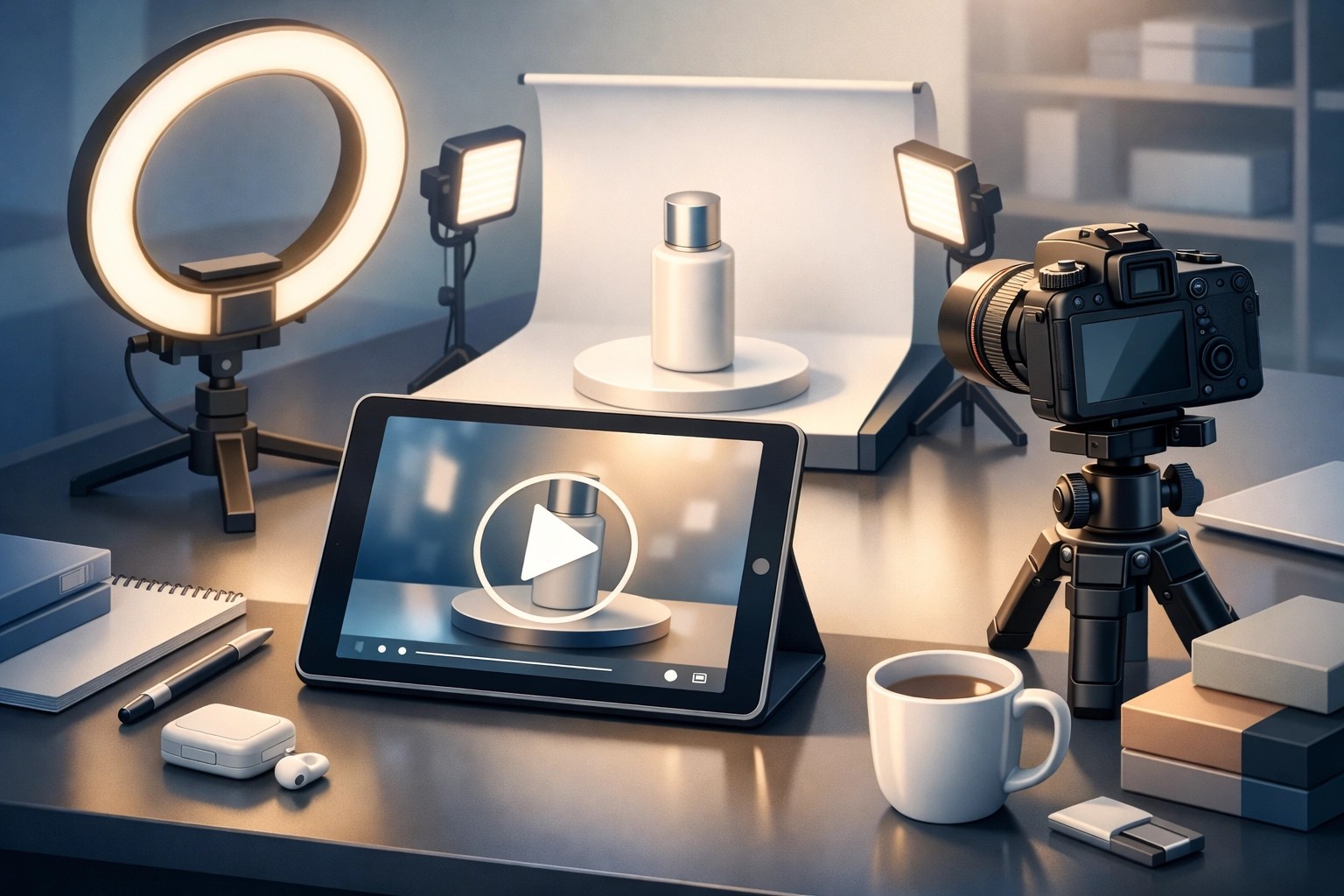
 The quick verdict is simple: choose the DJI Osmo Pocket 4P when smooth mobile video and flexible framing matter most, choose the HP OmniBook Ultra 14 when battery life and OLED quality are the priority, and choose the Lenovo ThinkPad X13 Gen 6 when portability, business reliability, and a sub-1 kg design lead the decision. These picks also fit the two sides of Network Repair1 LLC: keeping technology secure and productive through remote IT support, while helping brands turn products into content that people actually want to watch. NetworkRepair1 has grown to 13,000 YouTube subscribers and over 1.1 million lifetime views, and that audience gives businesses a meaningful platform for product education, reviews, demonstrations, and launch content. We provide professional product video services for Shopify and Amazon brands, including product demonstrations, review-style videos, social media clips, tutorials, and polished presentations designed to help products stand out in crowded feeds and listings. Our recent guide on Amazon product videos versus Shopify product videos breaks down why each platform needs a different content strategy, because a marketplace listing and a branded storefront may sell the same product but they do not compete for attention in the same way.
 Whether the goal is locking down remote access, optimizing a Microsoft 365 environment, setting up a new laptop, improving a network, or creating product content that boosts visibility, NetworkRepair1 combines technical support with media production so businesses can solve problems and expand their digital presence in one place. Stay alert around unexpected Quick Assist requests, choose gear that matches the workflow, and keep building systems and content that make growth easier.
🚀 Promote With Us or Get Remote Support
- 🛡️ Secure Your Systems: We provide professional remote IT support, troubleshooting, network optimization, malware removal, and Microsoft 365 assistance.
- 🎥 Showcase Your Products: We create engaging videos for Shopify and Amazon brands.
- 📈 Boost Your Reach: Our audience has grown to 13,000 YouTube subscribers and over 1.1 million lifetime views.
- 🤝 Let’s collaborate: We can help your brand connect with customers through effective content, together.
📲 Connect With Us
Featured on the YouTube channel: DJI Osmo Pocket 4P, HP OmniBook Ultra 14, and Lenovo ThinkPad X13 Gen 6.
🚀 Boost your brand visibility and let’s create content that gets noticed together.