
Understanding the nuances of the mid-range laptop market remains crucial for maximizing hardware longevity and ensuring daily productivity remains unhindered by technical bottlenecks. Discover the essential criteria for selecting professional-grade equipment without exceeding a thousand-dollar budget while unlocking the secrets of system optimization. Learn how to identify high-performance components and evaluate build quality to significantly enhance your computing experience and boost your professional output.
The Foundation of a High-Performance Setup
Selecting the ideal laptop requires prioritizing processing power and thermal efficiency to ensure the device handles demanding workloads without significant performance degradation. Modern processors like the Apple M4 or the latest Intel Core Ultra chips provide the necessary horsepower for multitasking, video editing, and complex data processing. Focus on devices offering at least 16GB of RAM and 512GB of solid-state storage to prevent system slowdowns and provide ample space for critical applications.
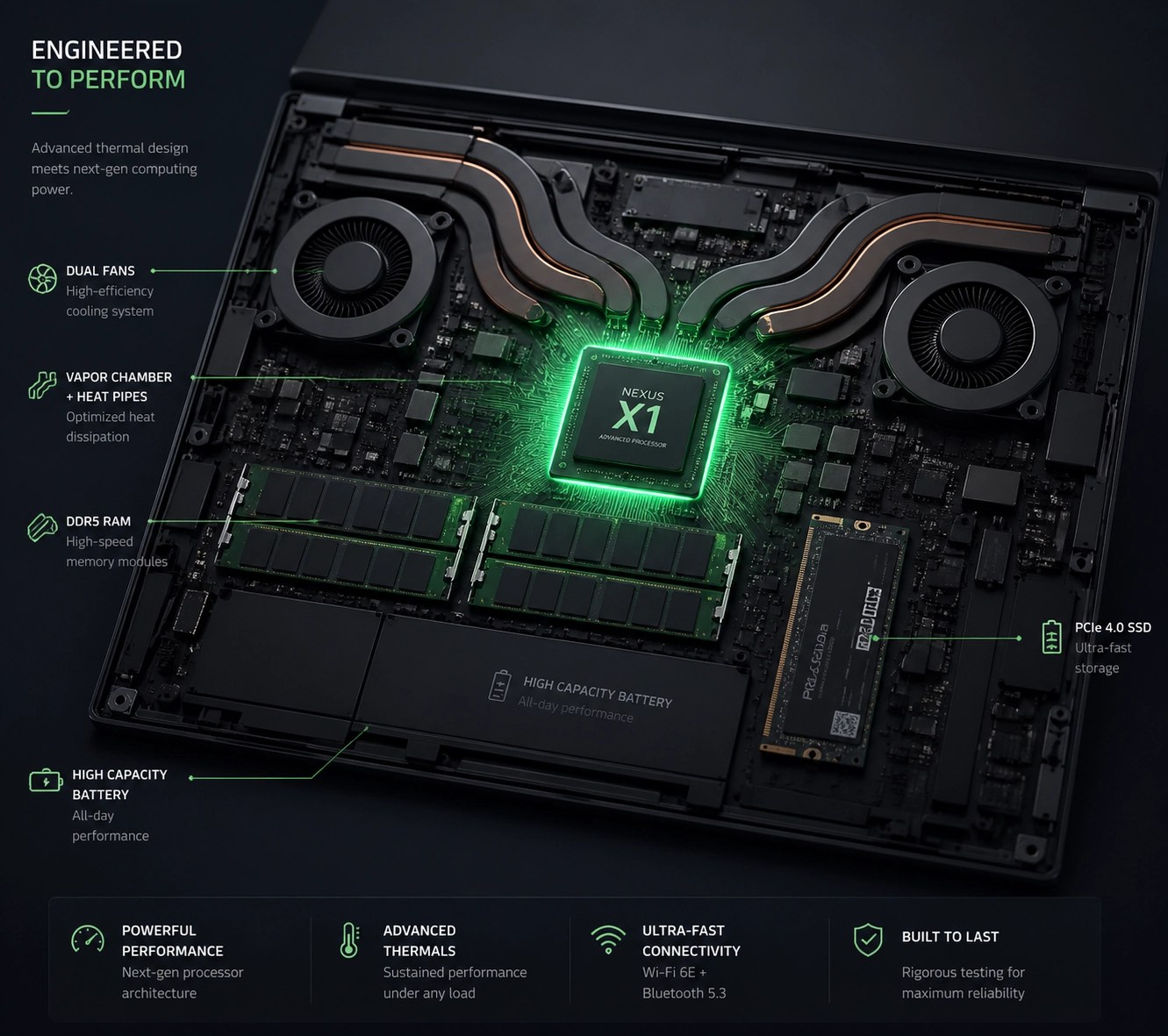
Building a reliable workstation involves scrutinizing display technology and keyboard ergonomics to maintain comfort during extended work sessions. High-resolution OLED or Retina displays offer superior color accuracy and contrast, which are essential for creative tasks and reducing eye strain during long hours. Tactical feedback from a well-constructed keyboard and a responsive haptic touchpad can significantly increase typing speed and navigation efficiency. Check out our remote services if you need help configuring your new setup for peak performance.
Comparing the Top Contenders of 2026
The Apple MacBook Air 13 with the M4 chip continues to dominate the ultraportable category by offering an unparalleled balance of power, battery life, and silent operation. Its fanless design ensures a quiet working environment, while the integrated Neural Engine accelerates AI-driven tasks and enhances overall system responsiveness. Professionals seeking a seamless ecosystem experience will find this machine offers the most cohesive integration between mobile and desktop platforms.
For those dedicated to the Windows ecosystem, the Acer Swift Go 14 stands out as a versatile workhorse featuring a stunning 3K OLED display and robust connectivity options. It provides an exceptional price-to-performance ratio, often including a wider array of ports than its competitors, which eliminates the need for expensive dongles. The inclusion of Intel’s latest NPU technology allows for advanced background noise cancellation and camera effects during critical business meetings.
The Microsoft Surface Laptop 7th Edition represents the pinnacle of Windows hardware refinement, boasting a premium aluminum chassis and a high-refresh-rate touchscreen. Its ARM-based architecture provides exceptional battery life that rivals the MacBook, making it an ideal choice for mobile professionals who require all-day power. Users should verify software compatibility for niche applications, though most modern productivity suites now run natively on this architecture.
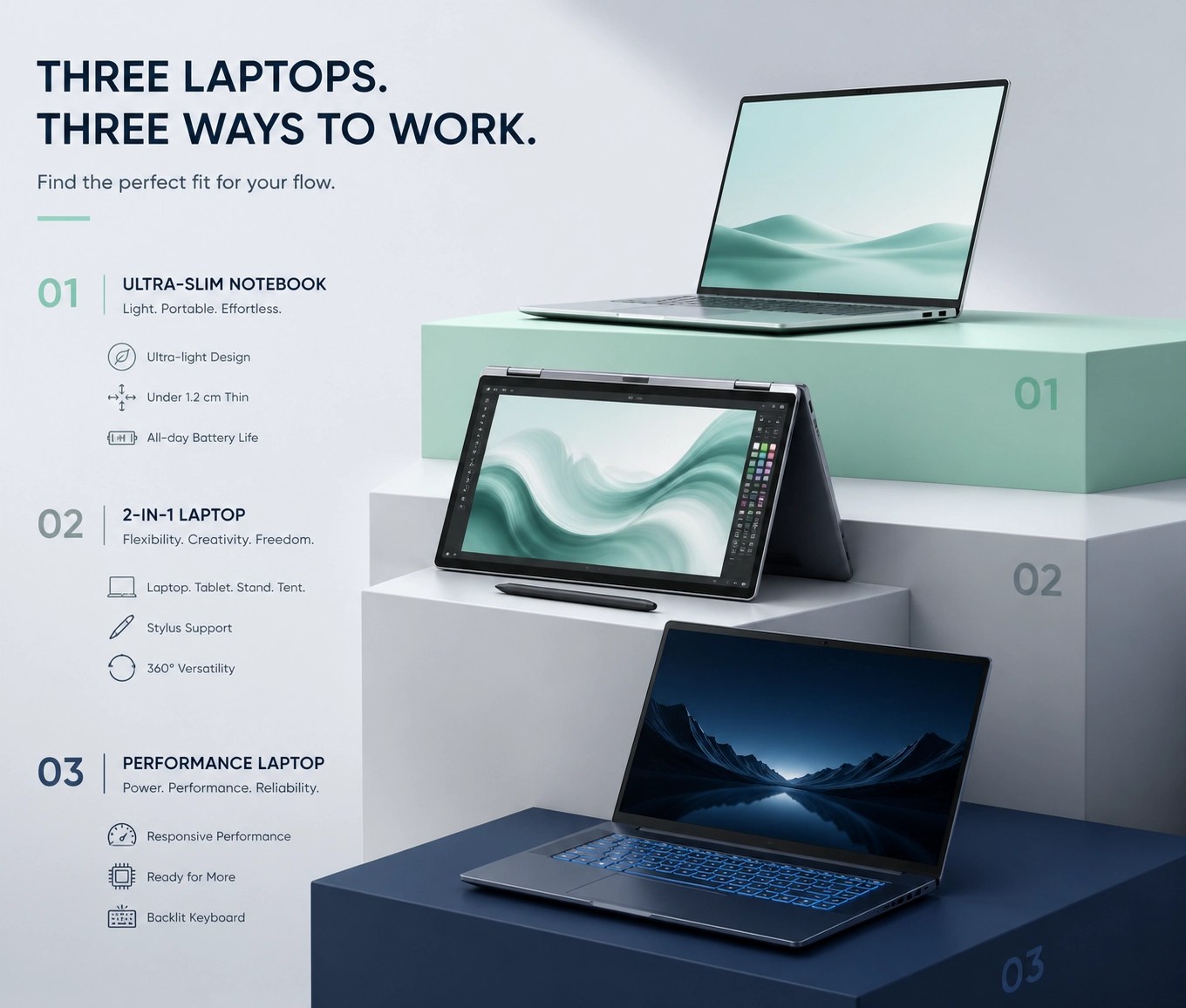
Gamers and power users on a budget should consider the ASUS TUF Gaming A16, which delivers high-end graphics performance and superior cooling for under $1000. This machine utilizes AMD’s Advantage Edition hardware to synchronize the CPU and GPU for optimized gaming frames and faster video rendering. While slightly heavier than ultraportables, its durability and upgradeability make it a long-term investment for those who need raw power.
Optimizing Your System for Longevity
Maintaining a fast and secure environment involves regular system maintenance and the removal of pre-installed bloatware that often plagues new Windows laptops. Understand how to utilize built-in tools for disk cleanup and startup management to ensure your laptop remains as fast as the day you unboxed it. Discover the benefits of professional optimization by visiting networkrepair1.com to learn how we keep high-performance networks running smoothly.
Securing your new investment requires implementing robust password policies and utilizing hardware-based security features like fingerprint readers or facial recognition. Protect your sensitive data by following our comprehensive password security guide to prevent unauthorized access and mitigate cyber threats. Implementing these secrets of digital hygiene will significantly reduce the risk of system compromise and ensure your professional data remains confidential.

Leveraging Remote IT Support
Unlocking the full potential of your new laptop often requires expert configuration, which can be handled efficiently through remote IT support sessions. We utilize tools like Microsoft Quick Assist to troubleshoot software conflicts, install critical drivers, and optimize network settings without the need for an on-site visit. This streamlined approach allows you to resolve technical issues instantly and maintain focus on your core business objectives.
Our team at Network Repair1 LLC specializes in transforming standard retail laptops into professional-grade workstations through meticulous software tuning and security hardening. Whether you are setting up a home office or managing a remote team, our remote services provide the technical backbone necessary for sustained growth. Let us handle the complexities of system architecture while you enjoy the benefits of a fast, secure, and reliable computing environment.
Elevate Your Brand with Professional Media
🚀 Boost Your Sales: High-quality product videos are proven to increase conversion rates on Shopify and Amazon listings significantly.
🎥 Expert Production: We create engaging, high-definition videos that showcase your tech products in the best possible light.
📈 Drive Engagement: Capture your audience's attention with professional editing and witty storytelling that resonates with modern consumers.
🤝 Let’s Collaborate: Partner with us to create content that differentiates your brand from the competition and builds customer trust.

Connect With Us
📱 Follow Our Journey: Stay updated with the latest tech reviews and IT tips across all our social platforms.
📺 YouTube: @networkrepair1
📸 Instagram: @networkrepair1
🎵 TikTok: @networkrepair1
👥 Facebook: Network Repair1 LLC
Items mentioned in today's roundup are featured on the YouTube channel.
Loved today’s review? You can find this product and all our top picks on our official Amazon storefront:
https://www.amazon.com/shop/networkrepair1?ref_=cm_sw_r_cp_ud_aipsfshop_XV0ER95A5EVVJDPA7W6A_1
For inquiries regarding remote support or product video collaborations, contact Octavio directly.