
Treat Thursday’s technology race as crucial to staying productive, protected, and ready for the next upgrade, because the marathon never stops and neither do the devices, threats, workflows, and product launches competing for attention; Milestone Check: NetworkRepair1 has officially crossed 13,000 YouTube subscribers and surpassed 1.1 million lifetime views, creating a growing community of business owners, creators, repair-minded professionals, and tech enthusiasts who trust the channel to test products, explain features, and untangle stubborn computer problems; that momentum matters because real-world reviews and practical support can turn complicated technology into useful business decisions, and every subscriber, view, and shared tutorial strengthens our authority across remote IT support and digital media production. IT Corner: Microsoft Quick Assist remains an effective way to connect with a trusted helper for Windows troubleshooting, screen sharing, and optional remote control, and Microsoft’s official Quick Assist guide confirms that the session requires a six-digit code and explicit permission before screen sharing or control begins; the important security distinction is simple, Quick Assist is useful when support is initiated through a known channel, but it becomes a serious risk when an unsolicited caller, Teams message, pop-up, or email attempts to pressure someone into starting a session. 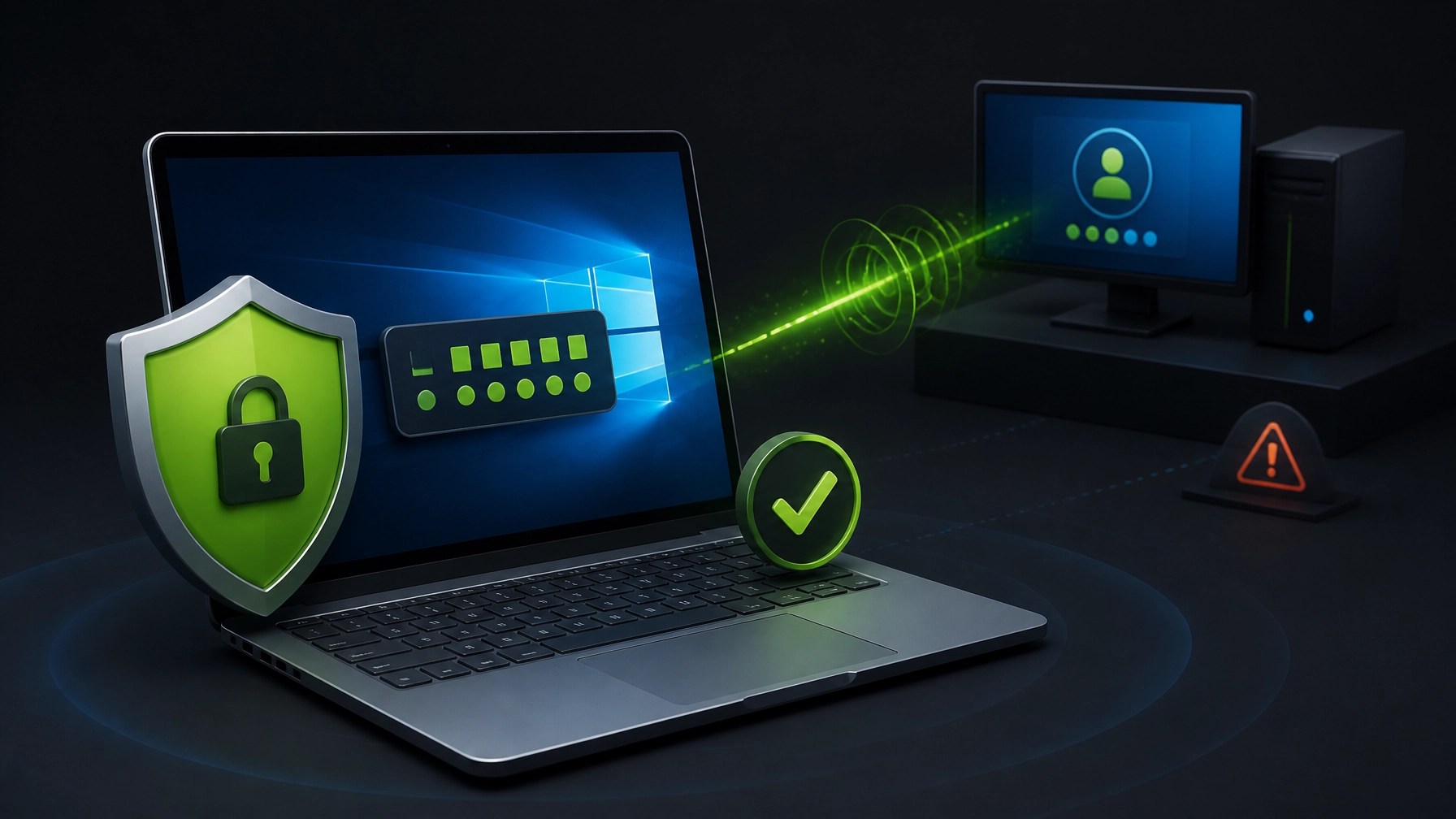 Microsoft has documented threat actors impersonating help-desk personnel and misusing Teams and Quick Assist as part of social-engineering campaigns, so the strongest defense remains disciplined verification: never share a Quick Assist code with an unknown person, confirm the helper through a trusted phone number or support ticket, never disclose passwords or MFA codes, watch every action during a session, approve control only when necessary, and select Leave immediately when the work is complete; Microsoft’s threat intelligence report also recommends blocking or uninstalling Quick Assist when an organization does not use it, while environments that depend on remote assistance can strengthen protection through MFA, least privilege, endpoint detection, Microsoft Defender, Conditional Access, Teams security controls, and documented support policies. NetworkRepair1 provides remote IT support using a structured, permission-based approach that can help reduce downtime, improve visibility into system problems, and keep small businesses moving without waiting for an on-site visit. Quick Optimization Win: Start with Windows and driver updates, then review Startup Apps in Task Manager, remove unnecessary background software, use Storage Sense or Disk Cleanup to clear clutter, confirm sufficient free space on the system drive, check browser extensions, restart after major updates, verify router firmware, review Microsoft 365 sign-in activity, and confirm that backups are completing successfully; these small maintenance actions can improve boot times, reduce resource contention, strengthen security posture, and make future remote troubleshooting much faster. Gear Spotlight: Summer 2026 is delivering a strong mix of practical performance and creator-friendly design, beginning with Apple’s MacBook Neo, which brings the A18 Pro chip, a 13-inch Liquid Retina display, a 1080p FaceTime HD camera, two USB-C ports, and up to 16 hours of battery life into a colorful, portable package starting at $699, making it an appealing option for everyday business work, email, Microsoft 365, video calls, and lightweight content workflows; the ASUS Zenbook A16 keeps the thin-and-light category moving with a Copilot+ PC direction, modern connectivity, and a design aimed at professionals who value mobility without giving up useful screen space, while the HP OmniBook Ultra 14 brings Intel Panther Lake-era Core Ultra configurations, a high-resolution OLED display, integrated AI acceleration, premium memory options, and a compact design suited to demanding multitasking; the best laptop choice still depends on operating-system preference, application compatibility, memory, storage, port selection, repairability, battery expectations, and the demands of remote-support software, but each of these systems reflects the same larger trend toward efficient performance, local AI capability, and portable productivity. Camera Desk: Sony’s Alpha A7R VI pushes high-resolution imaging into faster territory with a 66.8MP stacked full-frame sensor and electronic-shutter shooting up to 30 frames per second with autofocus and exposure tracking, giving product reviewers, automotive creators, and commercial photographers more flexibility when detail, cropping power, and silent operation matter; the DJI Osmo Pocket 4P targets creators who want a compact dual-camera pocket cinema setup with stabilized movement and a quick transition from idea to publishable footage, while the Insta360 Luna Ultra adds an 8K Leica-co-engineered gimbal camera approach, a large main sensor, telephoto capability, and intelligent processing for creators who need cinematic motion without carrying a full production rig. Availability, pricing, bundles, and regional support can change, so checking the manufacturer listing before purchase remains essential, but the creative direction is clear: smaller cameras are gaining serious imaging power, stabilization, AI-assisted workflows, and stronger options for solo operators and small brands.
 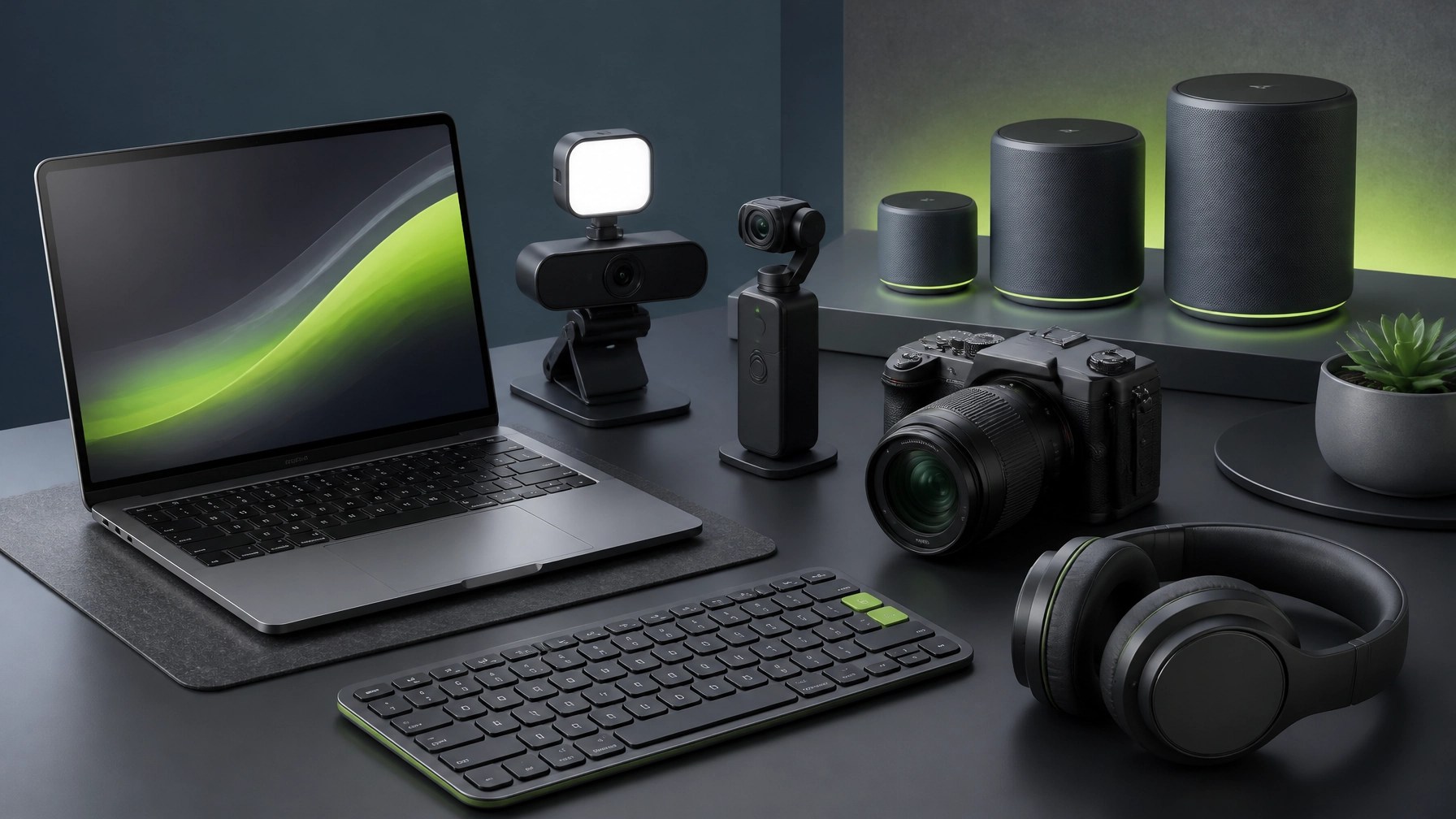 Home Office Upgrade Path: A dependable mesh Wi-Fi system can improve coverage and reduce dead zones, a quality external webcam can sharpen remote meetings, proper lighting can make a basic setup look significantly more professional, an ergonomic keyboard can support longer work sessions, and noise-cancelling headphones can improve focus in busy environments; add a USB-C dock, portable SSD, surge protection, and a reliable charger, and the result becomes a practical workstation rather than a pile of disconnected accessories. For the Brands: Product video remains one of the most effective ways to explain value quickly, demonstrate features, build trust, and move a shopper closer to checkout, with NetworkRepair1’s Amazon-versus-Shopify product video guide highlighting how each platform requires a different creative strategy; Amazon content should be concise, conversion-focused, product-centered, and clear enough to answer buying objections fast, while Shopify content can expand into brand storytelling, lifestyle positioning, education, demonstrations, and longer customer journeys; NetworkRepair1 creates professional product videos for Amazon and Shopify sellers, including camera work, lighting, demonstrations, editing, platform-aware framing, and content designed to stop the scroll and support the sale.
 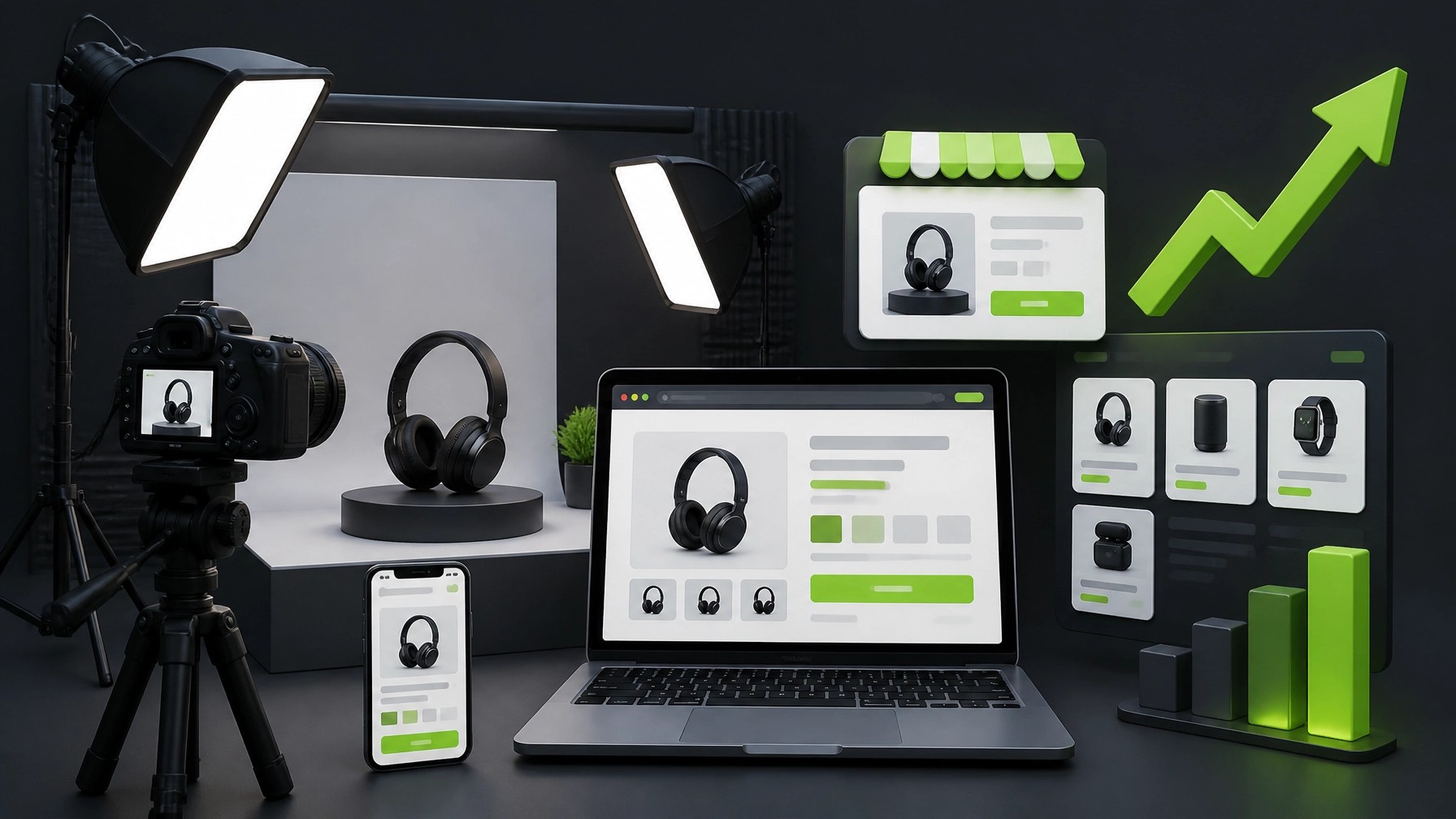 Our audience has already demonstrated meaningful reach through 13,000 subscribers and more than 1.1 million lifetime views, and that social proof can help brands present products with greater credibility, sharper messaging, and stronger visual consistency across YouTube, Amazon, Shopify, and social platforms; the marathon continues with safer remote support, smarter system optimization, better gear decisions, and media production that can help businesses grow, expand their reach, and turn technology investments into meaningful momentum.
🚀 NetworkRepair1 Support & Media
- 🛠️ Remote IT Support: Troubleshoot, optimize, secure, and stay productive from anywhere.
- 🔐 Cybersecurity Assistance: Strengthen Microsoft 365, endpoint, network, and remote-access protection.
- 🎥 Product Video Services: Create conversion-focused content for Amazon and Shopify.
- 📈 Brand Growth: Use professional reviews, demonstrations, and social content to boost visibility.
- 🤝 Let’s collaborate: Build stronger technology and media results together.
🌐 Stay Connected
🛒 Upgrade the Setup
Ready to upgrade your tech? Check out our curated list of essential tools to keep you connected and productive.
Every item below is featured on the YouTube channel : the exact gear we use, test, and trust: