
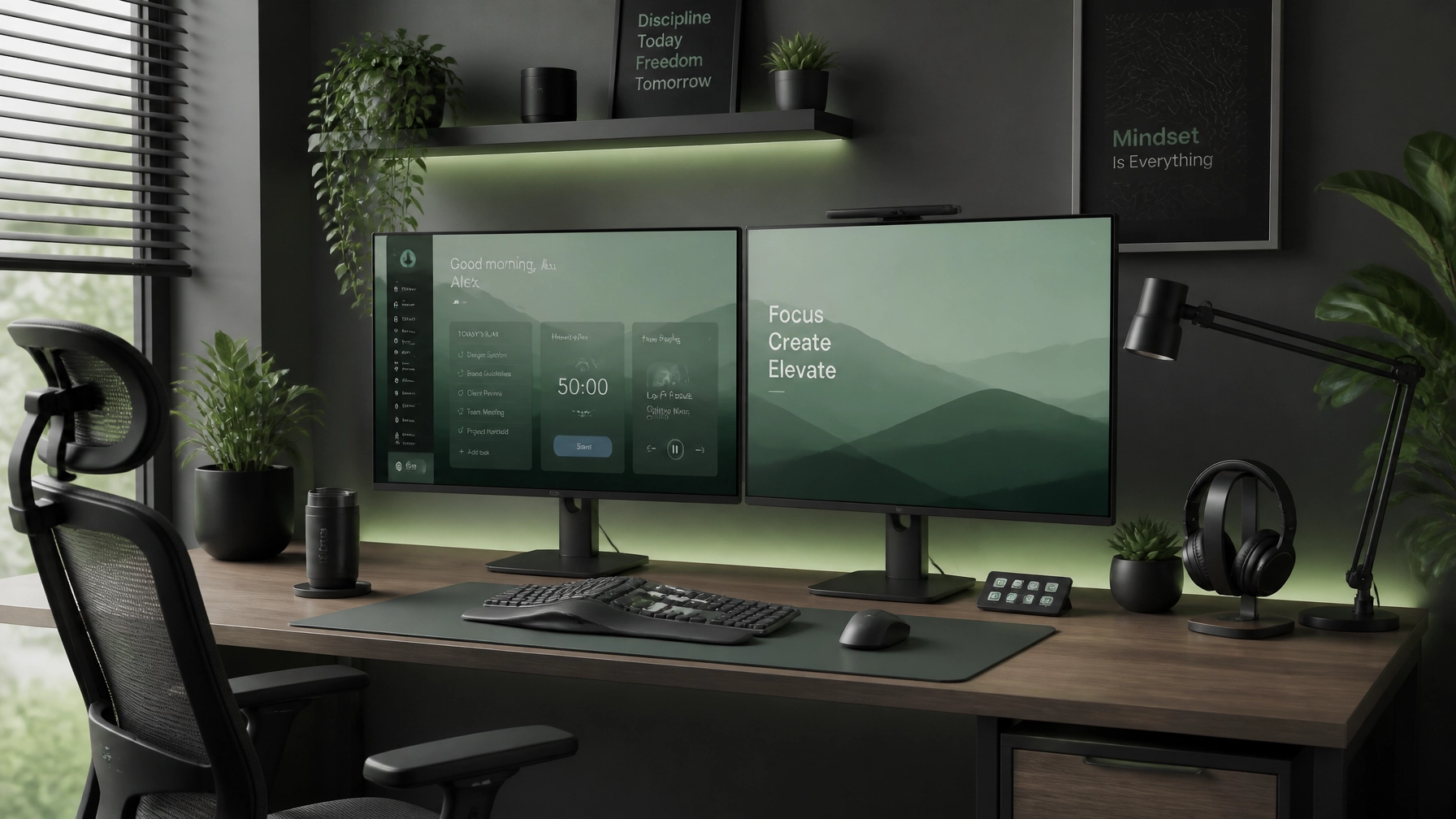
Welcome back to another edition of the Network Repair1 weekly dispatch! Whether you are typing away in a sleek home office, managing a growing e-commerce empire, or just trying to figure out why your Wi-Fi drops every time the microwave runs, we have got you covered.
Grab your favorite caffeinated beverage. We are diving into remote IT support mastery, essential work-from-home optimization tips, celebrating a massive milestone, and showcasing the top-tier gear that keeps our lab running smoothly.
🚀 Milestone Celebration: 13,000 Subscribers & 1.1 Million Views!
Before we jump into the tech trenches, we want to pause and send a massive THANK YOU to our community. We officially crossed 13,000 subscribers on YouTube and smashed past 1.1 Million lifetime views!
Building a channel dedicated to honest tech support, deep-dive product reviews, and practical tutorials has been an incredible journey. Your support, comments, and shares prove that there is a huge appetite for straight-talking, no-nonsense technology education. If you haven't subscribed yet, come join the family over on our YouTube channel as we push toward our next big milestone!
💻 Remote IT Support Secrets: Mastering Microsoft Quick Assist & System Optimization

Working from home brings incredible freedom, but it also means you are your own Chief Information Officer when things go sideways. When a driver corrupts or an application freezes right before a client presentation, waiting days for an on-site technician is not an option. That is where professional remote IT support and built-in tools save the day.
1. Leverage Microsoft Quick Assist Like a Pro
Forget complicated third-party screen-sharing tools with endless installation prompts. Windows has a built-in powerhouse called Microsoft Quick Assist.
- How it works: Press
Ctrl + Win + Q, and you can securely connect to another Windows machine (or have a trusted expert connect to yours) with a simple six-digit security code. - Pro Tip: Always verify your counterpart's identity via phone or secure chat before sharing your session code. Cybersecurity starts with situational awareness!
2. Banish Background Bloatware
If your machine feels sluggish after six months of remote work, your startup tray is likely drowning in background apps.
- Hit
Ctrl + Shift + Escto open Task Manager. - Navigate to the Startup apps tab.
- Disable non-essential apps (like game launchers, automatic updaters for obscure software, and cloud sync tools you rarely use). Your CPU temperature and boot times will thank you immediately.
📡 Wi-Fi & Network Diagnostics for Maximum Productivity

Nothing kills remote work momentum quite like jittery Zoom calls and sluggish file uploads. Optimizing your home network is less about buying the most expensive router on the market and more about intelligent placement and channel management.
- Channel Congestion Check: If you live in a dense apartment complex or neighborhood, your neighbors' routers are likely broadcasting on the exact same Wi-Fi channel as yours. Use a free analyzer tool to switch your router over to a less congested 5GHz or 6GHz channel.
- Wired Where It Counts: While Wi-Fi 6 and Wi-Fi 7 are technological marvels, nothing beats a direct CAT6 Ethernet cable for your primary desktop or docking station. Zero packet loss means zero dropped video frames during critical meetings.
For more deep-dives into connectivity, check out our guide on Wi-Fi Antenna Setup to extend your range across the entire house.
📦 Scaling Your Brand: Product Video Services for Shopify & Amazon Sellers
Are you running an e-commerce store on Shopify or Amazon? If so, you already know that static product photos no longer cut it. Modern consumers demand dynamic, high-definition video demonstrations before hitting "Add to Cart."
At Network Repair1, we don't just fix computers: we build digital brands. Our professional media production team specializes in high-impact product review videos, unboxing tutorials, and social media media production designed specifically for physical product sellers.

Whether you are launching a new gadget or looking to skyrocket your conversion rates, professional video content builds instant trust. To learn more about how video strategy transforms e-commerce, read our detailed comparison on Amazon Product Video vs Shopify Product Video.
Looking for affordable hardware upgrades to power your video editing workflow? Browse our curated recommendations in Top 10 Laptops Under $1000 and our comprehensive Best Laptops for 2026 Guide.
🛒 This Week's Must-Have Gear & Recommendations
We've done the troubleshooting so you don't have to. Shop the gear we use and recommend for a high-performance setup.
All of these items are proudly featured on the YouTube channel, rigorously tested in our studio, and chosen for reliability, ergonomics, and raw performance.
👉 Check out our complete storefront and explore our collection in our Amazon Storefront Page.
Or jump straight to the curated gear list here:
🔗 Octavio's Amazon Storefront
Let's Connect!
Have questions about remote IT support, need help optimizing your small business network, or want to collaborate on product review videos for your brand? We are always ready to help you stay connected, protected, and productive.
Reach out to us directly at:
📧 Email: oq@networkrepair1.com
🌐 Website: networkrepair1.com