
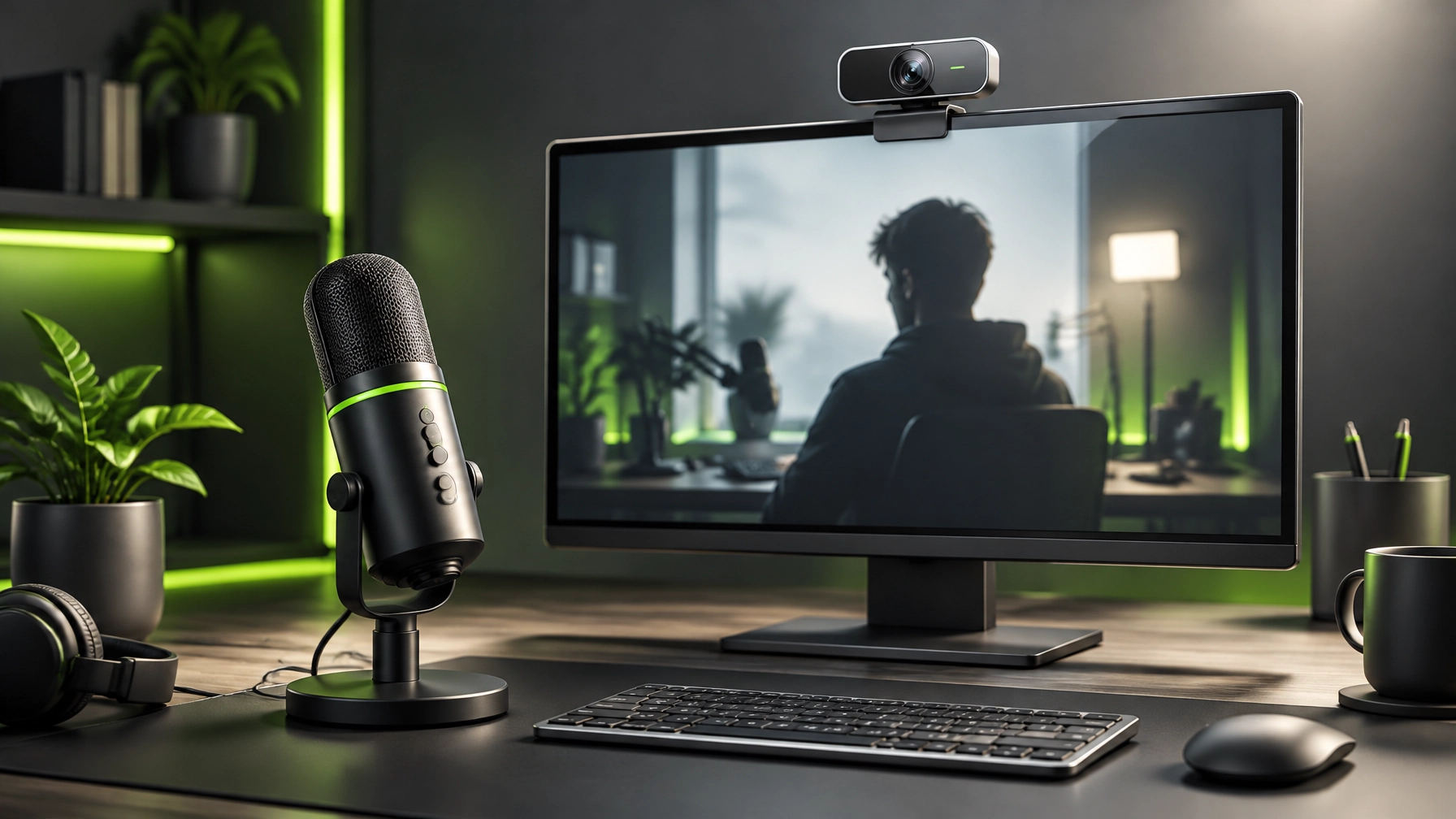
A sharper frame and cleaner audio can make a creator setup feel noticeably more studio-ready, without turning the desk into a camera shop. This afternoon’s gear spotlight pairs the Elgato Facecam 4K with the HyperX QuadCast 2: a high-resolution webcam for the picture and a dedicated microphone for the part viewers notice when the picture is off.
The sales hook today: upgrade the parts of the setup your audience actually sees and hears. The Facecam 4K was listed at Amazon for $159.99, down from a $199.99 list price when checked for this edition. The QuadCast 2 has recently appeared in Amazon deal coverage around $100–$120, compared with its $149.99 list price. Retail prices and stock can change, so check the live listings before making a purchase.
Elgato Facecam 4K: More detail, more control
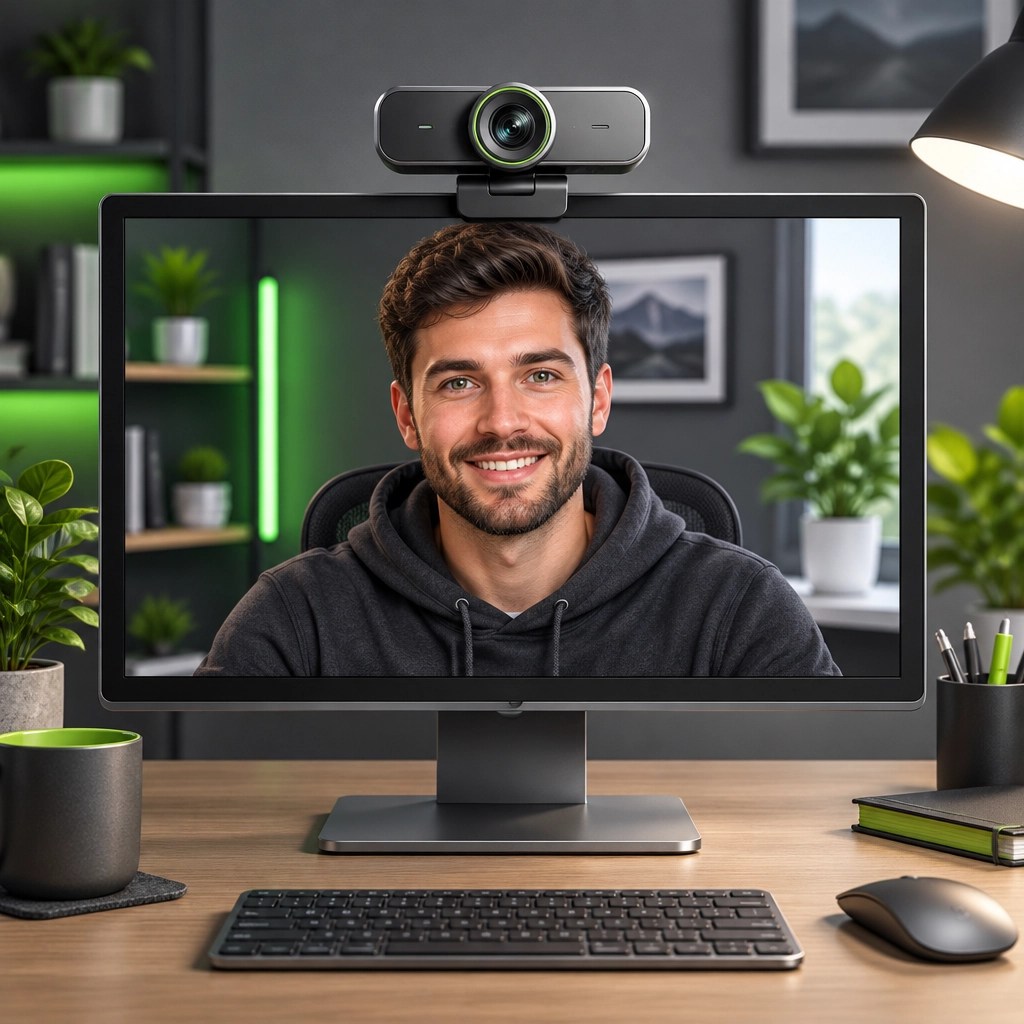
For streamers, presenters, and creators ready to move beyond standard 1080p, the Elgato Facecam 4K captures video at up to 4K and 60 frames per second. Its 1/1.8-inch Sony STARVIS 2 sensor and Elgato Prime Lens are built for detailed video, while USB-C keeps the camera connection straightforward. Elgato lists 4K60 as a USB 3.0 mode, so confirm that the computer port and capture workflow can support the resolution and frame rate.
The Facecam 4K also supports standard 49 mm lens filters, an unusual creative option for a webcam. Camera Hub software adds controls for exposure, color, and field of view, giving creators more ways to tune their look before recording or going live. For product reviews, tutorials, and video calls, that flexibility can help the image feel intentional rather than “laptop camera, but make it content.”
One important setup note: the Facecam 4K does not include a microphone. That is a plus for anyone who prefers a dedicated audio device, but it means the webcam alone does not complete a recording setup. Review the official Facecam 4K specifications for supported video modes, software features, and connection requirements.
HyperX QuadCast 2: Give the voice its own upgrade
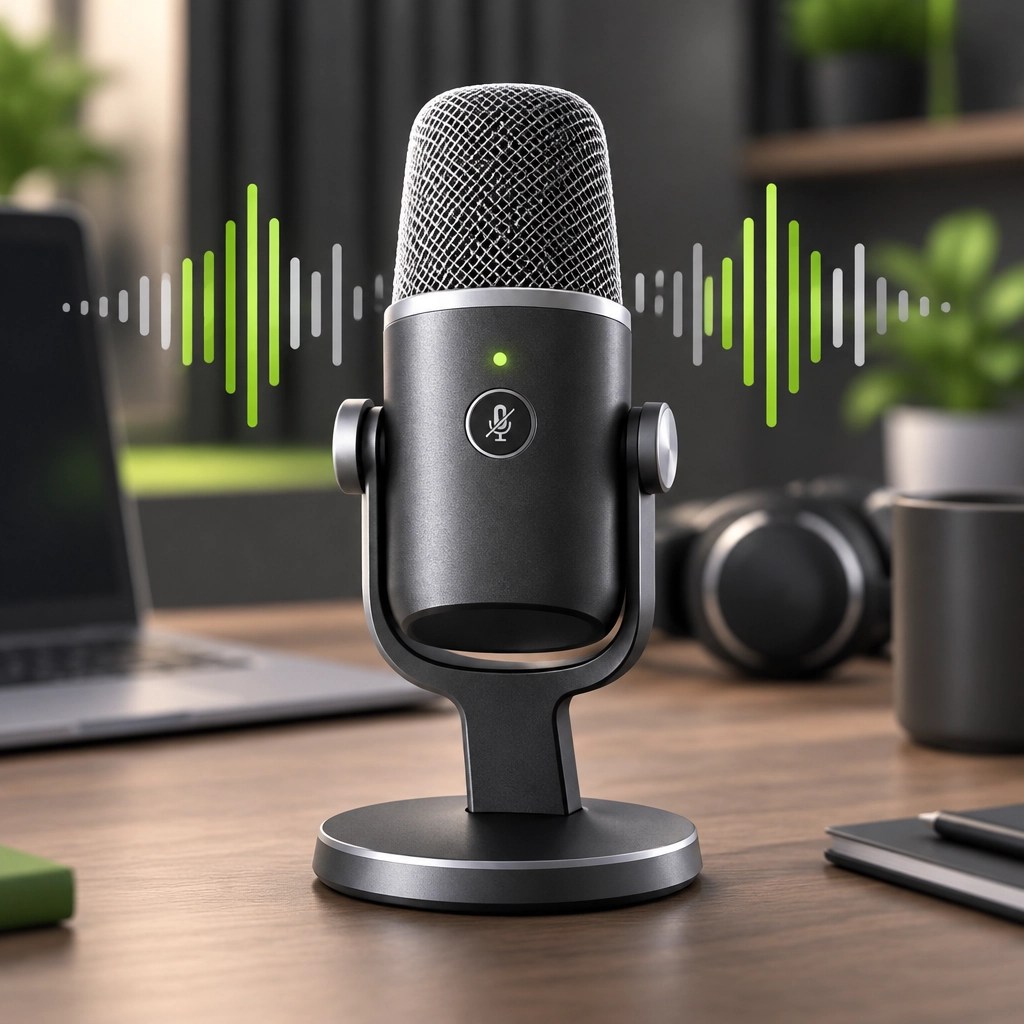
The HyperX QuadCast 2 is a USB condenser microphone made for streams, podcasts, voiceovers, and creator recordings. Its feature set includes four selectable polar patterns (cardioid, omnidirectional, stereo, and bidirectional) so creators can choose a pickup pattern suited to the recording arrangement. The built-in shock mount helps limit desk vibration, and the tap-to-mute sensor offers a quick way to cut the mic when a moment calls for silence.
The QuadCast 2 also includes USB-C connectivity, a 3.5 mm headphone output, and on-device controls for gain, playback volume, monitoring volume, and pattern selection. HyperX lists 24-bit, 96 kHz recording, along with a status indicator and customizable lighting through its software. Those controls make the mic feel ready for creator workflows without requiring a detour through a maze of menus every time a recording starts.
As with any condenser microphone, placement and room sound still matter. A close, consistent mic position and a quieter recording space can make a recording sound more controlled; the QuadCast 2’s selectable patterns add useful flexibility, but they are not a substitute for good mic technique. Check HyperX’s official QuadCast 2 page for current specifications and product details, and see the recent Amazon deal coverage for pricing context.
The two-piece setup: Image and sound, working together
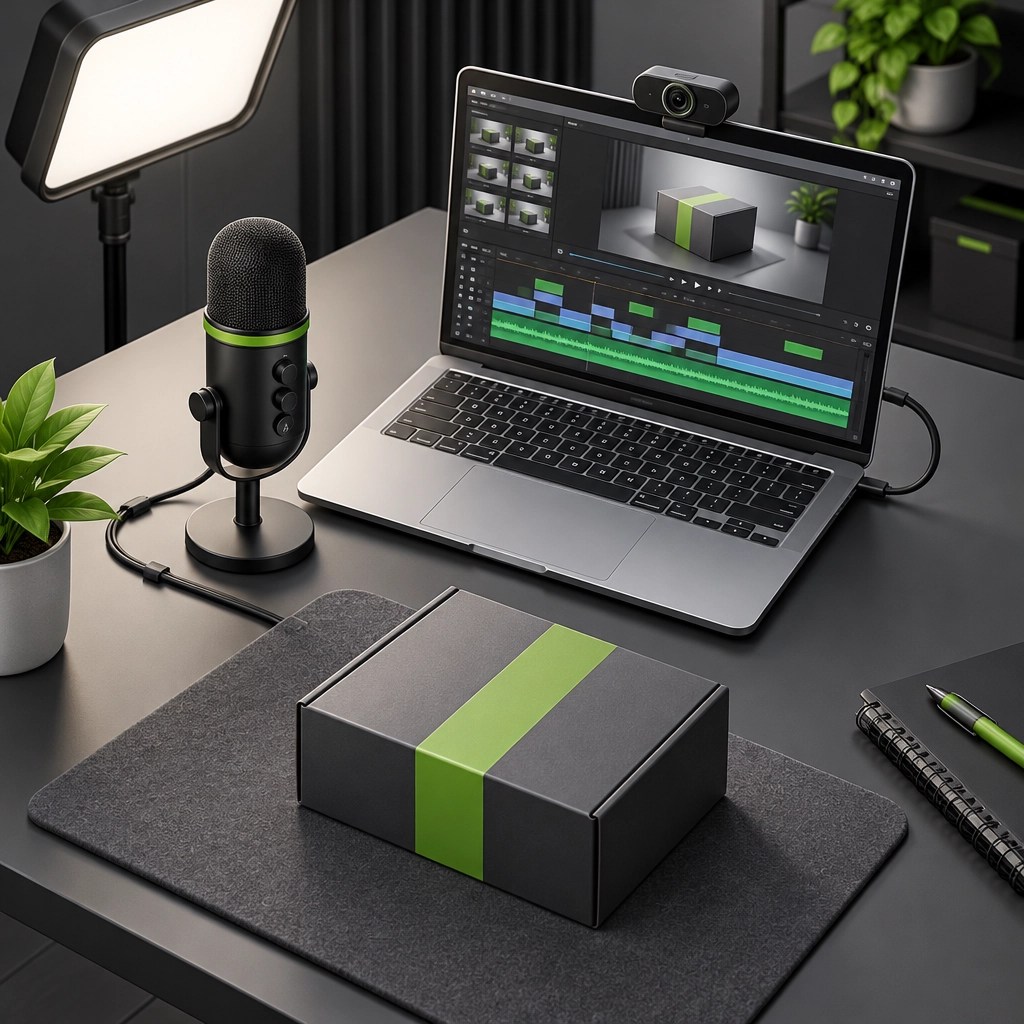
Together, these products cover two core parts of a creator setup: clear on-camera video and dedicated voice capture. The Facecam 4K can suit creators who want 4K60, 49 mm filter support, and software-based camera controls; the QuadCast 2 can suit creators who want multiple pickup patterns, built-in mute control, and a dedicated USB mic. This is not a promise that gear alone makes a video compelling, but it can make the production feel more polished and consistent.
For creators producing short-form clips, product demos, livestreams, or training videos, choosing gear around the actual workflow is more useful than chasing the biggest spec sheet. A camera upgrade matters when image detail and framing are priorities. A microphone upgrade matters when speech clarity and convenient audio controls are priorities. A well-matched setup can help the content look and sound more professional across repeat shoots.
Prices noted for this post are subject to change, and availability can vary by seller. The Facecam 4K deal was reported by 9to5Toys; its report notes that the offer can expire. Check the current retailer price and specifications before ordering.
Need product video content for a storefront?
Great gear helps capture a video; thoughtful production helps make the product’s value easy to understand. Network Repair1 creates professional product videos and reviews for Shopify and Amazon sellers, with content designed to showcase product details and support social media promotion. We’re featured on a YouTube channel with 13,000 subscribers and 1.1M+ lifetime views, and we’re ready to discuss content that fits your brand.
🚀 Let’s collaborate
- 🎥 Product videos and reviews: Let’s create content that can showcase your product and grow brand visibility, collaborate with us.
- 💻 Remote IT support: We can help with computer troubleshooting and technical support, explore remote services.
- 📺 YouTube
- 🎵 TikTok
Featured on the YouTube channel: 13,000 subscribers and 1.1M+ lifetime views.
Amazon Store
Leave a Reply