
Security Brief
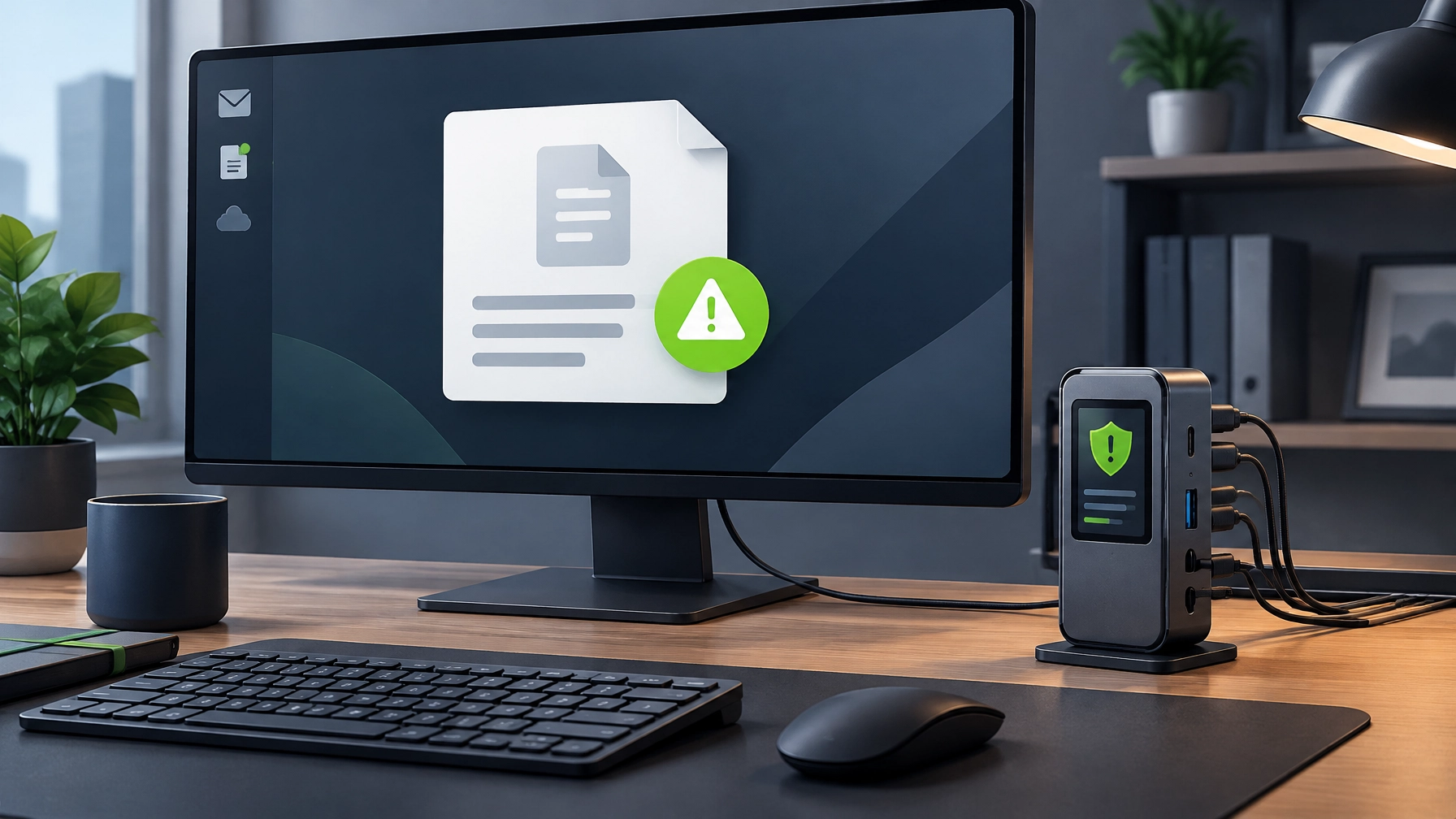
Treat official-looking filing notices as a cue to verify, not a reason to rush. Connecticut Secretary of the State Stephanie Thomas warned businesses this week about a phishing email impersonating the state’s Business Services Division. It uses the subject line “RE: Connecticut Office of the Secretary of the State, Business Services Division,” claims a secure document has been shared, then instructs recipients to download an attachment and enter an access code through a purported “DocuSafe Secure Portal.” That official notice that found you by email may be official-looking, but the goal is to steal sensitive information or expose a device to malware.

Small businesses have good reason to pay attention: annual reports and other state filings matter, and scammers use that sense of urgency to make a suspicious request feel routine. Don’t open unsolicited attachments or enter access codes from unexpected emails. Inspect the actual sender address character by character: the state says legitimate emails from the Secretary of the State’s office come from an address ending in @ct.gov, while lookalike domains such as @cct.gov or @ct-gov.org are designed to fool a quick glance. Even an address that appears familiar deserves scrutiny if the message is unexpected.
Skip the email’s instructions and navigate directly to the official state website by typing its address into a browser; Connecticut business filings are managed through Business.CT.gov. If anything seems off, verify the request through a known, trusted channel before acting. Apply the same skepticism to messages that claim to come from a tax office, Secretary of State, DMV, or other agency and ask you to open a document, follow a link, or enter a code. The practical win is simple: a pause and a direct verification can help protect business credentials, devices, and filing access.
Desk Upgrade: Anker Nano 10-in-1 Desktop USB-C Hub
A cleaner desk can make daily work easier, and the Anker Nano 10-in-1 Desktop USB-C Hub (Model A210C) brings ten connections together in a compact upright design. Anker lists the standard model at $99.99 with a $20 discount applied at checkout, bringing the effective price to $79.99; 9to5Toys also reported an Amazon price of $79.99 shipped on October 21. It launched earlier this year at $100, and comes in Iron Gray and Starlight Silver, with a VALORANT Edition listed at $109.99. Prices and promotions can change.

The hub combines HDMI 2.1 and DisplayPort 1.4 outputs with a rear USB-C PD-IN port, a 10Gbps USB-C data port, one 10Gbps USB-A port, two 5Gbps USB-A ports, Gigabit Ethernet, and SD and microSD/TF slots. It supports one display up to 4K at 144Hz, or two displays up to 4K at 120Hz or 2K at 240Hz, depending on the host system and display setup. Dual 2K at 240Hz specifically requires a laptop USB-C port supporting DP 2.1 with DSC 3:1. The card slots support transfers up to 104MB/s, which can help creators move footage from camera cards to a workstation.
Power delivery is useful but has a few conditions: the PD-IN port accepts up to 100W and can pass up to 80W to the host laptop, reserving 20W for the hub. A charger is not included, and Anker recommends a 65W-or-higher USB-C charger for best performance. The USB data ports do not charge connected devices or provide video output, so they are for peripherals and storage rather than powering a phone or connecting another monitor.
The integrated 2-inch TFT smart display makes this hub more informative than a basic port expander. It can show charging wattage, transfer speeds, temperature, and port occupancy, and can also serve as a photo slideshow or a Pomodoro-style focus timer with focus reports and health reminders. A physical button controls the display, while basic faults can appear on-screen. For a home office, live charging and temperature information can be a handy diagnostic; Gigabit Ethernet offers a dependable wired option when Wi-Fi falters during remote support or video calls.
The upright body measures 5.12 × 1.97 × 2.19 inches and weighs 11.64 ounces (330 g), with about 80% of ports facing the rear to help keep cables out of sight. A 700mm upstream cable and Velcro strap support a tidier layout, while the magnetic snap-on base uses washable, residue-free adhesive. The combination suits a compact workstation without adding a large dock to the desktop.
Compatibility is the key buying check. The A210C is designed for laptops with full-function USB-C, USB4, or Thunderbolt 3, 4, or 5, and supports Windows 10/11 and macOS. On macOS, both connected external monitors mirror the same content rather than extending to separate desktops, a frequent point of disappointment in user feedback. It is not compatible with Linux or USB-C monitors. Anker’s store lists a 4.4/5 rating, and the published limitations are worth weighing before purchase. Verdict: a compelling compact desktop hub for Windows users who want dual displays and a cleaner desk, with useful monitoring features and a practical Ethernet connection; Mac buyers should account for the mirroring limitation.
Daily Links
- CBIA: New email scam targets small businesses
- Connecticut Secretary of the State: phishing warning
- Anker: Nano 10-in-1 Desktop USB-C Hub
- 9to5Toys: Anker Nano smart display hub deal
Grow with Network Repair1

Network Repair1 has reached 13,000 YouTube subscribers and more than 1.1 million lifetime views. Thank you to everyone who watches, shares, and supports our technology and media work. This growing community helps us keep creating useful reviews, tutorials, and product coverage for people building better workspaces and businesses.
Promote with Network Repair1
🚀 Selling on Shopify or Amazon? Let’s create product videos that showcase what makes your product stand out: Collaborate with us.
🛠️ Need dependable tech support? We can help with remote troubleshooting, network issues, Microsoft 365, and more: Explore remote IT support.
🤝 Let’s collaborate and grow your brand or get your technology working smoothly, together.
We've done the troubleshooting so you don't have to. Shop the gear we use and recommend for a high-performance setup.
The items mentioned are featured on the YouTube channel.
Leave a Reply