
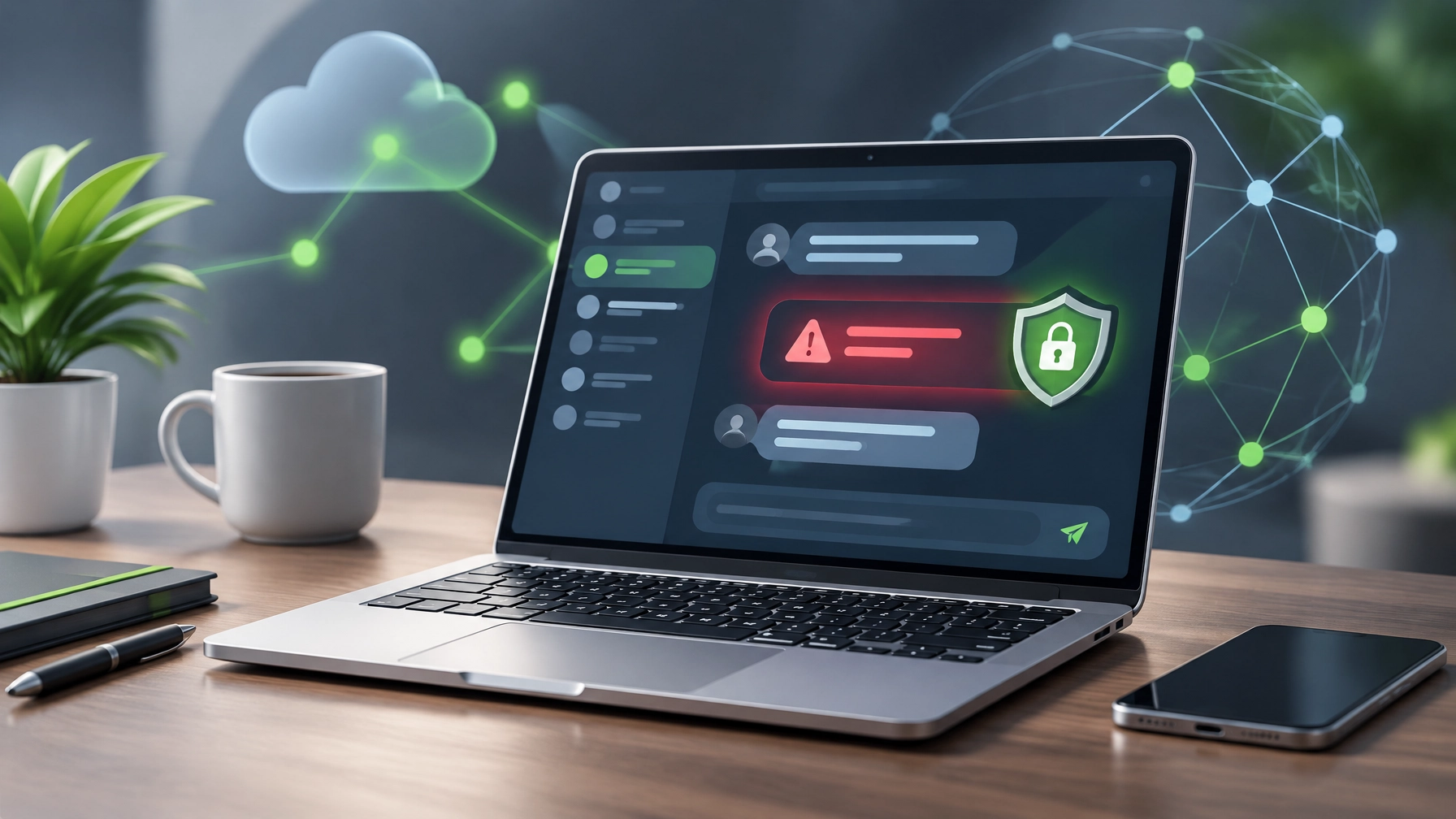
Welcome to the October 27 edition of the Daily Tech & Product Roundup. Today’s briefing covers a Microsoft Teams support impersonation scam that can turn an ordinary inbox headache into a serious security incident, plus a lightweight Dell XPS 13 worth considering for everyday business work. Learn what to watch for, where the laptop makes sensible trade-offs, and which details deserve attention before taking action.
Security Brief
Treat unexpected IT support messages as unverified. New reporting from October describes attackers using Microsoft Teams external chat to pose as help desk staff, with Arctic Wolf counting more than 400 incidents involving the tactic. Display names may say “IT Support,” “Help Desk,” or even add “(Internal),” but a reassuring label is not proof of identity. In some attacks, an inbox is first flooded with spam to create confusion and urgency, then a fake technician appears offering to clean things up.
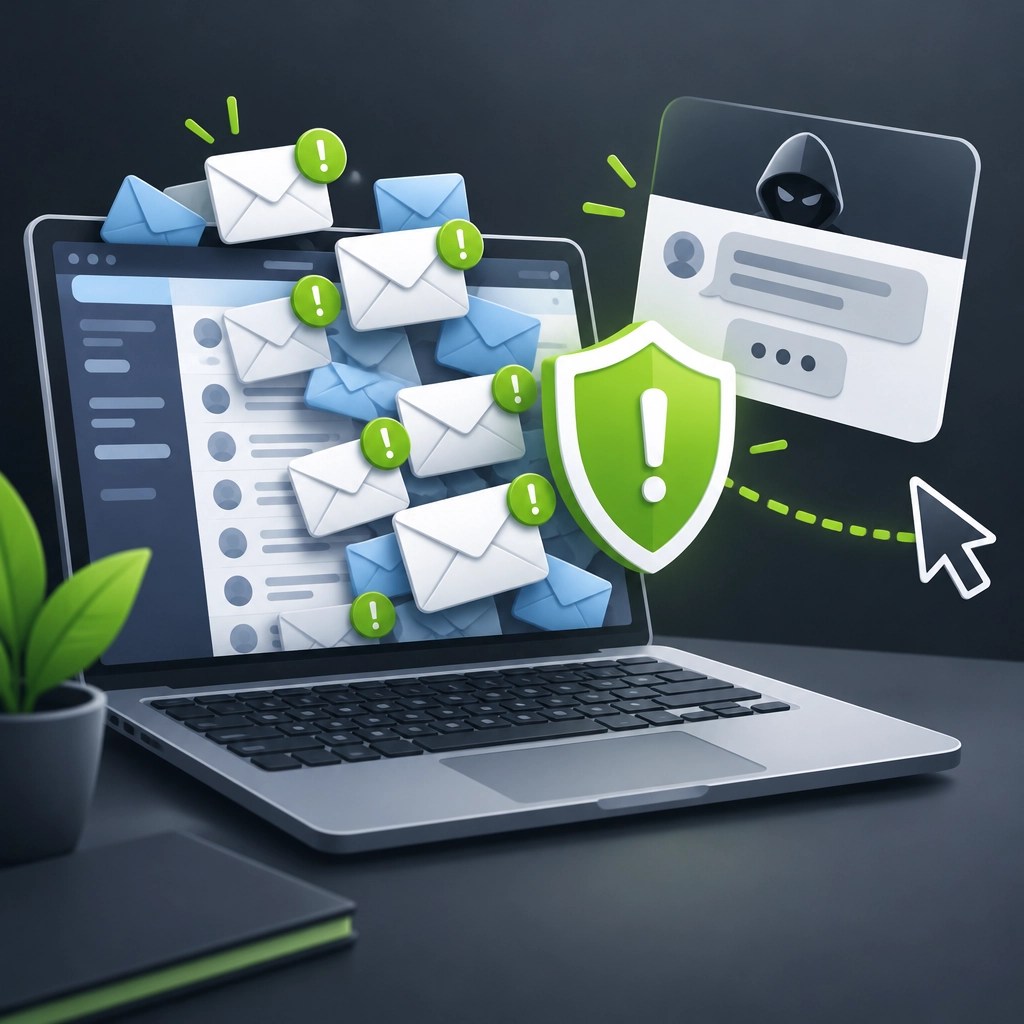
The scam’s next step is the real danger: the impersonator tries to persuade someone to start a remote-control session. Microsoft Quick Assist is commonly used, while AnyDesk, ScreenConnect, and TeamViewer have also appeared in reported cases. These tools can be legitimate in the right hands, which is exactly why a familiar name or official-looking screen should not replace verification. Microsoft has linked this broader pattern to ransomware activity, and Arctic Wolf reported that in tracked cases attackers could reach ransomware execution within roughly 15 minutes of a remote session starting.
Manufacturing, legal, and professional services firms are frequent targets, but the approach is relevant to any small business that relies on email and Teams. The essential rule is simple: legitimate remote IT support does not cold-message someone on Teams and ask them to launch a remote session out of the blue. Contact the help desk using a known internal channel, such as a saved number, established ticketing system, or verified company contact, before accepting access. Do not use contact details supplied in the unexpected chat to verify the sender.
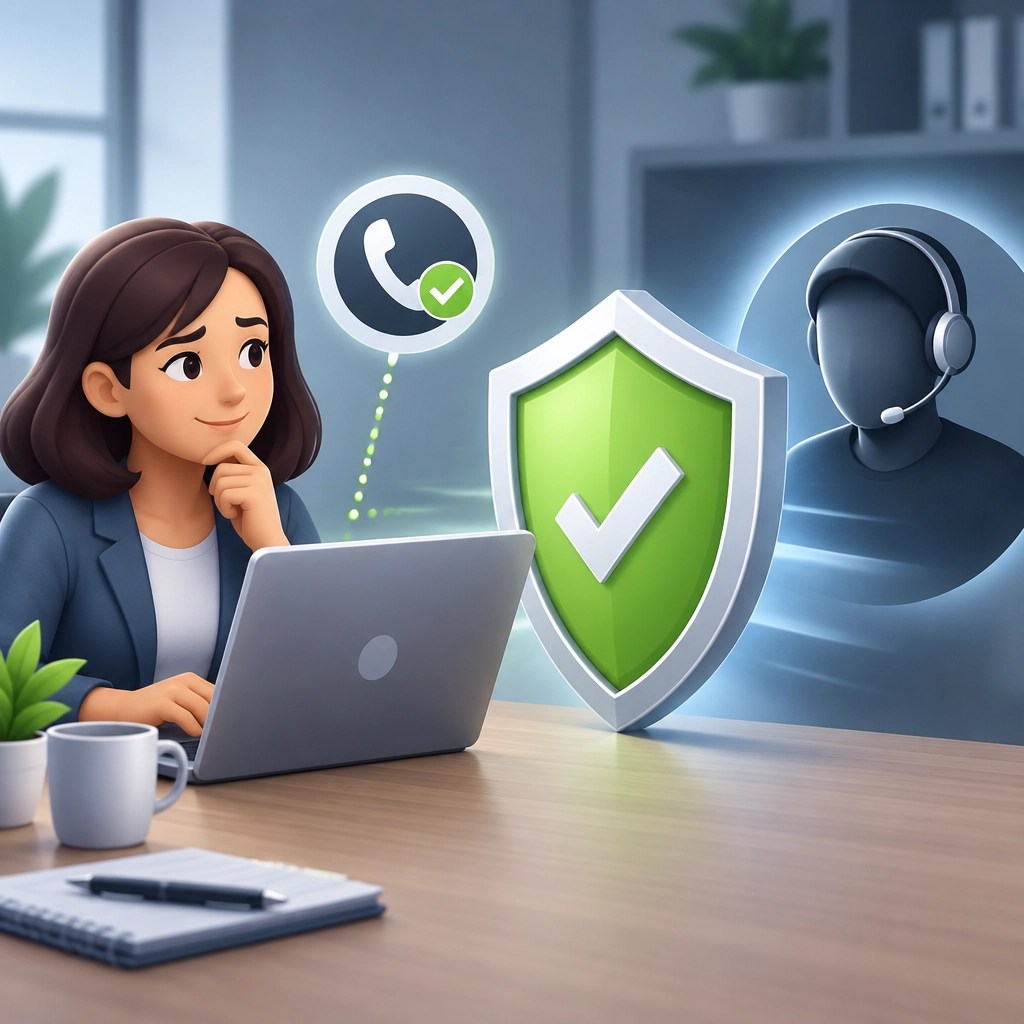
Businesses can reduce exposure by restricting external Teams chat in admin settings to approved organizations, enforcing MFA, and monitoring or blocking remote-assistance tools that are not used for legitimate work. A brief internal policy helps staff act confidently: unexpected support requests get verified independently, remote sessions require a known process, and suspicious messages are reported rather than engaged. If someone has already granted access, end the session, contact IT through a trusted channel immediately, and follow the organization’s incident-response process. The goal is to interrupt the chain before a helpful-sounding stranger gets control of a business device.
Desk Upgrade
The Dell XPS 13 (2026, model DX13260) is a compact Windows laptop built for portability. Its 13.4-inch 2560 × 1600 touchscreen offers a sharp workspace, and the Intel Core 5 320 processor, 512GB SSD, and slim aluminum build make it a practical fit for browser-based work, Microsoft 365, and routine business tasks. At about 2.2 pounds, it is easy to carry between a home office, client meetings, and travel.
Pricing varies by retailer, configuration, and availability. Recent deals have placed the entry model around $799, while Dell’s listing shows configuration and pricing can change. The base configuration includes 8GB of RAM, and higher-memory options are available; check the exact configuration and whether the memory can be upgraded before purchase. For a work machine expected to handle multiple browser tabs, video calls, and Office apps at once, choosing 16GB or more at checkout is the more comfortable direction. The entry-level memory can feel limiting under heavier multitasking.
The design also comes with practical compromises. Two Thunderbolt 4 ports keep the chassis streamlined, but connecting several accessories may mean carrying a compatible hub or dongle. There is no headphone jack or memory card reader, so plan for wireless audio or an adapter and a separate card reader where needed. The 52Wh battery supports a portable setup, but real-world battery life depends on workload and settings.
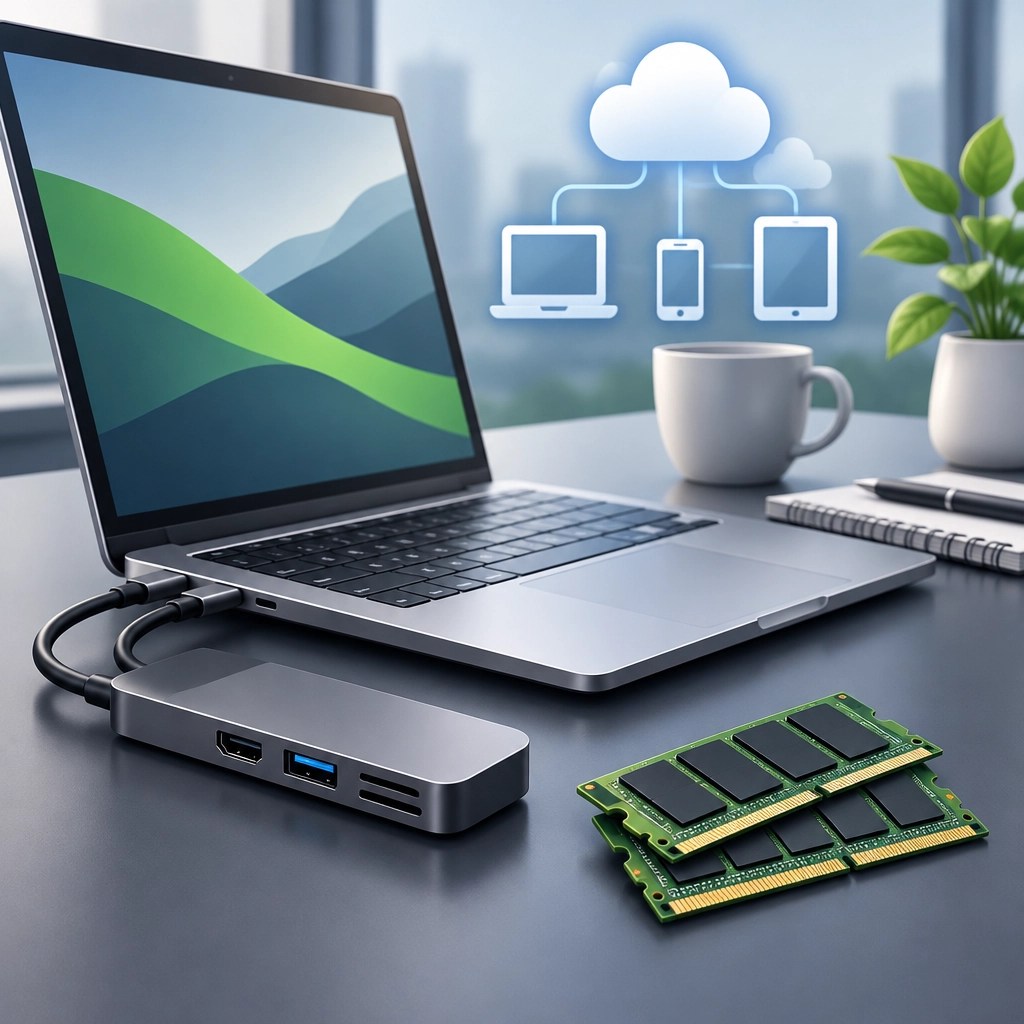
For small-business owners and remote workers who mostly live in a browser and Microsoft 365, the XPS 13 balances a clear touchscreen, light build, and familiar Windows workflow. It is less suited to demanding creative workloads or heavy multitasking in its 8GB configuration. Before buying, compare the current price of the base model with a higher-memory configuration and account for any accessories required by the limited port selection. Those checks can help identify the better value for the work the laptop needs to handle.
Daily Links
Security Brief
- Arctic Wolf: Threat Actors Abuse Microsoft Teams External Chat for Initial Access
- The Hacker News: Attackers Use Microsoft Teams IT Support Scams
- Microsoft: Threat Actors Misusing Quick Assist in Social Engineering Attacks Leading to Ransomware
- eSentire: Surge in Microsoft Teams-Based Phishing and IT Support Impersonation
Desk Upgrade
- Windows Central: Dell XPS Laptop Deal
- TechRadar: Dell XPS 13 Price Drop and MacBook Rivalry
- Engadget: Dell XPS 13 (2026) Review
- Dell: XPS 13 DX13260
Grow with Network Repair1
Network Repair1 has grown a YouTube community of 13,000 subscribers and reached 1.1M+ lifetime views. That audience gives product makers and sellers a platform for useful, detailed technology coverage, while helping viewers discover products and practical guidance that support their work. Explore Network Repair1 on YouTube.
Promote with Network Repair1
- 🎥 Product videos for Shopify and Amazon sellers: We create engaging reviews and content that can boost product visibility.
- 🛠️ Remote IT support: We help individuals and small businesses troubleshoot, secure, and optimize their technology through remote support services.
- 🤝 Let’s collaborate: Partner with us to create meaningful content and grow together through brand collaborations.
We've done the troubleshooting so you don't have to. Grab the gear and guidance that keep your setup running right, the first time.
The items mentioned are featured on the YouTube channel.
https://www.amazon.com/shop/networkrepair1?ref_=cm_sw_r_cp_ud_aipsfshop_XV0ER95A5EVVJDPA7W6A_1
805-723-9608
▶️ https://www.youtube.com/@NetworkRepair1
🎵 https://www.tiktok.com/@networkrepair1
📸 https://www.instagram.com/networkrepair1/?hl=en
📘 https://www.facebook.com/networkrepair1/
Leave a Reply