
Reliable system performance is crucial for staying productive, protecting business data, and keeping remote work moving. Learn how small, consistent maintenance choices can improve Windows responsiveness, strengthen recovery readiness, and support safer remote troubleshooting.
The Roundup
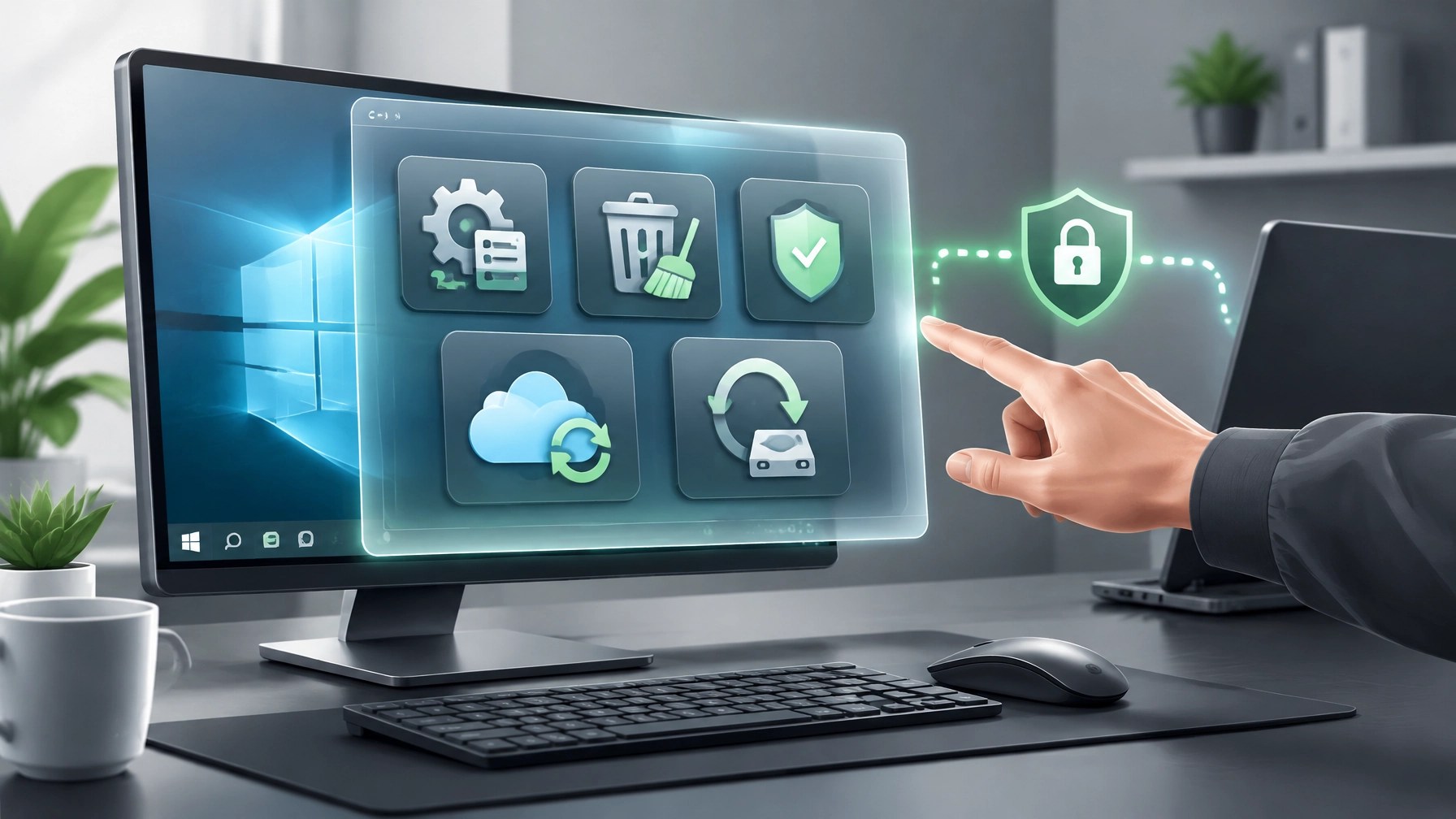
A faster, more dependable Windows PC starts with understanding what is consuming resources, so review Task Manager’s startup apps and disable nonessential programs that launch automatically, while leaving security, accessibility, and business-critical tools enabled. Next, check available disk space, remove temporary files through Windows storage settings, and keep working files organized so system updates and creative applications have room to operate. Install Windows and driver updates through trusted channels, restart when prompted, and verify that essential Microsoft 365 apps, printers, and peripherals still work afterward. For eligible systems, Microsoft’s Windows 11 version 26H2 update uses an enablement package for devices on versions 24H2 and 25H2, with availability controlled through a gradual rollout, so use Windows Update to confirm eligibility rather than downloading installers from unfamiliar websites. Performance maintenance also includes running a Microsoft Defender scan, reviewing browser extensions, and checking for unfamiliar applications or unusual system behavior; these steps can uncover issues that slow work or raise security concerns. Microsoft Quick Assist can make remote troubleshooting efficient when a trusted helper needs to view the screen or guide a fix, but the person receiving help must approve the connection and any request for control. Only enter a Quick Assist code when the support session was expected and initiated with a known provider, never share a code with an unsolicited caller or pop-up, and end the session when the work is complete. For a managed business environment, remote support policies and access controls should match the organization’s security requirements, and Microsoft 365 accounts should be protected with strong sign-in controls and kept current across Outlook, Teams, OneDrive, and Office apps. Cloud access can improve continuity, but synchronization alone is not a complete backup plan: Microsoft Windows Backup can sync selected personal folders and settings through OneDrive, while business users should follow their organization’s retention and backup policies. Keep a separate copy of important files on an external drive or approved backup platform, and test-restores matter as much as backup status, so restore a small selection of files periodically to confirm the recovery path works. For creative projects, protect original footage and final exports in more than one location before clearing device storage. Today’s featured electronics review is the Dell XPS 16 Creator Edition, a premium creator-focused laptop that Dell’s official announcement lists for pre-order through Best Buy starting at $3,799.99, with availability on Dell.com described as forthcoming. Dell lists an NVIDIA RTX Spark platform with up to a 20-core Grace CPU, up to a 6,144-core Blackwell RTX GPU, and up to 128 GB of unified memory, giving demanding creative and local AI workflows substantial headroom. The official specifications also include a 3.2K Tandem OLED display with 100% DCI-P3 coverage, three USB4 ports, HDMI 2.1b, and a full-size SDXC card reader, a useful combination for camera-to-edit workflows and external displays. The integrated port selection can reduce adapter dependence, while the high-resolution OLED panel is designed for detailed creative work. Reality check: this is an expensive, high-performance machine, and the configuration may be overkill for email, video meetings, browser-based work, and light editing; the pre-order status also means buyers should confirm the current fulfillment date and exact configuration before committing. The right fit depends on whether the work genuinely benefits from its display, GPU, memory, and connectivity, rather than simply choosing the highest tier. Together, routine optimization, safe Quick Assist use, Microsoft 365 upkeep, and verified restore testing can reduce avoidable slowdowns and help keep work moving, while the right creator laptop can support a more capable production workflow.

🔗 Daily Links
- Microsoft Quick Assist: solve PC problems remotely
- Microsoft Windows Backup: back up and restore
- Windows 11 2026 Update: availability and rollout
- Dell XPS 16 Creator Edition: official product details
- Network Repair1 Remote Services · Network Repair1 Videos
- Amazon Product Video vs. Shopify Product Video
🚀 Product Videos for Growing Brands
📈 13,000 YouTube subscribers and 1.1 million+ lifetime views: A growing audience for product discovery and technology content.
🎬 Shopify and Amazon brands: We create professional product videos that can strengthen product pages and expand social reach.
🤝 Let's collaborate: We can shape engaging content that helps your brand grow, together.
🔴 YouTube
🎵 TikTok
📸 Instagram
🔵 Facebook
💻 Need remote IT support? We can help keep computers, networks, and Microsoft 365 working effectively.
📞 805-723-9608
Ready to upgrade your tech? Check out our curated list of essential tools to keep you connected and productive.
The items mentioned are featured on the YouTube channel.
Leave a Reply