
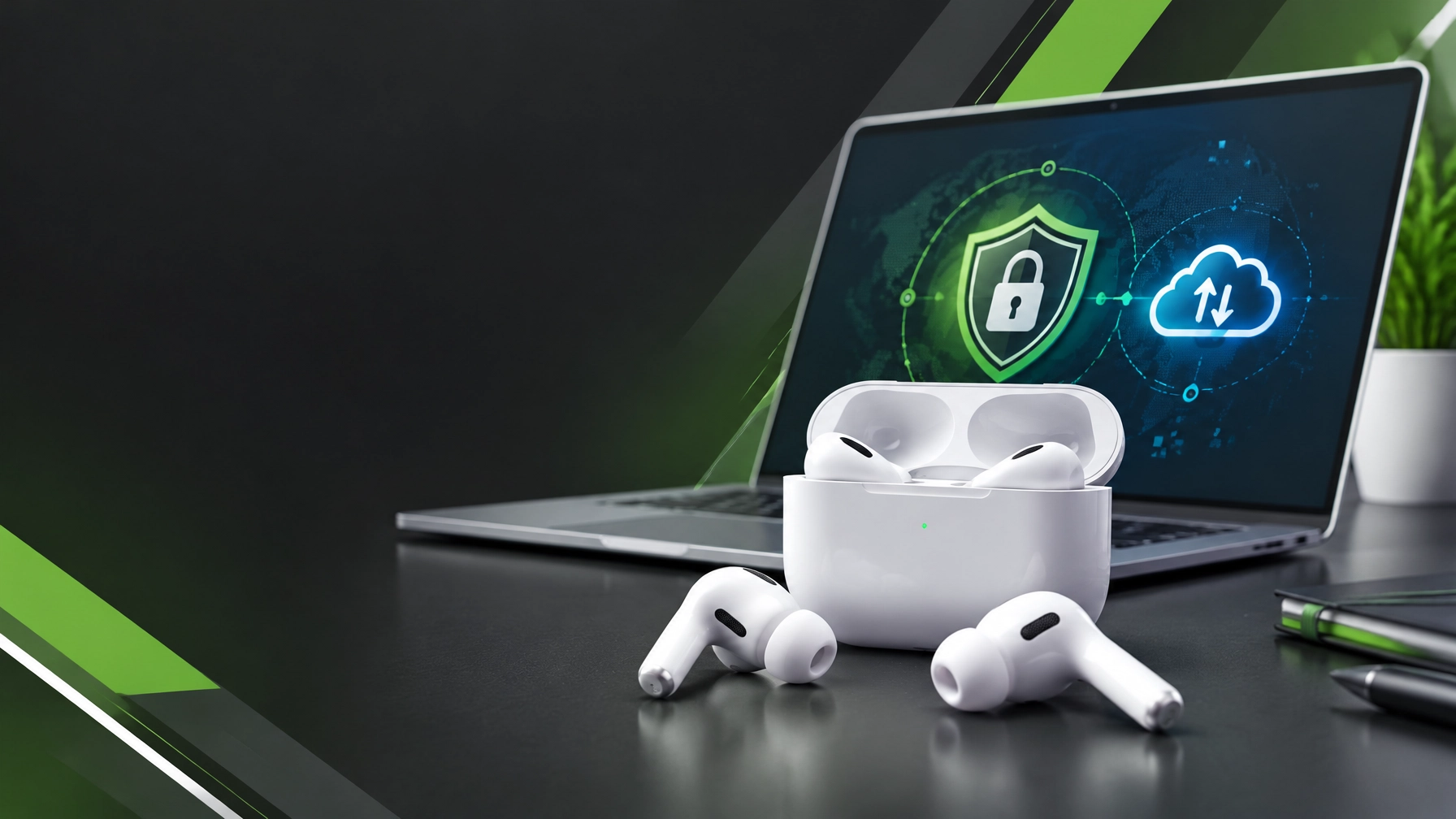
Secure remote access, resilient identity protection, and dependable data recovery are crucial to productive work, and today’s roundup brings those priorities together with one carefully researched electronics review. Learn the safest way to use Microsoft Quick Assist: accept a session only when support has been arranged through a trusted provider and the request was initiated by you or your organization, verify the helper’s identity through the agreed communication channel, and read each on-screen permission prompt before allowing screen sharing or control. Quick Assist can let a helper view or control a device, so never approve an unexpected request, surrender credentials, or act under pressure from someone claiming an urgent security problem; Microsoft explicitly warns against unsolicited access requests, and its documentation distinguishes permission to share a screen from a separate approval to grant control. For organizational environments that need tenant-level policy and audit controls, Microsoft points to Intune Remote Help as an alternative with features such as Conditional Access, role-based access, and session logging. Strengthen identity protection beyond passwords by enabling multifactor authentication across email, cloud storage, and business applications, prioritizing passkeys, FIDO2 security keys, and Windows Hello for Business where supported, and treating unexpected approval prompts as a warning rather than an inconvenience; phishing-resistant methods make credential theft harder, while staff awareness of lookalike domains, unexpected attachments, and requests to sign in through unfamiliar links can reduce exposure. Keep Windows responsive with a small, safe maintenance routine: install current Windows and appropriate driver updates, review Task Manager’s Startup apps for unnecessary background launches, use Storage Sense and Windows cleanup tools to recover space, and check resource-heavy processes before closing them. Avoid unknown “PC cleaner” utilities and risky registry edits, and remember that aggressive power settings can increase heat and battery use on laptops; if a supported Windows device continues to lag, diagnostics can help distinguish software load, storage pressure, network problems, and hardware limits. Windows 10 support ended on October 14, 2025, so devices still using it need a supported upgrade or a carefully considered replacement plan to regain ongoing security updates. For Microsoft 365 and cloud care, confirm that OneDrive is syncing the intended Desktop, Documents, and other work folders, check that files are current from another device or the web, and know where version history and deleted-file recovery are available before an incident. Sync is valuable for access and recovery, but it is not automatically a complete, independent backup of every Exchange, SharePoint, and Microsoft 365 tenant workload; small businesses should review retention requirements and confirm that critical data has a separate recovery plan appropriate to their needs. Today’s featured product is Apple AirPods Pro 3, a compact premium set of wireless earbuds listed at $249 on Apple’s U.S. store, where order and pickup options are shown; check Apple’s current listing for live availability and regional feature details. The official specification sheet lists Bluetooth 5.3, IP57 dust, sweat, and water resistance for the earbuds and charging case, Active Noise Cancellation, Adaptive Audio, Transparency, Personalized Spatial Audio with dynamic head tracking, and a heart-rate sensor for workouts. Apple rates listening at up to eight hours per charge with ANC enabled, up to 7.5 hours with Spatial Audio and head tracking, and up to 24 hours including the charging case with ANC; the company also says five minutes in the case provides around an hour of listening. These are manufacturer estimates, not a guarantee for every listening level or feature combination. Independent listening impressions are encouraging: What Hi-Fi? praised the stronger noise cancellation and detailed, spacious presentation, while also calling out the reduced total case endurance compared with the previous Pro generation; The Verge also described its ANC and travel performance positively. Reality check: skip these if the price exceeds the budget, Android is the main device platform, a neutral audiophile tuning is the priority, or longer total case endurance matters more than improved single-charge listening. They can still function as Bluetooth headphones with non-Apple devices, but Apple notes that some features are limited, and supported hearing and translation features vary by device, software, language, and region. For shoppers in Apple’s ecosystem who value strong noise cancellation, workout sensing, and an extensive feature set in a small form factor, this is a compelling premium option; for everyone else, a closer fit between budget, device compatibility, and actual listening needs can deliver better value. Network Repair1 can also help keep the wider setup dependable, from remote IT troubleshooting and Microsoft Quick Assist support to product videos and brand collaborations, so secure technology and effective digital content can support meaningful growth.


Daily Links
- Apple AirPods Pro 3 technical specifications
- Apple AirPods Pro 3 price and availability
- What Hi-Fi? AirPods Pro 3 review
- The Verge AirPods Pro 3 review
- Microsoft Quick Assist safety and usage guidance
- Microsoft phishing-resistant MFA guidance
- Microsoft tips to improve PC performance
- OneDrive backup and recovery information
- Network Repair1 remote IT services
- Network Repair1 videos
🎥 Product Videos for Growing Brands
🚀 13,000 YouTube subscribers and 1.1 million+ lifetime views: meaningful reach for product stories.
🛍️ Shopify and Amazon product videos: polished creative built to showcase products and boost brand visibility.
💻 Remote IT support: secure troubleshooting, Microsoft 365 assistance, and technical guidance for individuals and small businesses.
🤝 Let’s collaborate: we can create engaging content and grow brand presence together.
🔴 YouTube
🎵 TikTok
📸 Instagram
🔵 Facebook
📞 805-723-9608
We’ve done the troubleshooting so you don't have to. Shop the gear we use and recommend for a high-performance setup.
The items mentioned are featured on the YouTube channel.
Leave a Reply